Home Articles Books Search About
RSS 日本語

Latest Articles

Displaying Images Referenced by URL in Drupal Views

Displaying Images Referenced by URL in Drupal Views

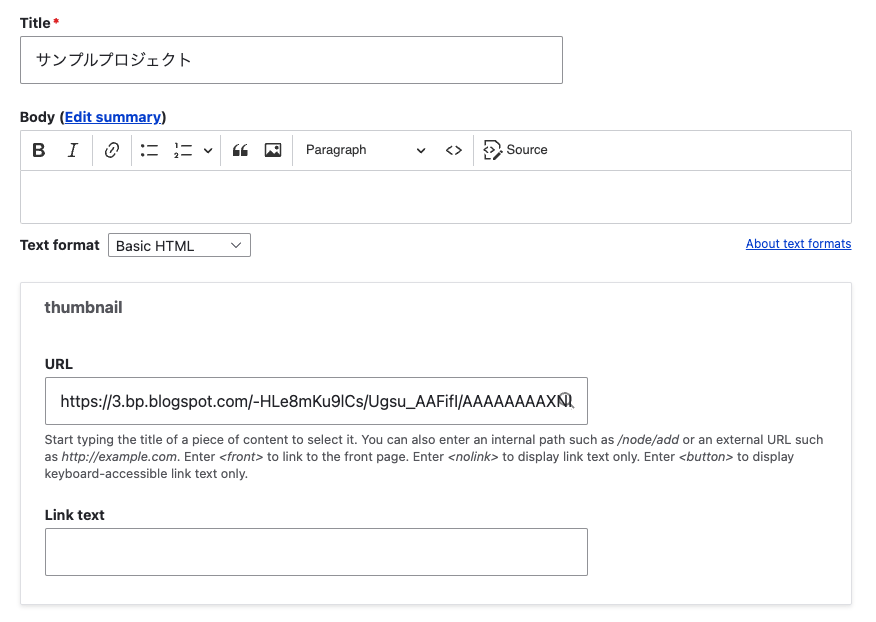
Background Consider the case where you enter an image URL in a field called thumbnail with the Field type set to Link, as shown below. This time, I’ll use the following image from Irasutoya. https://3.bp.blogspot.com/-HLe8mKu9lCs/Ugsu_AAFifI/AAAAAAAAXNI/-yW12EVgQ5s/s800/book_yoko.png Here are my notes on displaying such data in Views like the following. Views I configured the following in the Views Rewrite results settings. <img src="{{ field_thumbnail__uri }}" alt="Image" /> When the Field type is set to Link, the following Replacement patterns were needed. ...
Running NDL Classical Japanese OCR on mdx

Running NDL Classical Japanese OCR on mdx

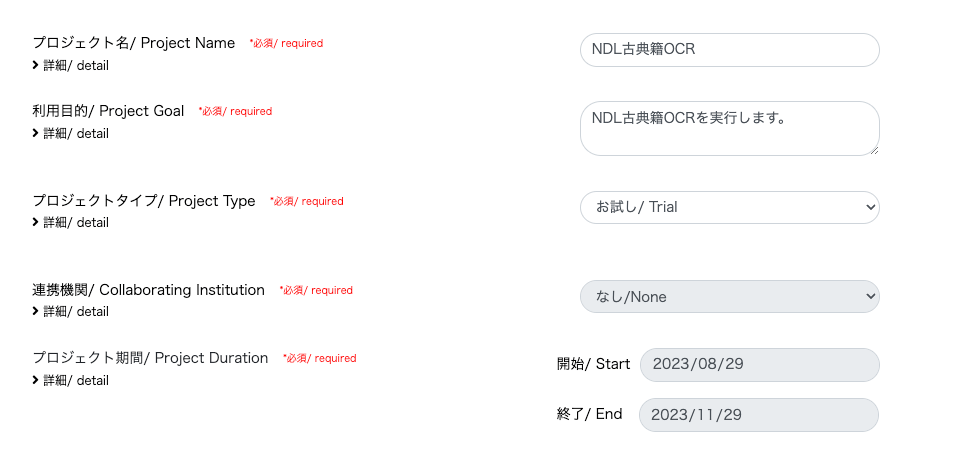
Update History 2024-05-22 Added the section “Adding the Docker Command User to the docker Group”. Overview mdx is a data platform for industry-academia-government collaboration co-created by universities and research institutions. https://mdx.jp/ In this article, we will run NDL Classical Japanese OCR using an mdx virtual machine. https://github.com/ndl-lab/ndlkotenocr_cli Project Application For the project type, we selected “Trial”. With the “Trial” type, one GPU pack was allocated. Creating a Virtual Machine Deployment We selected “01_Ubuntu-2204-server-gpu (Recommended)”. ...

Trying Mirador 2's Physical Document Ruler

Trying Mirador 2's Physical Document Ruler

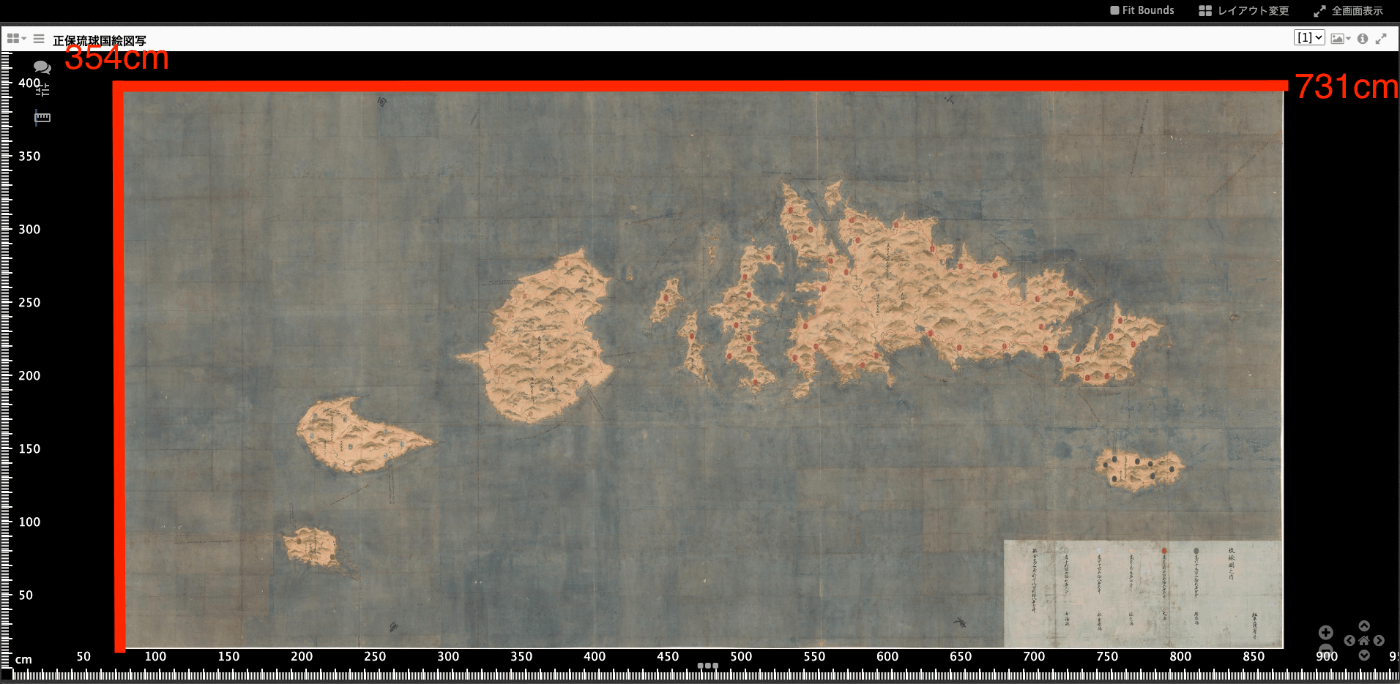
Overview IIIF’s Linking to External Services includes Physical Dimensions. https://iiif.io/api/annex/services/#physical-dimensions It is described as follows. For digitized objects, it is often useful to know the physical dimensions of the object. When available, they allow a client to present a ruler, or other rendition of physical scale, to the user. For Mirador ver.2 and ver.3, the following plugins exist respectively. ver.2 https://github.com/dbmdz/mirador-plugins#physical-document-ruler ver.3 https://github.com/ubleipzig/mirador-ruler-plugin Unfortunately, I was unable to successfully introduce the ver.3 plugin. Therefore, I will explain how to use the Physical Document Ruler with Mirador 2. ...

Mirador 3 Plugin Development: Adding Vertical Text Support to the Text Overlay Plugin

Mirador 3 Plugin Development: Adding Vertical Text Support to the Text Overlay Plugin

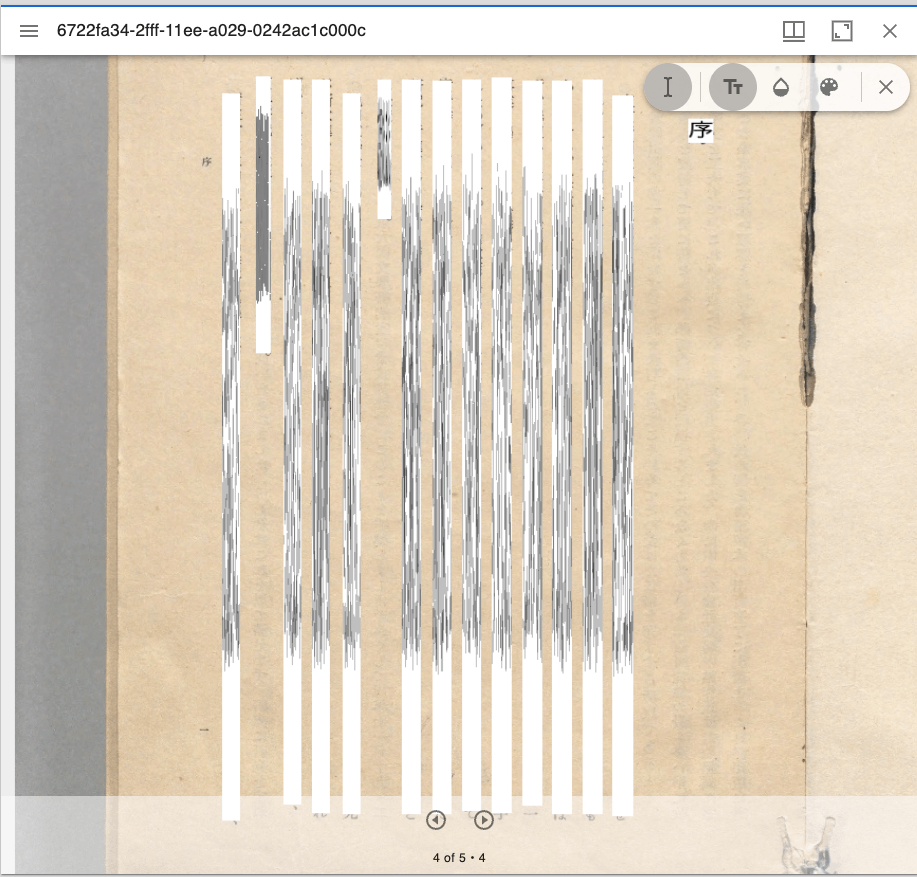
Overview Text Overlay plugin for Mirador 3 is a Mirador 3 plugin that displays selectable text overlays based on OCR or transcription. https://github.com/dbmdz/mirador-textoverlay A demo page is available at the following link. https://mirador-textoverlay.netlify.app/ However, when trying to display vertical text such as Japanese, it didn’t display correctly, as shown below. So I forked the above repository and made it possible to display vertical text as well. The source code is published in the following repository. (I hope to consider a pull request in the future.) ...

Notes on Extracting Latitude and Longitude from Google Maps Short URLs

Notes on Extracting Latitude and Longitude from Google Maps Short URLs

Overview I had an opportunity to extract latitude and longitude from a Google Maps short URL like the following. https://goo.gl/maps/aPxUgDJ9KP2FLFkN7 https://goo.gl/maps/aPxUgDJ9KP2FLFkN7 At that time, two sets of latitude and longitude could be obtained, so this is a personal note on the matter. Extraction Method I received the following answer from GPT-4. -– Answer below — It is not possible to directly extract latitude and longitude from a Google Maps short URL (goo.gl/maps/...). However, by expanding this short URL to obtain the original URL, you can extract the latitude and longitude from that URL. ...

Trying the mirador-annotations Plugin and SimpleAnnotationServer with Mirador 3

Trying the mirador-annotations Plugin and SimpleAnnotationServer with Mirador 3

Overview mirador-annotations is a Mirador 3 plugin that adds annotation creation tools. https://github.com/ProjectMirador/mirador-annotations This time, I tried combining it with the following SimpleAnnotationServer, and this is a memorandum of the process. https://github.com/glenrobson/SimpleAnnotationServer Preparing SimpleAnnotationServer Follow the Getting Started guide below. https://github.com/glenrobson/SimpleAnnotationServer#getting-started When you access http://localhost:8888/index.html, the following screen is displayed. The endpoint appears to be http://localhost:8888/annotation/, which displays a list of registered annotations (initially empty). This endpoint will be used from Mirador 3. ...

[Omeka S Module Introduction] Advanced Search Adapter for Solr

[Omeka S Module Introduction] Advanced Search Adapter for Solr

Overview “Advanced Search adapter for Solr” is an Omeka S module that provides an advanced search adapter for Apache Solr. This enables you to leverage the full power of a search engine within Omeka. It provides features such as relevance-based (score) search, instant search, facets, autocomplete, and suggestions for both general users and administrators. https://github.com/Daniel-KM/Omeka-S-module-SearchSolr Setting Up Apache Solr ! Apache Solr can be installed on a server different from the one where Omeka S is installed. ...

Visualizing Item Counts by Latest Update Year for the Japan Search Utilization Schema

Visualizing Item Counts by Latest Update Year for the Japan Search Utilization Schema

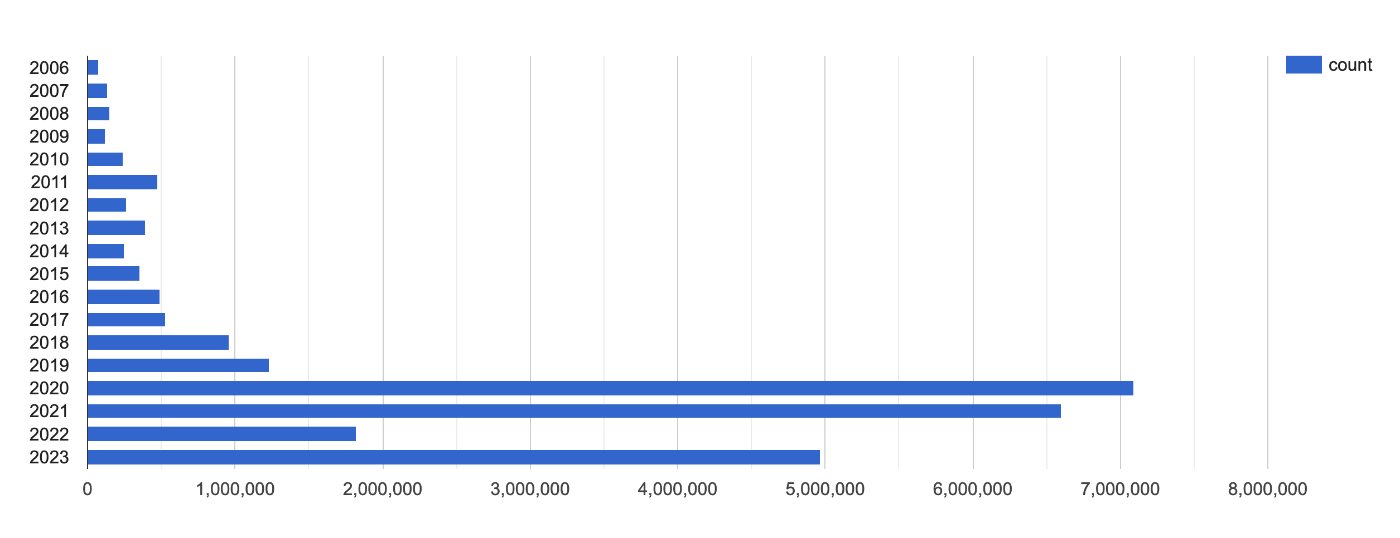
This is a memo about visualizing item counts by latest update year for the Japan Search utilization schema. https://api.triplydb.com/s/bfcE2qF65 It is based on the following query. https://zenn.dev/nakamura196/books/a4534e306de7e7/viewer/e38587 We hope this is helpful.

Accessing a Specific AWS S3 Bucket Using Cyberduck for macOS

Accessing a Specific AWS S3 Bucket Using Cyberduck for macOS

I tried to access a specific AWS S3 bucket using Cyberduck, referencing the following article. https://dev.classmethod.jp/articles/specify_s3_folder_iam_cyberduck/ However, when I opened the macOS version of Cyberduck and pressed the “New Connection” button at the top of the screen, the form for entering bucket information and other details was not displayed. After investigating, I found the following issue. https://github.com/iterate-ch/cyberduck/issues/11154 It indicated that you should open a bookmark instead, as follows: Please refer to Access third party buckets. To set a default path, create a new bookmark instead of choosing Open Connectoin. ...

Setting Up GitHub 2FA Using a Browser Extension

Setting Up GitHub 2FA Using a Browser Extension

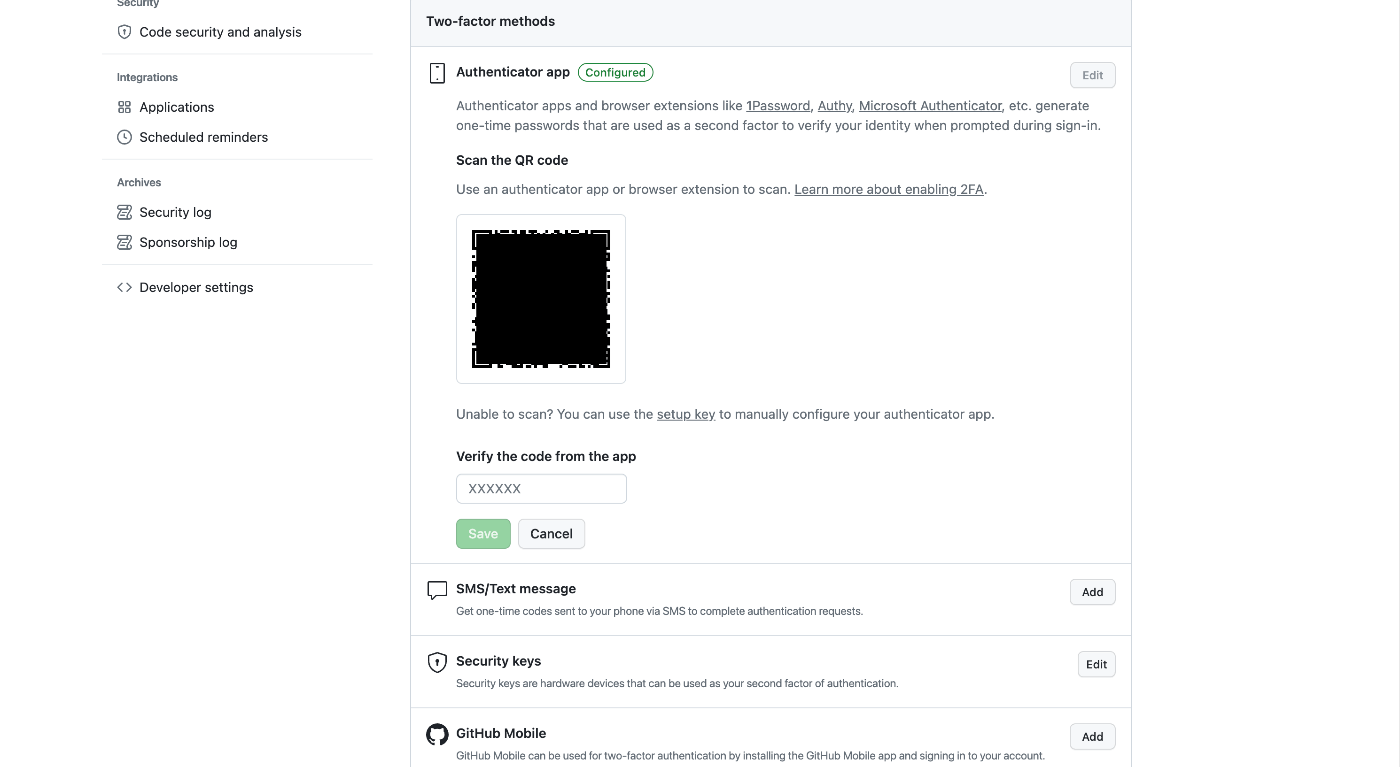
Overview This is a memo on using the browser extension “Authenticator” to set up two-factor authentication (2FA) for GitHub. https://authenticator.cc/ Preparing the QR Code First, prepare the QR code on the GitHub side. I’ll skip the detailed steps, but the QR code will be displayed on a screen like the following. Adding the Browser Extension Access the following URL from Chrome, Firefox, or Edge. The example below uses Chrome. ...

Error When Running npx nuxi typecheck

Error When Running npx nuxi typecheck

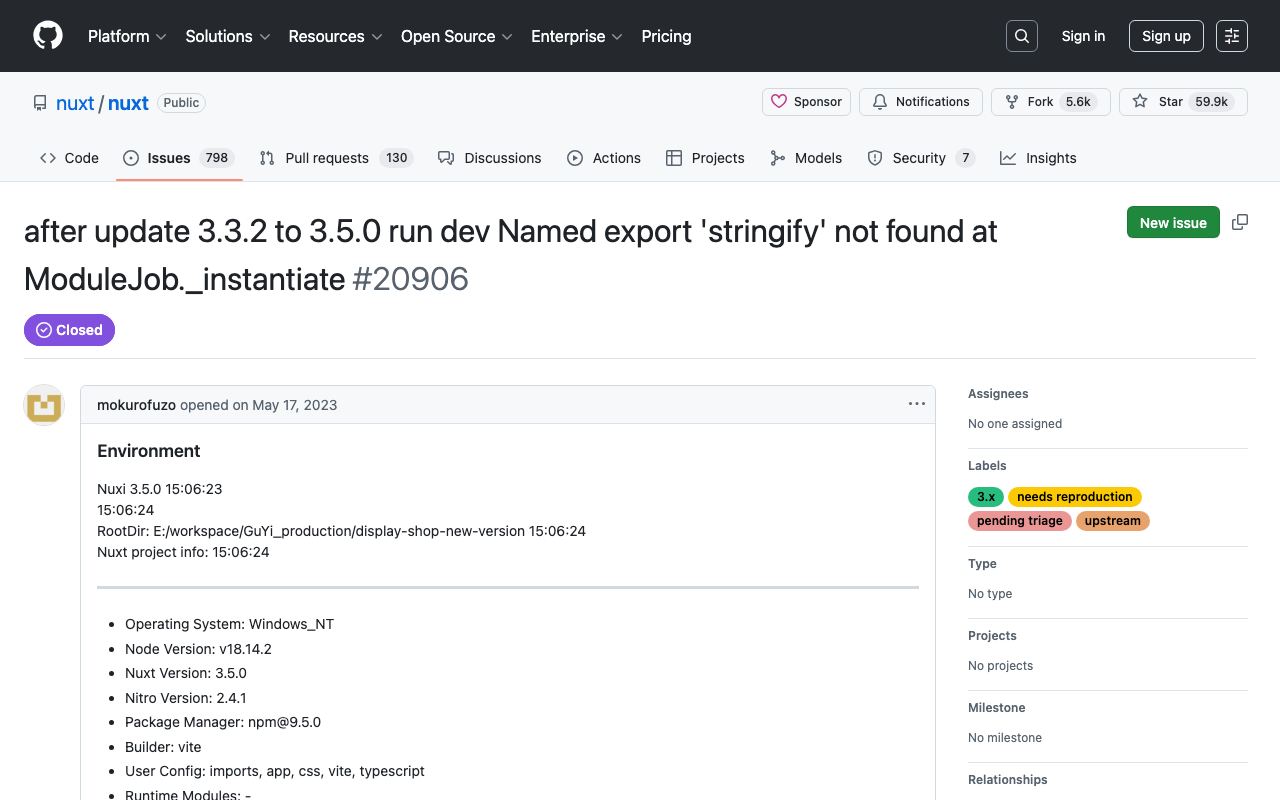
When running npx nuxi typecheck in Nuxt3, the following error occurred. nuxt.config.ts:16:3 - error TS2345: Argument of type '{ app: { baseURL: string; }; runtimeConfig: { public: { token: string; }; }; typescript: { strict: boolean; }; }' is not assignable to parameter of type 'InputConfig<NuxtConfig, ConfigLayerMeta>'. Object literal may only specify known properties, and '"app"' does not exist in type 'InputConfig<NuxtConfig, ConfigLayerMeta>'. As a solution, as described in the following documentation, it was necessary to install two libraries. ...

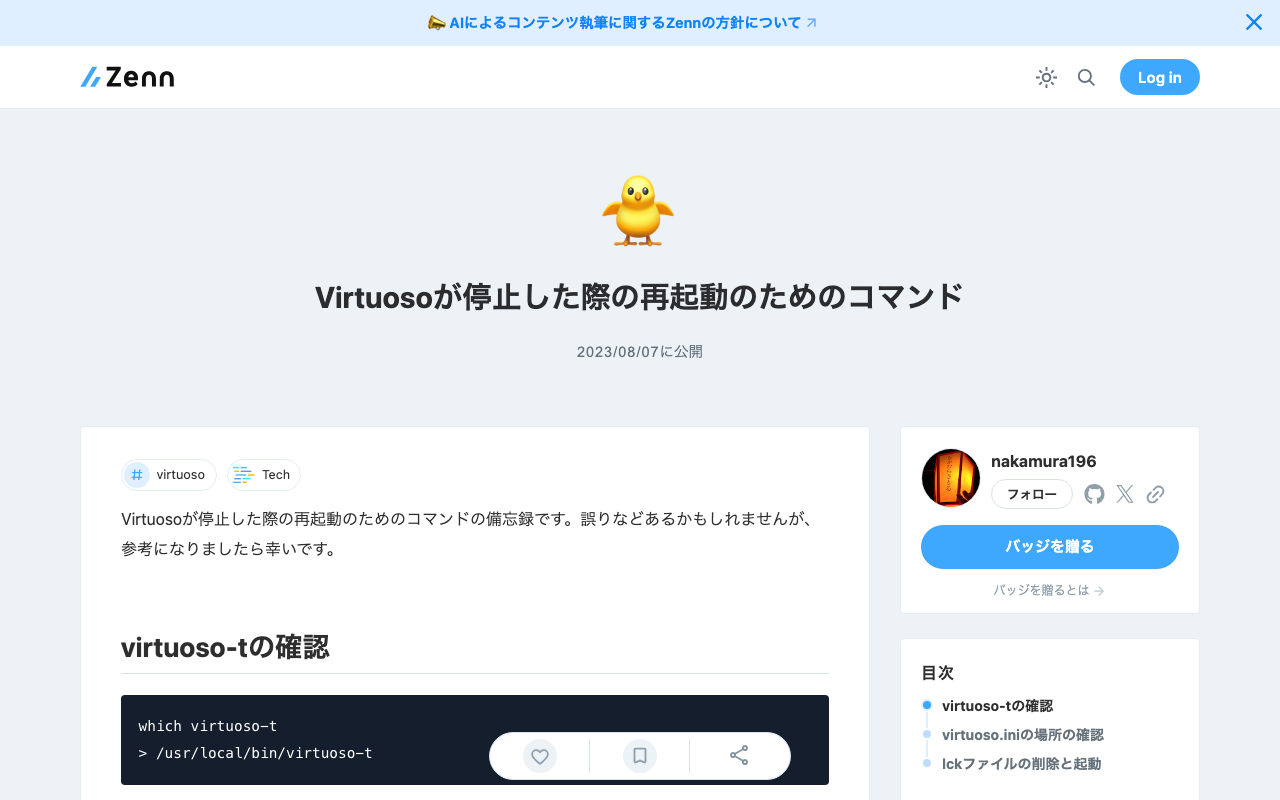
Commands for Restarting Virtuoso When It Stops

Commands for Restarting Virtuoso When It Stops

This is a personal note on the commands for restarting Virtuoso when it stops. There may be some errors, but I hope it serves as a useful reference. Checking virtuoso-t which virtuoso-t > /usr/local/bin/virtuoso-t Checking the Location of virtuoso.ini sudo find / -name virtuoso.ini > ... > /usr/local/var/lib/virtuoso/db/virtuoso.ini > ... Deleting the lck File and Starting sudo rm -rf /usr/local/var/lib/virtuoso/db/virtuoso.lck sudo /usr/local/bin/virtuoso-t +configfile /usr/local/var/lib/virtuoso/db/virtuoso.ini

Utilizing Exhibition Information Stored in the Cultural Japan RDF Store

Utilizing Exhibition Information Stored in the Cultural Japan RDF Store

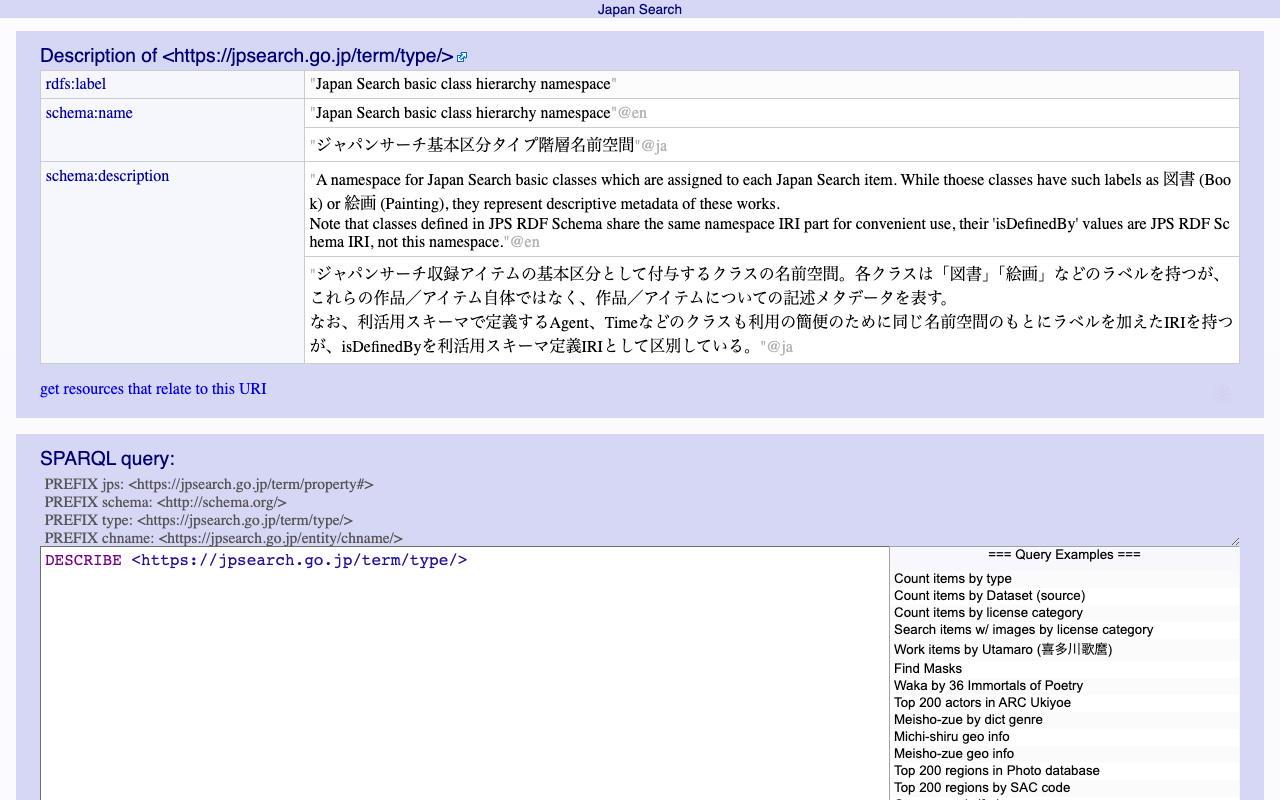
Overview The Cultural Japan RDF store contains information about exhibitions. A list can be retrieved using the following query, which specifies type:展覧会 (Exhibition) for rdf:type. PREFIX type: <https://jpsearch.go.jp/term/type/> PREFIX rdfs: <http://www.w3.org/2000/01/rdf-schema#> select distinct * where { ?s rdf:type type:展覧会; rdfs:label ?label . } https://ld.cultural.jp/snorql/?query=select+distinct+*+where+{ %3Fs+rdf%3Atype+type%3A展覧会%3B +++++++rdfs%3Alabel+%3Flabel+.+ } ++ This article introduces an example of how to utilize this exhibition information. List of Exhibitions Each exhibition has values such as jps:temporal and jps:spatial (which may have multiple values). https://ld.cultural.jp/data/apmoa-exhib-2021-soga The following query can be used to retrieve a list including exhibition metadata. ...

Mirador 3 Plugin Development: Creating a Layer Slideshow

Mirador 3 Plugin Development: Creating a Layer Slideshow

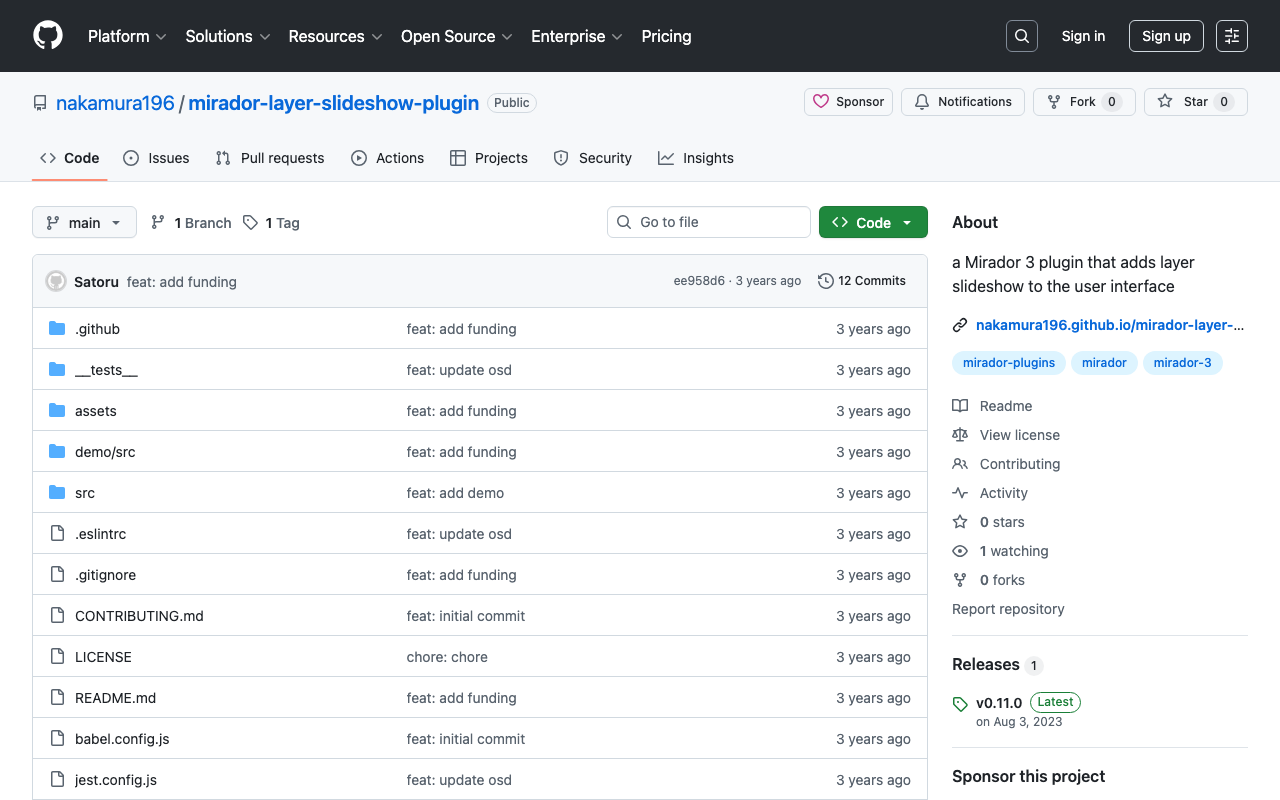
Overview I developed a Mirador 3 plugin that performs layer slideshows. https://youtu.be/r1ShHGqCs24 As described in the following article, I previously achieved this through customization of Mirador 2. The article below attempts a IIIF implementation of “Okiezu” (illustrated maps). https://nakamura196.hatenablog.com/entry/2020/08/14/073700 This time, I attempted to develop it as a Mirador 3 plugin. Repository https://github.com/nakamura196/mirador-layer-slideshow-plugin Demo Site https://nakamura196.github.io/mirador-layer-slideshow-plugin/ Summary There is much room for improvement, but I hope this serves as a useful reference. ...

About ALTO (Analyzed Layout and Text Object) XML

About ALTO (Analyzed Layout and Text Object) XML

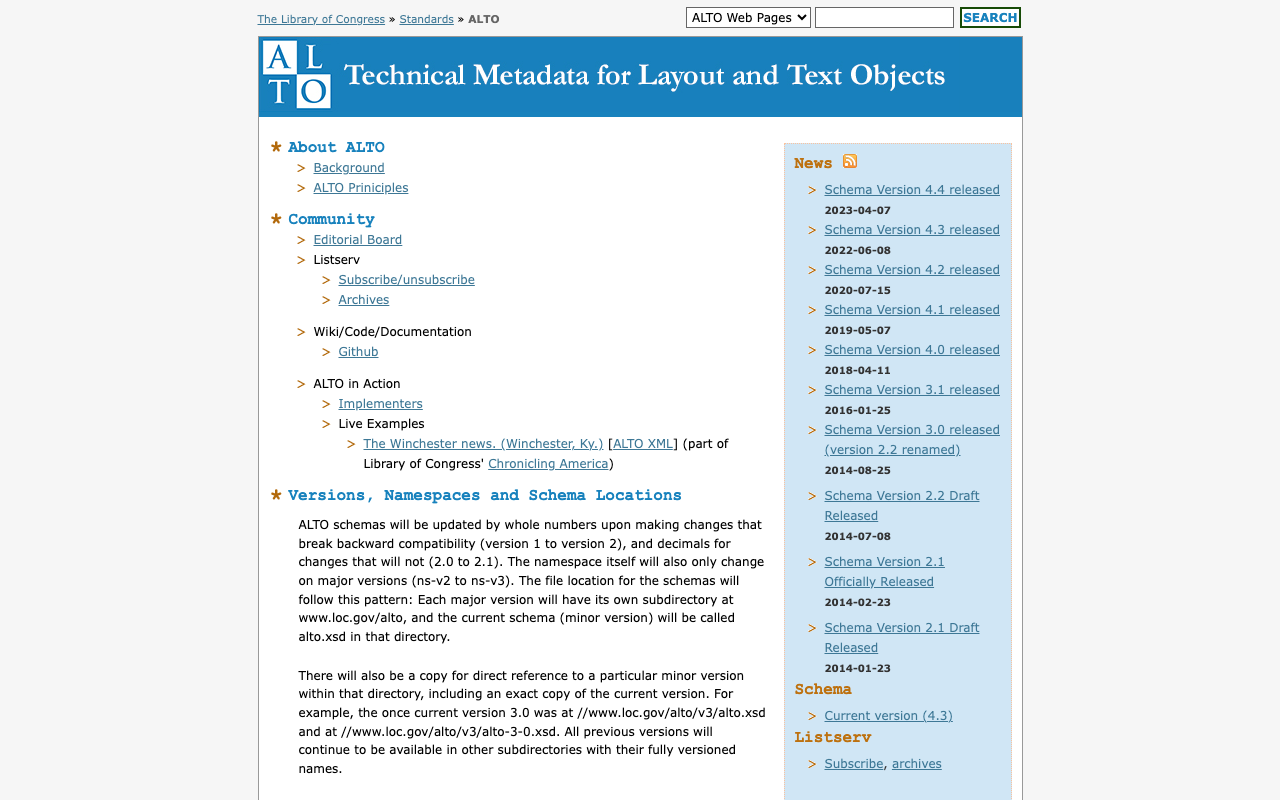
Overview I am sharing the results of querying GPT-4 about ALTO (Analyzed Layout and Text Object) XML. https://www.loc.gov/standards/alto/ Required Elements ALTO (Analyzed Layout and Text Object) XML is an XML schema for representing OCR-generated text and its layout. Its structure is very flexible, with many elements and attributes, but the required elements are limited. The simplest form of ALTO XML has the following hierarchical structure: <alto>: The root element. It must have @xmlns and @xmlns:xsi attributes indicating the version of the ALTO XML schema. It must also have two child elements: <Description> and <Layout>. ...

Watching URL Query Changes with watch in Nuxt3

Watching URL Query Changes with watch in Nuxt3

I wanted to watch URL query changes with watch in Nuxt3, so I wrote the following code, but the watch did not work when the URL query changed. <script lang="ts" setup> const route = useRoute() watch( route, () => { console.log(route['query']) } ) </script> So I referenced the following article. https://qiita.com/YumaInaura/items/9c86ed91d56402e816db By changing the code to the following, the watch worked in response to URL query changes. <script lang="ts" setup> const route = useRoute() watch( () => route.query, () => { console.log(route['query']) } ) </script> There are still many things I don’t fully understand, but I hope this is helpful to others. ...

I Created a Sample Repository Using CETEIcean and Nuxt 3

I Created a Sample Repository Using CETEIcean and Nuxt 3

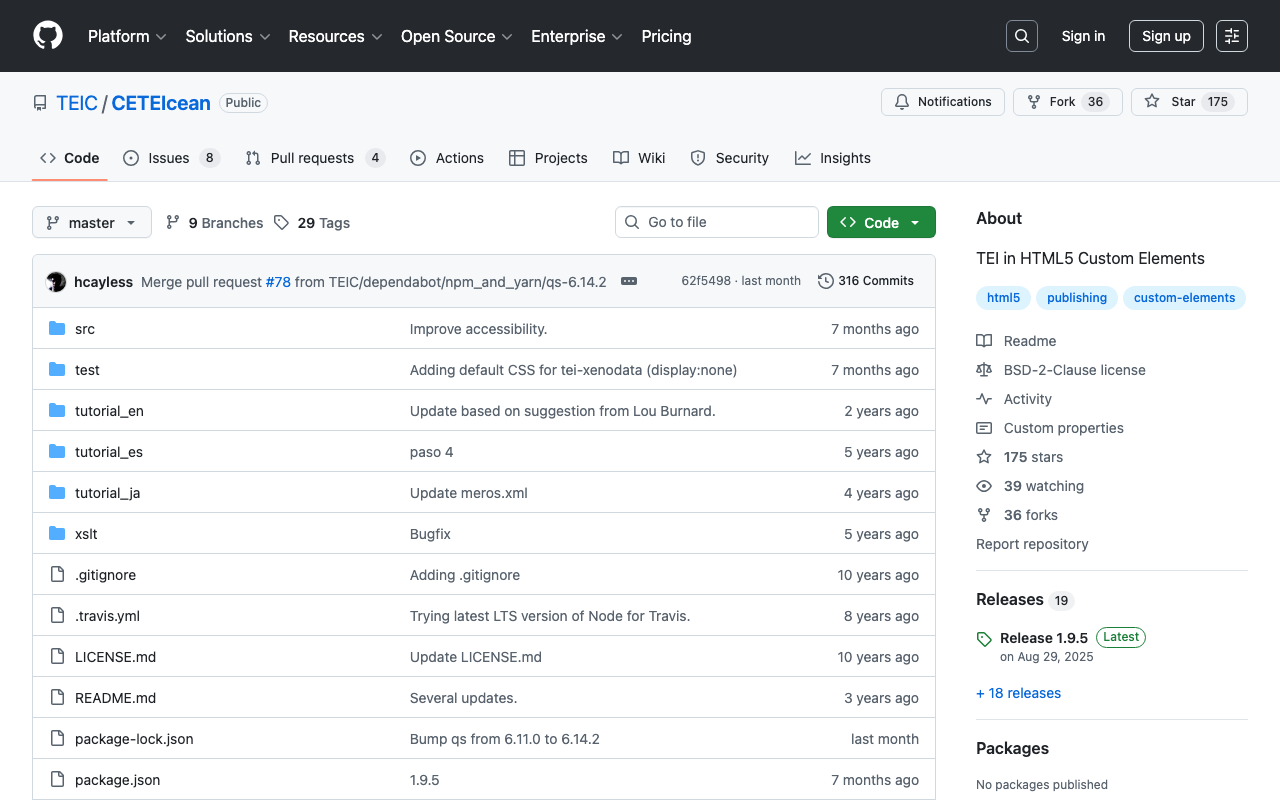
Overview I created a sample repository using CETEIcean and Nuxt 3. https://github.com/TEIC/CETEIcean I referenced the following issue. https://github.com/TEIC/CETEIcean/issues/27 The script introduced there did not work with CETEIcean v1.8.0, so I created a minimal repository that works with CETEIcean v1.8.0 and Nuxt 3. Demo Page https://nakamura196.github.io/ceteicean-nuxt3 Source Code https://github.com/nakamura196/ceteicean-nuxt3 Main File https://github.com/nakamura196/ceteicean-nuxt3/blob/main/app.vue Summary I hope this serves as a useful reference. I would also like to express my gratitude to those who developed CETEIcean. ...

How to Check How Fields Are Indexed in Apache Solr

How to Check How Fields Are Indexed in Apache Solr

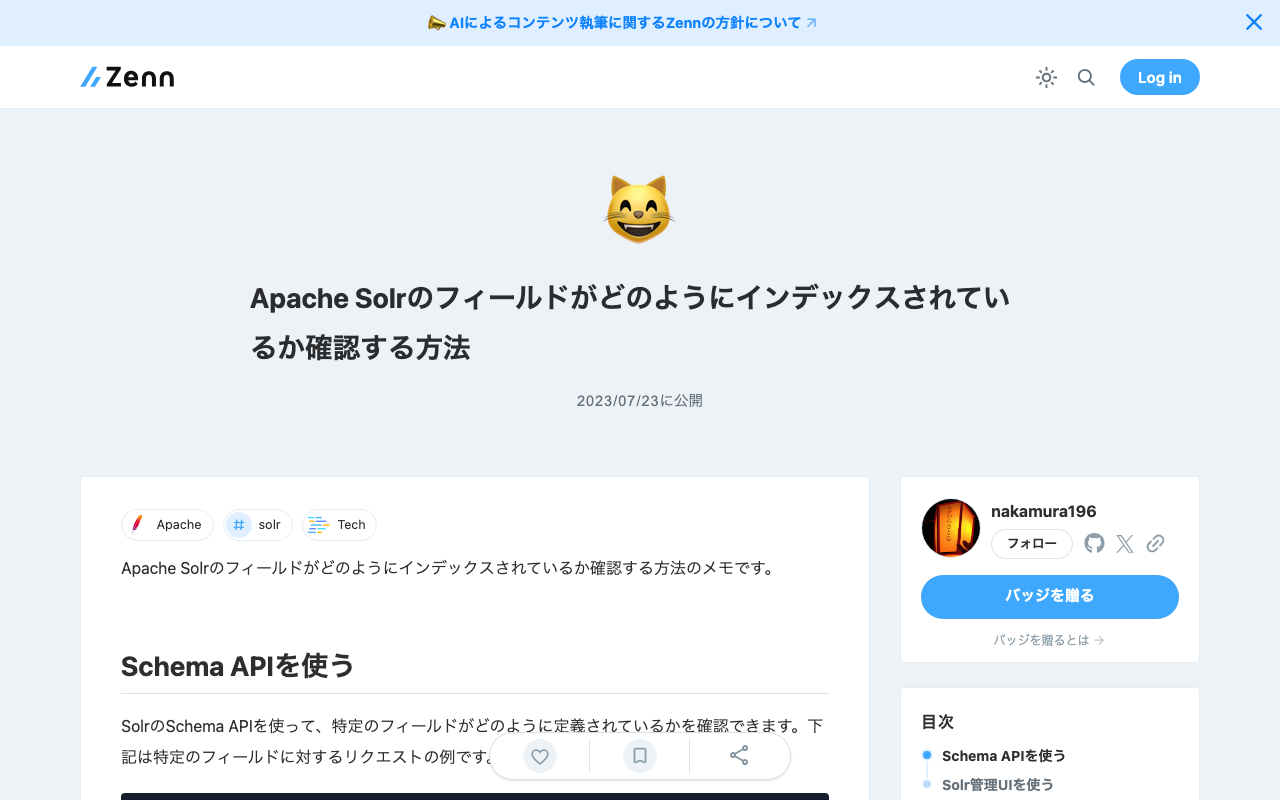
Here are my notes on how to check how fields are indexed in Apache Solr. Using the Schema API You can use Solr’s Schema API to check how a specific field is defined. Below is an example request for a specific field. http://localhost:8983/solr/{core_name}/schema/fields/{field_name} By accessing this URL from a browser or sending a GET request using curl or similar tools, information about the specific field is returned in JSON format. This includes information about how the field is indexed. ...

[Omeka S Module Introduction] Scripto: Performing Transcription and Translation

[Omeka S Module Introduction] Scripto: Performing Transcription and Translation

Overview This article introduces “Scripto,” an Omeka S module that enables transcription and translation of media (images, etc.) registered in Omeka S. https://omeka.org/s/modules/Scripto/ Installation The installation of this module itself is the same as for other standard modules. However, in addition to installing this module, you need to set up MediaWiki. If your environment already runs Omeka S, it should have the necessary components for setting up MediaWiki. Download and set up MediaWiki using commands like the following: ...

[Omeka S Module Introduction] IiifPresentation: Adding IIIF Presentation API

[Omeka S Module Introduction] IiifPresentation: Adding IIIF Presentation API

Overview I tried the IiifPresentation module that adds IIIF Presentation API support, so here are my notes. https://omeka.org/s/modules/IiifPresentation/ As far as I could tell from a brief trial, there did not seem to be a significant difference from the features provided by the IIIF Server module below. https://omeka.org/s/modules/IiifServer/ One difference is that this module was developed by the Omeka Team, and it has the advantage of being usable without detailed configuration. ...