Home Articles Books Search About
日本語

Latest Articles

Adding Annotations to Videos Using iiif-prezi3

Adding Annotations to Videos Using iiif-prezi3

Overview This is a note on how to add annotations to videos using iiif-prezi3. Adding Annotations Amazon Rekognition’s label detection is used. https://docs.aws.amazon.com/rekognition/latest/dg/labels.html?pg=ln&sec=ft Sample code is available at the following link. https://docs.aws.amazon.com/ja_jp/rekognition/latest/dg/labels-detecting-labels-video.html In particular, by setting the aggregation in GetLabelDetection to SEGMENTS, you can obtain StartTimestampMillis and EndTimestampMillis. However, please note the following. When aggregated by SEGMENTS, information about detected instances with bounding boxes is not returned. Data Used The video “Prefectural News Vol. 1” (Nagano Prefectural Library) is used. ...

Connecting GakuNin RDM with Amazon S3 and Processing Files with Archivematica

Connecting GakuNin RDM with Amazon S3 and Processing Files with Archivematica

Overview This is a note on how to connect GakuNin RDM with Amazon S3 and process files with Archivematica. https://rcos.nii.ac.jp/service/rdm/ Background In the following article, I described how to use Amazon S3 as a processing target in Archivematica. This allows you to upload files and folders to a specified bucket and use them as processing targets in Archivematica to create AIPs and DIPs. However, this approach required creating an IAM user for each project member. ...

Creating IIIF v3 Manifests for Video Using iiif-prezi3

Creating IIIF v3 Manifests for Video Using iiif-prezi3

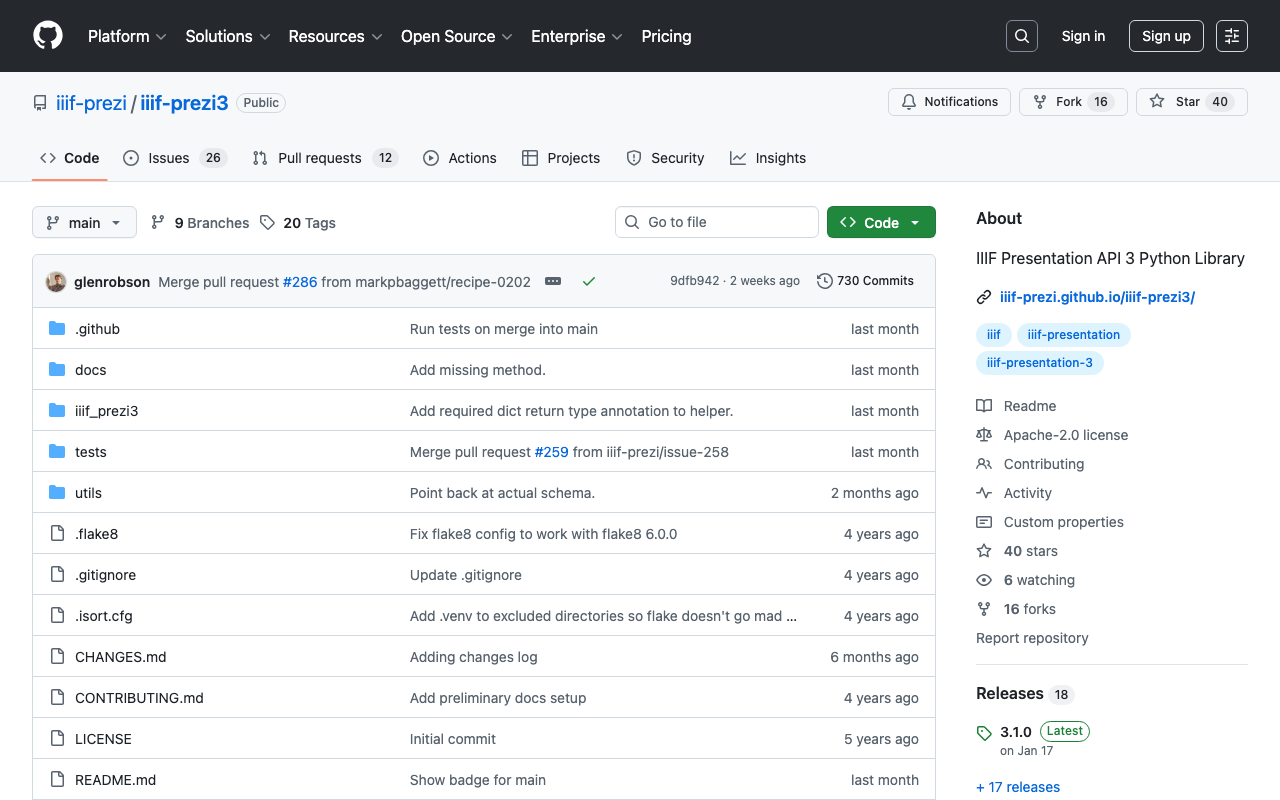
Overview I had the opportunity to create an IIIF v3 manifest for video using iiif-prezi3, so this is a note for reference. https://github.com/iiif-prezi/iiif-prezi3 References Examples of IIIF manifest files and implementation examples using iiif-prezi3 are published in the IIIF Cookbook. Below is an example of creating an IIIF v3 manifest for video. https://iiif.io/api/cookbook/recipe/0003-mvm-video/ An implementation example using iiif-prezi3 is published at the following. https://iiif-prezi.github.io/iiif-prezi3/recipes/0003-mvm-video/ from iiif_prezi3 import Manifest, AnnotationPage, Annotation, ResourceItem, config config.configs['helpers.auto_fields.AutoLang'].auto_lang = "en" manifest = Manifest(id="https://iiif.io/api/cookbook/recipe/0003-mvm-video/manifest.json", label="Video Example 3") canvas = manifest.make_canvas(id="https://iiif.io/api/cookbook/recipe/0003-mvm-video/canvas") anno_body = ResourceItem(id="https://fixtures.iiif.io/video/indiana/lunchroom_manners/high/lunchroom_manners_1024kb.mp4", type="Video", format="video/mp4") anno_page = AnnotationPage(id="https://iiif.io/api/cookbook/recipe/0003-mvm-video/canvas/page") anno = Annotation(id="https://iiif.io/api/cookbook/recipe/0003-mvm-video/canvas/page/annotation", motivation="painting", body=anno_body, target=canvas.id) hwd = {"height": 360, "width": 480, "duration": 572.034} anno_body.set_hwd(**hwd) hwd["width"] = 640 canvas.set_hwd(**hwd) anno_page.add_item(anno) canvas.add_item(anno_page) print(manifest.json(indent=2)) Summary Many other samples and implementation examples are also published. I hope this is helpful. ...

Using URL Segments Starting with Underscores in Next.js

Using URL Segments Starting with Underscores in Next.js

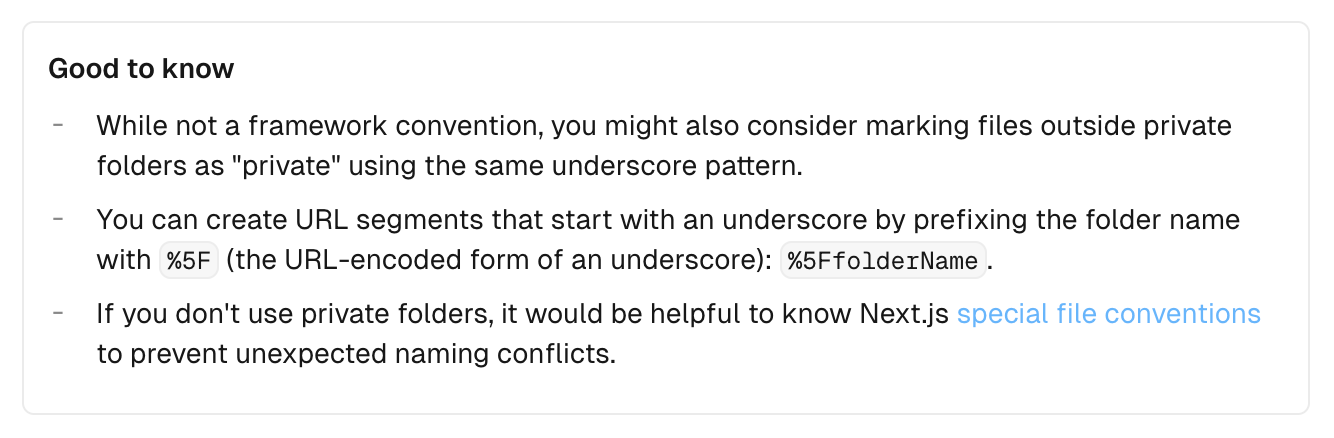
Overview When creating an API like </api/_search>, I looked into how to create URL segments starting with underscores, so this is a personal note for future reference. Method The information was found in the following documentation. https://nextjs.org/docs/app/building-your-application/routing/colocation#:~:text=js file conventions.-,Good to know,-While not a The key point is: To create URL segments that start with an underscore, prefix the folder name with %5F (the URL-encoded form of an underscore). Example: %5FfolderName. ...

Addressing a Bug in setFilter of @elastic/search-ui

Addressing a Bug in setFilter of @elastic/search-ui

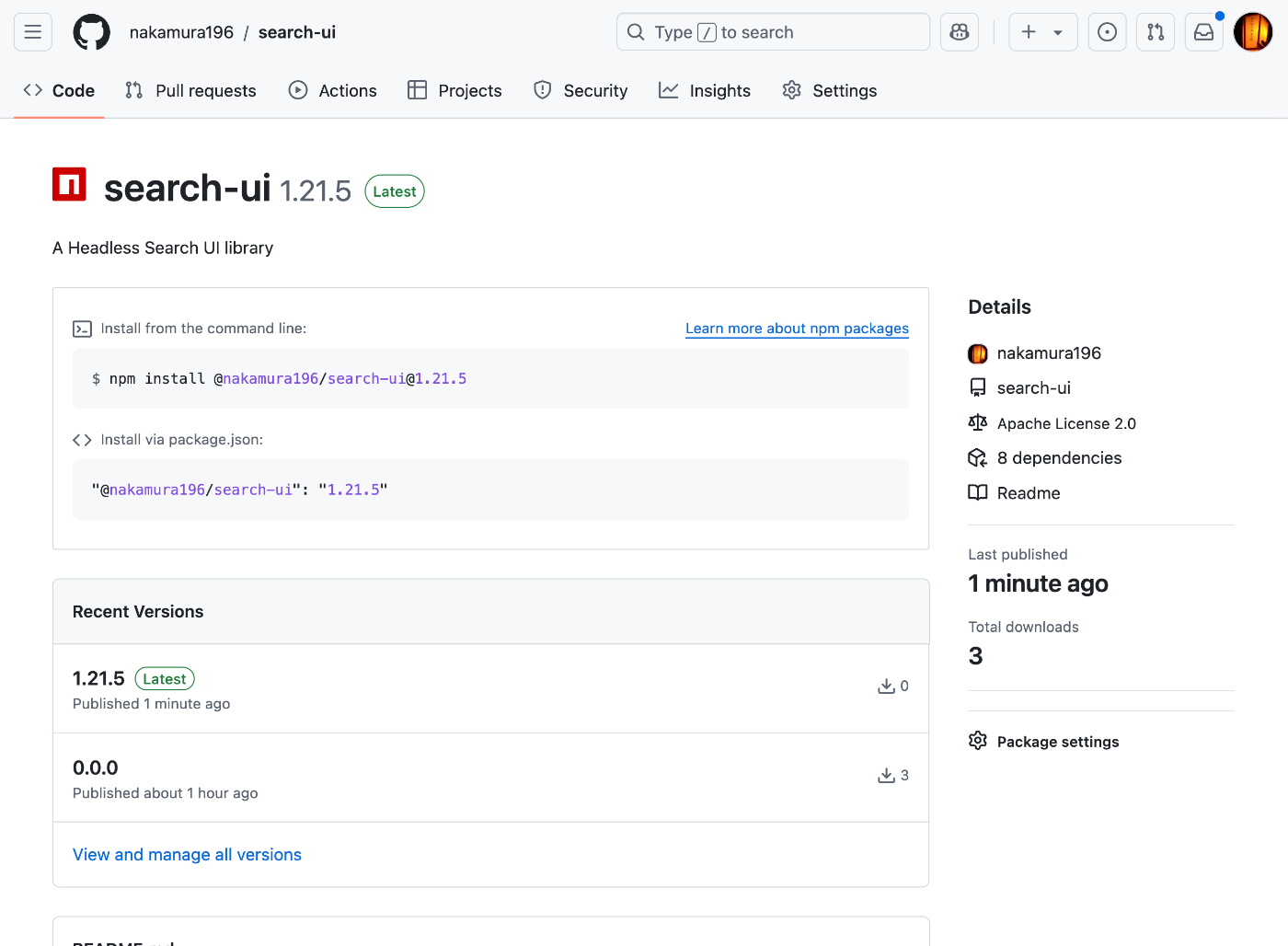
Overview A bug has been reported regarding setFilter in @elastic/search-ui. https://github.com/elastic/search-ui/issues/1057 This bug has already been fixed in the following commit. https://github.com/elastic/search-ui/pull/1058 However, as of October 7, 2024, the latest version incorporating this fix has not been released. Therefore, I attempted to build and release it independently, and this is a memo of that procedure. Fix First, I fetched the repository. https://github.com/nakamura196/search-ui Then, I made the following modifications. https://github.com/nakamura196/search-ui/commit/f7c7dc332086ca77a2c488f3de8780bbeb683324 Specifically, changes were made to package.json and .npmrc. ...

A Program to Create a Visual Overview Page of Omeka S Themes

A Program to Create a Visual Overview Page of Omeka S Themes

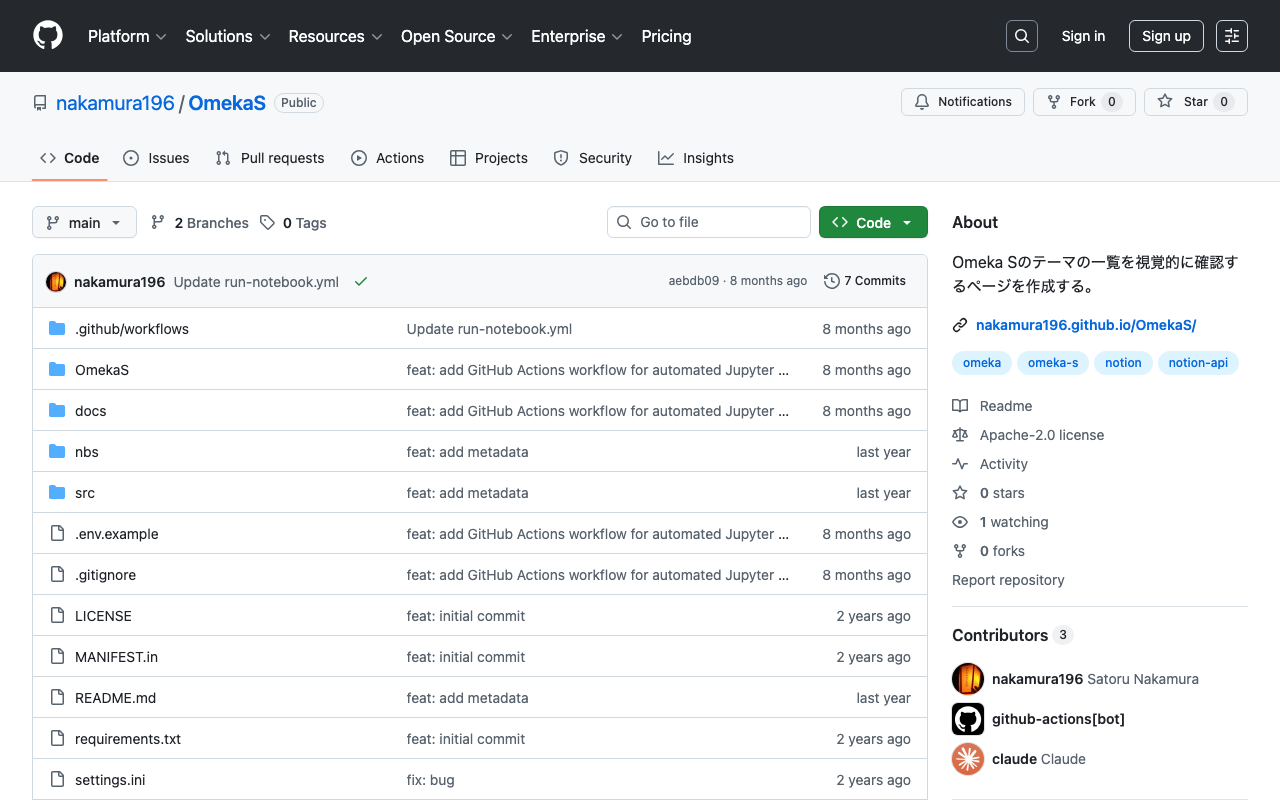
Overview In the following article, I introduced a page for visually reviewing Omeka S themes. The program used to create the above page has been published in the following repository. https://github.com/nakamura196/OmekaS Summary We hope this is helpful for similar work.

Trying Out rico-converter

Trying Out rico-converter

Overview I had the opportunity to try rico-converter, so here are my notes. https://github.com/ArchivesNationalesFR/rico-converter It is described as follows. A tool to convert EAC-CPF and EAD 2002 XML files to RDF datasets conforming to Records in Contexts Ontology (RiC-O) Conversion Instructions are available at the following link. https://archivesnationalesfr.github.io/rico-converter/en/GettingStarted.html First, download the latest zip file from the following link and extract it. https://github.com/ArchivesNationalesFR/rico-converter/releases/latest Sample data includes input-eac and input-ead, which we will convert to RDF. ...

Building an Inference App Using Hugging Face Spaces and YOLOv5 Model (Trained on KaoKore Dataset)

Building an Inference App Using Hugging Face Spaces and YOLOv5 Model (Trained on KaoKore Dataset)

Overview I created an inference app using Hugging Face Spaces and a YOLOv5 model trained on the KaoKore dataset. The KaoKore dataset published by the Center for Open Data in the Humanities (CODH) is as follows: Yingtao Tian, Chikahiko Suzuki, Tarin Clanuwat, Mikel Bober-Irizar, Alex Lamb, Asanobu Kitamoto, “KaoKore: A Pre-modern Japanese Art Facial Expression Dataset”, arXiv:2002.08595. http://codh.rois.ac.jp/face/dataset/ You can try the inference app at the following URL: https://huggingface.co/spaces/nakamura196/yolov5-face The source code and trained model can be downloaded from the following URL. I hope it serves as a reference when developing similar applications. ...

Resolving ModuleNotFoundError: No module named 'huggingface_hub.utils._errors'

Resolving ModuleNotFoundError: No module named 'huggingface_hub.utils._errors'

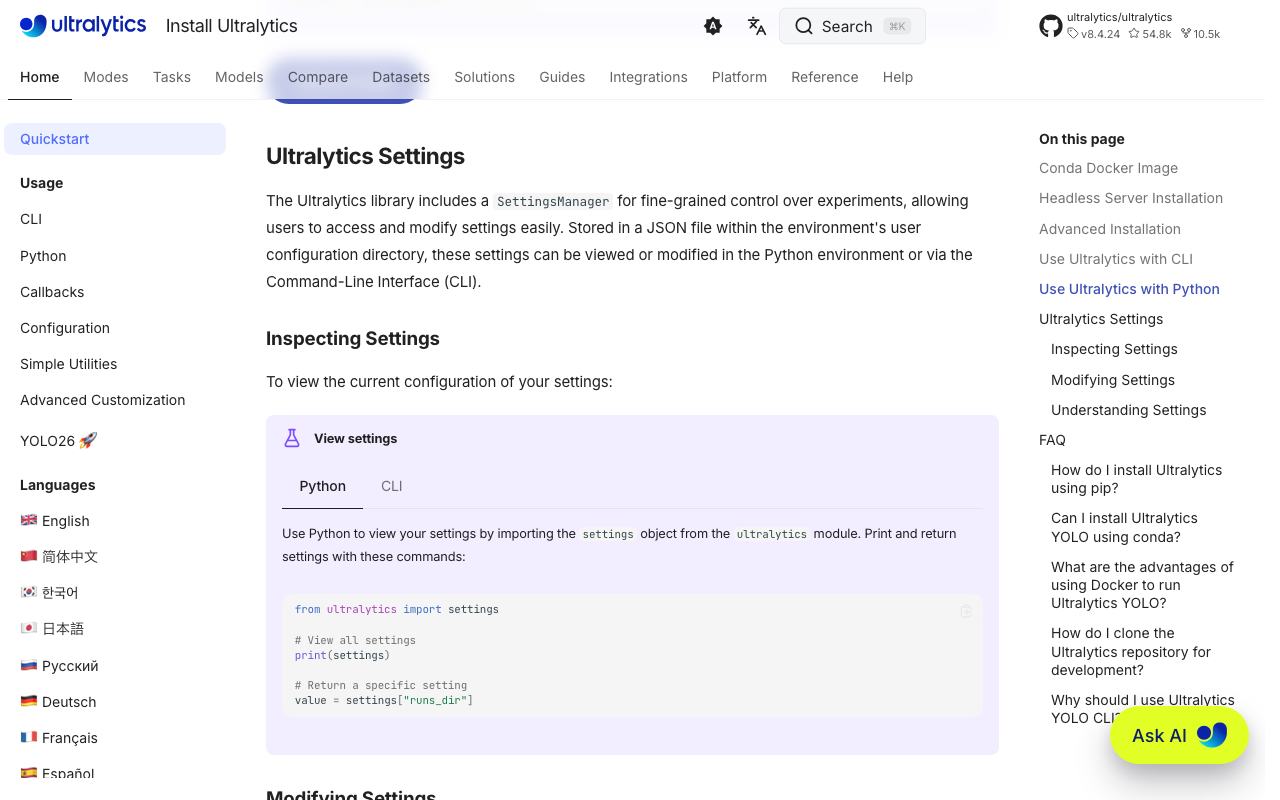
Overview When deploying an app to Hugging Face Spaces, the following error occurred. This is a memo about that error. Creating new Ultralytics Settings v0.0.6 file ✅ View Ultralytics Settings with 'yolo settings' or at '/home/user/.config/Ultralytics/settings.json' Update Settings with 'yolo settings key=value', i.e. 'yolo settings runs_dir=path/to/dir'. For help see https://docs.ultralytics.com/quickstart/#ultralytics-settings. WARNING ⚠️ DetectMultiBackend failed: No module named 'huggingface_hub.utils._errors' Traceback (most recent call last): File "/usr/local/lib/python3.10/site-packages/yolov5/helpers.py", line 38, in load_model model = DetectMultiBackend( File "/usr/local/lib/python3.10/site-packages/yolov5/models/common.py", line 338, in __init__ result = attempt_download_from_hub(w, hf_token=hf_token) File "/usr/local/lib/python3.10/site-packages/yolov5/utils/downloads.py", line 150, in attempt_download_from_hub from huggingface_hub.utils._errors import RepositoryNotFoundError ModuleNotFoundError: No module named 'huggingface_hub.utils._errors' During handling of the above exception, another exception occurred: Reference The following article was helpful. ...

Publishing 3D Models in Omeka S

Publishing 3D Models in Omeka S

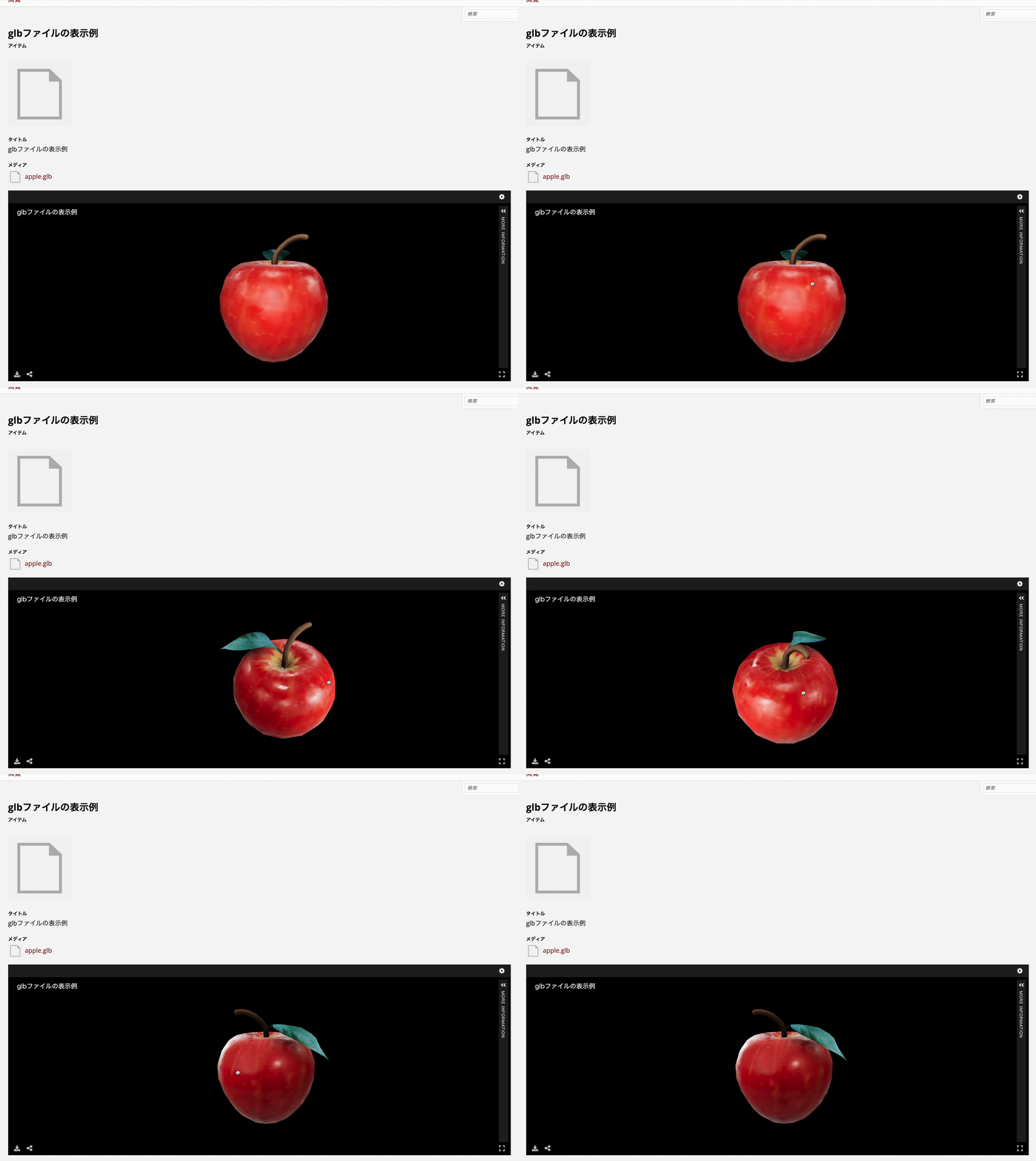
Overview I looked into how to publish 3D models in Omeka S, so here are my notes. As a result, I was able to handle 3D models in Omeka S as shown below. https://omeka.aws.ldas.jp/s/sample/item/43 Versions The versions of Omeka S and modules used are as follows. Omeka S 4.1.1 Common 3.4.62 IIIF Server 3.6.21 Universal Viewer 3.6.9 Module Installation Install the Common, IIIF Server, and Universal Viewer modules. Module Configuration Configure two settings for the IIIF Server module. ...

Manipulating CVAT Data Using Python

Manipulating CVAT Data Using Python

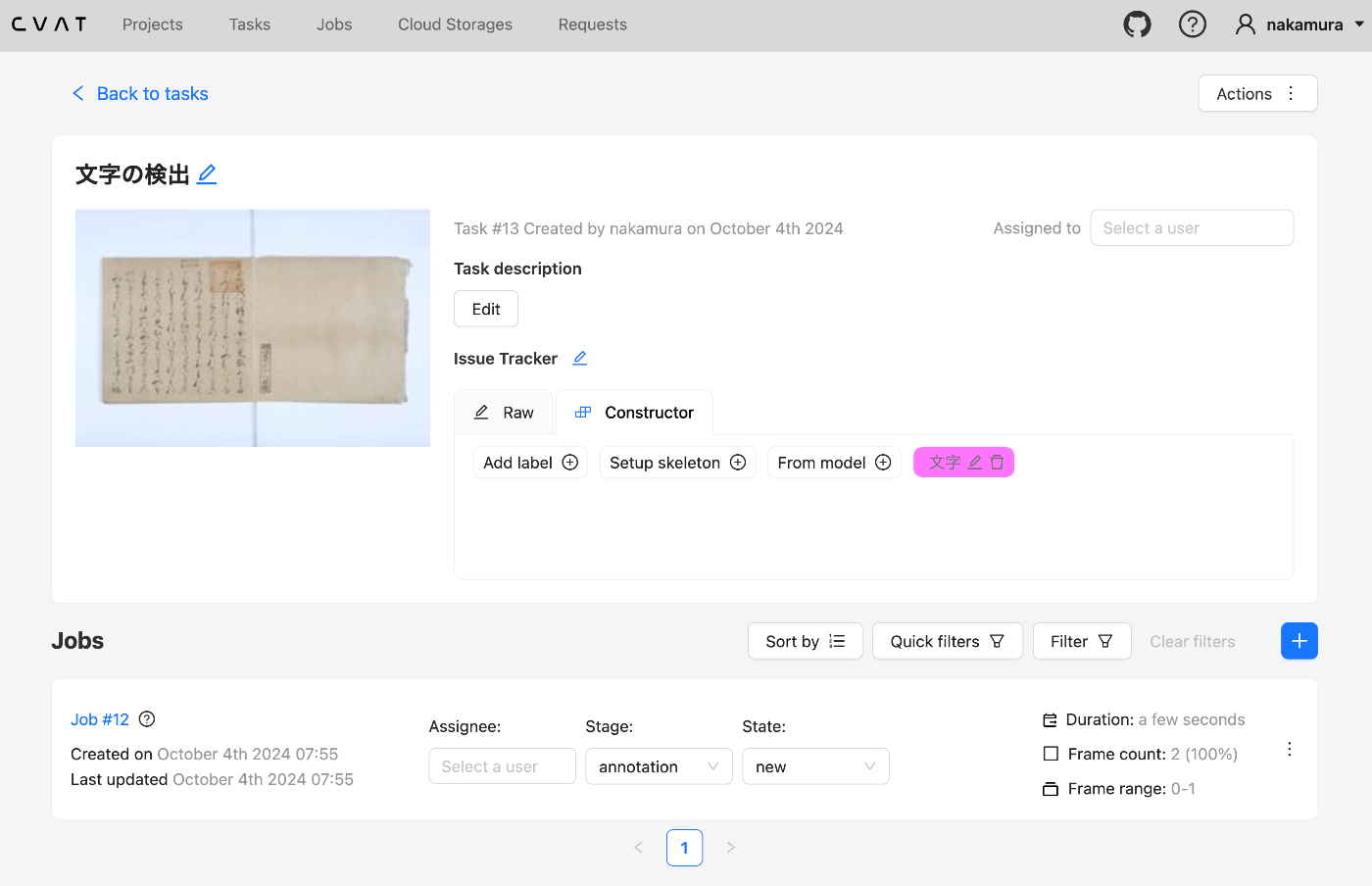
Overview This is a memo from an opportunity to manipulate CVAT data using Python. Setup We use Docker to start CVAT. git clone https://github.com/cvat-ai/cvat --depth 1 cd cvat docker compose up -d Creating an Account Access http://localhost:8080 and create an account. Operations with Python First, install the following library. pip install cvat-sdk Write the account information in .env. host=http://localhost:8080 username= password= Creating an Instance import os from dotenv import load_dotenv import json from cvat_sdk.api_client import Configuration, ApiClient, models, apis, exceptions from cvat_sdk.api_client.models import PatchedLabeledDataRequest import requests from io import BytesIO load_dotenv(verbose=True) host = os.environ.get("host") username = os.environ.get("username") password = os.environ.get("password") configuration = Configuration( host=host, username=username, password=password ) api_client = ApiClient(configuration) Creating a Task task_spec = { 'name': '文字の検出', "labels": [{ "name": "文字", "color": "#ff00ff", "attributes": [ { "name": "score", "mutable": True, "input_type": "text", "values": [""] } ] }], } try: # Apis can be accessed as ApiClient class members # We use different models for input and output data. For input data, # models are typically called like "*Request". Output data models have # no suffix. (task, response) = api_client.tasks_api.create(task_spec) except exceptions.ApiException as e: # We can catch the basic exception type, or a derived type print("Exception when trying to create a task: %s\n" % e) print(task) The following result is obtained: ...

Handling the CSRF: Value is required and can't be empty Error in Omeka S

Handling the CSRF: Value is required and can't be empty Error in Omeka S

Overview In Omeka S, I encountered an issue where the error message “CSRF: Value is required and can’t be empty” was displayed when trying to save an item associated with many media, and saving would not complete. This article explains how to address this error. Related Articles This is mentioned in articles such as the following. It appears to be a known error, and it is stated that php.ini needs to be modified. ...

[2024 Edition] Building an IIIF Image Server with AWS Serverless Applications

[2024 Edition] Building an IIIF Image Server with AWS Serverless Applications

Overview This is a 2024 edition article on building an IIIF Image Server using AWS serverless applications. Background The following repository called serverless-iiif is publicly available. Using this repository, it is claimed that a cost-effective and infinitely scalable IIIF Image Server can be built using AWS services. https://github.com/samvera/serverless-iiif I introduced how to use it as of 2022 in the following article, but today’s service has become more user-friendly. Method There are several build methods, but for a GUI-based approach, refer to the following. Basic setup follows the instructions on the site below. Here, I introduce the procedure including custom domain setup with CloudFront and Route 53. ...

Using Custom Permissions in Drupal Custom Modules

Using Custom Permissions in Drupal Custom Modules

Overview I had the opportunity to use custom permissions in a Drupal custom module, so here are my notes. Background In the following article, I introduced a module that executes GitHub Actions from Drupal. However, the permission was set to administer site configuration, so only users with administrator privileges could execute it. The commit addressing this issue is as follows. https://github.com/nakamura196/Drupal-module-github_webhook/commit/c3b6f57bebfeda0556c929c8ed8ed62a0eb0a5c4 Method Below, I share the response from ChatGPT 4o. ...

GitHub Repository for DTS API for TEI/XML Files Published in the Koui Genji Monogatari Text DB

GitHub Repository for DTS API for TEI/XML Files Published in the Koui Genji Monogatari Text DB

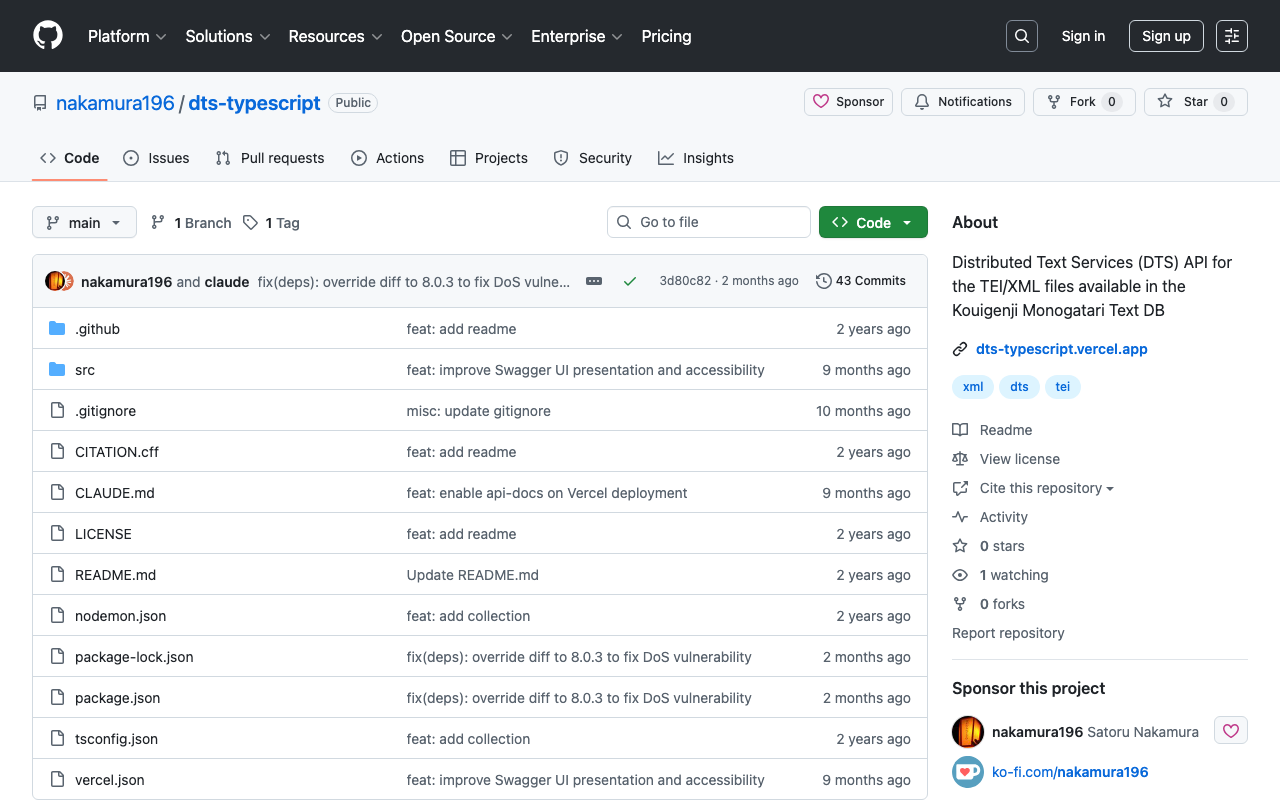
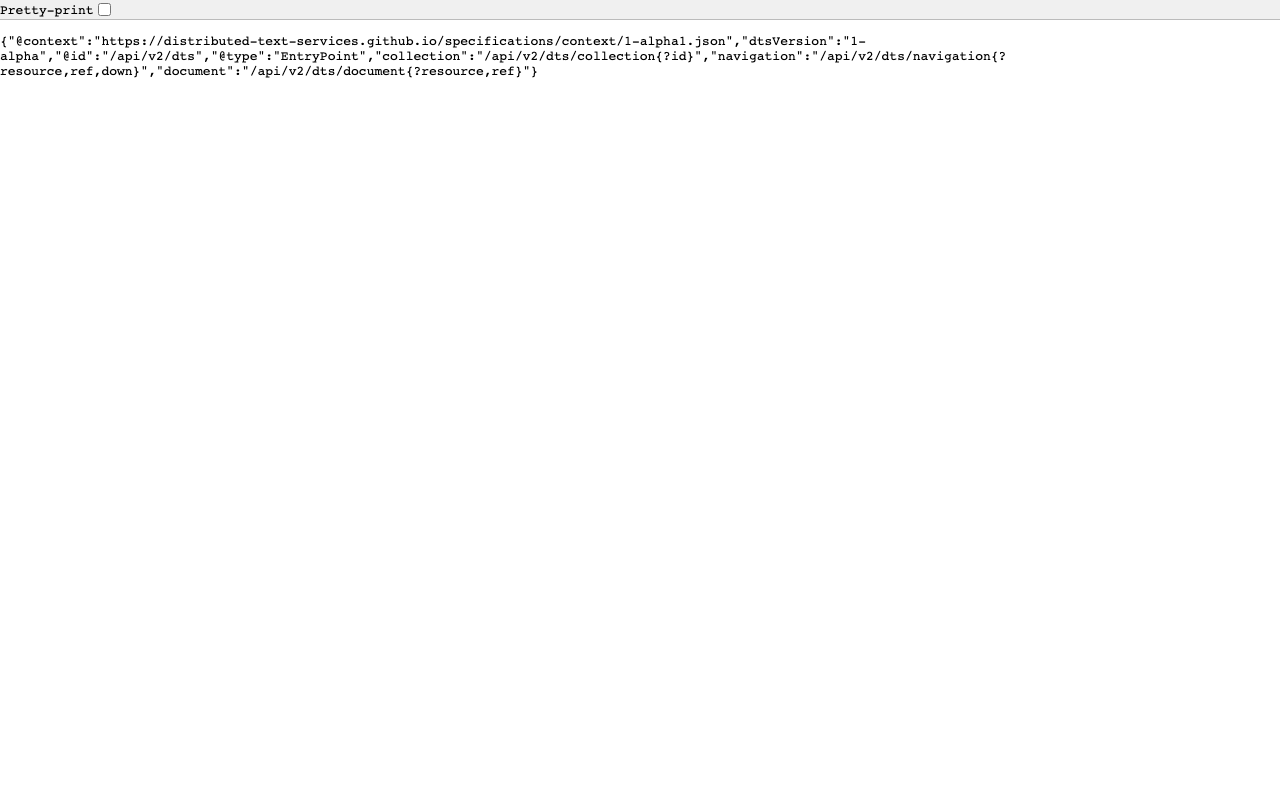
Overview I published the GitHub repository for the API introduced in the following article. The repository is below. https://github.com/nakamura196/dts-typescript There may be some incomplete aspects, but I hope this is helpful as a reference. Notes Vercel Rewrite By configuring as follows, access to / was redirected to /api/dts. { "version": 2, "builds": [ { "src": "src/index.ts", "use": "@vercel/node" } ], "rewrites": [ { "source": "/api/dts(.*)", "destination": "/src/index.ts" } ], "redirects": [ { "source": "/", "destination": "/api/dts", "permanent": true } ] } Collection ID The following is used as the collection ID. ...

Creating a DTS API for TEI/XML Files Published by the Koui Genji Monogatari Text DB

Creating a DTS API for TEI/XML Files Published by the Koui Genji Monogatari Text DB

Overview This is a memo on creating a DTS (Distributed Text Services) API for TEI/XML files published by the Koui Genji Monogatari Text DB. Background The Koui Genji Monogatari Text DB is available at: https://kouigenjimonogatari.github.io/ It publishes TEI/XML files. Developed DTS The developed DTS is available at: https://dts-typescript.vercel.app/api/dts It is built with Express.js deployed on Vercel. For more information about DTS, please refer to: https://zenn.dev/nakamura196/articles/4233fe80b3e76d MyCapytain Library The following article introduced a library for using DTS from Python: ...

Trying Out DTS (Distributed Text Services)

Trying Out DTS (Distributed Text Services)

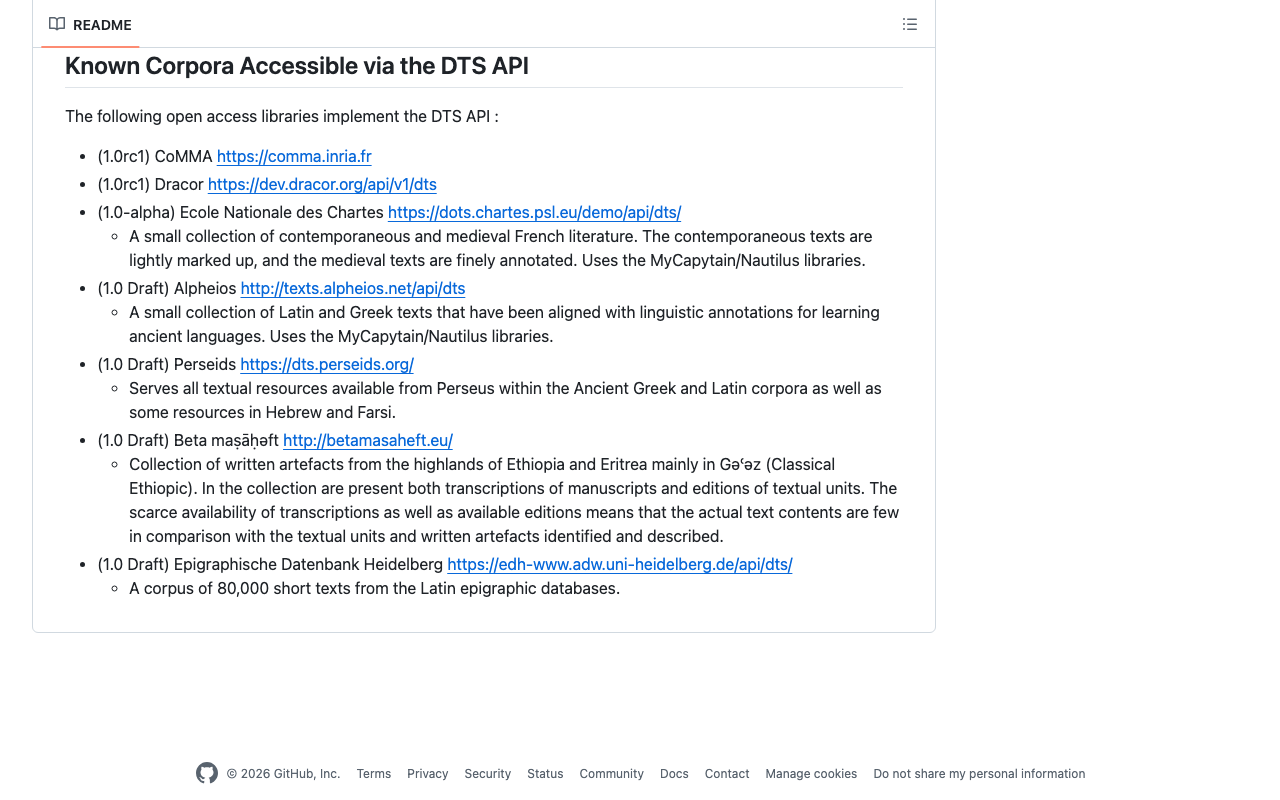
Overview I had the opportunity to learn how to use DTS (Distributed Text Services), and this is a memo of that experience. API Used We will use Alpheios, which is introduced at the following page. https://github.com/distributed-text-services/specifications/?tab=readme-ov-file#known-corpora-accessible-via-the-dts-api Top https://texts.alpheios.net/api/dts We can see that collections, documents, and navigation are available. { "navigation": "/api/dts/navigation", "@id": "/api/dts", "@type": "EntryPoint", "collections": "/api/dts/collections", "@context": "dts/EntryPoint.jsonld", "documents": "/api/dts/document" } Collection Endpoint collections https://texts.alpheios.net/api/dts/collections We can see that it contains 2 sub-collections. { "totalItems": 2, "member": [ { "@id": "urn:alpheios:latinLit", "@type": "Collection", "totalItems": 3, "title": "Classical Latin" }, { "@id": "urn:alpheios:greekLit", "@type": "Collection", "totalItems": 4, "title": "Ancient Greek" } ], "title": "None", "@id": "default", "@type": "Collection", "@context": { "dts": "https://w3id.org/dts/api#", "@vocab": "https://www.w3.org/ns/hydra/core#" } } Classical Latin Specifying the id urn:alpheios:latinLit to narrow the collection to Classical Latin. ...

The Relationship Between DTS and CTS

The Relationship Between DTS and CTS

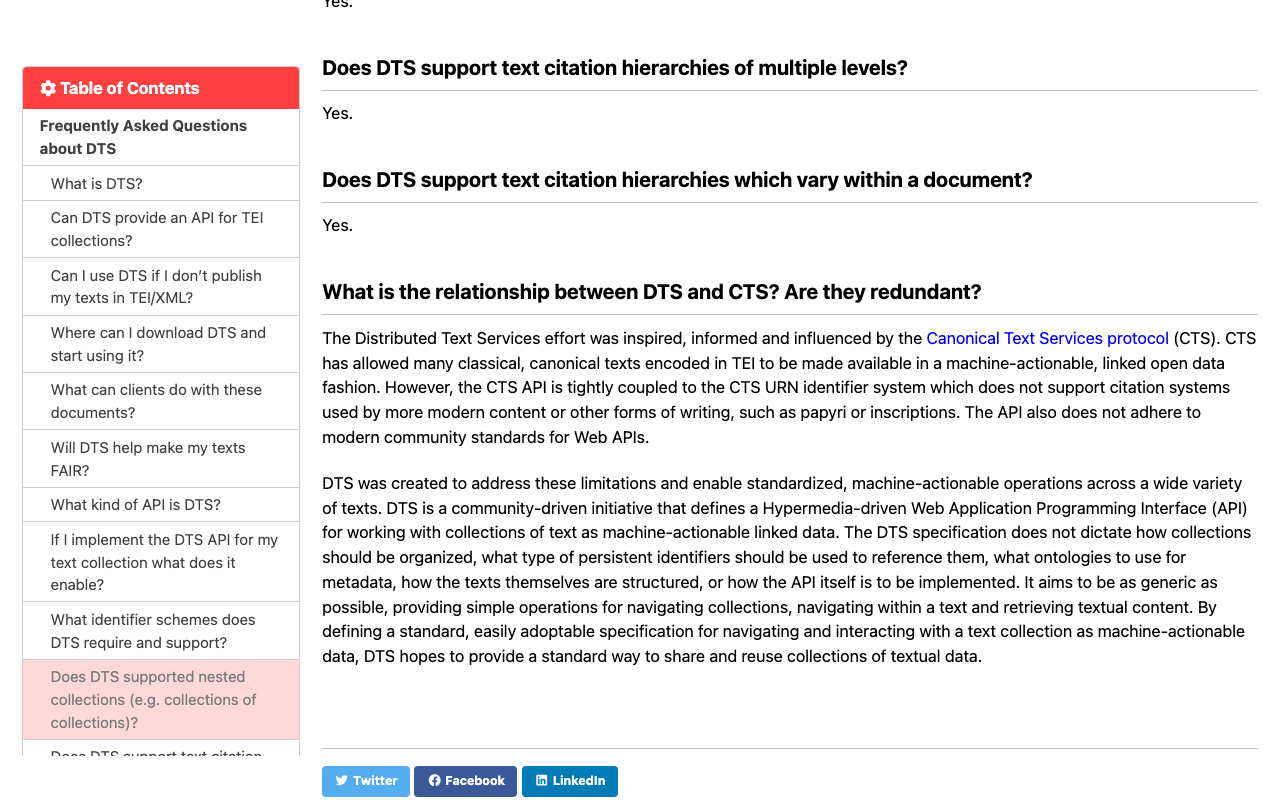
Overview This is a summary of the investigation into the relationship between DTS (Distributed Text Services) and CTS (Canonical Text Services protocol). The details were found at the following page. https://distributed-text-services.github.io/specifications/FAQ.html#what-is-the-relationship-between-dts-and-cts-are-they-redundant (Machine Translation) Japanese Translation What is the relationship between DTS and CTS? Are they redundant? DTS (Distributed Text Services) was developed with inspiration from and influenced by the Canonical Text Services (CTS) protocol. CTS made it possible to provide many classical and canonical texts encoded in TEI format as machine-processable Linked Open Data. However, the CTS API is closely tied to the CTS URN identifier system and does not accommodate citation systems used in modern content or other forms of writing such as papyri and inscriptions. Additionally, this API does not conform to the latest community standards for Web APIs. ...

Trying Out the MyCapytain Library

Trying Out the MyCapytain Library

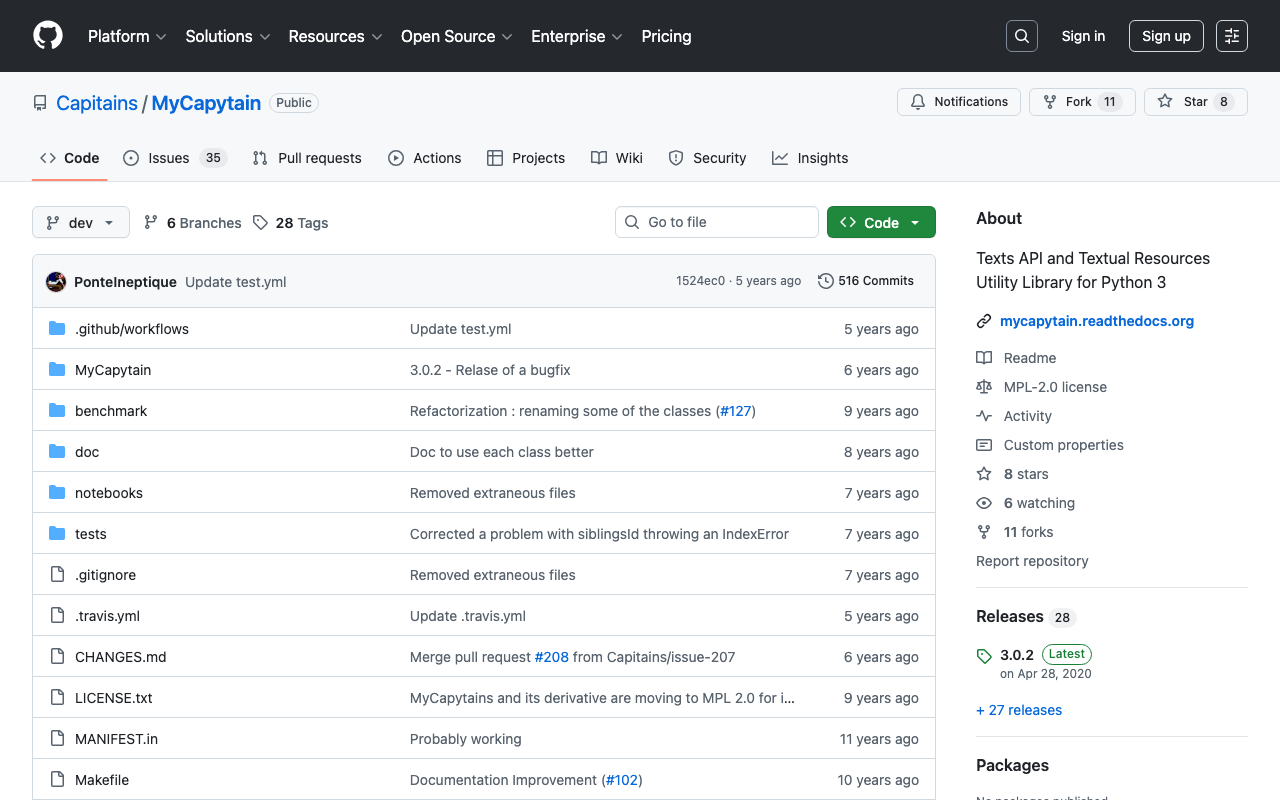
Overview This article tries out the MyCapytain library below. https://github.com/Capitains/MyCapytain Background In the following article, I covered CTS (Canonical Text Service). The following page provides explanations of CITE, CTS, and CapiTainS. https://brillpublishers.gitlab.io/documentation-cts/DTS_Guidelines.html The following document is about CITE, a system for the identification of texts and any other object. CTS is the name for the identification system itself. CapiTainS is the name for the software suite built around it. Before we go into details, we need to ask two questions: ...

Trying Canonical Text Services

Trying Canonical Text Services

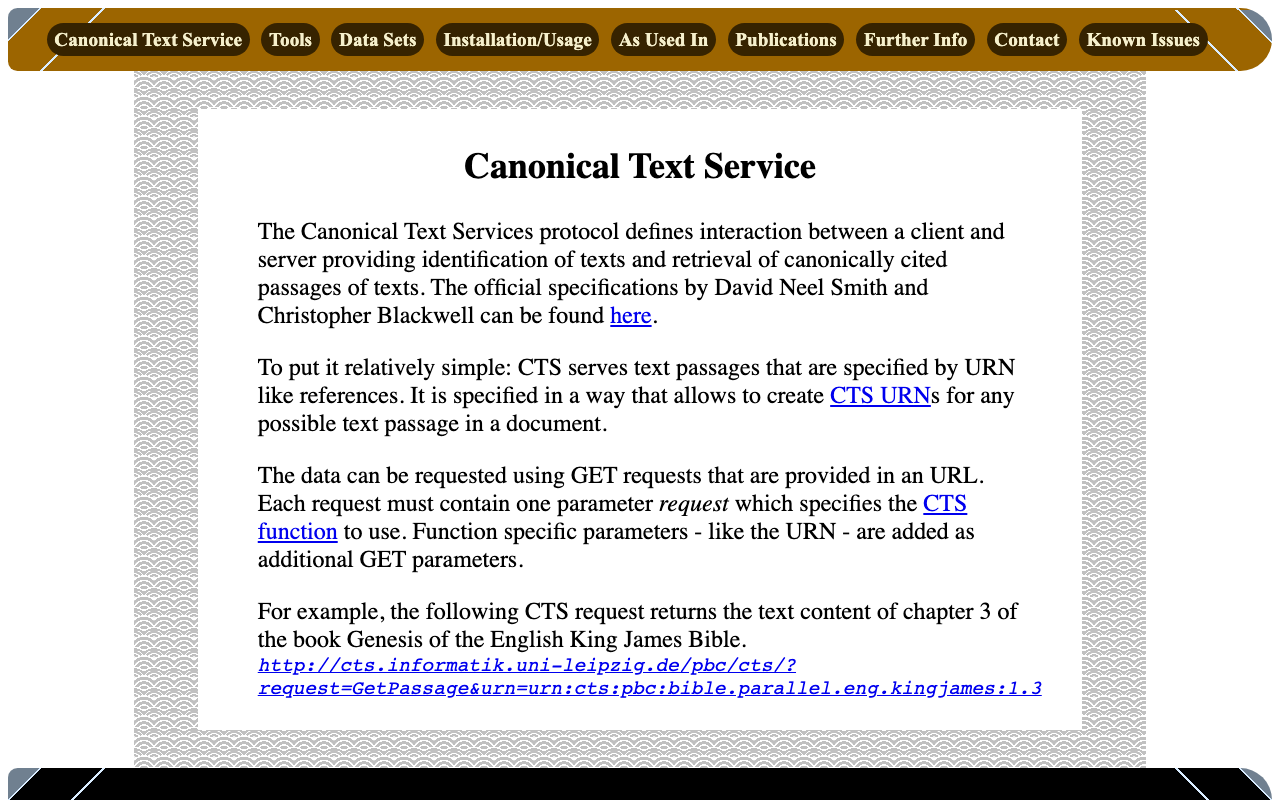
Overview Canonical Text Services is described as follows: The Canonical Text Services protocol defines interaction between a client and server providing identification of texts and retrieval of canonically cited passages of texts. The following site was used as a reference. http://cts.informatik.uni-leipzig.de/Canonical_Text_Service.html Usage The following was used as a reference. https://github.com/cite-architecture/cts_spec/blob/master/md/specification.md GetCapabilities A request to check the services supported by the server. http://cts.informatik.uni-leipzig.de/pbc/cts/?request=GetCapabilities <GetCapabilities xmlns="http://relaxng.org/ns/structure/1.0" xmlns:a="http://relaxng.org/ns/compatibility/annotations/1.0" xmlns:tei="http://www.tei-c.org/ns/1.0" xmlns:dc="http://purl.org/dc/elements/1.1/" xmlns:ti="http://chs.harvard.edu/xmlns/cts"> <request>GetCapabilities</request> <reply> <TextInventory tiversion="5.0.rc.1"> <corpuslicense>Public Domain</corpuslicense> <corpussource>http://paralleltext.info/data/</corpussource> <corpuslanguage>arb,ceb,ces,cym,deu,eng,fin,fra,ita,mya,rus,tgl,ukr</corpuslanguage> <corpusname>Parallel Bible Corpus</corpusname> <corpusdescription>The Bible corpus contains 1169 unique translations, which have been assigned 906 different ISO-639-3 codes. This CTS instance contains 20 bible translations from PBC that are available as Public Domain.</corpusdescription> <textgroup urn="urn:cts:pbc:bible"> <groupname>bible</groupname> <edition urn="urn:cts:pbc:bible.parallel.arb.norm:"> <title>The Bible in Arabic</title> <license>Public Domain</license> <source>http://paralleltext.info/data/ retrieved via Canonical Text Service http://cts.informatik.uni-leipzig.de/pbc/cts/</source> <publicationDate>1865</publicationDate> <language>arb</language> <contentType>xml</contentType> </edition> ... </textgroup> </TextInventory> </reply> </GetCapabilities> GetPassage Retrieves a specific portion of text based on a specified URN (Uniform Resource Name). ...