Home Articles Books Search About
日本語
LLM-Based Manuscript Paper OCR Performance Comparison: Verification of Vertical Japanese Recognition Accuracy

LLM-Based Manuscript Paper OCR Performance Comparison: Verification of Vertical Japanese Recognition Accuracy

Introduction In this article, we compared and verified the OCR performance of major LLM models using actual manuscript paper images. While many OCR benchmarks target printed documents and horizontally written text, we evaluate recognition accuracy on the special format of Japanese vertical manuscript paper to more practically verify each model’s Japanese document understanding capabilities. Features of This Verification Using the uniquely Japanese manuscript paper format: Verification with images containing complex elements such as characters placed in grid cells, vertical writing layout, and distinctive margin composition Assuming practical use cases: Performance evaluation on manuscript paper used in actual writing scenarios such as essays, novels, and academic papers Comprehensive comparison of the latest models: Comparison of the latest models – GPT-5, GPT-4.1, Gemini 2.5 Pro, Claude Opus 4.1, and Claude Sonnet 4 – under identical conditions Verification Overview Image Used Image source: Canva template (400-character manuscript paper) URL: https://www.canva.com/ja_jp/templates/EAFbqUoH7P8/ Image characteristics: 20x20 grid, 400-character manuscript paper Vertical writing layout Faint grid lines (cells) Distinction between title area and body area ...

Challenges and Solutions for Preserving Order in PDF Transparent Text Extraction

Challenges and Solutions for Preserving Order in PDF Transparent Text Extraction

Background When extracting the transparent text layer from PDF files, we encountered the problem of “text order differing from the original PDF.” This article explains the cause of this issue and solutions in both JavaScript and Python. There may be some inaccuracies, but we hope this serves as a useful reference. What is PDF Transparent Text? The transparent text layer of a PDF is searchable text information embedded within the PDF file. OCR-processed PDFs and digitally generated PDFs contain this transparent text layer, enabling the following features: ...

Guide to Publishing TEI/XML Files on GitHub

Guide to Publishing TEI/XML Files on GitHub

Introduction This article explains the procedure for uploading TEI (Text Encoding Initiative) format XML files to GitHub and creating URLs that anyone can access. TEI/XML is an international standard format for structurally describing texts such as historical documents and literary works. By using GitHub, you can share your research data with researchers around the world. What You Need A computer (Windows, Mac, or Linux) Internet connection TEI/XML files (that you already have) Email address (for creating a GitHub account) About Sample Files If you don’t have TEI/XML files, you can use the following TEI/XML file from the Koui Genji Monogatari for practice: ...

TEI ODD File Customization: A Case Study with NDL Classical Book OCR

TEI ODD File Customization: A Case Study with NDL Classical Book OCR

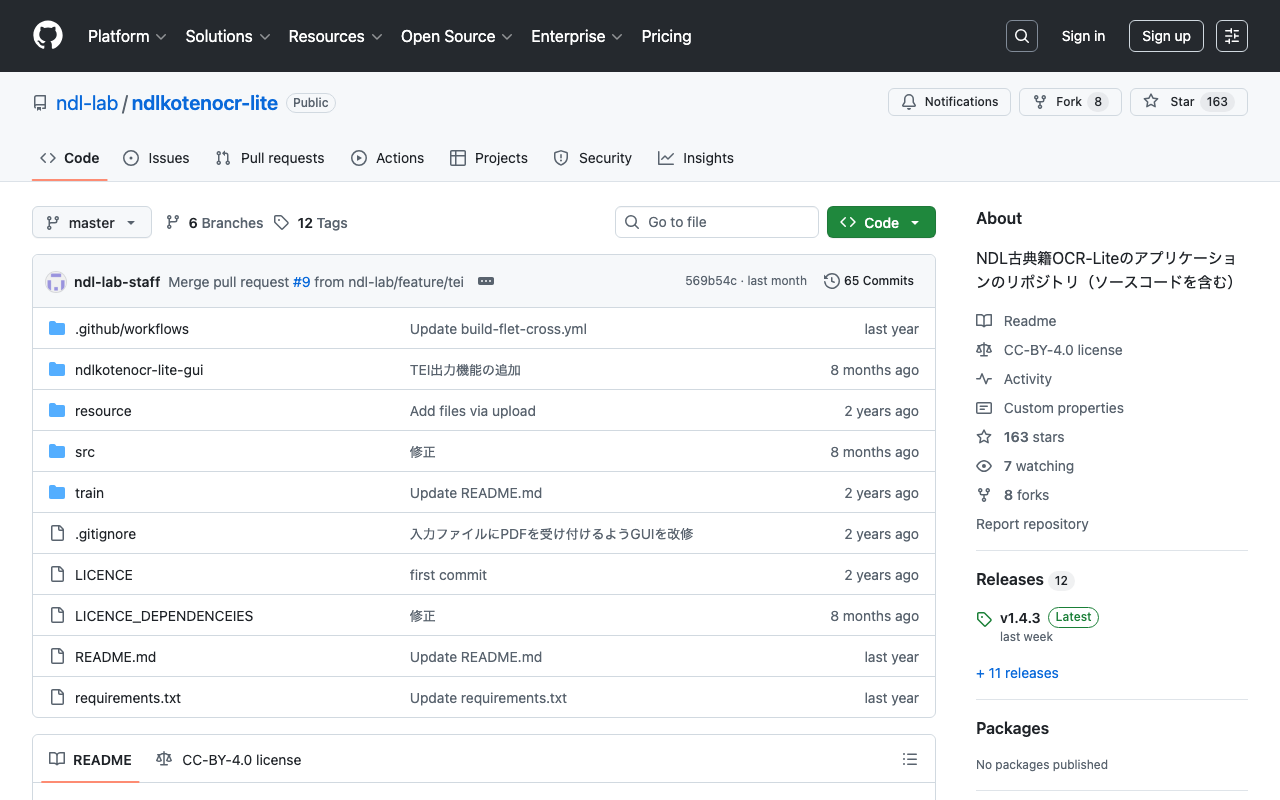
Overview TEI (Text Encoding Initiative) is an international standard for digitizing and sharing texts in humanities research. This article introduces the process of customizing a TEI ODD file to match the output format of the NDL Classical Book OCR-Lite application. ODD (One Document Does it all) is a mechanism for customizing TEI schemas, allowing you to define your own schema containing only the elements and attributes you need. Background: Developing the NDL Classical Book OCR-Lite Application We are developing an application that outputs the results of NDL Classical Book OCR-Lite in TEI/XML format. The application is designed to perform OCR processing on Japanese classical books and output the results in standard TEI format. ...

Converting ODD to RNG/HTML Using the TEI Garage API

Converting ODD to RNG/HTML Using the TEI Garage API

Introduction Generating schemas (RNG) and documentation (HTML) from TEI (Text Encoding Initiative) ODD (One Document Does it all) files is an important process in TEI projects. This article analyzes how the TEI Garage API, used internally by Roma (the TEI ODD editor), works and introduces how to call the API directly from scripts to convert ODD files. What Is TEI Garage? TEI Garage is a web service provided by the TEI community that can perform conversions between various formats. For ODD file processing in particular, it provides the following features: ...

A Scalable OCR Processing System Using NDL Classical Japanese OCR Lite on Azure Container Apps

A Scalable OCR Processing System Using NDL Classical Japanese OCR Lite on Azure Container Apps

Important Usage Notice The system described in this article may place load on external servers. Please exercise caution when using it. Server load: Parallel requests place load on target servers DoS risk: A large number of simultaneous accesses may be mistaken for a DoS attack Recommended approach: Download images locally in advance and run only the OCR processing in parallel Check terms of service: Always review the target server’s terms of service and obtain prior permission if necessary Appropriate rate limiting: In production, conservative concurrency settings (around 5-10 parallel) are strongly recommended Responsible use: Always be considerate of server administrators and other users This article is a record of a technical proof of concept. We ask readers to use the system responsibly. ...

How to Register the PROV-O Ontology in Omeka S

How to Register the PROV-O Ontology in Omeka S

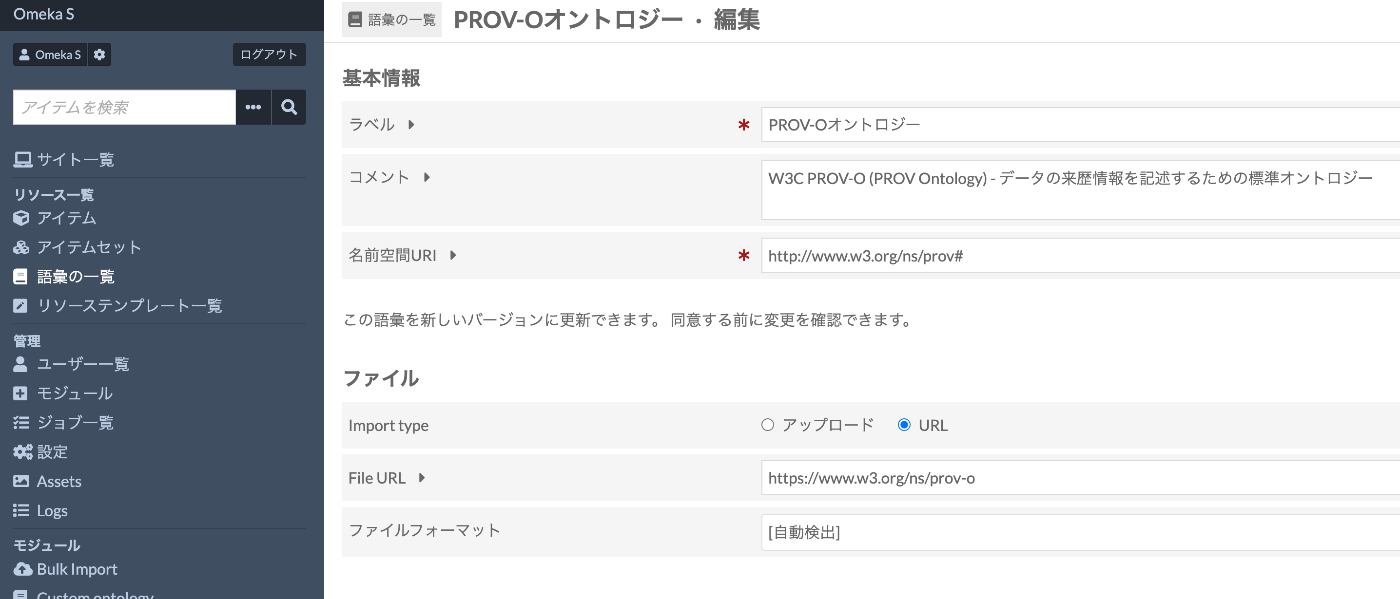
Introduction When building digital archives with Omeka S, using standard vocabularies for metadata description improves data interoperability. This article explains the steps to register PROV-O (PROV Ontology), developed by W3C, in Omeka S. PROV-O is an ontology for describing provenance information about data and digital objects, allowing structured recording of “who,” “when,” and “how” data was created or modified. Prerequisites Omeka S (version 3.0 or later) installed Logged in with administrator privileges Internet connection environment (required for importing from external URLs) Registration Steps 1. Accessing the Vocabulary Management Screen Log in to the Omeka S admin panel Click “Vocabularies” from the left menu Click the “Import new vocabulary” button in the upper right 2. Entering Basic Information Enter the vocabulary basic information as follows: ...

Image Collection Management Tool: Technical Architecture Explained

Image Collection Management Tool: Technical Architecture Explained

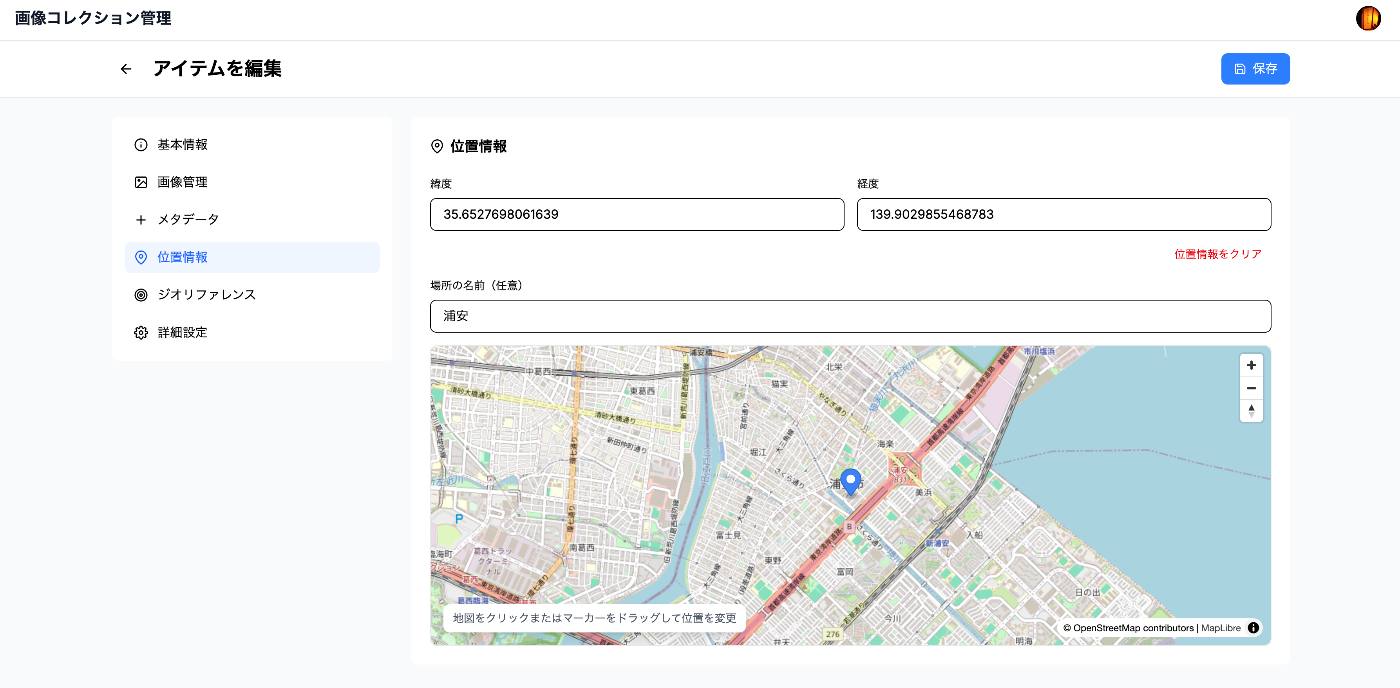
Overview In a previous article, we introduced an “Image Collection Management” tool designed for easily trying out IIIF features. https://zenn.dev/nakamura196/articles/7d6bb4cdc414c4 This article introduces the technologies used behind the scenes of this tool. Background The Image Collection Management Tool is a web application for managing and publishing image collections in the IIIF (International Image Interoperability Framework) format, an international standard. This article explains the technical implementation of the tool, focusing particularly on the IIIF specification implementation and the handling of geospatial information. ...

IIIF Georeference Viewer Migration to MapLibre GL and Feature Improvements

IIIF Georeference Viewer Migration to MapLibre GL and Feature Improvements

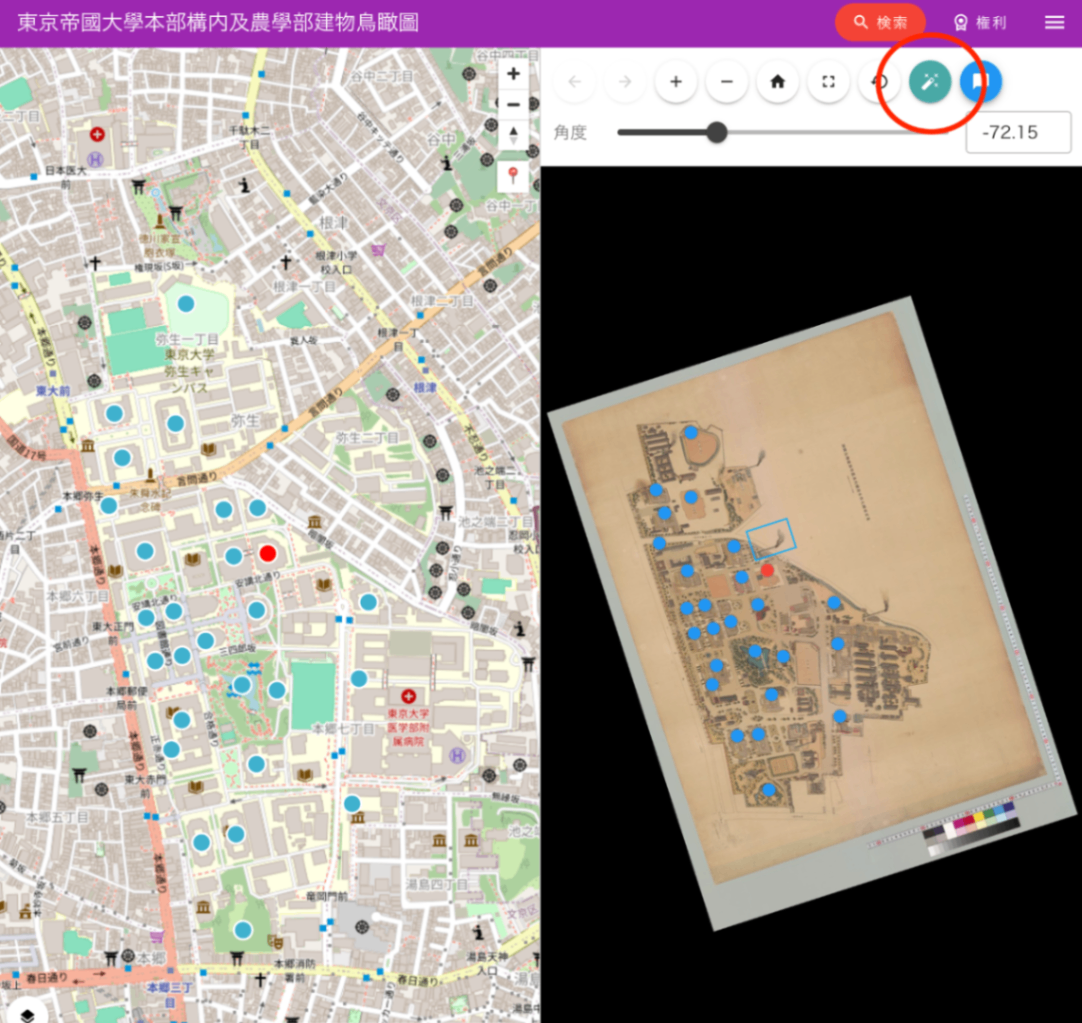
This article was created by AI with human additions. Overview We migrated the map component of the IIIF Georeference Viewer from Leaflet to MapLibre GL and implemented multiple feature improvements. This article explains the major features implemented and their technical details. https://nakamura196.github.io/iiif_geo/ Major Improvements 1. Automatic Image Rotation To display IIIF images in the correct orientation on the map, we implemented a feature that automatically calculates the rotation angle from control points (corresponding points). ...

Multilingual Support for Omeka S Themes

Multilingual Support for Omeka S Themes

Introduction When developing Omeka S themes, information about implementing multilingual support is limited. This article explains the specific steps for making an Omeka S custom theme multilingual, along with important notes for implementation. Table of Contents How the Omeka S Translation System Works Files Needed for Theme Multilingual Support Step-by-Step Guide Common Mistakes and Solutions Implementation Examples Troubleshooting 1. How the Omeka S Translation System Works Omeka S uses the gettext standard translation system. In this system: ...

How to Dynamically Convert File Paths on Azure Storage Using Cantaloupe Delegate Scripts

How to Dynamically Convert File Paths on Azure Storage Using Cantaloupe Delegate Scripts

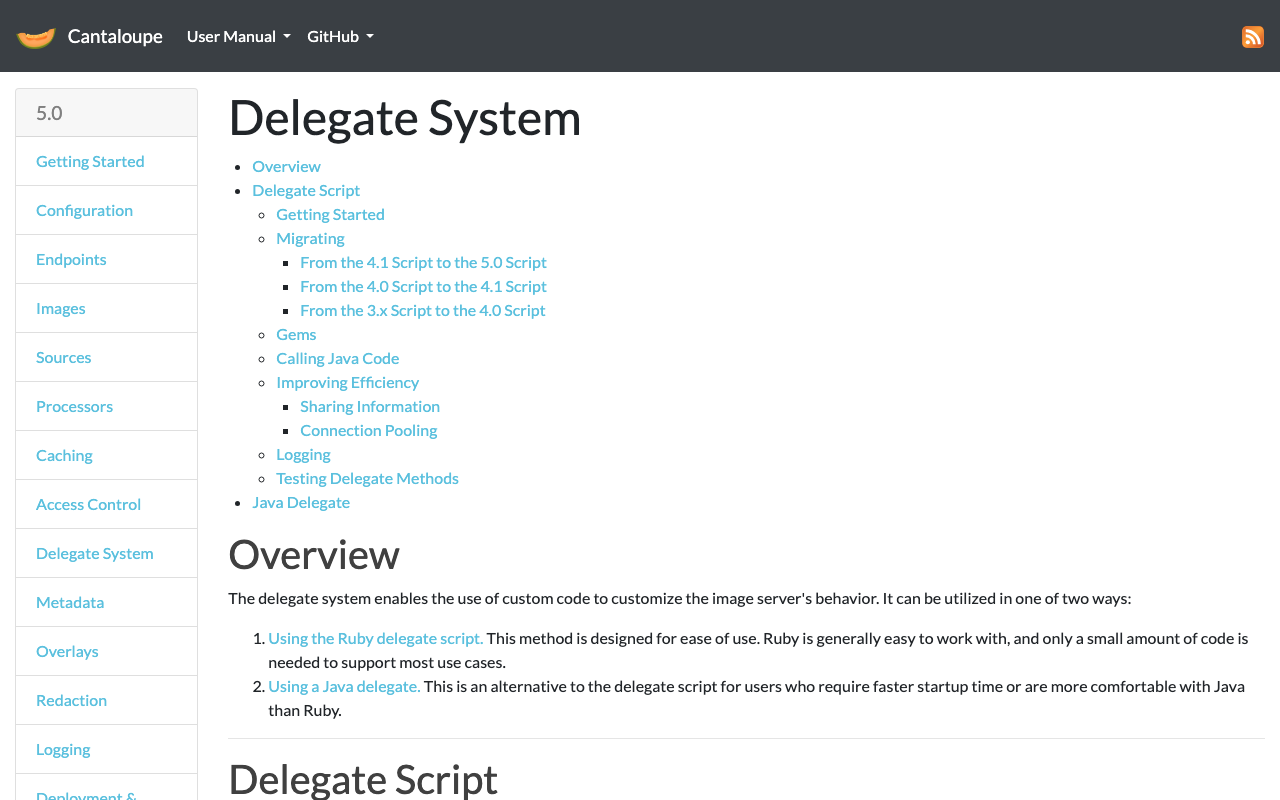
Introduction When using Azure Storage with the IIIF server Cantaloupe, the IIIF URL identifier may differ from the actual file path on Azure Storage. This article provides a detailed explanation of how to solve this problem using delegate scripts. The Problem Suppose you are managing images with the following file structure: Azure Storage Container: mycontainer ├── images/ │ ├── collection1/ │ │ ├── item001/ │ │ │ └── item001_001.jpg │ │ └── item002/ │ │ └── item002_001.jpg │ └── collection2/ │ └── ... However, you want to access them via IIIF URLs like: ...

Implementation Guide for TEI XML Schema Combining RELAX NG and Schematron

Implementation Guide for TEI XML Schema Combining RELAX NG and Schematron

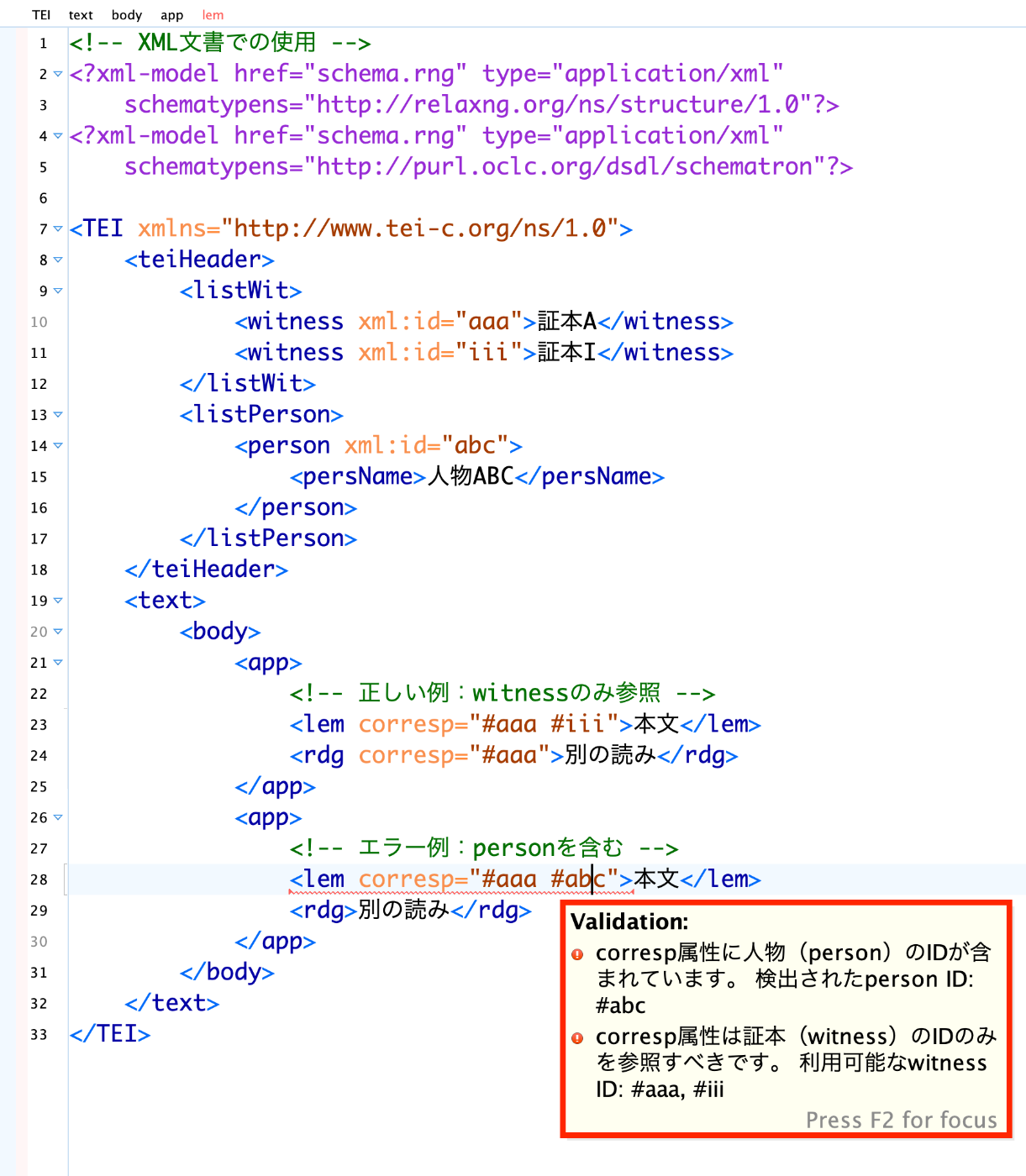
! After manual verification, an AI wrote this article. Introduction When editing TEI (Text Encoding Initiative) XML, in addition to structural validation of elements and attributes, more complex business rule validation may be needed. This article explains how to combine RELAX NG (RNG) and Schematron to achieve both structural and content validation, using challenges encountered in an actual project as examples. The Problem to Solve When editing classical Japanese literary texts in TEI XML, the following requirements arose: ...

Setting Up the WDB Module on Drupal 10 in a Docker Environment

Setting Up the WDB Module on Drupal 10 in a Docker Environment

Overview This article explains the steps to build Drupal 10 in a Docker environment and install the WDB module for linguistic databases. Prerequisites Docker Desktop is installed Git is installed Steps 1. Building the Docker Environment First, create a docker-compose.yml file: services: mariadb: image: mariadb:latest restart: always volumes: - mariadb:/var/lib/mysql environment: MYSQL_ROOT_PASSWORD: drupal MYSQL_DATABASE: drupal MYSQL_USER: drupal MYSQL_PASSWORD: drupal drupal: image: drupal:10.2.7-php8.2-apache-bullseye volumes: - ./drupal/files:/opt/drupal/web/sites/default/files - ./drupal/modules:/opt/drupal/web/modules - ./drupal/themes:/opt/drupal/web/themes - ./drupal/private:/opt/drupal/private depends_on: - mariadb ports: - 8080:80 restart: always volumes: mariadb: {} Next, create the necessary directories and start the containers: ...

Creating Project-Specific RNG Files Using Generative AI

Creating Project-Specific RNG Files Using Generative AI

Overview When editing TEI/XML files, changing the RNG file used for validation allows you to limit the tags and attributes available. This offers benefits such as preventing workers from being confused by tag choices and reducing inconsistencies in the created TEI/XML. As a method for editing RNG files, using Roma is common, as introduced in the following article. This is a top-down approach to limiting available tags and attributes, but this time we try creating an RNG file bottom-up from existing TEI/XML using generative AI. ...

Introducing Omeka S Docker: A Modern and Secure Solution for Digital Collections

Introducing Omeka S Docker: A Modern and Secure Solution for Digital Collections

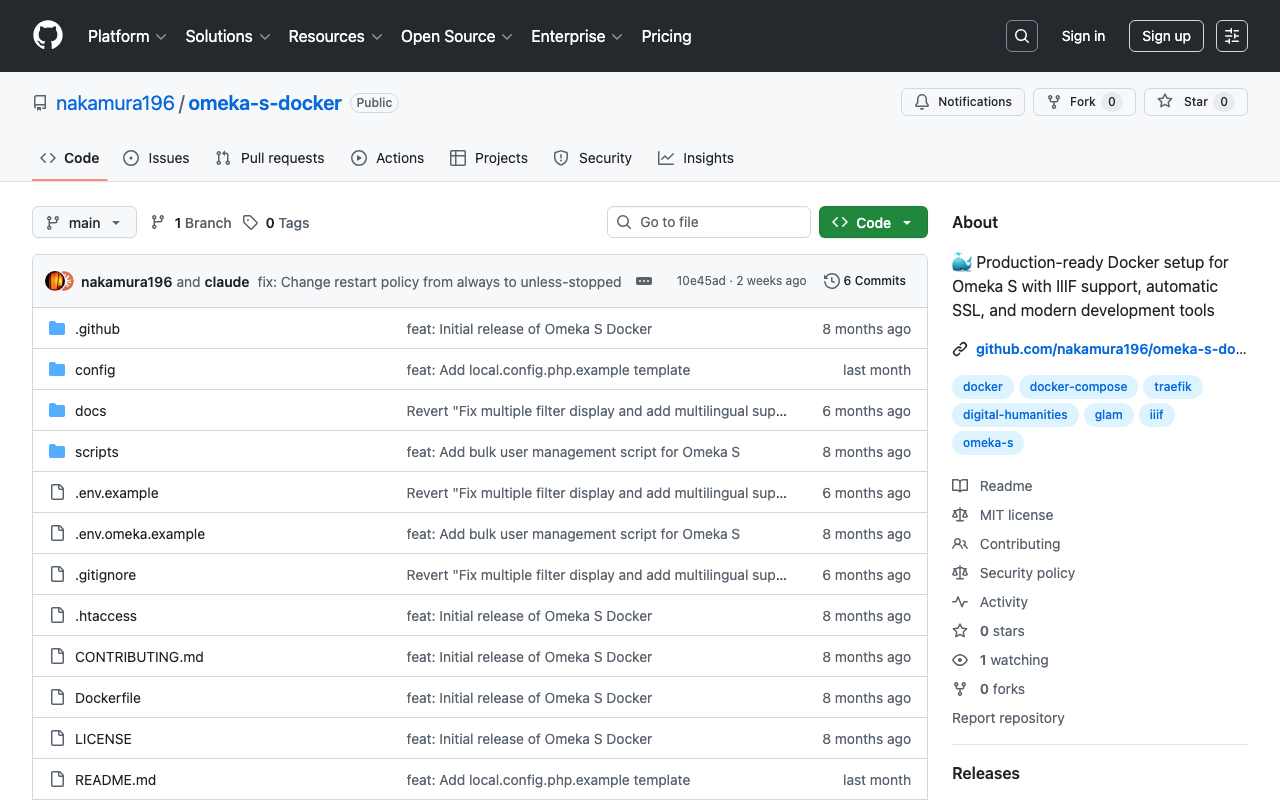
! This article was created by AI. Welcome to Omeka S Docker! This project provides a production-ready Docker setup for Omeka S, a web publication system for universities, galleries, libraries, archives, and museums. GitHub Repository: https://github.com/nakamura196/omeka-s-docker Why Omeka S Docker? Managing digital collections does not need to be complex. That is why we created a Docker-based solution that simplifies deploying and managing Omeka S. Key Features Quick Setup: Get Omeka S running within minutes with a single command Security First: Built with security best practices including non-root containers and secure default settings Module Management: Automatic installation and updates of popular Omeka S modules Easy Upgrades: Seamless version upgrades while maintaining data persistence Production Ready: Optimized for both development and production environments Traefik Integration: Built-in support for reverse proxy and SSL termination Getting Started Prerequisites Docker and Docker Compose installed Basic command line knowledge (Optional) A domain name for production deployment with SSL Understanding Setup Options This Docker setup provides two deployment modes: ...

I Built a Prototype IIIF 3D Viewer

I Built a Prototype IIIF 3D Viewer

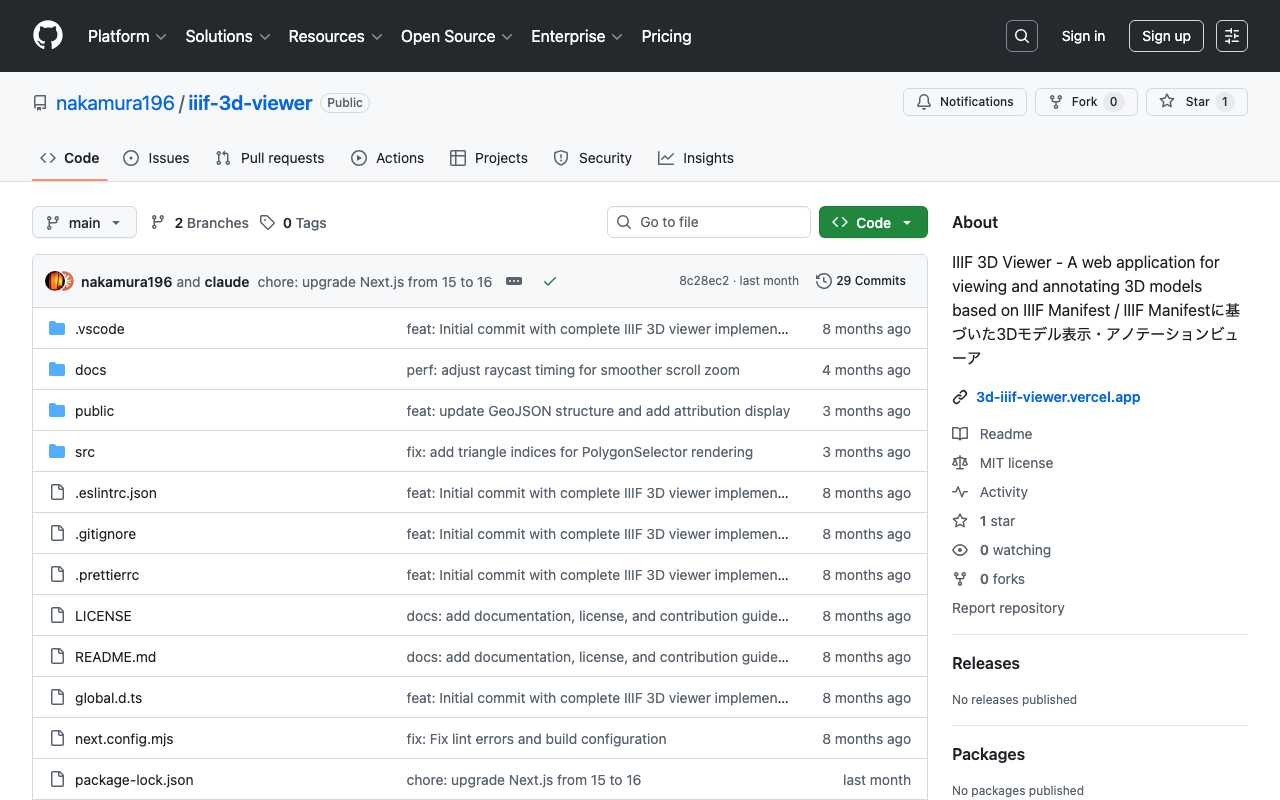
! This article was generated by AI. Introduction In the field of digital humanities, the 3D digitization of cultural properties and historical materials is rapidly advancing. However, appropriate tools are needed not only for simply viewing 3D models but also for utilizing them in academic analysis and education. This article introduces “IIIF 3D Viewer,” a web application for viewing 3D models that complies with the IIIF (International Image Interoperability Framework) standard. ...

Trying Out the Viewer from the "Pre-modern Japan-Asia Relations Digital Archive"

Trying Out the Viewer from the "Pre-modern Japan-Asia Relations Digital Archive"

Overview The “Pre-modern Japan-Asia Relations Digital Archive” was released on July 25, 2025. https://asia-da.lit.kyushu-u.ac.jp/ The viewer is also available at: https://github.com/localmedialabs/tei_comparative_viewer In this article, I share my experience trying out this viewer. As a result, I was able to self-host it as shown below: https://tei-comparative-viewer.aws.ldas.jp/ It loads the following XML file of “Kaitoshokokki” (Record of Countries and Peoples in the Eastern Sea): https://asia-da.lit.kyushu-u.ac.jp/viewer/300 Running Locally Detailed instructions are provided at the following link, which I followed to get it running: ...

Next.js 15 Compatible Multilingual and Dark Mode SSG Template

Next.js 15 Compatible Multilingual and Dark Mode SSG Template

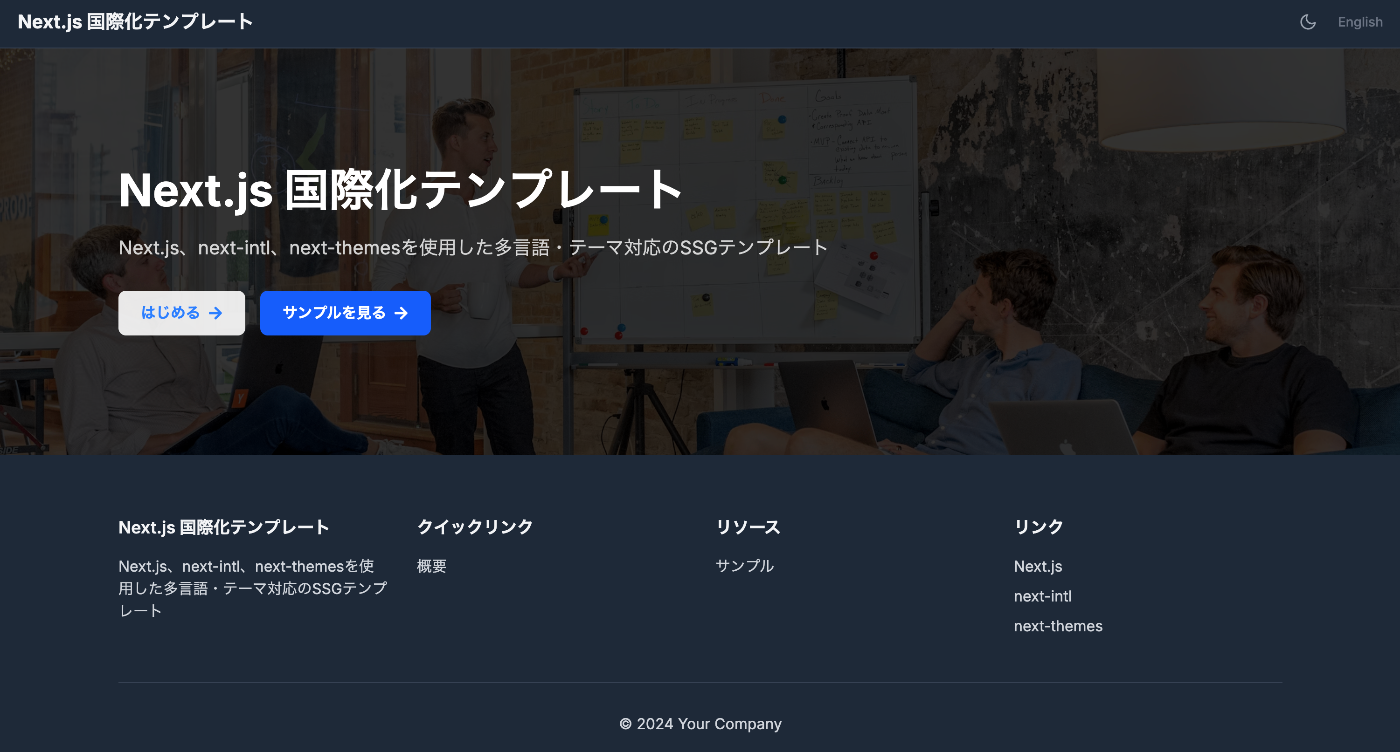
This article was reviewed by a human for implementation and written by AI. Overview This template is a starting point for web application development that supports static site generation (SSG) with Next.js 15, with built-in multilingual support and dark mode. It combines TypeScript, Tailwind CSS, next-intl, and next-themes. https://nextjs-i18n-themes-ssg-template.vercel.app/ja/ Key Features 1. Static Site Generation (SSG) Full static export with output: 'export' Fast page loading and SEO optimization Reduced hosting costs 2. Internationalization (i18n) Full multilingual support with next-intl Japanese and English support (easy to add more languages) URL-based language switching (/ja/about, /en/about) Type-safe translation keys 3. Dark Mode System-linked dark mode with next-themes Automatic detection of user preferences Smooth theme switching animation Persistent settings via LocalStorage 4. Improved Developer Experience Type safety with TypeScript Efficient styling with Tailwind CSS Code quality management with ESLint Unified component structure Tech Stack { "dependencies": { "next": "^15.4.4", "react": "^19.1.0", "next-intl": "^4.3.4", "next-themes": "^0.4.6", "tailwindcss": "^4.1.11", "@tailwindcss/typography": "^0.5.16" } } Project Structure src/ ├── app/ │ ├── [locale]/ │ │ ├── layout.tsx # Root layout │ │ ├── page.tsx # Home page │ │ ├── about/ # About page │ │ └── example/ # Sample page │ ├── icon.svg # Favicon │ └── sitemap.ts # Sitemap generation ├── components/ │ ├── layout/ # Layout components │ │ ├── Header.tsx │ │ ├── Footer.tsx │ │ ├── PageLayout.tsx │ │ ├── ToggleTheme.tsx │ │ └── ToggleLanguage.tsx │ └── page/ # Page-specific components ├── i18n/ │ └── routing.ts # i18n configuration └── messages/ # Translation files ├── en.json └── ja.json Notable Implementations 1. Static Export Support for sitemap.ts export const dynamic = 'force-static'; export const revalidate = false; export default function sitemap(): MetadataRoute.Sitemap { // Implementation } 2. Unified Page Layout <PageLayout breadcrumbItems={breadcrumbItems} title={t('title')} description={t('description')} > <YourContent /> </PageLayout> 3. Configuration via Environment Variables # .env.example NEXT_PUBLIC_SITE_URL=http://localhost:3000 NEXT_PUBLIC_BASE_PATH= Usage Installation git clone [repository-url] cd nextjs-i18n-themes-ssg-template npm install Development npm run dev Build npm run build Customization Points Adding languages: src/i18n/routing.ts and messages/ directory Adding pages: Create new directories under src/app/[locale]/ Theme customization: tailwind.config.js and global CSS Metadata: generateMetadata function in each page Best Practices Component naming: Use PascalCase Translation keys: Organize with nested structure Type safety: Maximize use of TypeScript types Performance: Cache strategy utilizing static generation Summary This template aims to enable quick construction of static sites optimized for SEO, with built-in internationalization and dark mode features. The goal is to improve developer productivity while providing an excellent experience for end users. ...

How to Implement sitemap.ts When Using output: 'export' in Next.js 15

How to Implement sitemap.ts When Using output: 'export' in Next.js 15

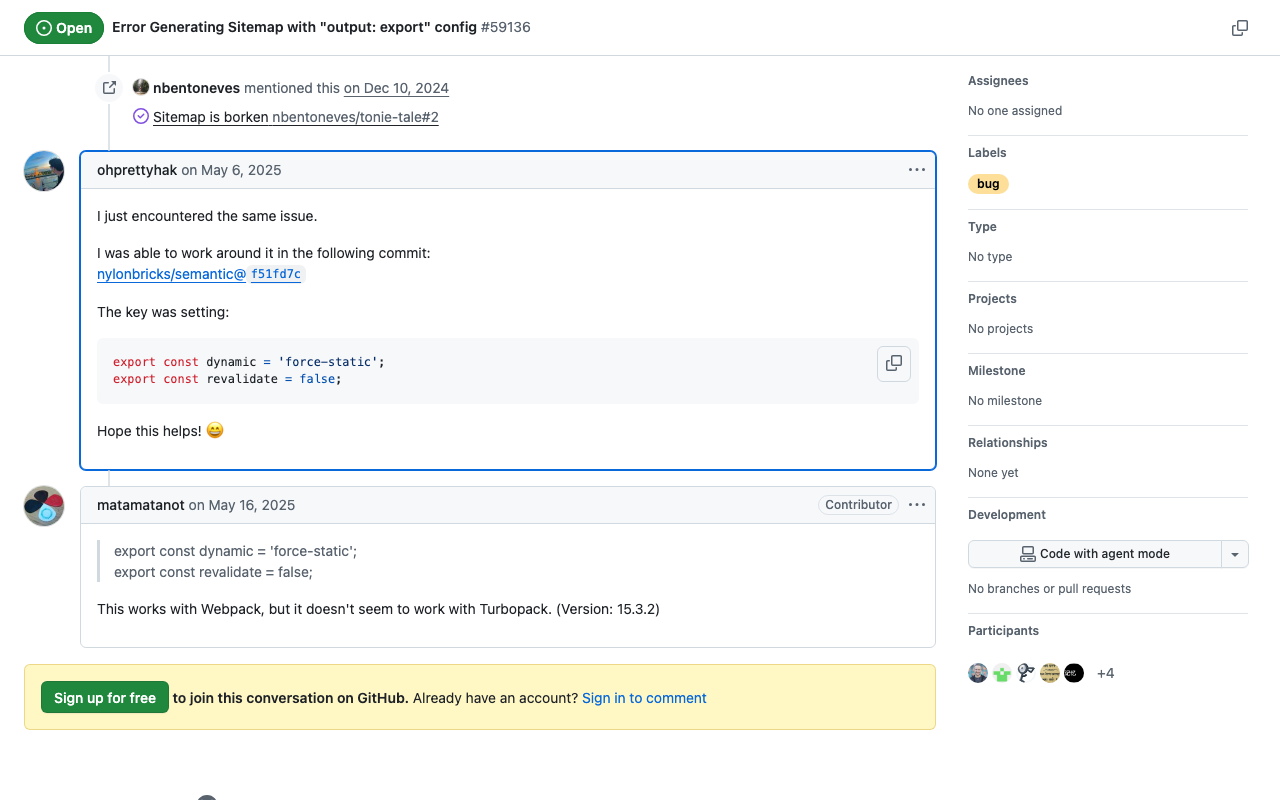
This article was written by AI after a human verified the implementation. Background When using static site generation (output: 'export') in Next.js 15, you may encounter an error with the sitemap.ts implementation: Error: export const dynamic = "force-static"/export const revalidate not configured on route "/sitemap.xml" with "output: export". Solution This problem can be solved by adding the following two exports to sitemap.ts: // src/app/sitemap.ts import { MetadataRoute } from 'next'; export const dynamic = 'force-static'; export const revalidate = false; export default function sitemap(): MetadataRoute.Sitemap { // sitemap generation logic } Implementation Example import { MetadataRoute } from 'next'; import { routing } from '@/i18n/routing'; export const dynamic = 'force-static'; export const revalidate = false; export default function sitemap(): MetadataRoute.Sitemap { const baseUrl = process.env.NEXT_PUBLIC_SITE_URL || 'http://localhost:3000'; const staticPages = [ '', // Home page '/about', '/example', ]; const sitemapEntries: MetadataRoute.Sitemap = routing.locales.flatMap((locale) => staticPages.map((page) => ({ url: `${baseUrl}/${locale}${page}`, lastModified: new Date(), changeFrequency: page === '' ? 'daily' : 'weekly' as const, priority: page === '' ? 1 : 0.8, })) ); return sitemapEntries; } Verification With this implementation, /out/sitemap.xml is correctly generated when running npm run build. ...

Testing IIIF Authentication API 2.0

Testing IIIF Authentication API 2.0

Overview I had the opportunity to test the IIIF Authentication API 2.0, so here are my notes. https://iiif.io/api/auth/2.0/ I created the following demo site. https://iiif-auth-nextjs.vercel.app/ja The repository is available here. https://github.com/nakamura196/iiif-auth-nextjs The following explanation is AI-generated. Note that I was unable to get it working with Mirador, which remains a future task. Overview This article explains the authentication flow of IIIF Authentication API 2.0 in detail at the HTTP request/response level. We will trace what requests are sent and what responses are returned at each step. ...