Home Articles Books Search About
RSS 日本語
[FOSS Memo] CollectiveAccess

[FOSS Memo] CollectiveAccess

The following is a partial translation of the GitHub README.md. github.com About CollectiveAccess CollectiveAccess is a web-based application suite that provides a framework for managing, describing, and discovering complex digital and physical collections in museum, archive, and research contexts. It consists of two applications. Providence is the “back-end” cataloging component of CollectiveAccess. It is highly configurable and supports a wide range of metadata standards, data types, and media formats. Pawtucket2 is CollectiveAccess’s general-purpose public-access publishing tool. It provides an easy way to create websites around data managed in Providence. (For more information on Pawtucket2, see https://github.com/collectiveaccess/pawtucket2.) ...

【Omeka S モジュール紹介】Custom Ontology:独自語彙を追加する

概要 Custom Ontologyは、LOV、schema.org、W3Cといった標準的なオントロジーが利用できないときに、独自の語彙を追加することができるモジュールです。内部プロパティを管理したり、新しいデータを作成している研究者にとって便利です。本記事では、このモジュールの具体的な使用方法について説明します。なお、文末に本モジュールのREADME.mdファイルの和訳も合わせて掲載します。 github.com なお、標準的な既存の語彙(オントロジー)を登録する場合には、以下の記事を参考にしてください。 nakamura196.hatenablog.com 概要 使用方法 設定 語彙の情報入力 クラスの入力 プロパティの入力 API まとめ README.mdの和訳 カスタムオントロジー(Omeka Sのモジュール) インストール 使用方法 使用方法 モジュールのインストール後、以下のメニューから編集画面にアクセスできます。 設定 ここでは、接頭語「ex」、名前空間のURIを「https://diyhistory.org/nakamura196/ns/ex/」とします。 この名前空間のURIは自由に設定できますが、今回のように推奨された形式(Omeka url + /ns/{prefix}/)で与えると、以下のURLでウェブページが利用可能となるといった利点があります。こちらの機能については後述します。 Omeka url + /ns/{prefix}?format=html 語彙の情報入力 以下の画面のように、語彙の作成に必要な情報を入力します。 続けて、クラスとプロパティを追加することもできますが、一旦ここまでの状態で作成することができます。画面右上の送信ボタンを押すと、語彙が作成されます。 作成された語彙は「語彙の一覧」ページから確認できます。 本ページの操作方法については、Omeka Sのコア機能の語彙操作に関する以下の記事を参考にしてください。 nakamura196.hatenablog.com なお、語彙の作成後に後述するクラスやプロパティを追加する場合、ここで入力した情報をスキップすることができます。 クラスの入力 ここでは独自の人物クラス「ex:Person」とイベントクラス「ex:Event」を作成します。下図のように、「Create specific classes」のフォームに値を入力します。各クラスについて一行毎に記述し、「prefix:クラス名,ラベル,コメント」の形で記述します。また「クラス名」の先頭は大文字にする必要があります(ex:person などはアラートが表示されます)。 プロパティの入力 ここでは独自のプロパティ「ex:name」を作成します。作成方法は「クラス」の時と同様です。違いとしては、「prefix:」に続くプロパティ名は小文字で始まる必要があります(ex:Name などはアラートが表示されます)。 API 作成した語彙は、上述した通り、Omeka Sのコア機能である語彙の一覧などから確認することができ、また他の語彙と同様に各機能から利用することができます。 それに加えて、本モジュールで推奨された形式(Omeka url + /ns/{prefix}/)で語彙を作成すると、サイトページとして語彙に関する情報を公開することができます。今回の例では、以下のURLから語彙に関する情報にアクセスできます。 https://diyhistory.org/nakamura196/ns/ex?format=html また以下のように、クエリ文字列を付けずに名前空間のURIにアクセスすると、Turtleファイルをダウンロードすることができます。 https://diyhistory.org/nakamura196/ns/ex 本Turtleを他の人やシステムと共有することにより、独自に作成した語彙の情報を共有することができます。Linked Dataの原則の一つである以下を満たす設計となっています。 When someone looks up a URI, provide useful information, using the standards (RDF, SPARQL) ...

[Omeka S Tips] How to Add Existing Standard Vocabularies

[Omeka S Tips] How to Add Existing Standard Vocabularies

Overview Omeka S uses RDF (Resource Description Framework) to describe information about resources (items, item sets, media, etc.). Therefore, it is necessary to import vocabularies, which are collections of RDF classes and properties. This article explains how to import existing vocabularies. The official manual is available at: omeka.org Specifically, we will use the following as examples: the National Diet Library Dublin Core Metadata Description (DC-NDL) provided by the National Diet Library, Schema.org, and the Japan Search Utilization Schema. ...

[App Introduction] Introducing IIIF pocket

[App Introduction] Introducing IIIF pocket

This article introduces “IIIF Pocket,” an application developed as part of the Cultural Japan project. pocket.cultural.jp The documentation for this application is available in the following Google Document: docs.google.com We hope this is helpful for managing and utilizing IIIF resources.

[Omeka S Manual Translation] Resources > Items

[Omeka S Manual Translation] Resources > Items

This is a Japanese translation of the Omeka S manual. It covers the “Resources” > “Items” page. omeka.org Items Items are the building blocks of the Omeka system. In Omeka S, you can make items available from the system administrator or add items to your own site. Items are listed in the Items tab (single box icon) in the left navigation of the admin dashboard. ...

[Omeka S Tips] How to Set Language Attributes for Metadata

[Omeka S Tips] How to Set Language Attributes for Metadata

This article introduces how to set language attributes for metadata. The official manual describes this in the following section: omeka.org On the metadata editing screen shown below, clicking the globe icon reveals an input form. By entering values such as “ja” or “en” here, you can assign language attributes to your metadata. These language attributes are displayed on the public site and can also be verified in the JSON-LD provided through the Omeka S API. ...

[Omeka S Module Introduction] Item Sets Tree

[Omeka S Module Introduction] Item Sets Tree

Overview Item Sets Tree is a module that allows you to configure a hierarchical structure for item sets. This article introduces how to use this module. omeka.org Overview Installation Data Feature Introduction Setting parent item sets Viewing the hierarchical structure Displaying descendant items in item set item list screens Display on sites Summary Installation After installing the module, the following settings screen is displayed. This is an option to specify whether to also display items from descendant item sets when viewing items of a given item set. We will examine the difference later. ...

[Omeka S Module Introduction] IIIF Server / Image Server / Universal Viewer

[Omeka S Module Introduction] IIIF Server / Image Server / Universal Viewer

The following video explains the IIIF-related Omeka S modules “IIIF Server,” “Image Server,” and “Universal Viewer,” along with their installation procedures. youtu.be We hope this serves as a useful reference for IIIF delivery with Omeka S.

Reference Materials for Introducing Omeka S

Reference Materials for Introducing Omeka S

I have compiled information on how to install Omeka S and how to add modules in the following resources. I hope they serve as useful references when introducing Omeka S. youtube.com

Introduction to the IIIF Collection of IIIF Manifests Aggregated by Cultural Japan

Introduction to the IIIF Collection of IIIF Manifests Aggregated by Cultural Japan

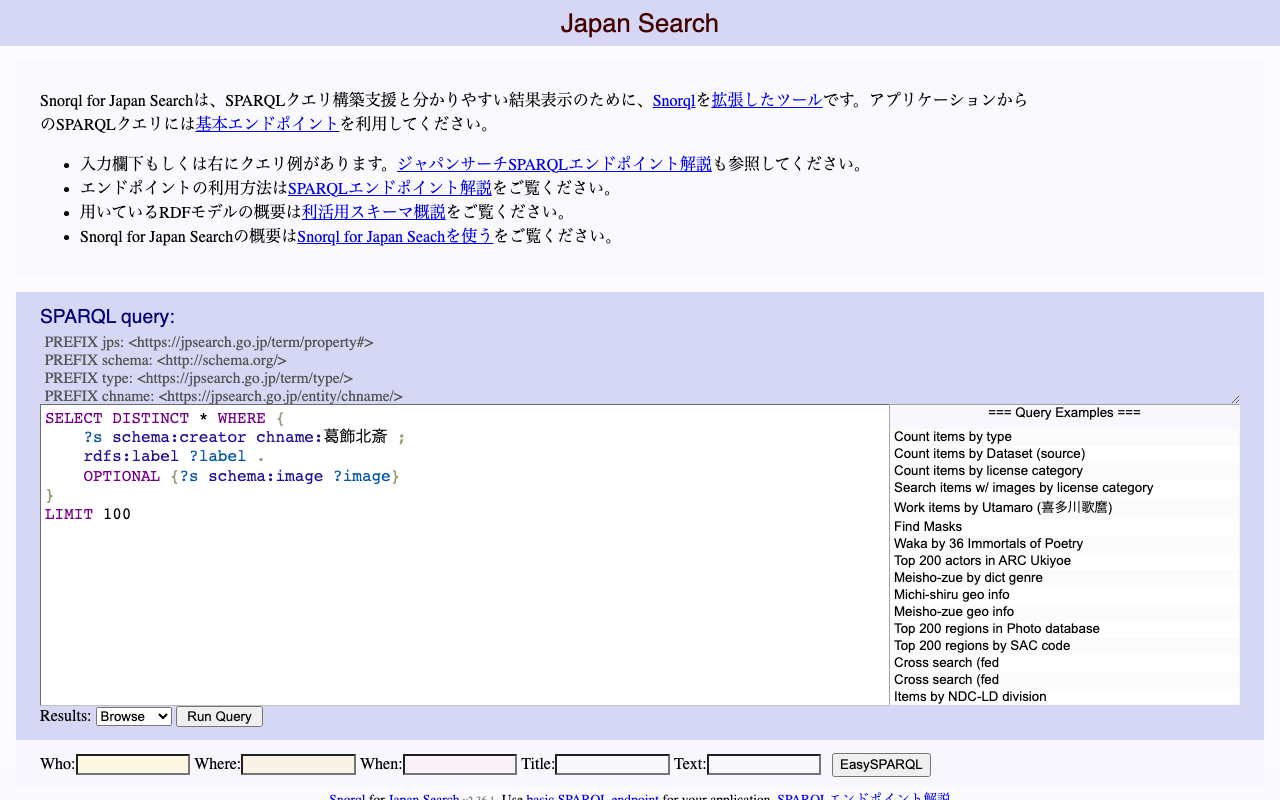
You can view the IIIF Collection that aggregates the IIIF manifests gathered by Cultural Japan at the following link: https://www.kanzaki.com/works/2016/pub/image-annotator?u=https://app.cultural.jp/iiif-collection/collection.json Please check the terms of use for each source database when using the individual IIIF manifests. This collection includes IIIF manifests dynamically generated by Cultural Japan. In the collection list above, these can be identified by the label “Dynamically Generated.” The dynamic generation uses AWS Lambda, querying the Japan Search RDF Store and the Cultural Japan RDF Store for each request to generate JSON data. The condition for creating these dynamically generated IIIF manifests is that the items must have high-resolution images (jps:accessInfo/schema:associatedMedia). ...

Created a Repository Demonstrating How to Use Mirador 3 with Vue

Created a Repository Demonstrating How to Use Mirador 3 with Vue

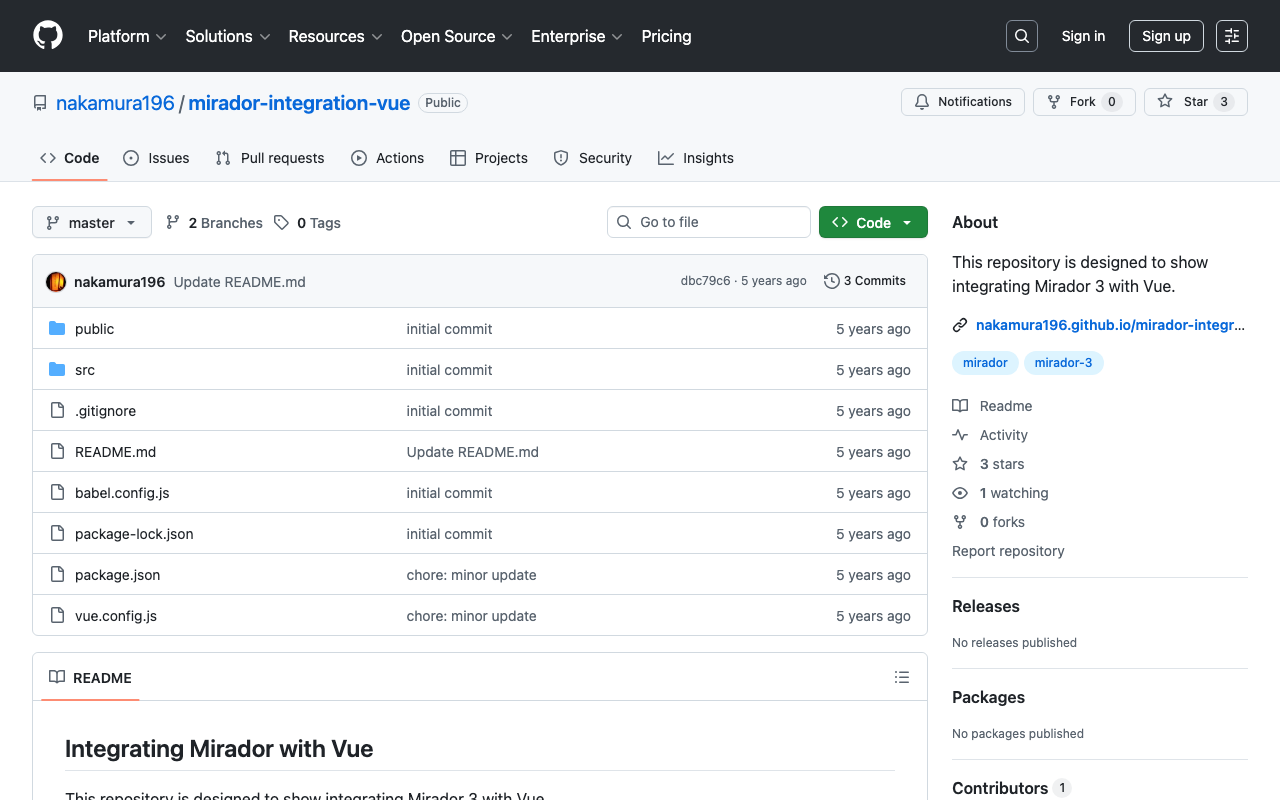
We created a repository demonstrating how to use Mirador 3 with Vue. We hope it serves as a useful reference for application development with Vue. github.com This repository was created with reference to the following: github.com As a simpler alternative, you can also use the UMD (Universal Module Definition) build. If you simply want to use Mirador 3, we recommend the following approach: github.com The site above states (as demonstrated in the repository introduced here): ...

[Feature Development] Adding a Setting to Disable Image API in the Omeka S IIIF Server Module

[Feature Development] Adding a Setting to Disable Image API in the Omeka S IIIF Server Module

Overview I developed a new feature for the Omeka S IIIF Server module that adds a setting to disable the Image API. This makes it easier to deliver IIIF manifests and other content in environments with limited resources, such as shared hosting servers. I hope this feature contributes to improving the sustainability and usability of digital archive systems. Background The Omeka S IIIF Server module generates IIIF manifest files from metadata registered in Omeka S. It is primarily developed by Daniel-KM, who has developed various Omeka modules. ...

IIIF Implementation of "Oki-ezu" (Raised Picture Maps)

IIIF Implementation of "Oki-ezu" (Raised Picture Maps)

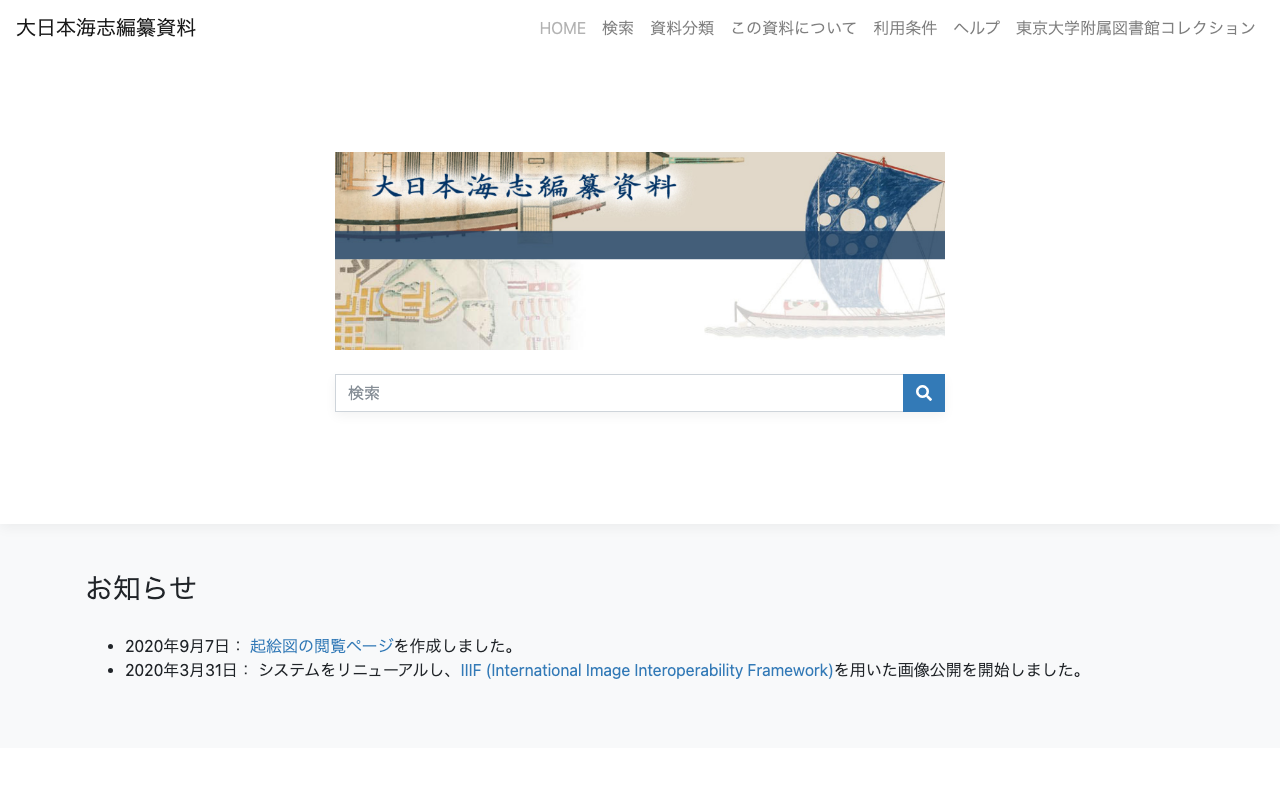
Overview I implemented a IIIF representation of “Okoshi-ezu” (raised picture maps). The target materials are the Okoshi-ezu contained in the “Dai Nihon Kaishi Compilation Materials” held at the University of Tokyo Komaba Library. https://utda.github.io/kaishi/ Please watch the following video for an overview. “Okoshi-ezu” IIIF Implementation The Application The following is the Tokyo National Museum’s description of “Okoshi-ezu”: “Okoshi-ezu” are foldable simplified models that reproduce the three-dimensional structure of buildings by pasting wall and ceiling diagrams onto a flat plan drawing. They were particularly used as a drawing technique suited for reproducing tea rooms, which have complex three-dimensional structures within small spaces. (From the Tokyo National Museum - Japanese Art (Honkan) Japanese Natural History Series: Okoshi-ezu) ...

IIIF Application Using Transmitted Light Images

IIIF Application Using Transmitted Light Images

Overview I created a “IIIF Application Using Transmitted Light Images.” It focuses on the “Shelley Correspondence” held at the University of Tokyo General Library. utda.github.io The Application This application uses IIIF’s “Choice of Alternative Resources” to provide an environment for comparing original images with transmitted light images. Four comparison methods are provided, using “IMAGE COMPARISON WITH A SLIDER,” “MIRADOR,” “IIIF CURATION VIEWER,” and “IMAGE ANNOTATOR.” IMAGE COMPARISON WITH A SLIDER This uses the image comparison viewer developed by Digirati. You can compare images by moving the slider in the center of the screen. ...