Home Articles Books Search About
RSS 日本語
Trying Out TEI Boilerplate

Trying Out TEI Boilerplate

Overview TEI Boilerplate is described as follows: A lightweight solution for publishing TEI (Text Encoding Initiative) P5 content directly in modern browsers. With TEI Boilerplate, you can serve TEI XML files directly to the web without server-side processing or conversion to HTML. The TEI Boilerplate Demo demonstrates many TEI features rendered by TEI Boilerplate. TEI Boilerplate is not a replacement for the many excellent XSLT solutions for publishing and displaying TEI/XML on the web. It is intended to be a simple, lightweight alternative to more complex XSLT solutions. ...

Omeka S 4.0.0 Release Candidate Has Been Published

Omeka S 4.0.0 Release Candidate Has Been Published

Overview The Omeka S 4.0.0 release candidate has been published. https://forum.omeka.org/t/omeka-s-4-0-0-release-candidate/16272 I tried it out on Amazon Lightsail. You can try it at the following URL. http://35.172.220.59/omeka-s/ Installation You can perform the initial setup with the following script. # 変数 OMEKA_PATH=/home/bitnami/htdocs/omeka-s ## ハイフンは含めない DBNAME=omeka_s VERSION=4.0.0-rc ############# set -e mkdir $OMEKA_PATH # Omekaのダウンロード wget https://github.com/omeka/omeka-s/releases/download/v$VERSION/omeka-s-$VERSION.zip unzip -q omeka-s-$VERSION.zip mv omeka-s/* $OMEKA_PATH # .htaccessの移動 mv omeka-s/.htaccess $OMEKA_PATH # 不要なフォルダの削除 rm -rf omeka-s rm omeka-s-$VERSION.zip # 元からあったindex.htmlを削除(もし存在すれば) if [ -e $OMEKA_PATH/index.html ]; then rm $OMEKA_PATH/index.html fi # データベースの作成 cat <<EOF > sql.cnf [client] user = root password = $(cat /home/bitnami/bitnami_application_password) host = localhost EOF mysql --defaults-extra-file=sql.cnf -e "create database $DBNAME"; # Omeka Sの設定 cat <<EOF > $OMEKA_PATH/config/database.ini user = root password = $(cat bitnami_application_password) dbname = $DBNAME host = localhost EOF sudo chown -R daemon:daemon $OMEKA_PATH/files sudo apt install imagemagick -y As of December 15, 2022, the following additional steps were required in addition to the above. ...

Restricting API Access in Omeka S

Restricting API Access in Omeka S

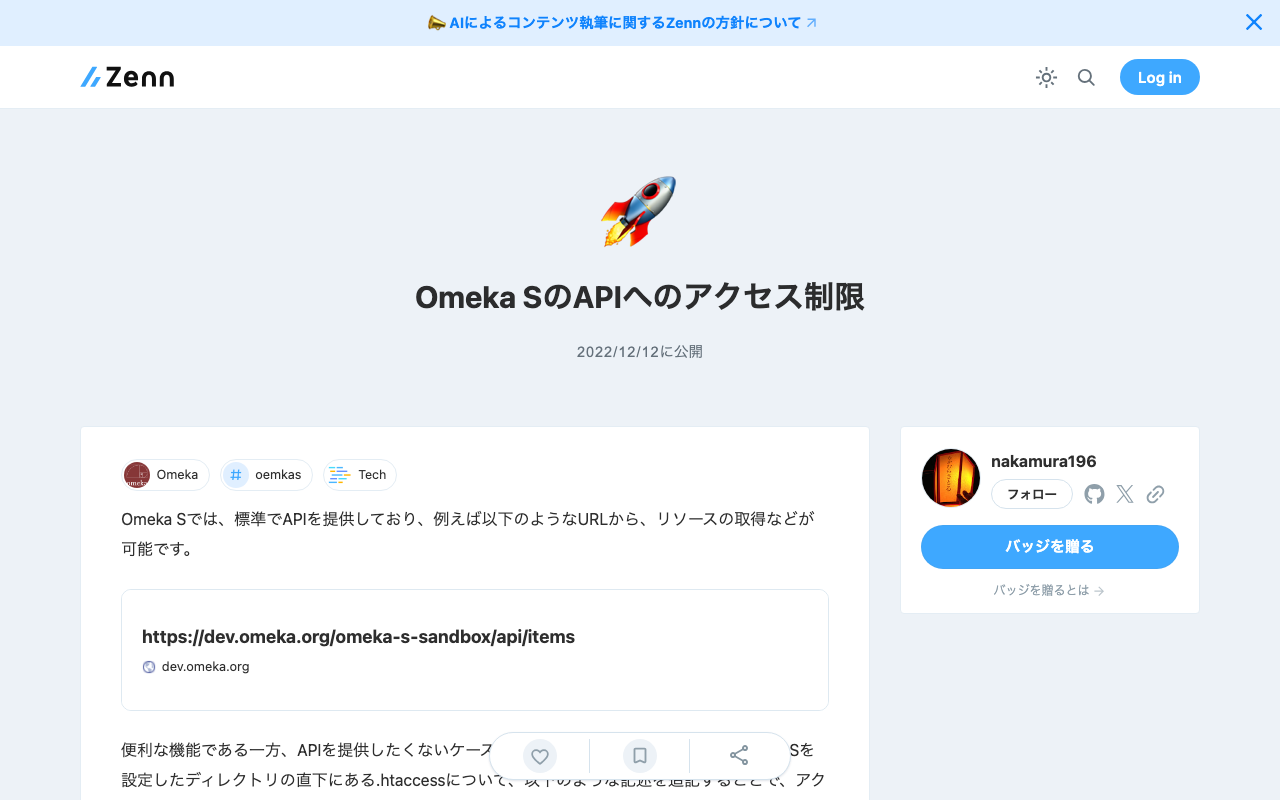
Omeka S provides an API as a standard feature, allowing resource retrieval from URLs such as the following: https://dev.omeka.org/omeka-s-sandbox/api/items While this is a convenient feature, there may be cases where you do not want to expose the API. In such cases, you can restrict access by adding the following lines to the .htaccess file located directly under the directory where Omeka S is set up. RewriteCond %{REQUEST_URI} ^.*/api RewriteRule ^(.*)$ – [F,L] Specifically, it would look like this: ...

TODO Memo for EC2 Server Setup

TODO Memo for EC2 Server Setup

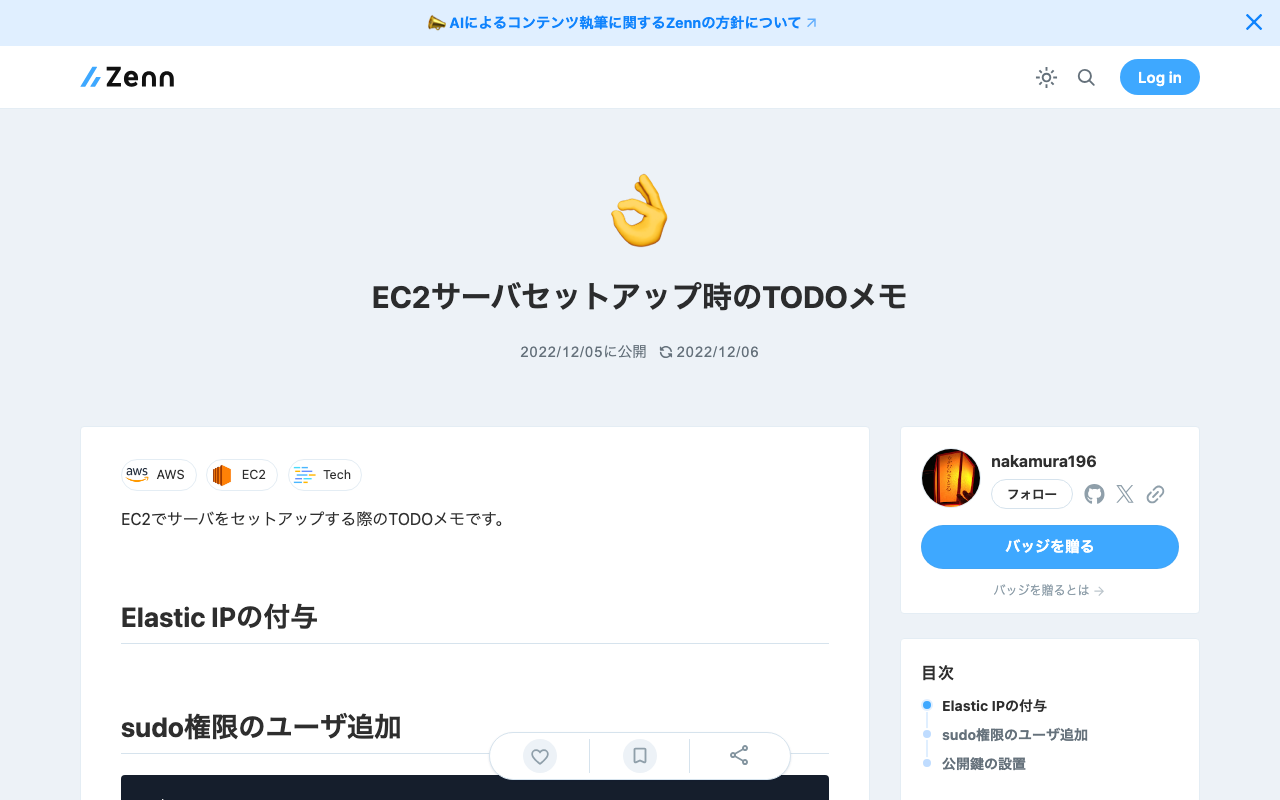
This is a TODO memo for setting up a server on EC2. Assign an Elastic IP Add a User with sudo Privileges sudo su useradd nakamura passwd nakamura usermod -G wheel nakamura Set Up Public Key cd /home/nakamura mkdir .ssh touch .ssh/authorized_keys chmod 700 .ssh chmod 600 .ssh/authorized_keys vi .ssh/authorized_keys chown -R nakamura:nakamura .ssh

Investigating Customization Methods for Snorql for Japan Search

Investigating Customization Methods for Snorql for Japan Search

Overview This article presents the results of investigating how to customize “Snorql for Japan Search,” which is used by Japan Search. This document will be updated as needed. Please note that it may contain errors. Menu Changing the Page Title snorql_def.js _poweredByLabel: "Cultural Japan", // "Japan Search", Changing the Query Endpoint snorql_def.js _endpoint: "https://ld.cultural.jp/sparql/", //"https://jpsearch.go.jp/rdf/sparql/", Changing the poweredByLink URL snorql_def.js _poweredByLink: "https://cultural.jp/", // "https://jpsearch.go.jp/", Editing Other Footer Sections ...

[Omeka S Module Introduction] IIIF Search Module

[Omeka S Module Introduction] IIIF Search Module

Overview IIIF Search is a module for Omeka S that adds the IIIF Content Search API for full-text search. This article introduces the usage of the following module, which includes modifications for handling Japanese text. https://github.com/nakamura196/Omeka-S-module-IiifSearch Installation Clone the source code from GitHub. Replace omeka-s as appropriate for your environment. cd omeka-s/modules git clone https://github.com/nakamura196/Omeka-S-module-IiifSearch.git IiifSearch Note that when installing from GitHub, you need to rename the folder to the target module name as shown above. ...

Running Tesseract on Google Colab (with Japanese Support)

Running Tesseract on Google Colab (with Japanese Support)

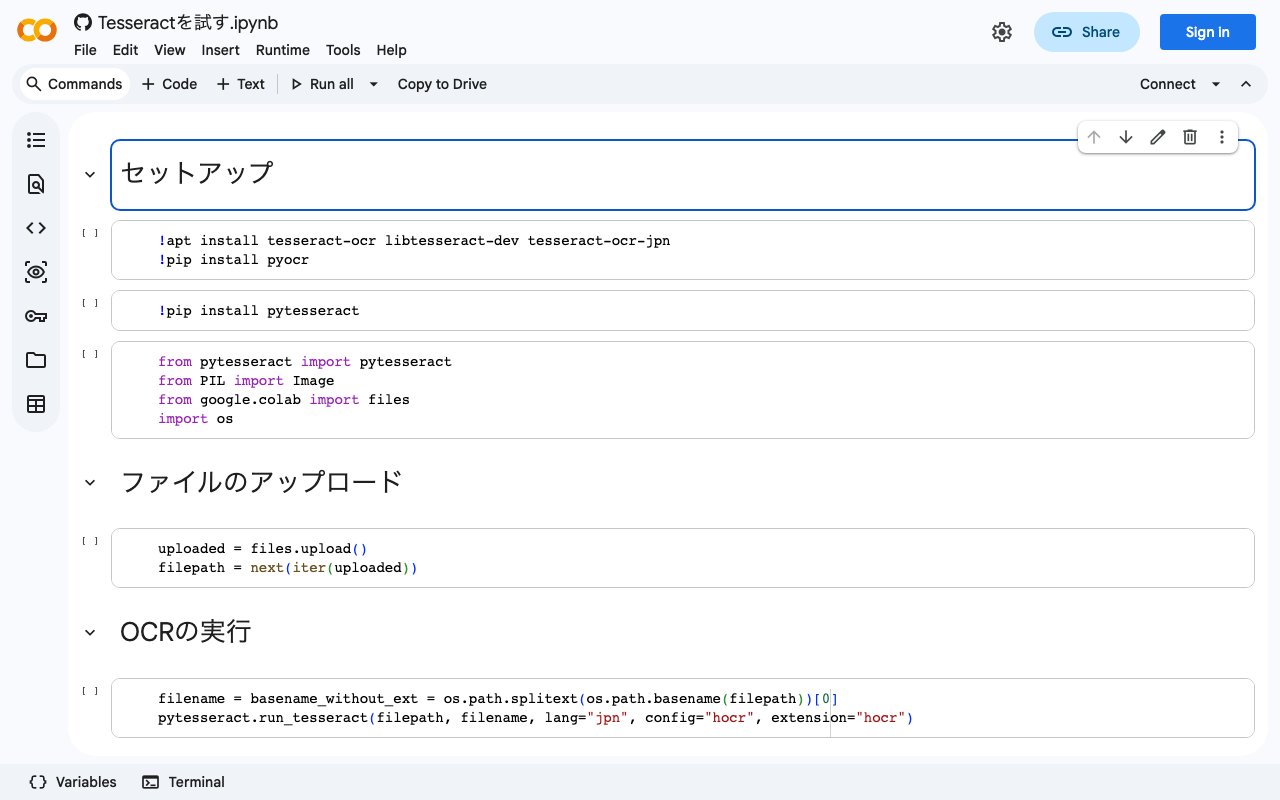
I created a notebook for running Tesseract on Google Colab. It also supports Japanese. We hope this serves as a useful reference. https://colab.research.google.com/github/nakamura196/ndl_ocr/blob/main/Tesseractを試す.ipynb At the end, I also introduce a flow for converting hocr files to alto format XML files. Specifically, the following tool is used: https://digi.bib.uni-mannheim.de/ocr-fileformat/ We hope this serves as a useful reference.

[Omeka S Module Introduction] "Extract Ocr" - A Module for Performing OCR on PDF Files

[Omeka S Module Introduction] "Extract Ocr" - A Module for Performing OCR on PDF Files

Overview This article introduces “Extract Ocr,” an Omeka S module that performs OCR on PDF files. Installation Refer to the following page. https://omeka.org/s/modules/ExtractOcr/ This module requires a command-line tool called pdftohtml. In the instructions below, replace omeka-s as appropriate for your environment. In an environment using AWS Lightsail, it could be installed with the following command: sudo apt install poppler-utils Additionally, you need to edit omeka-s/config/local.config.php. Change the base_uri portion according to your environment. Example: https://omekas.aws.ldas.jp/sandbox/files ...

Workaround for HuggingFace Trainer() Not Starting When Using Vertex AI Workbench

Workaround for HuggingFace Trainer() Not Starting When Using Vertex AI Workbench

I encountered an issue where HuggingFace’s Trainer() would not start when using Google Cloud’s Vertex AI Workbench. A similar bug was reported on the following page: https://stackoverflow.com/questions/73415068/huggingface-trainer-does-nothing-only-on-vertex-ai-workbench-works-on-colab Initially, I had selected the “PyTorch” environment as shown below, and this is where the bug occurred: As described in the article above, switching to the “Python” environment resolved the issue: Note that when using this environment, you first need to run the following: ...

Installing the Mroonga Search Module (Note: This Did Not Work Successfully)

Installing the Mroonga Search Module (Note: This Did Not Work Successfully)

Overview I attempted to install the Mroonga search module introduced in the following article on AWS Lightsail. https://nakamura196.hatenablog.com/entry/2022/03/07/083004 As a result, the installation did not succeed, but I am documenting it here for future reference. Setting Up Omeka S I set up Omeka S as described in the following article. Installing Mroonga I performed the installation following the instructions on the following page. https://mroonga.org/docs/install/debian.html sudo apt update sudo apt install -y -V apt-transport-https sudo apt install -y -V wget wget https://packages.groonga.org/debian/groonga-apt-source-latest-bullseye.deb sudo apt install -y -V ./groonga-apt-source-latest-bullseye.deb sudo apt update sudo apt install -y -V mariadb-server-10.5-mroonga After executing the above, enter mysql (mariadb). ...

Trying the ResourceSync Python Library

Trying the ResourceSync Python Library

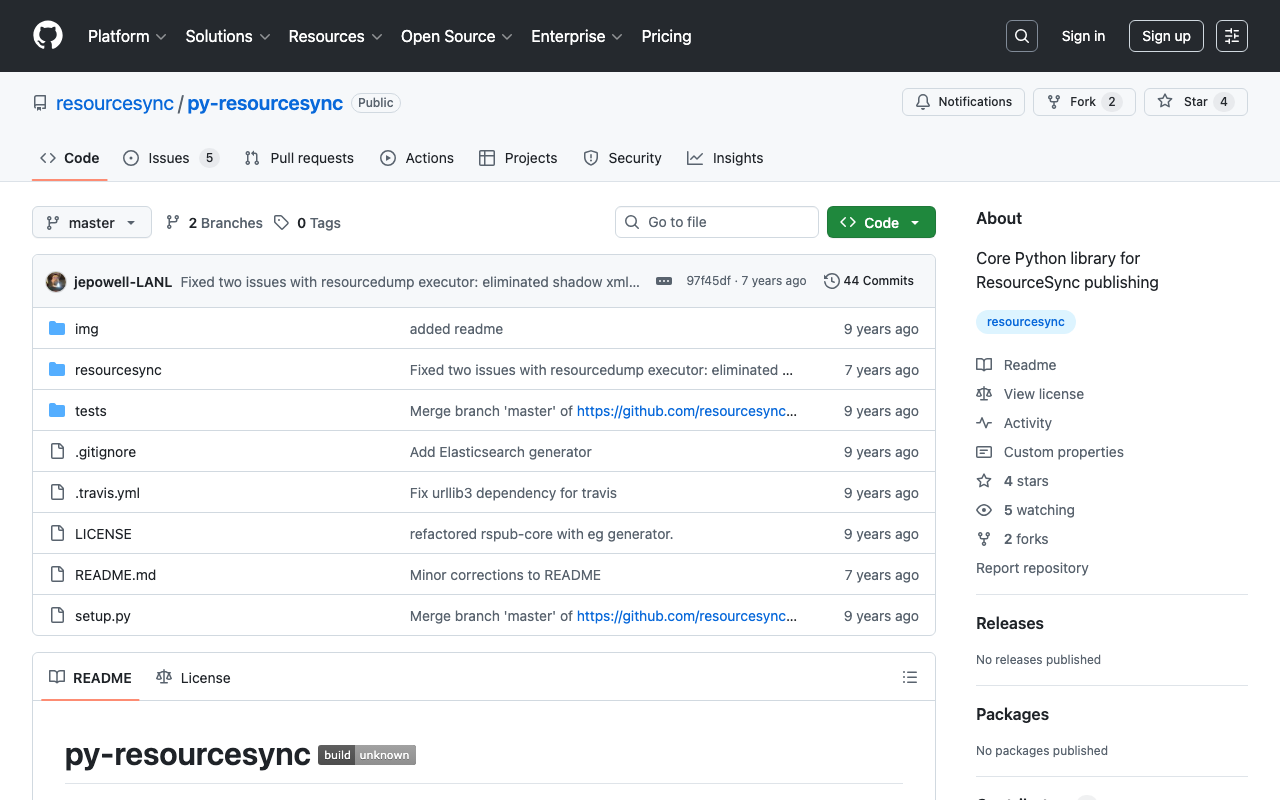
Overview This is a memo from trying out “py-resourcesync,” a Python library for ResourceSync. https://github.com/resourcesync/py-resourcesync Setup git clone https://github.com/resourcesync/py-resourcesync cd py-resourcesync python setup install Execution resourcelist First, create the output resource_dir directory. An ex_resource_dir folder will be created in the current directory. resource_dir = "ex_resource_dir" !mkdir -p $resource_dir Next, execute the following. You would modify the generator as needed, but here the sample EgGenerator is used. from resourcesync.resourcesync import ResourceSync # from my_generator import MyGenerator from resourcesync.generators.eg_generator import EgGenerator my_generator = EgGenerator() metadata_dir = "ex_metadata_dir" # Change as appropriate. rs = ResourceSync(strategy=0, resource_dir=resource_dir, metadata_dir=metadata_dir) rs.generator = my_generator rs.execute() As a result, .well_known, capabilitylist.xml, and resourcelist_0000.xml are created in ex_resource_dir/ex_metadata_dir. ...

Trying the IIIF Auth API

Trying the IIIF Auth API

Overview The following repository is provided as an environment for trying the IIIF Auth API. https://github.com/digirati-co-uk/iiif-auth-server In this article, we will use the above repository to try the IIIF Auth API. Starting Up Preparation git clone https://github.com/digirati-co-uk/iiif-auth-server cd iiif-auth-server python -m venv venv source venv/bin/activate pip install --upgrade pip pip install -r requirements.txt If version conflicts occur during pip install -r requirements.txt, try removing the version information and running again, as shown below: ...

Introduction to "FairCopy": A TEI Text Creation Support Tool

Introduction to "FairCopy": A TEI Text Creation Support Tool

Overview A research colleague introduced me to “FairCopy,” a TEI text creation support tool. This tool allows you to create TEI texts through a GUI, and I found it very useful. It is a paid tool, but you can try it for free for 2 weeks, so I am sharing my findings here. Installation By submitting your information through the Sign Up page below, a trial code and the application download link will be displayed. ...

How to Use the Text Markup Tool "CATMA"

How to Use the Text Markup Tool "CATMA"

Overview This article introduces how to use “CATMA,” one of the text markup tools. https://catma.de/ Annotation results can be exported in TEI format, making it possible to create highly interoperable data that can be utilized in other systems. Additionally, though still experimental, a JSON API is also provided. By using this, one could annotate with CATMA and then use the results in other systems via the API. The above includes some untested content and somewhat advanced approaches, but this article will serve as notes on the basic usage of CATMA. ...

Trying the MediaWiki TEI Extension (Result: Did Not Work)

Trying the MediaWiki TEI Extension (Result: Did Not Work)

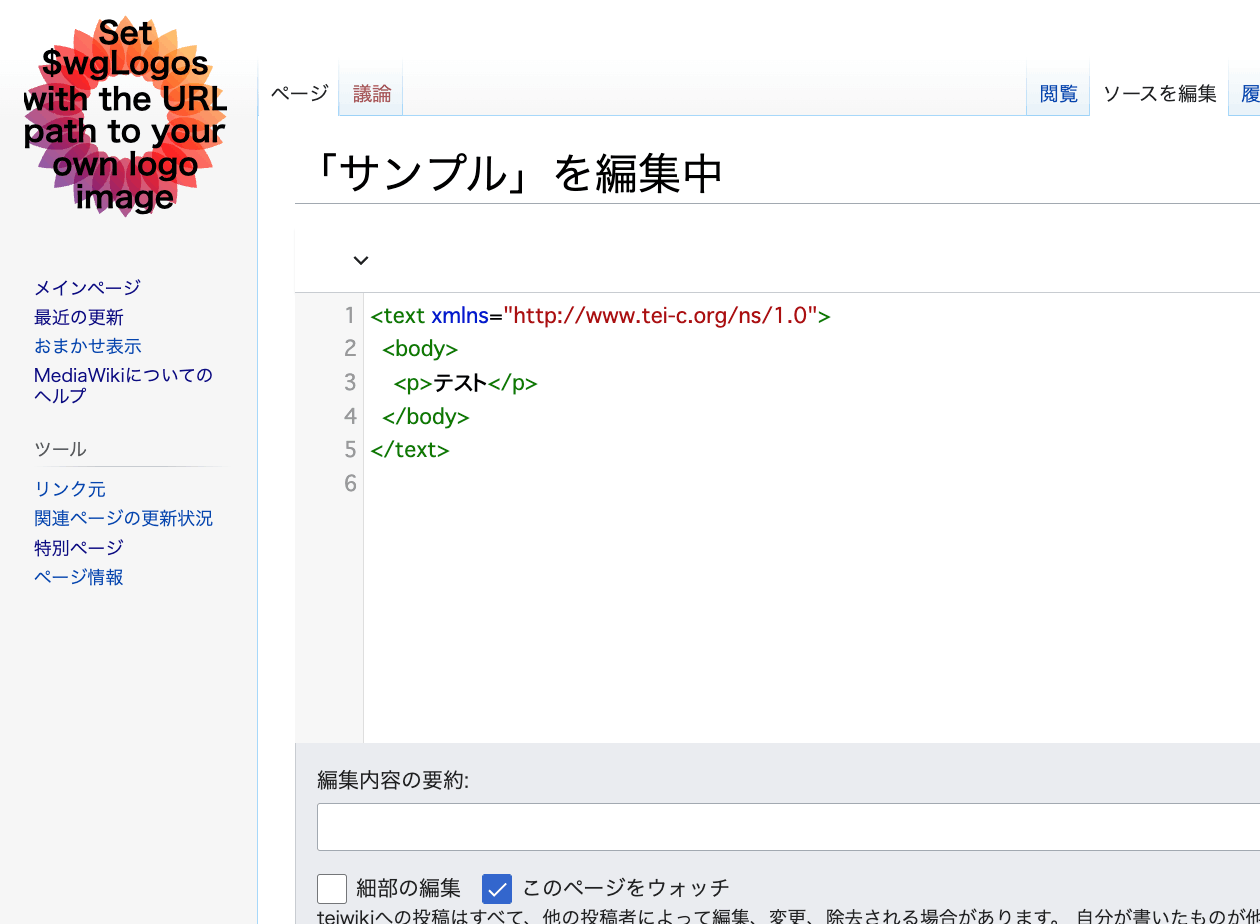
Overview An extension has been developed that enables TEI editing in MediaWiki. https://www.mediawiki.org/wiki/Extension:TEI An example of the editing screen is shown below. Scripto, a transcription support module for Omeka S, enables transcription of image data registered in Omeka S by linking Omeka S with MediaWiki. https://omeka.org/s/modules/Scripto/ I tried combining this environment with the TEI extension mentioned above to see if TEI-compliant transcription could be achieved. However, as a result, I was unable to get the TEI extension to work properly this time. ...

[TEI x JavaScript] Removing Unintended Whitespace in Nuxt 3

[TEI x JavaScript] Removing Unintended Whitespace in Nuxt 3

Problem When loading TEI/XML files and visualizing them with JavaScript (Vue.js, etc.), there were cases where unintended whitespace was inserted. Specifically, when writing HTML like the following: <template> <div> お問い合わせは <a href="#">こちらから</a> お願いします </div> </template> It would render with unintended spaces: “お問い合わせは こちらから お願いします” as shown below. A solution for this issue was published in the following repository: https://github.com/aokiken/vue-remove-whitespace However, I was unable to get it working in Nuxt 3 in my environment, so I used the source code as a reference and adapted it for Nuxt 3. ...

Dealing with AttributeError in ultralytics/yolov5

Dealing with AttributeError in ultralytics/yolov5

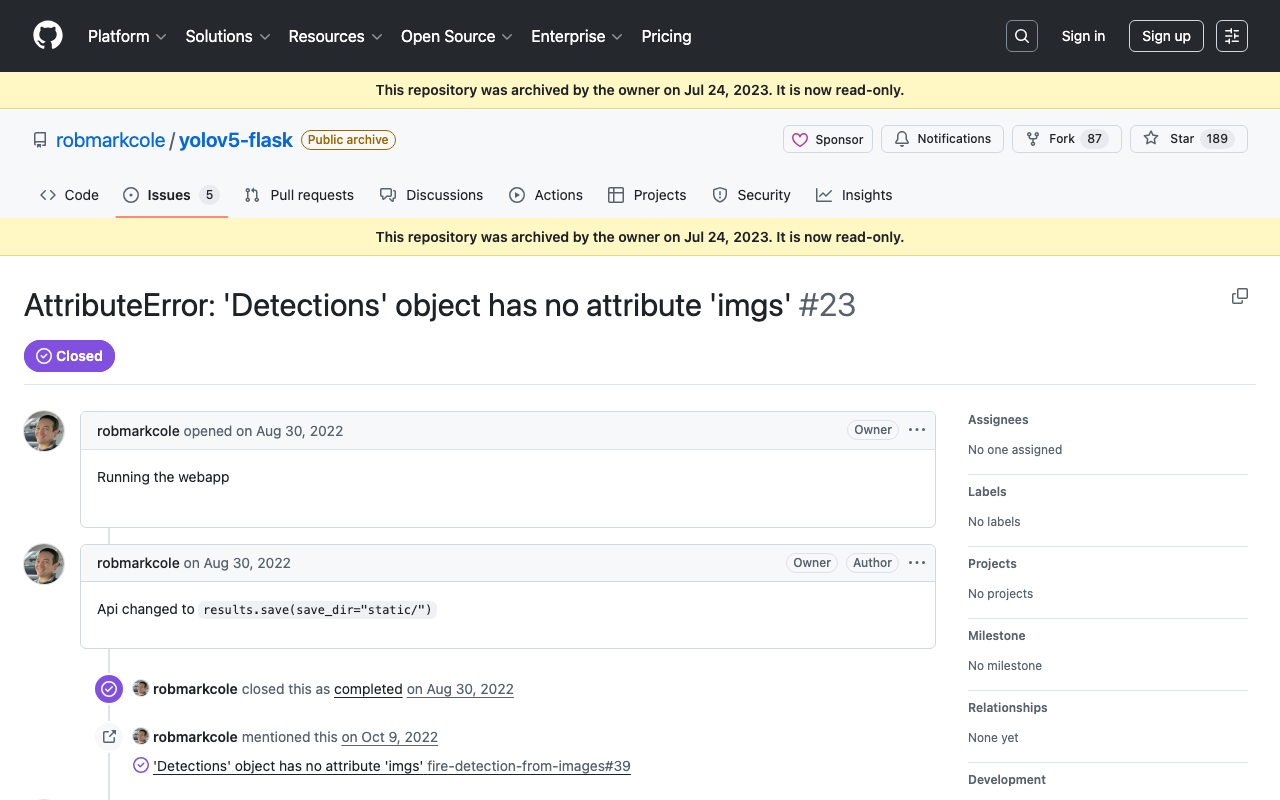
When using ultralytics/yolov5, the following error occurred. AttributeError: 'Detections' object has no attribute 'imgs' As mentioned in the following issue, this appears to be caused by an API change. https://github.com/robmarkcole/yolov5-flask/issues/23 As one example, the error was resolved by rewriting the program as follows. results = model(im) # inference # new def getImage(results): output_dir = "static" if os.path.exists(output_dir): shutil.rmtree(output_dir) results.save(save_dir=f"{output_dir}/") return Image.open(f"{output_dir}/image0.jpg") # old def oldGetImage(results): results.render() return Image.fromarray(results.imgs[0]) renderedImg = getImage(results) I hope this is helpful for those experiencing the same issue. ...

An Example of Manipulating JSON Files with Nuxt 3's server/api

An Example of Manipulating JSON Files with Nuxt 3's server/api

This is an example of how to manipulate (import and use) JSON files with Nuxt 3’s server/api. The following article was used as a reference. https://github.com/nuxt/framework/discussions/775#discussioncomment-1470136 While there is much room for improvement in areas such as type definitions, the following approach was confirmed to work. // async/await を使用しています。 export default defineEventHandler(async (event) => { const items_: any = await import('~/assets/index.json') // .defaultをつける点に注意 const items_total: any[] = items_.default // 以下の参考リンクを参照してください。 const query = getQuery(event) const page: number = Number(query.page) || 1; const size: number = Number(query.size) || 20; const items: any[] = items_total.slice((page - 1) * size, page * size); return { "hits": { "total": { "value": items_total.length, }, "hits": items } } }); With the above, by using a query like /api/items?page=2&size=40, it was possible to return a portion of the imported JSON file (~/assets/index.json). Paths other than assets seem to work as well, but this has not been thoroughly verified. ...

An Example of Deploying Nuxt 3 to Netlify and AWS

An Example of Deploying Nuxt 3 to Netlify and AWS

Overview This is a personal note on an example of deploying Nuxt 3 to Netlify and AWS. Below are the deployment examples. Netlify app.vue https://nuxt3-nakamura196.netlify.app/ server/api/hello.ts https://nuxt3-nakamura196.netlify.app/api/hello AWS (Serverless) app.vue https://nuxt3.aws.ldas.jp/ server/api/hello.ts https://nuxt3.aws.ldas.jp/api/hello The source code is at the following URL. https://github.com/nakamura196/nuxt3 I will explain each of them below. Netlify By referring to the following article, I was able to deploy including BFF (Backend for Frontend). https://blog.cloud-acct.com/posts/nuxt3-netlify-deploy/ AWS (Serverless) The following article was helpful for the method using Lambda Functions URL. ...

An Example Method for Converting TEI/XML Files to Vertical-Writing PDF

An Example Method for Converting TEI/XML Files to Vertical-Writing PDF

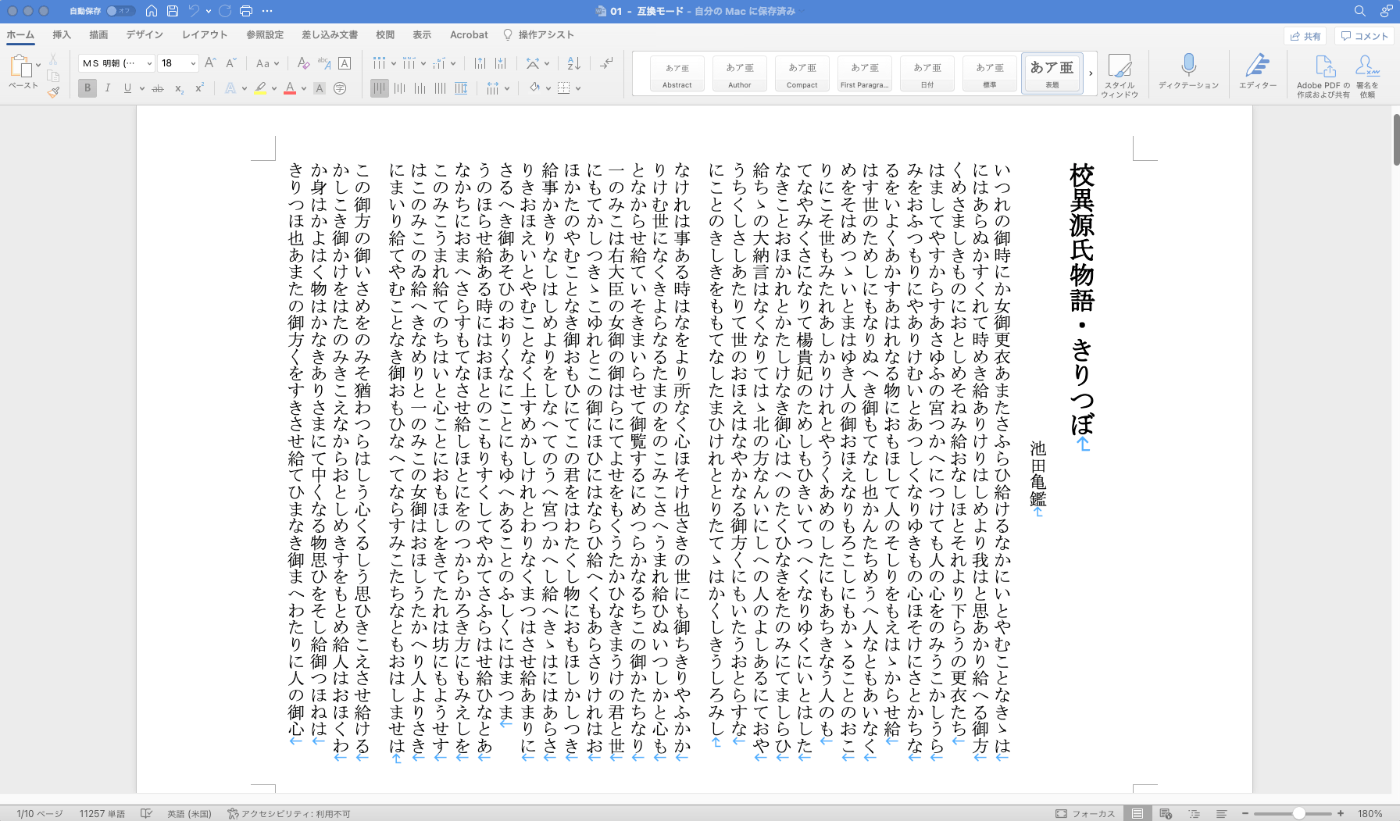
Overview This is a memo documenting one example method for converting TEI/XML files to vertical-writing (tategaki) PDF. You can try the program targeting “Koui Genji Monogatari” (Collated Tale of Genji) in the following notebook. https://colab.research.google.com/github/nakamura196/ndl_ocr/blob/main/TEI_XMLファイルを縦書きPDFに変換する.ipynb Conversion Workflow This time, I used Quarto. https://quarto.org/ Please refer to the following for installation instructions. https://quarto.org/docs/get-started/ TEI/XML -> qmd First, convert the contents of the TEI/XML file to a qmd file. Below is a sample conversion script. ...