Home Articles Books Search About
RSS 日本語
Search Using Drupal Search API in Next.js for Drupal (Faceted Search, etc.)

Search Using Drupal Search API in Next.js for Drupal (Faceted Search, etc.)

Overview I tried Next.js for Drupal. https://next-drupal.org/ By following the “Get Started” guide, I was able to integrate Next.js with Drupal. https://next-drupal.org/learn/quick-start Additionally, the following article introduces an implementation example for faceted search. https://next-drupal.org/guides/search-api This article is my notes specifically on implementing the latter, faceted search. Search API Create a Server and index as follows. The official site provides the following as a reference: https://www.drupal.org/docs/contributed-modules/search-api For a Japanese-language reference: https://www.acquia.com/jp/blog/introduction-to-search-api-1 ...

Does Contentful Full-Text Search Require Search Terms of 2 or More Characters?

Does Contentful Full-Text Search Require Search Terms of 2 or More Characters?

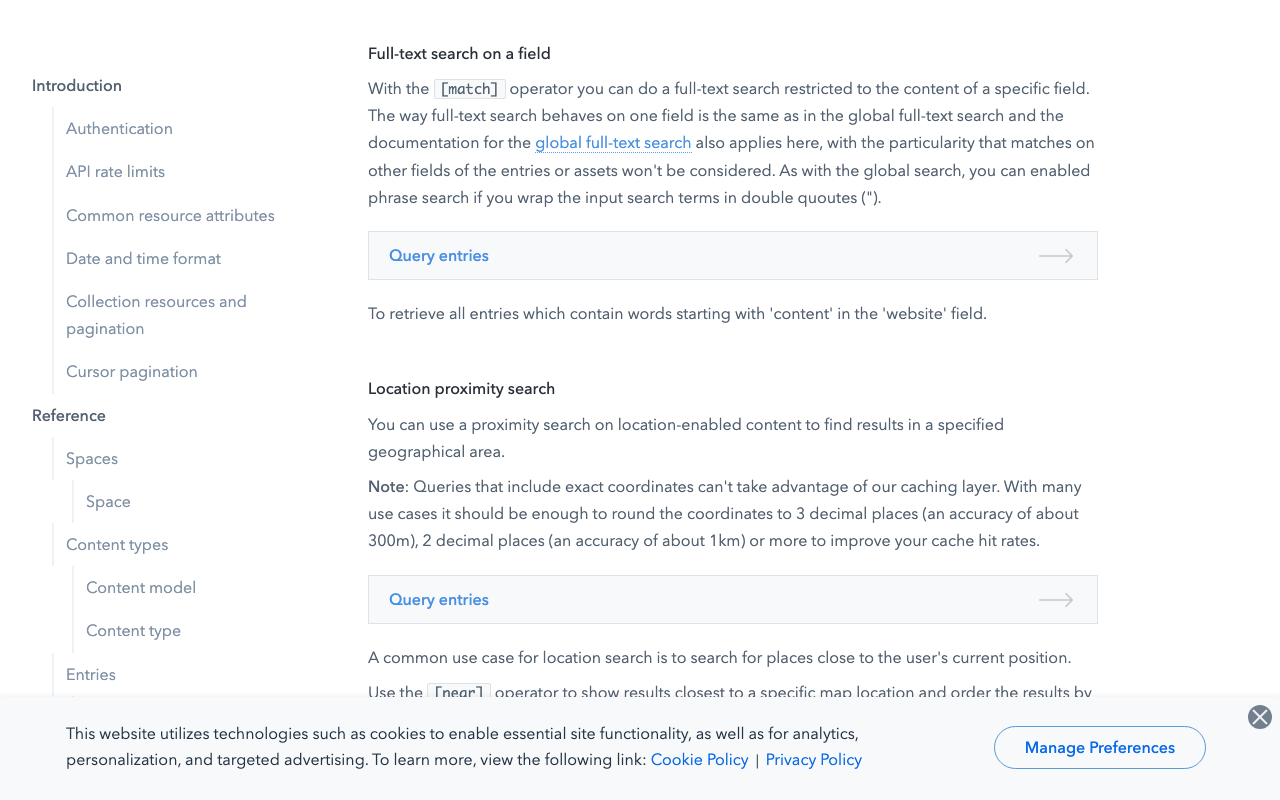
I am using Contentful, and it appears that search terms of 2 or more characters are required. A query will ignore search tokens with less than 2 characters. https://www.contentful.com/developers/docs/references/content-delivery-api/#/reference/search-parameters/full-text-search-on-a-field This point requires attention when dealing with data that includes Japanese and other languages. Addendum With microCMS, searching from 1 character was possible. https://microcms.io/

How to Bulk Delete Content in Drupal

How to Bulk Delete Content in Drupal

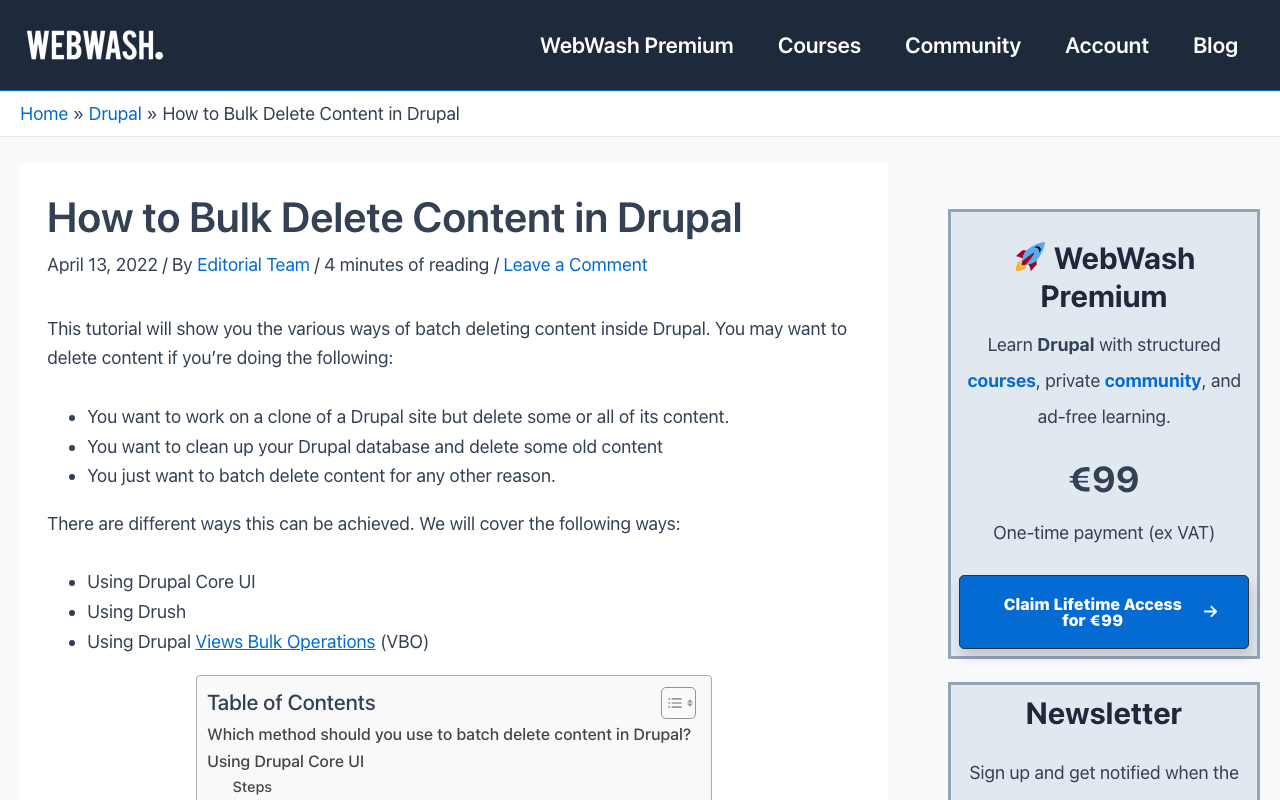
Overview I looked into how to bulk delete content in Drupal, so this is a memo. The following article was helpful. https://www.webwash.net/how-to-bulk-delete-content-in-drupal/ The following three methods were introduced. Using Drupal Core UI Using Drush Using Drupal Views Bulk Operations (VBO) Using Drupal Core UI The following is a translation of the original description. If you have a small Drupal site and fewer than about 300 nodes to delete, you should use this method. This is because the Drupal Core UI only allows deleting 50 nodes at a time by default. As the site grows larger, this becomes tedious. ...

Connecting Drupal with Amazon OpenSearch Service

Connecting Drupal with Amazon OpenSearch Service

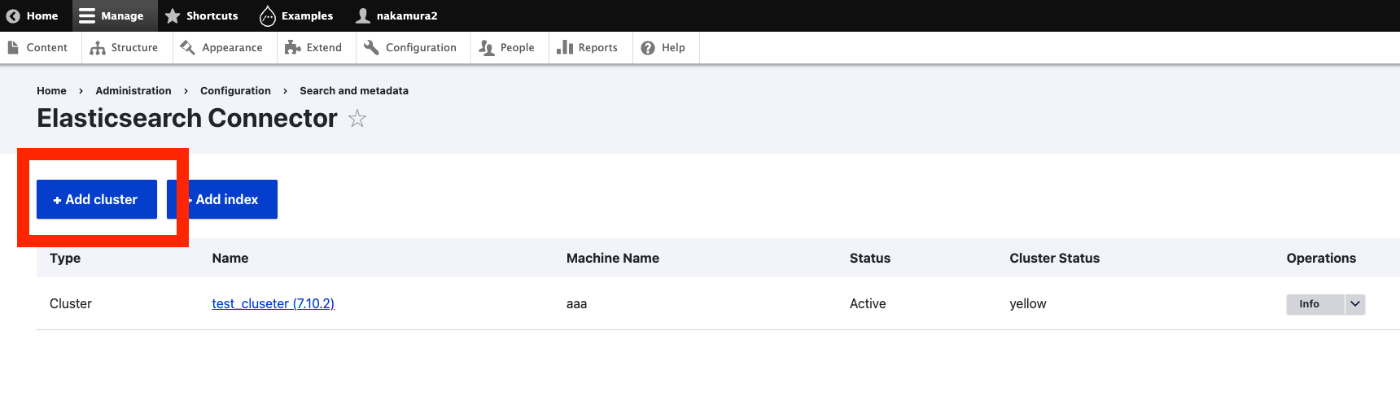
Overview I had the opportunity to connect Drupal with Amazon OpenSearch Service, so this is a personal note for future reference. The following article was helpful. https://www.acquia.com/jp/blog/intergration-with-drupal-and-elasticsearch Module Installation In addition to drupal/search_api and drupal/elasticsearch_connector, it was necessary to install nodespark/des-connector. (There may be room for improvement in how version specifications are handled.) composer require "nodespark/des-connector:^7.x-dev" composer require 'drupal/search_api:^1.29' composer require "drupal/elasticsearch_connector ^7.0@alpha" Then, enable them with the following. drush pm:enable search_api elasticsearch_connector Connecting Drupal to Elasticsearch Cluster Access the following. ...

Trying GraphQL with Drupal

Trying GraphQL with Drupal

Overview I tried GraphQL with Drupal, so this is a personal note for future reference. The following document was helpful. https://drupal-graphql.gitbook.io/graphql/ This assumes Drupal installed on Amazon Lightsail. Module Installation Install the following module. https://www.drupal.org/project/graphql However, it was necessary to install the following module beforehand. https://www.drupal.org/project/typed_data As a result, the installation was completed with the following commands. cd /home/bitnami/stack/drupal composer require 'drupal/typed_data:^1.0@beta' composer require 'drupal/graphql:^4.4' Module Installation from GUI I checked all three related modules below and installed them. ...

Adding GraphQL to Strapi

Adding GraphQL to Strapi

Overview In the following article, I launched Strapi on Amazon Lightsail. This time, I add GraphQL and try using it. Installing the GraphQL Plugin I ran the following. Please adjust paths like backend as needed. cd /opt/bitnami/apache2/htdocs/backend yarn add @strapi/plugin-graphql Then, start the application. yarn develop Accessing /graphql displays the following screen. I had already created a content type called services with a field called title. So by issuing the following query, I was able to retrieve the list and metadata. ...

Registering Taxonomies and Adding Them to Content in Drupal Using Python

Registering Taxonomies and Adding Them to Content in Drupal Using Python

Overview This is a continuation of the following series. This time, we will register taxonomies and add them to content. Registering Taxonomies A taxonomy called ne_class was created in advance through the GUI. It can be listed at the following URL. /jsonapi/taxonomy_term/ne_class Below is the program for registering a new taxonomy. Please configure host, username, and password as appropriate. payload = { "data": { "type": "taxonomy_term--ne_class", "attributes": { "name": "干瀬", } } } _type = "ne_class" url = f"{host}/jsonapi/taxonomy_term/{_type}" r = requests.post(url, headers=headers, auth=(username, password), json=payload) r.json() The following result is obtained. ...

Updating and Deleting Drupal Content Using Python

Updating and Deleting Drupal Content Using Python

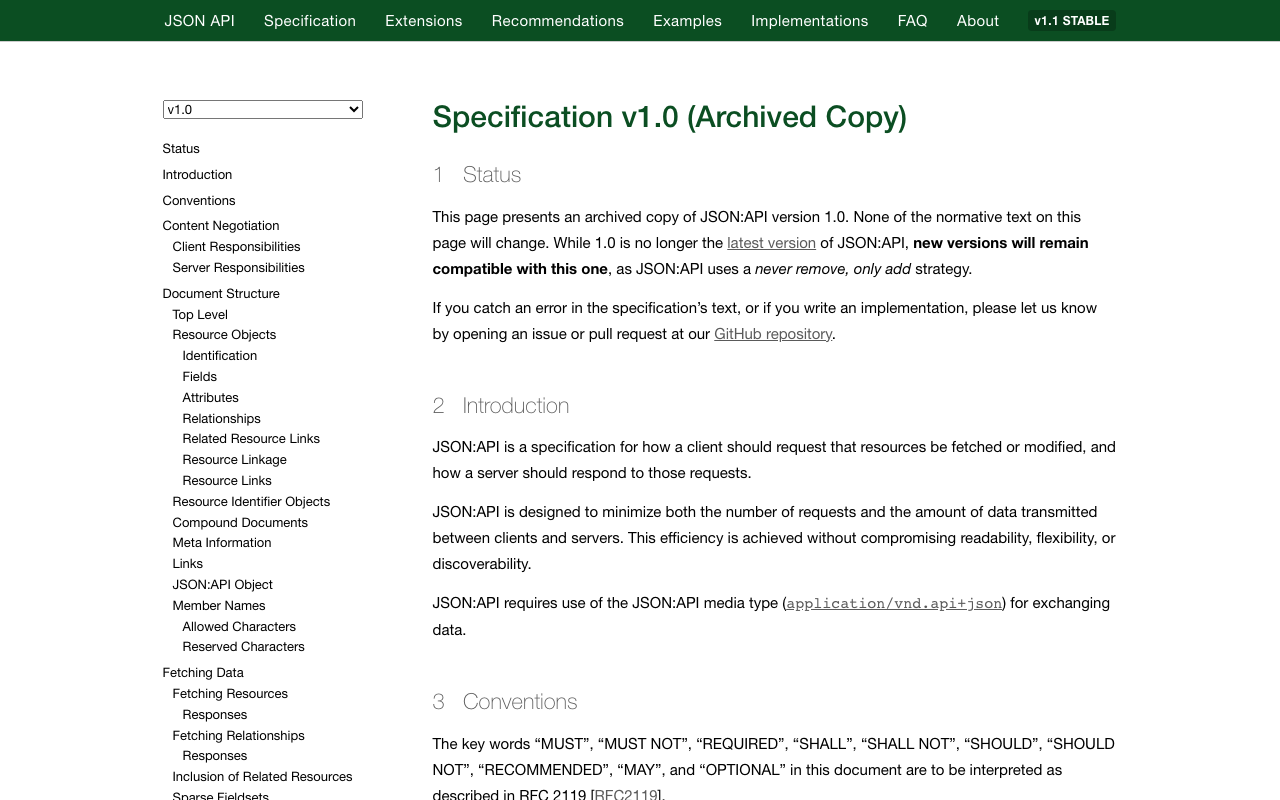
Overview In the following article, I described how to create new content. This time, I’ll try updating and deleting existing content. Filtering Items With the following program, you can retrieve registered content. This time, I retrieved content with the title “Pre-update title.” res["data"] is an array. username = "xxx" password = "xxx" host = "xxx" query = { "title": "更新前のタイトル" } item_type = "article" filters = [] for key, value in query.items(): filters.append(f'filter[{key}]={value}') filter_str = '&'.join(filters) endpoint = f'{host}/jsonapi/node/{item_type}?{filter_str}' r = requests.get(endpoint, headers=headers, auth=(username, password)) res = r.json() len(res['data']) Getting the ID of the Content to Update An ID like 730f844d-b476-4485-8957-c33fccb7f8ac is obtained. ...

Adding Content to Drupal Using Python

Adding Content to Drupal Using Python

Overview I had an opportunity to add content to Drupal using Python, so this is a memo of the process. I referenced the following article. https://weimingchenzero.medium.com/use-python-to-call-drupal-9-core-restful-api-to-create-new-content-9f3fa8628ab4 Preparing Drupal I set it up on Amazon Lightsail. The following article is a useful reference. https://annai.co.jp/article/use-aws-lightsail Modules Install the following modules. HTTP Basic Auth JSON:API RESTful Web Services Serialization Changing JSON:API Settings Access the following page to change the settings. </admin/config/services/jsonapi> Python Set {IP address or domain name} and {password} as appropriate. ...

Running Strapi on Amazon Lightsail (SSL, Custom Domain)

Running Strapi on Amazon Lightsail (SSL, Custom Domain)

Overview I had the opportunity to run Strapi on Amazon Lightsail, so here are my notes. I referenced the following article: https://zenn.dev/holykzm/articles/1e54cc25207657 Instance Select Node.js. Choose an instance with at least 1GB of memory. If you build on Lightsail, an out-of-memory error will occur with less. SSL and Custom Domain Please refer to the following: https://zenn.dev/nakamura196/articles/5772d6c918508a#独自ドメインの付与 Assign a Static IP, configure a custom domain in Route 53, and run the following: ...

Trying to Create a ShEx File

Trying to Create a ShEx File

Overview ShEx is described on Wikipedia as: Shape Expressions is a data modeling language for validating and describing Resource Description Framework Here are my notes from attempting to create a ShEx file. Creating a ShEx File This time, we start with RDF data in data/tmp/merged.ttl. We use shexer to create a ShEx file from the RDF data. pip install shexer Get the list of classes in the RDF data. ...

Loading .glb Files with Nuxt3 x babylon.js

Loading .glb Files with Nuxt3 x babylon.js

Overview I encountered an error when attempting to load a .glb file in Nuxt3 x babylon.js, so this is a memo of how I resolved it. Error Details The following error occurred: Unable to load from ./models/test.glb: importScene of undefined from undefined version: undefined, exporter version: undefinedimportScene has failed JSON parse Solution The issue was resolved by additionally installing the following package: npm install @babylonjs/loaders As a result, I was able to display the model with the following JavaScript file: ...

Bidirectional Interaction Between Vue 3 and Babylon.js

Bidirectional Interaction Between Vue 3 and Babylon.js

Overview I prototyped a program for bidirectional interaction between Vue 3 and Babylon.js. You can check the content at the following link. https://youtube.com/shorts/BIdj-3T2_z8 Demo Site https://nakamura196.github.io/nuxt3-babylonjs/9 Source Code https://github.com/nakamura196/nuxt3-babylonjs/blob/main/pages/9/index.vue Summary We hope this serves as a useful reference.

Web Application for NDL Classical Book OCR Using Hugging Face Space

Web Application for NDL Classical Book OCR Using Hugging Face Space

Overview I created a web application for NDL Classical Book OCR using Hugging Face Space. You can try it at the link below. Upload an image, and after about 1 minute, the OCR result text and JSON data will be displayed. https://huggingface.co/spaces/nakamura196/ndl_kotenseki_ocr The following article was used as a reference for creating this application. https://qiita.com/relu/items/e882e23a9bd07243211b Choosing the Right Tool I have separately prepared a Google Colab tutorial as another environment for trying NDL Classical Book OCR. ...

Running NDL Classical Japanese OCR on Amazon EC2 CPU Environment

Running NDL Classical Japanese OCR on Amazon EC2 CPU Environment

Overview This is a memo of running NDL Classical Japanese OCR on an Amazon EC2 CPU environment. The advantage is that it can be run without preparing an expensive GPU environment, but please note that it takes about 30 seconds to 1 minute per image. The following article was referenced when building this environment. https://qiita.com/relu/items/e882e23a9bd07243211b Instance Select Ubuntu from Quick Start. For the instance type, I recommend t2.medium or higher. Errors occurred with smaller instances. ...

Comparison of Nuxt.js and Next.js

Comparison of Nuxt.js and Next.js

Nuxt.js and Next.js are both JavaScript frameworks built on top of Vue.js and React.js, respectively. Each framework has its own advantages, but here are some points where Nuxt.js is considered superior to Next.js: 1. Advantages of Vue.js: Nuxt.js is based on Vue.js, so it inherits the advantages of Vue.js. Vue.js is appreciated for its simple component structure and gentle learning curve. 2. Directory-based routing: Nuxt.js automatically generates routing based on the directory structure. This eliminates the need for developers to manually configure routing, improving development efficiency. 3. Vuex integration: In Nuxt.js, Vuex (Vue.js’s state management library) is integrated by default. This makes state management easier. 4. Middleware support: In Nuxt.js, middleware can be used to add custom logic to routes and pages. This allows developers to easily customize application behavior. 5. Module system: Nuxt.js has a module system that makes it easy to add community-developed features. This allows developers to improve the extensibility of their applications. However, which framework is better depends on the project requirements, the developer’s skill set, and preferences. Next.js also has features such as the React.js ecosystem, server-side rendering (SSR), and static site generation (SSG), and is supported by many developers. Ultimately, it is important to carefully consider which framework is best suited for your project. ...

What Is a Canonical URL? (canonicalUrl)

What Is a Canonical URL? (canonicalUrl)

A canonical URL is the practice of choosing one “canonical” URL from among different URLs that point to the same content. This is used so that search engines can prevent content duplication and accurately evaluate the importance of web pages without negatively affecting their search rankings. For example, suppose you have the following URLs: 1. http://example.com/page 2. http://www.example.com/page 3. https://example.com/page 4. https://www.example.com/page Even though all of these URLs point to the same content, search engines may treat them as different pages. The canonical URL uses the HTML <link rel="canonical"> tag to tell search engines which URL is the preferred one. ...

Implementing Exact Non-Match Search with Fuse.js (Explained by GPT-4)

Implementing Exact Non-Match Search with Fuse.js (Explained by GPT-4)

Introduction I previously wrote the following article, but GPT-4’s explanation was more useful, so I am sharing it here. How to Implement Exact Non-Match Search in JavaScript Fuse.js is a lightweight fuzzy search library that operates on the client side. However, it is not suitable for the purpose of exact non-match search. Instead, you can easily implement it using JavaScript’s Array methods. Exact Non-Match Search Example The following example uses the filter method to perform an exact non-match search. ...

How to Extract respStmt name Values from TEI/XML Files (Explained by GPT-4)

How to Extract respStmt name Values from TEI/XML Files (Explained by GPT-4)

How to Extract respStmt name Values from TEI/XML Files: Approaches Using BeautifulSoup and ElementTree in Python This article introduces how to extract respStmt name values from TEI/XML files using Python’s BeautifulSoup and ElementTree. Method 1: Using ElementTree First, we extract the respStmt name value using Python’s standard library xml.etree.ElementTree. import xml.etree.ElementTree as ET # Load the XML file tree = ET.parse('your_file.xml') root = tree.getroot() # Define the namespace ns = {'tei': 'http://www.tei-c.org/ns/1.0'} # Extract the respStmt name value name = root.find('.//tei:respStmt/tei:name', ns) # Display the name text if name is not None: print(name.text) else: print("The name tag was not found.") Method 2: Using BeautifulSoup Next, we extract the respStmt name value using BeautifulSoup. First, make sure the beautifulsoup4 and lxml libraries are installed. If they are not installed, you can install them with the following command. ...

Updating Vocabularies Created with Omeka S Custom Ontology

Updating Vocabularies Created with Omeka S Custom Ontology

Overview Custom Ontology is a module that allows you to add custom vocabularies when standard ontologies such as LOV, schema.org, and W3C are not available. Its usage is introduced below. https://nakamura196.hatenablog.com/entry/2021/07/24/235050 The above article covers vocabulary creation, but does not address how to update existing vocabularies. This article explains how to update existing vocabularies. Creating a Vocabulary As an example, we will create the following vocabulary. https://omekas.aws.ldas.jp/omeka4/ns/myprefix/ Accessing the above URL will download the following TTL file. Here, we have added a custom property called myprefix:mySpecificProperty. ...