Home Articles Books Search About
RSS 日本語
Troubleshooting JSON:API Related Errors

Troubleshooting JSON:API Related Errors

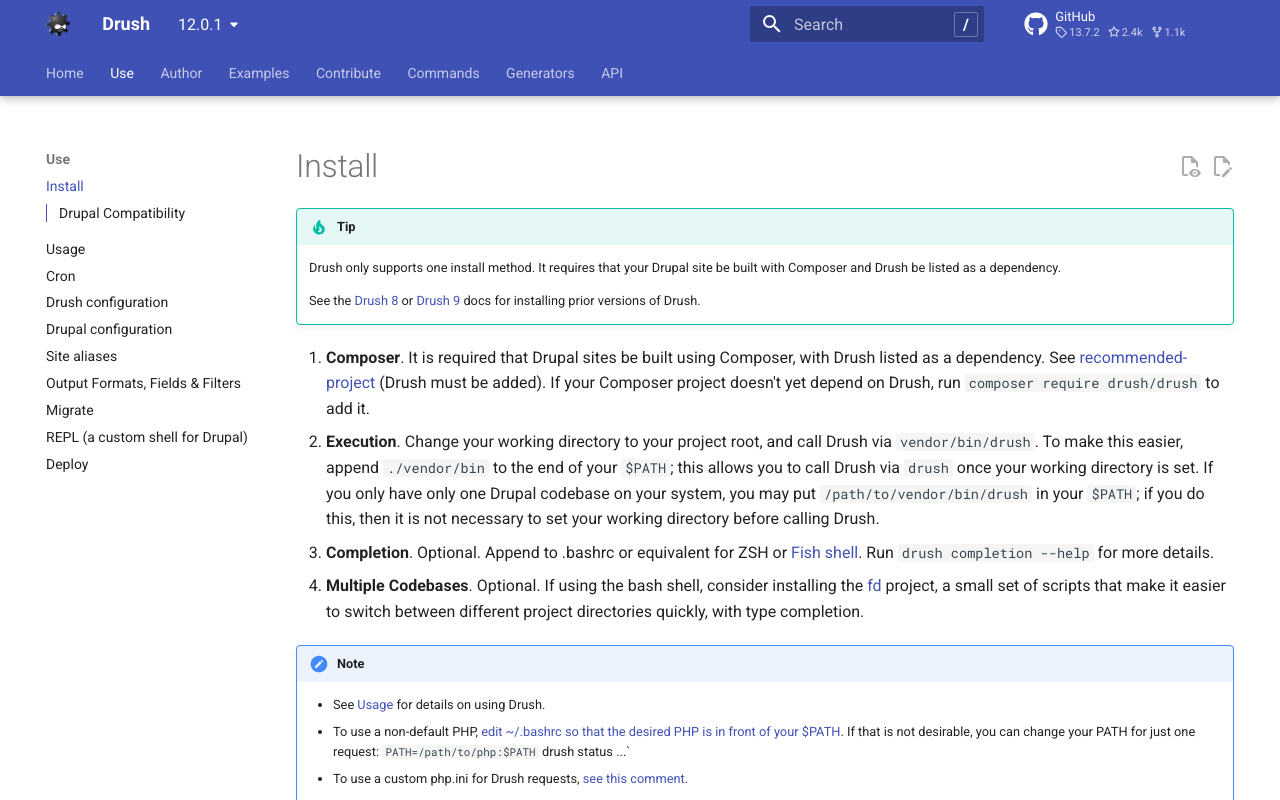
Overview The following JSON:API related error occurred. This is a note on how to resolve it. サイトに予期せぬエラーが起こりました。しばらくたってから再度お試しください。 TypeError: Drupal\jsonapi_search_api_facets\Plugin\facets\facet_source\JsonApiFacets::__construct(): Argument #6 ($index) must be of type Drupal\search_api\IndexInterface, null given, called in /home/j-soken/drupal/web/modules/contrib/jsonapi_search_api/modules/jsonapi_search_api_facets/src/Plugin/facets/facet_source/JsonApiFacets.php on line 61 in Drupal\jsonapi_search_api_facets\Plugin\facets\facet_source\JsonApiFacets->__construct() (line 48 of modules/contrib/jsonapi_search_api/modules/jsonapi_search_api_facets/src/Plugin/facets/facet_source/JsonApiFacets.php). Drupal\jsonapi_search_api_facets\Plugin\facets\facet_source\JsonApiFacets::create() (Line: 21) Drupal\Core\Plugin\Factory\ContainerFactory->createInstance() (Line: 83) Drupal\Component\Plugin\PluginManagerBase->createInstance() (Line: 251) facets_system_breadcrumb_alter() (Line: 545) Drupal\Core\Extension\ModuleHandler->alter() (Line: 94) Drupal\Core\Breadcrumb\BreadcrumbManager->build() (Line: 72) Drupal\system\Plugin\Block\SystemBreadcrumbBlock->build() (Line: 171) Drupal\block\BlockViewBuilder::preRender() call_user_func_array() (Line: 101) ... Solution First, enable error display. Add the following to the configuration file. ...
How to Use Drupal JSON:API (include and Multilingual Support)

How to Use Drupal JSON:API (include and Multilingual Support)

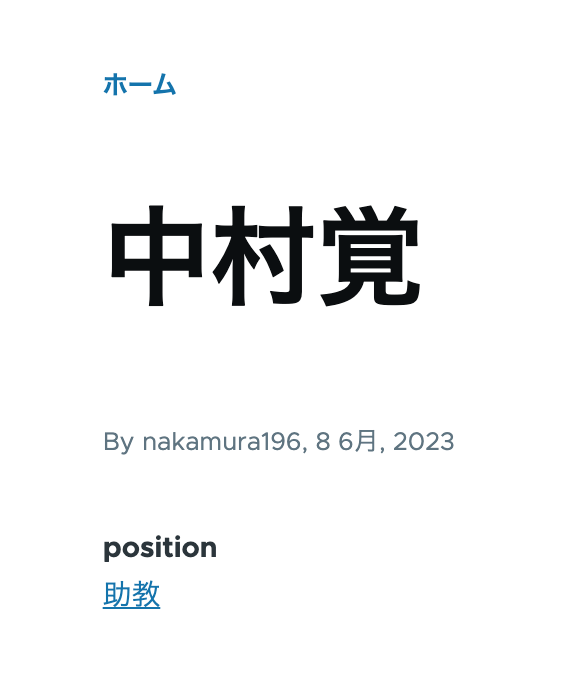
Overview This is a personal note on how to use Drupal’s JSON:API. This time, I will cover the use of include for taxonomies and multilingual processing. Data As shown below, the taxonomy “Assistant Professor” has been assigned to the position field. /node/5 Additionally, content multilingualization is enabled, so the English versions of the title and position are also displayed as shown below. /en/node/5 JSON:API Since the above content was created with the content type “faculty”, the data list can be retrieved from the following URL. ...

Content Registration and Multilingual Support Using Drupal Key Auth

Content Registration and Multilingual Support Using Drupal Key Auth

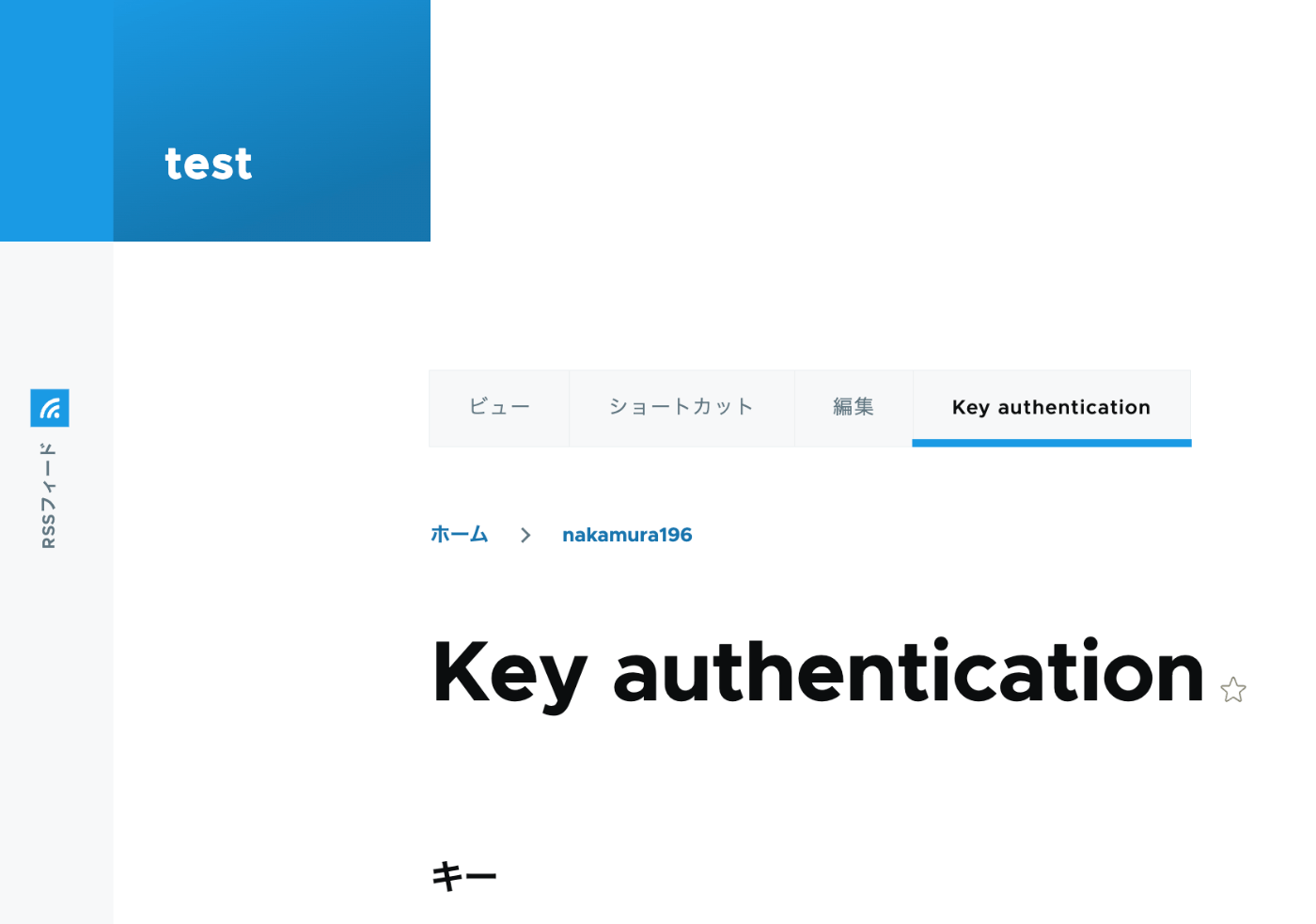
Overview In the following article, I performed content registration using Python with Basic authentication. This time, I tried API Key Authentication, referring to the following article. https://designkojo.com/post-drupal-using-jsonapi-vuejs-front-end API Key Authentication The following module was used. https://www.drupal.org/project/key_auth A “Key authentication” tab appeared on the user edit screen, allowing an API key to be generated. When using the API key, the following program can be used. import requests endpoint = 'http://{IP address or domain name}/jsonapi/node/article' key = '{API key}' headers = { 'Accept': 'application/vnd.api+json', 'Content-Type': 'application/vnd.api+json', "api-key": key } payload = { "data": { "type": "node--article", "attributes": { "title": "What's up from Python", "body": { "value": "Be water. My friends.", "format": "plain_text" } } } } r = requests.post(endpoint, headers=headers, json=payload) r.json() Notes on Multilingual Support As a note, it appears that creating translation data is not supported. ...

Trying Wagtail

Trying Wagtail

Overview I tried Wagtail, so here are my notes on issues I encountered. I basically followed the tutorial below: https://docs.wagtail.org/en/v5.0.1/getting_started/tutorial.html Search Feature When I added a page with the Japanese title “My First Article,” the following search did not return any results. http://localhost:8000/admin/pages/search/?q=はじめて On the other hand, the following search did return results. It appeared that partial matching for Japanese is not supported by default. http://localhost:8000/admin/pages/search/?q=はじめての記事 Wagtail API Information about the API is available here: ...

Causes and Solutions When Browse Does Not Work in Archivematica

Causes and Solutions When Browse Does Not Work in Archivematica

Overview I encountered a bug where clicking Browse in Archivematica did not allow me to view folders or files. Here I introduce the cause and solution. /transfer/ Symptom /administration/storage/ Error retrieving locations: is the storage server running? Please contact an administrator. Accessing the following returned this JSON: /transfer/locations/ { "message": "Error retrieving source directories", "status": "Failure" } Solution Accessing the following showed that the Storage Service was inaccessible. /administration/general/ ...

Bulk Deleting Amazon ECR Repositories

Bulk Deleting Amazon ECR Repositories

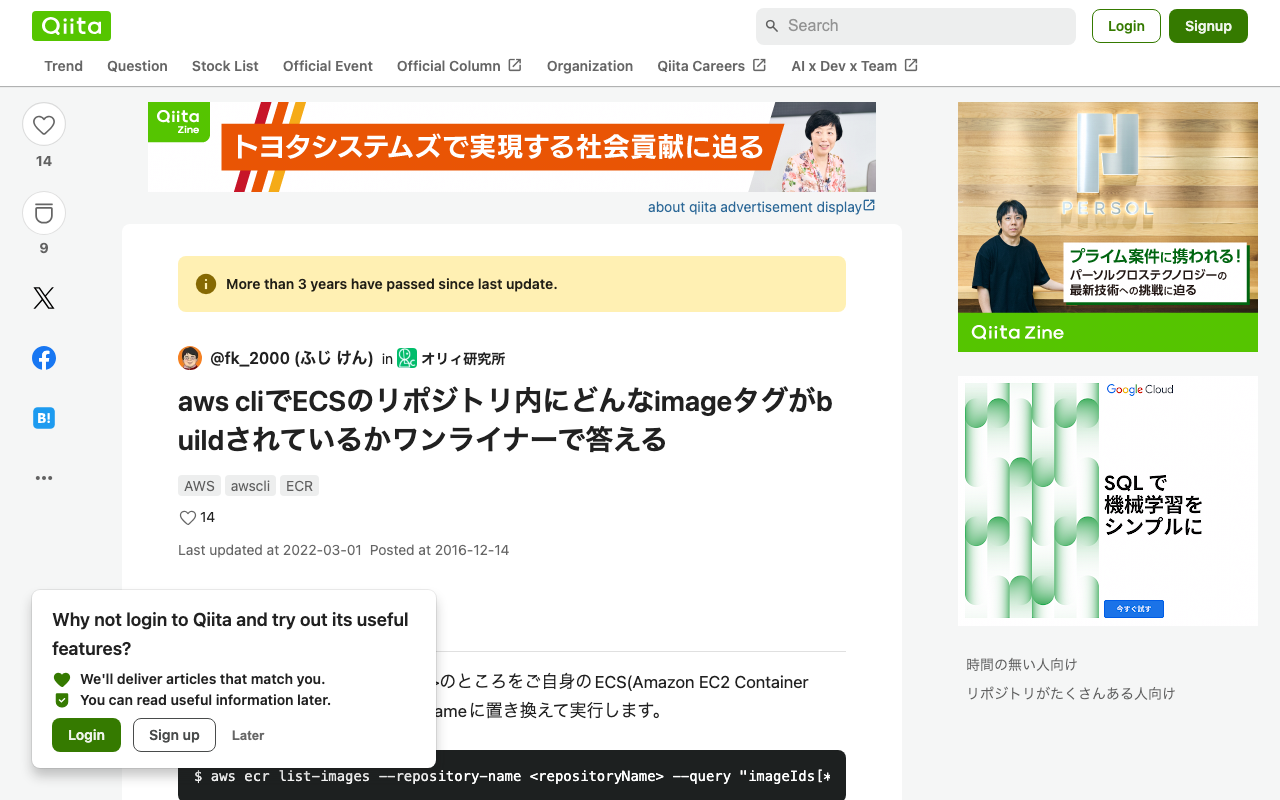
Overview I had an opportunity to bulk delete Amazon ECR repositories, so here are my notes. Please exercise caution when running these commands. Creating a List of Repositories I referenced the following article. https://qiita.com/fk_2000/items/bffd3b1ad6f3ab109766 Run the following command. aws ecr describe-repositories --output json | jq -re ".repositories[].repositoryName" > repository.list On macOS, if you don’t have the jq command, install it with brew install jq. Deletion Run the following command. The --force flag is used to delete even if images exist. ...

Customizing Views for Custom Models in Django REST Framework JSON:API (DJA)

Customizing Views for Custom Models in Django REST Framework JSON:API (DJA)

Overview Let’s customize the views for the model added in the following article. Sort Let’s add ordering_fields. ... class UserInfoViewset(ModelViewSet): ordering_fields = ("user_name", ) # Added here queryset = UserInfo.objects.all() serializer_class = UserInfoSerializer def get_object(self): entry_pk = self.kwargs.get("entry_pk", None) if entry_pk is not None: return Entry.objects.get(id=entry_pk).blog return super().get_object() ... As a result, only user_name became selectable in the “Filters” display. For example, sorting by age returned a validation error. Filter ... class UserInfoViewset(ModelViewSet): queryset = UserInfo.objects.all() serializer_class = UserInfoSerializer ordering_fields = ("user_name", ) # Added from here below # override the default filter backends in order to test QueryParameterValidationFilter # without breaking older usage of non-standard query params like `page_size`. filter_backends = ( QueryParameterValidationFilter, OrderingFilter, DjangoFilterBackend, SearchFilter, ) rels = ( "exact", "iexact", "contains", "icontains", "gt", "gte", "lt", "lte", "in", "regex", "isnull", ) filterset_fields = { "id": ("exact", "in"), "user_name": rels } search_fields = ("user_name", ) ... ... With the above, the following filter became possible. ...

Adding Custom Models to Django REST framework JSON:API (DJA)

Adding Custom Models to Django REST framework JSON:API (DJA)

Overview In the following article, I confirmed the basic operations of Django REST framework JSON:API (DJA). In this article, I will try adding a custom model to DJA. References I will add a UserInfo model, referencing the following article. https://tech-blog.rakus.co.jp/entry/20220329/python Steps Define the Model Add the following: # ユーザ情報を格納する class UserInfo(BaseModel): user_name = models.CharField(verbose_name='ユーザ名',max_length=32) # ユーザ名 birth_day = models.DateField(verbose_name='生年月日') # 生年月日 age = models.PositiveSmallIntegerField(verbose_name='年齢',null=True,unique=False) # 年齢 created_at = models.DateTimeField(verbose_name='作成日時',auto_now_add=True) Build the Database Execute the following: % django-admin makemigrations --settings=example.settings Migrations for 'example': example/migrations/0013_userinfo.py - Create model UserInfo % django-admin migrate --settings=example.settings Operations to perform: Apply all migrations: auth, contenttypes, example, sessions, sites Running migrations: Applying example.0013_userinfo... OK For reference, the following file is created: ...

Trying Django REST Framework JSON:API (DJA)

Trying Django REST Framework JSON:API (DJA)

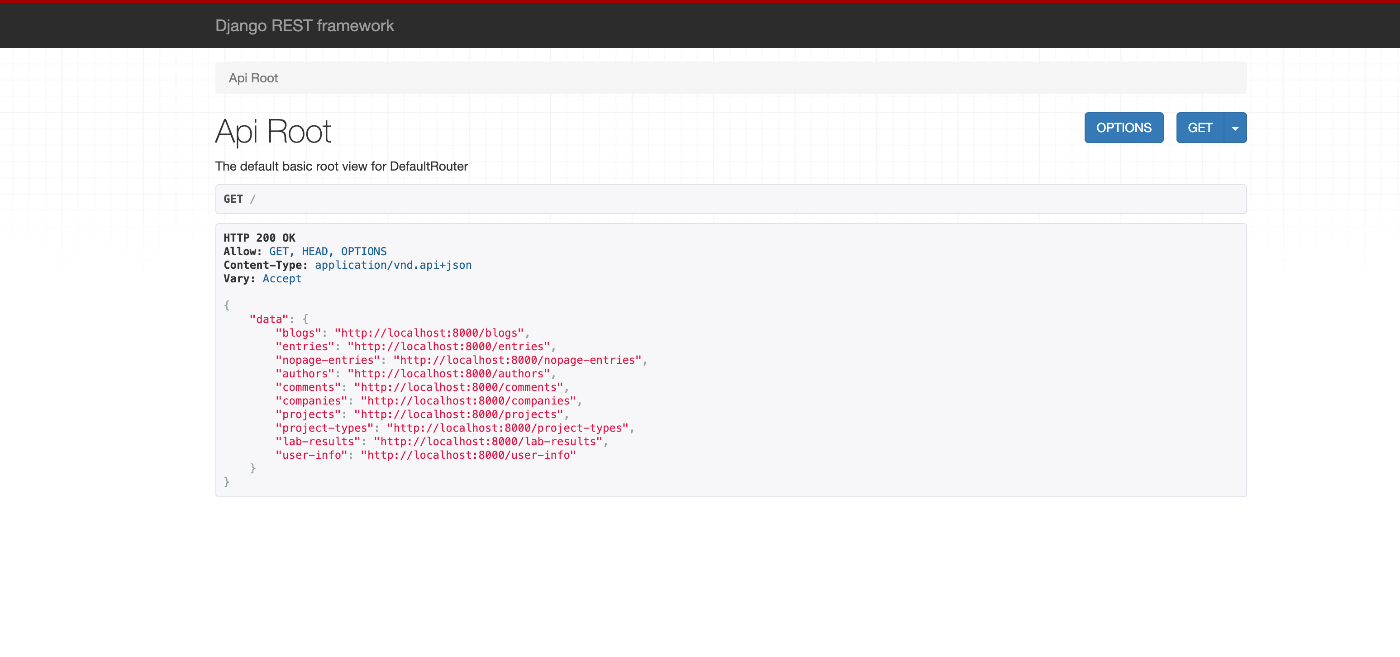
Overview I had an opportunity to try Django REST framework JSON:API (DJA), so here are my notes. https://django-rest-framework-json-api.readthedocs.io/en/stable/index.html Installation Launch the example app described on the following page. https://django-rest-framework-json-api.readthedocs.io/en/stable/getting-started.html git clone https://github.com/django-json-api/django-rest-framework-json-api.git cd django-rest-framework-json-api python3 -m venv env source env/bin/activate pip install -Ur requirements.txt django-admin migrate --settings=example.settings django-admin loaddata drf_example --settings=example.settings django-admin runserver --settings=example.settings As a result, the following screens were obtained. http://localhost:8000 for the list of available collections (in a non-JSON:API format!), ...

Creating a REST API Using OpenAPI and AWS CDK (OpenSearch Connection and Custom Domain)

Creating a REST API Using OpenAPI and AWS CDK (OpenSearch Connection and Custom Domain)

Overview I had the opportunity to create a REST API using OpenAPI and AWS CDK, so this is a memo. The following article was very helpful. https://zenn.dev/taroman_zenn/articles/91879cec40627c The project created this time is published in the following repository. https://github.com/nakamura196/CdkOpenapi Connecting to OpenSearch The implementation is done in the following Lambda. https://github.com/nakamura196/CdkOpenapi/blob/main/lambda/search.ts Environment variables need to be passed to the Lambda, and the following was written in the ts file under lib. ...

How to Upload and Update Files Using the GitHub GUI

How to Upload and Update Files Using the GitHub GUI

Overview I had the opportunity to share how to upload and update files on GitHub. Login For creating a new account and logging in, please refer to the following article: https://reffect.co.jp/html/create_github_account_first_time File Upload Access the repository. Click the “Add file” button, then click “Upload files.” Click “choose your files” to upload files from your local machine, then press “Commit changes.” The files will be uploaded. If a file with the same name already exists, it will be overwritten. ...

About the Image Server Configuration for Omeka S

About the Image Server Configuration for Omeka S

Overview The Image Server for Omeka S is a module that enables image delivery compatible with the IIIF Image API. https://omeka.org/s/modules/ImageServer/ When used in combination with the IIIF Server module, it also enables delivery via IIIF manifests. The Image Server module allows various settings, including methods for creating tile images. This article shares the investigation results regarding these settings. Experimental Environment This time, I will use an Amazon Lightsail LAMP instance. I use a relatively low-spec environment with 2 GB RAM and 1 vCPU. ...

AWS CDK x CloudFront x S3 x Basic Auth x index.html Support x Custom Domain

AWS CDK x CloudFront x S3 x Basic Auth x index.html Support x Custom Domain

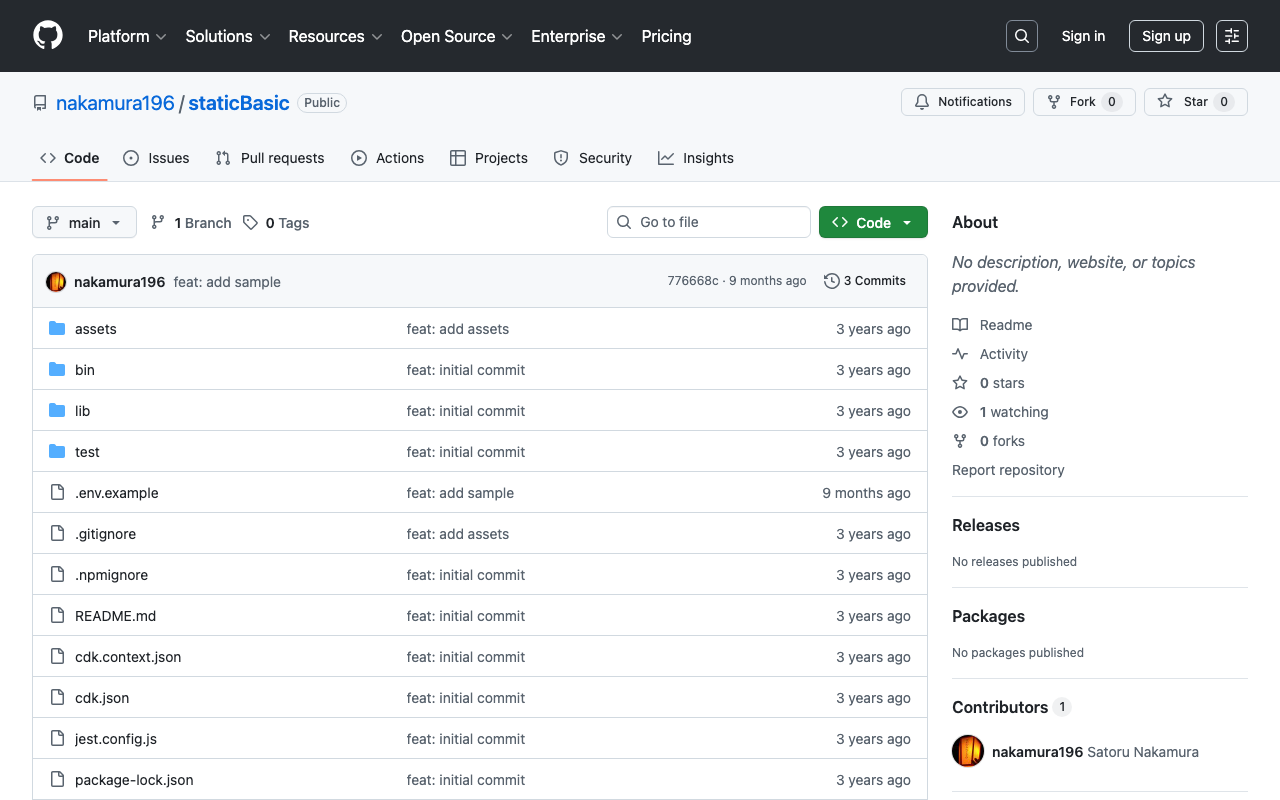
Overview I used AWS CDK to create a static site with CloudFront + S3. Additionally, I used CloudFront Functions to add Basic authentication and processing to append index.html to requests that do not include a filename or extension in the URL. I also added a custom domain, so this is a memo of the process. While somewhat incomplete, the source code is available in the following repository. https://github.com/nakamura196/staticBasic The intended use is to prepare an .env file like the following and run cdk deploy. ...

Creating an Anonymous File Uploader Using Google Drive and Google Apps Script

Creating an Anonymous File Uploader Using Google Drive and Google Apps Script

Overview I had the opportunity to create an anonymous file uploader using Google Drive and Google Apps Script, so this is a memo of the process. I referenced the following article. https://qiita.com/v2okimochi/items/06ed1ce7c56a877a1e10 Creating the Web App First, access Apps Script from the following URL. https://script.google.com/ Click “New project.” The following screen will be displayed. Copy and paste the following code. For the second line, <Google Drive upload folder ID>, create an upload folder in Google Drive in advance and obtain its ID. ...

Sending Google Spreadsheet Update Notifications to GitHub

Sending Google Spreadsheet Update Notifications to GitHub

Overview I investigated how to send notifications to GitHub when a Google Spreadsheet is updated using Google Apps Script. I also looked into how to send notifications from Strapi and Contentful to GitHub, so I am recording this as a reference. Google Apps Script By preparing a script like the following, I was able to send spreadsheet update notifications to GitHub. const token = "ghp_xxx" const owner = "yyy" const repo = "zzz" const event_type = "aaa" function postSheetChange() { const headers = { "Accept": "application/vnd.github+json", "Authorization": `Bearer ${token}`, "Content-Type": "application/json" } var payload = JSON.stringify({ event_type }); var requestOptions = { method: 'POST', headers, payload, }; UrlFetchApp.fetch(`https://api.github.com/repos/${owner}/${repo}/dispatches`, requestOptions) } The following article was helpful for setting up triggers. ...

Drupal: An Example of Searching Nested Fields

Drupal: An Example of Searching Nested Fields

Overview In the following article, I investigated how to search nested fields using Strapi. This time, I will investigate how to do the same thing with Drupal. For this investigation, Book and Author content has already been registered in the following article. The following article was helpful for filtering methods. https://www.drupal.org/docs/core-modules-and-themes/core-modules/jsonapi-module/filtering Search Examples The following searches are performed against: /jsonapi/node/book? Search for books containing an author with hobby=dance SHORT filter[field_authors.field_hobby]=dance ...

Strapi: How to Filter Results by Deeply Nested Fields

Strapi: How to Filter Results by Deeply Nested Fields

Overview The following article introduces how to filter results by deeply nested fields. https://strapi.io/blog/deep-filtering-alpha-26 As described above, by preparing the content types and fields, I was able to obtain the intended results. Notes As mentioned in the comments of the above article, the text contains “" characters, but these appear to be unnecessary. Incorrect GET /api/books?filters\[authors\][hobby][$contains]=dance By using the query without “" as follows, the intended results were obtained. Correct GET /api/books?filters[authors][hobby][$contains]=dance Summary I hope this serves as a helpful reference. ...

Drupal: Adding Content Types and Fields Using Custom Modules

Drupal: Adding Content Types and Fields Using Custom Modules

Overview This is a memo on how to add content types and fields using Drupal custom modules. The following two articles were helpful. https://www.drupal.org/docs/drupal-apis/entity-api/creating-a-custom-content-type-in-drupal-8 https://www.digitalnadeem.com/drupal/how-to-create-content-type-fields-and-view-while-installing-custom-module-in-drupal-9-using-configuration-manager/ Car Brand Example Following the first article introduced above, I was able to add a content type “Car Brand” with a “body” field. Note that the above article skips the part about creating the custom module. First, create the following folder and file. name: foobar description: Sample module package: Custom type: module version: 1.0 core_version_requirement: ^8 || ^9 Adding Custom Fields Using the above as reference, I was able to add a content type, but to add custom fields, I needed to add both a Field and a Field storage. ...

Drupal: Creating Custom REST Resources

Drupal: Creating Custom REST Resources

Overview I created a custom REST resource by following the instructions below. https://www.drupal.org/docs/drupal-apis/restful-web-services-api/custom-rest-resources By following the above article, I was able to obtain a JSON result from the following URL. /demo_rest_api/demo_resource { "message": "Hello, this is a rest service" } REST UI Module The above article included the following note: If you are using the REST UI contrib module, you should now be able to see it in the list of available endpoints and you should be able to configure the GET method. ...

Text Selection Using VueUse (Nuxt 3)

Text Selection Using VueUse (Nuxt 3)

Overview This is a personal note on using VueUse for implementing text selection functionality with Nuxt 3 (Vue 3). https://vueuse.org/ Demo You can try it from the following page. https://nuxt3-demo-git-main-nakamura196.vercel.app/textSelection The source code is at the following URL. https://github.com/nakamura196/nuxt3-demo/blob/main/pages/textSelection.vue Installation Method The installation instructions are described on the following page. https://vueuse.org/guide/ The specific steps are as follows. npm i -D @vueuse/nuxt @vueuse/core // nuxt.config.ts export default defineNuxtConfig({ modules: [ '@vueuse/nuxt', ], }) Summary In addition to text selection, there seem to be many other useful features available, so I would like to continue trying them out. ...