Home Articles Books Search About
RSS 日本語
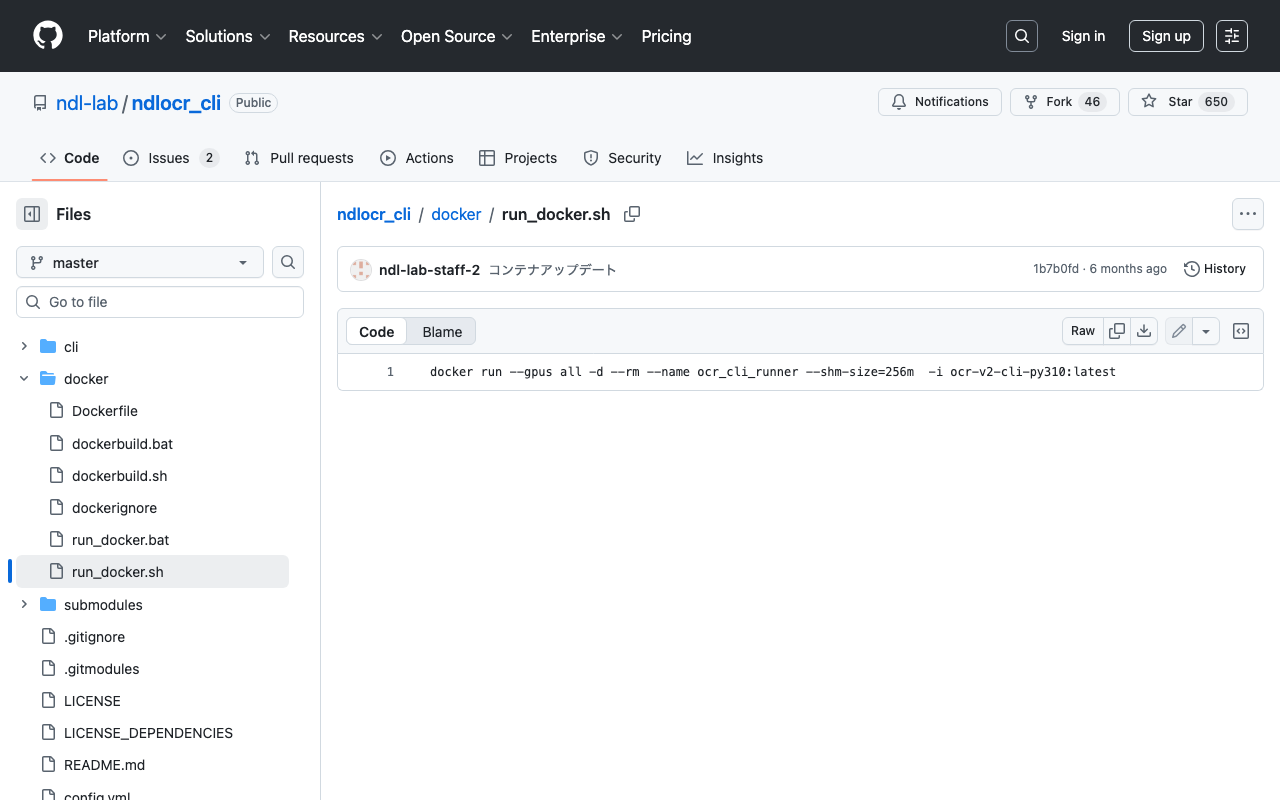
Handling Shared Memory Shortage When Running ndlocr_cli and Other Issues

Handling Shared Memory Shortage When Running ndlocr_cli and Other Issues

Overview This is a memo about issues I encountered when running ndlocr_cli (the NDLOCR (ver.2.1) application repository) and the steps taken to resolve them. Note that many of these issues were caused by my own configuration oversights or atypical usage, and are unlikely to occur during normal use. Please refer to this article if you encounter similar issues. Shared Memory Shortage When running ndlocr_cli, the following error occurred. Predicting: 0it [00:00, ?it/s]ERROR: Unexpected bus error encountered in worker. This might be caused by insufficient shared memory (shm). DataLoader worker (pid(s) 3999) exited unexpectedly The response from ChatGPT was as follows. ...

Publishing Videos with Omeka S

Publishing Videos with Omeka S

Overview I investigated how to publish videos with Omeka S, so this is a memorandum. Standard Features Omeka S supports video out of the box. Below is an example using the standard features. I used the following mp4 file: https://file-examples.com/storage/fe4e1227086659fa1a24064/2017/04/file_example_MP4_480_1_5MG.mp4 Specifically, the <video> tag was used as follows: <div class="media-render file"> <video src="https://omeka-d.aws.ldas.jp/files/original/5060f3ba2537676746a7aa69c9884c64daac300b.mp4" controls=""> <a href="https://omeka-d.aws.ldas.jp/files/original/5060f3ba2537676746a7aa69c9884c64daac300b.mp4">5060f3ba2537676746a7aa69c9884c64daac300b.mp4</a> </video> </div> Similarly, when uploading a .mov file, it played successfully, though this may be browser-dependent. ...

Disk Space After Installing ndlocr_cli with Docker

Disk Space After Installing ndlocr_cli with Docker

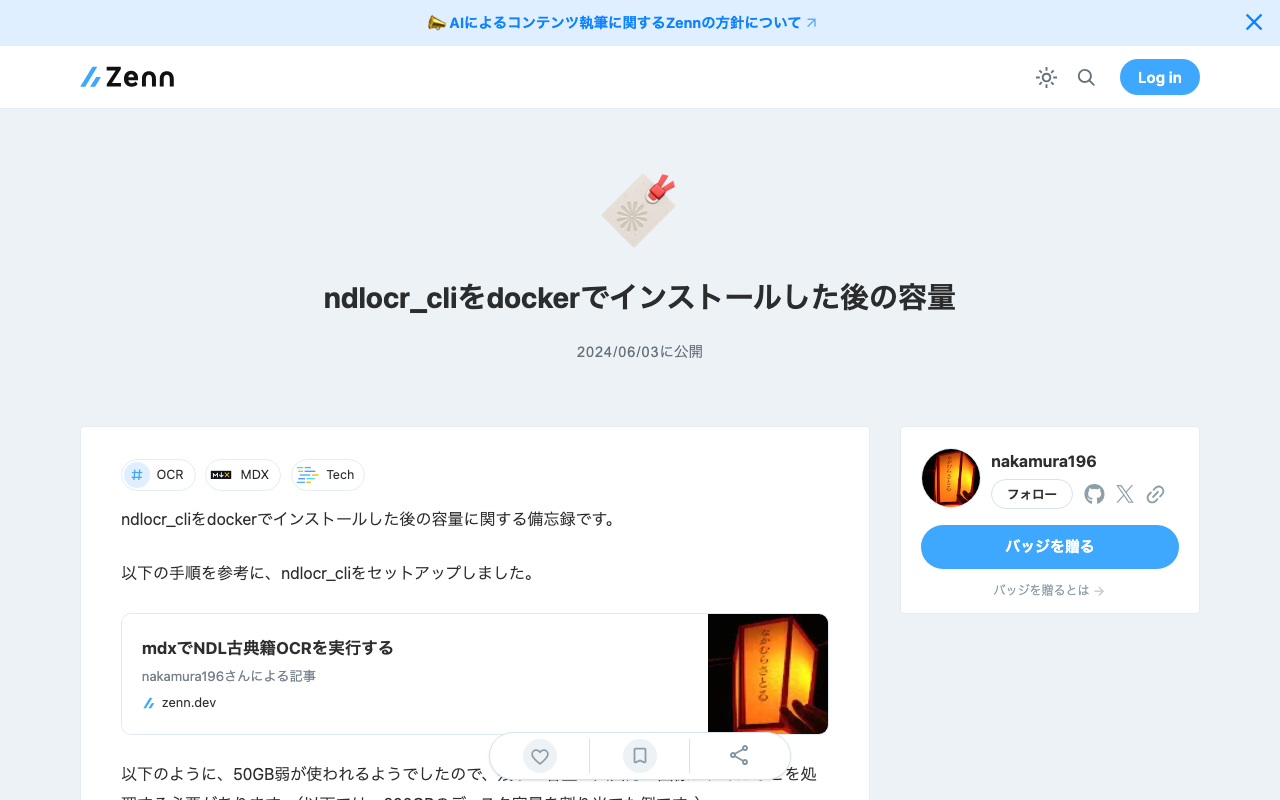
Notes on disk space after installing ndlocr_cli with Docker. I set up ndlocr_cli by following the steps described in the following article. As shown below, approximately 50GB of space is used, so you need to process input/output image files etc. with the remaining capacity. (The example below shows a case with 200GB of disk space allocated.) mdxuser@ubuntu-2204:~/ndlocr_cli$ df -h Filesystem Size Used Avail Use% Mounted on tmpfs 5.7G 1.4M 5.7G 1% /run /dev/sda2 196G 45G 143G 24% / tmpfs 29G 0 29G 0% /dev/shm tmpfs 5.0M 0 5.0M 0% /run/lock /dev/sda1 1.1G 6.1M 1.1G 1% /boot/efi tmpfs 5.7G 4.0K 5.7G 1% /run/user/1000 I hope this is helpful when specifying the virtual disk size (GB) when launching virtual machines on AWS (Amazon Web Services) or mdx (Data-Driven Society Creation Platform). ...

Logging into Drupal Programmatically

Logging into Drupal Programmatically

This is a personal note on how to log into Drupal programmatically. The following article was helpful: https://drupal.stackexchange.com/questions/185494/how-do-i-programmatically-log-in-a-user-with-a-post-request curl --location 'http://drupal.d8/user/login?_format=json' \ --header 'Content-Type: application/json' \ --data '{ "name": "admin", "pass": "admin" }' By sending a request like the above, I was able to obtain a response like the following: {"current_user":{"uid":"1","roles":["authenticated","administrator"],"name":"admin"},"csrf_token":"wBr9ldleaUhmP4CgVh7PiyyxgNn_ig8GgAan9-Ul3Lg","logout_token":"tEulBvihW1SUkrnbCERWmK2jr1JEN_mRAQIdNNhhIDc"} I hope this serves as a useful reference.

Searching Including Private Posts with WordPress REST API

Searching Including Private Posts with WordPress REST API

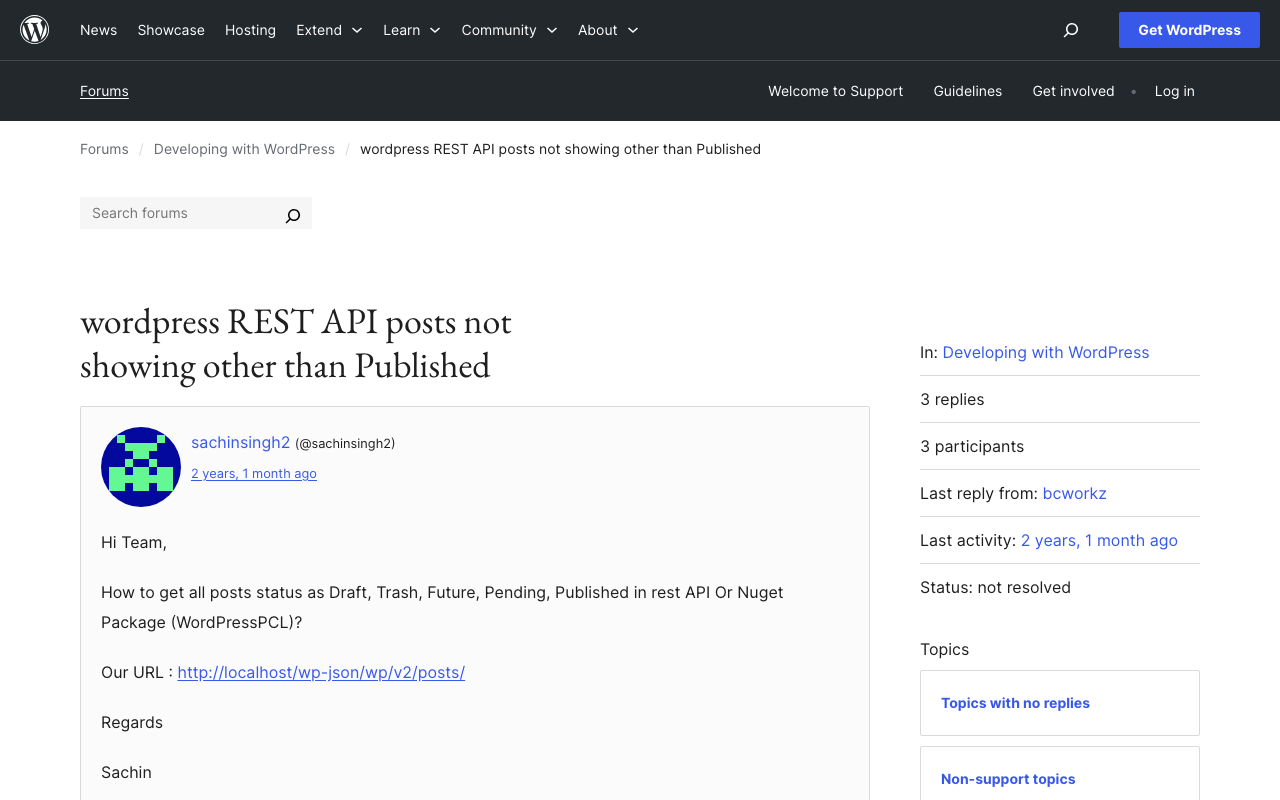
Background This is a note on how to search including private posts with the WordPress REST API. The following was helpful. https://wordpress.org/support/topic/wordpress-rest-api-posts-not-showing-other-than-published/ Specifically, by using the status argument and specifying multiple statuses as shown below, I was able to retrieve a list of articles including those statuses. GET /wp-json/wp/v2/posts?status=publish,draft,trash I hope this serves as a useful reference.

Triggering GitHub Actions from Drupal Events

Triggering GitHub Actions from Drupal Events

Overview This is a memorandum on how to trigger GitHub Actions from Drupal events. The following site was helpful: https://qiita.com/hmaruyama/items/3d47efde4720d357a39e Pipedream Configuration Create a workflow that includes a trigger and a custom_request. For the trigger, please refer to the following: https://qiita.com/hmaruyama/items/3d47efde4720d357a39e#pipedream側の設定 In custom_request, configure the dispatch settings. https://docs.github.com/ja/rest/repos/repos?apiVersion=2022-11-28#create-a-repository-dispatch-event Configure the settings as follows: curl -L \ -X POST \ -H "Accept: application/vnd.github+json" \ -H "Authorization: Bearer <YOUR-TOKEN>" \ -H "X-GitHub-Api-Version: 2022-11-28" \ https://api.github.com/repos/OWNER/REPO/dispatches \ -d '{"event_type":"webhook"}' ...

Inference App Using a YOLOv5 Model (Character Region Detection)

Inference App Using a YOLOv5 Model (Character Region Detection)

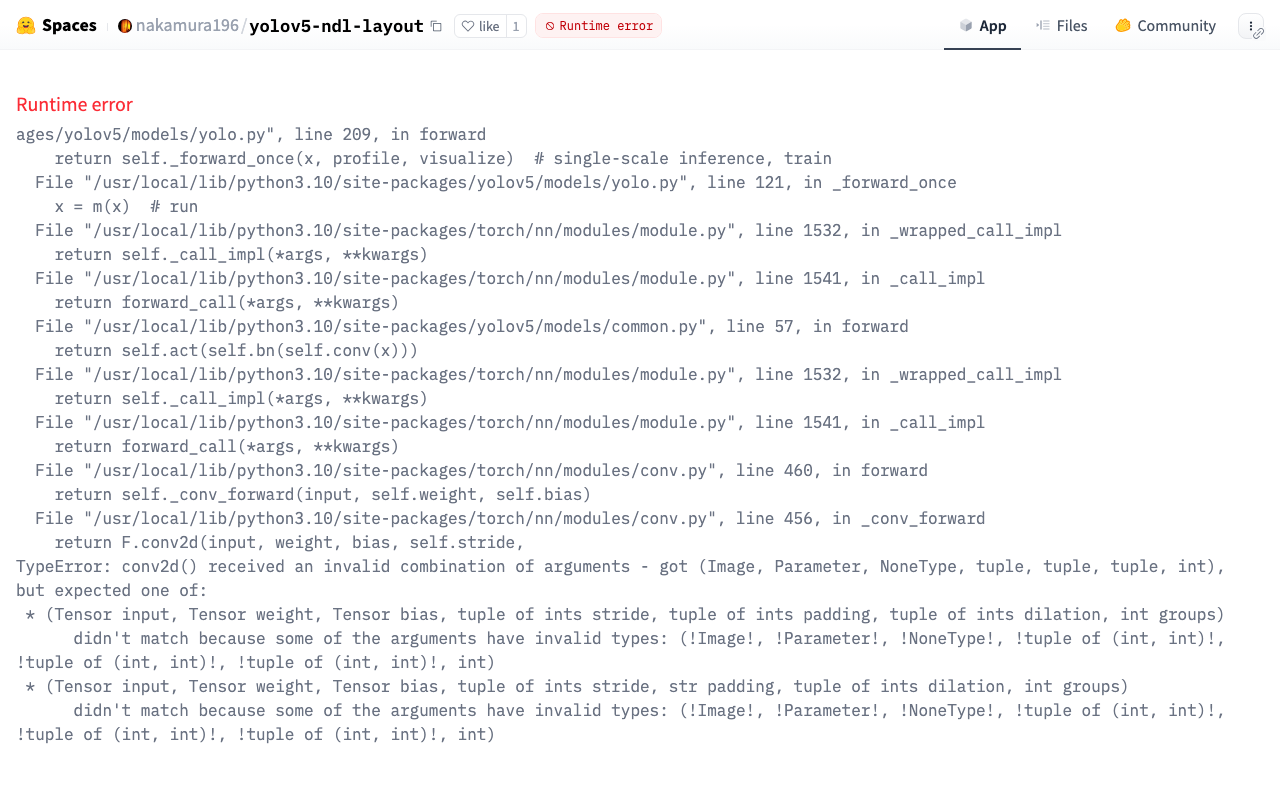
Overview The character region detection app is published at the following link. https://huggingface.co/spaces/nakamura196/yolov5-char The above app had stopped working, so I fixed it following the same procedure as in the following article. The model used in this app was built using the “Japanese Classical Character Dataset” (held by NIJL and others / processed by CODH) doi:10.20676/00000340. I also made some minor improvements during this fix, which I will introduce here. ...

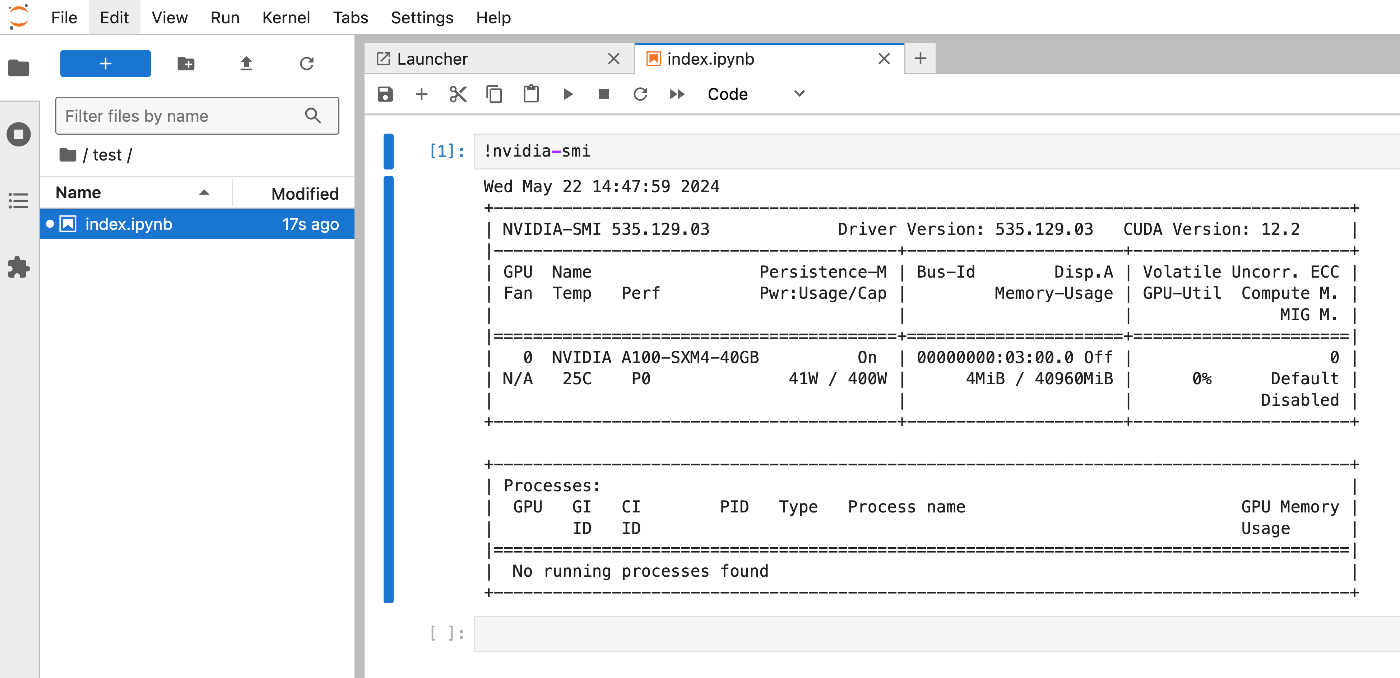
Launching Jupyter Lab on mdx

Launching Jupyter Lab on mdx

Overview I had an opportunity to launch Jupyter Lab on mdx, so here are my notes. Please also refer to the following for mdx setup. References The following video was very helpful. https://youtu.be/-KJwtctadOI?si=xaKajk79b1MxTpJ6 Setup On the Server Install pip sudo apt install python3-pip Add to the PATH nano ~/.bashrc export PATH="$HOME/.local/bin:$PATH" source ~/.bashrc The following command launches Jupyter Lab. jupyter-lab Local Machine Connect via SSH with the following command. ssh -N -L 8888:localhost:8888 mdxuser@xxx.yyy.zzz.lll -i ~/.ssh/mdx/id_rsa Then, access the address displayed in the server console. ...

Fixing an Inference App Using Hugging Face Spaces and a YOLOv5 Model (Trained on NDL-DocL Dataset)

Fixing an Inference App Using Hugging Face Spaces and a YOLOv5 Model (Trained on NDL-DocL Dataset)

Overview In the following article, I introduced an inference app using Hugging Face Spaces and a YOLOv5 model trained on the NDL-DocL dataset. This app had stopped working, so I fixed it to make it operational again. https://huggingface.co/spaces/nakamura196/yolov5-ndl-layout Here are my notes on the changes made during this fix. Changes The modified app.py is shown below. import gradio as gr from PIL import Image import yolov5 import json model = yolov5.load("nakamura196/yolov5-ndl-layout") def yolo(im): results = model(im) # inference df = results.pandas().xyxy[0].to_json(orient="records") res = json.loads(df) im_with_boxes = results.render()[0] # results.render() returns a list of images # Convert the numpy array back to an image output_image = Image.fromarray(im_with_boxes) return [ output_image, res ] inputs = gr.Image(type='pil', label="Original Image") outputs = [ gr.Image(type="pil", label="Output Image"), gr.JSON() ] title = "YOLOv5 NDL-DocL Datasets" description = "YOLOv5 NDL-DocL Datasets Gradio demo for object detection. Upload an image or click an example image to use." article = "<p style='text-align: center'>YOLOv5 NDL-DocL Datasets is an object detection model trained on the <a href=\"https://github.com/ndl-lab/layout-dataset\">NDL-DocL Datasets</a>.</p>" examples = [ ['『源氏物語』(東京大学総合図書館所蔵).jpg'], ['『源氏物語』(京都大学所蔵).jpg'], ['『平家物語』(国文学研究資料館提供).jpg'] ] demo = gr.Interface(yolo, inputs, outputs, title=title, description=description, article=article, examples=examples) demo.launch(share=False) First, due to Gradio version upgrades, I changed gr.inputs.Image to gr.Image and similar updates. ...

Handling ultralyticsplus: ValueError: Invalid CUDA 'device=0' requested...

Handling ultralyticsplus: ValueError: Invalid CUDA 'device=0' requested...

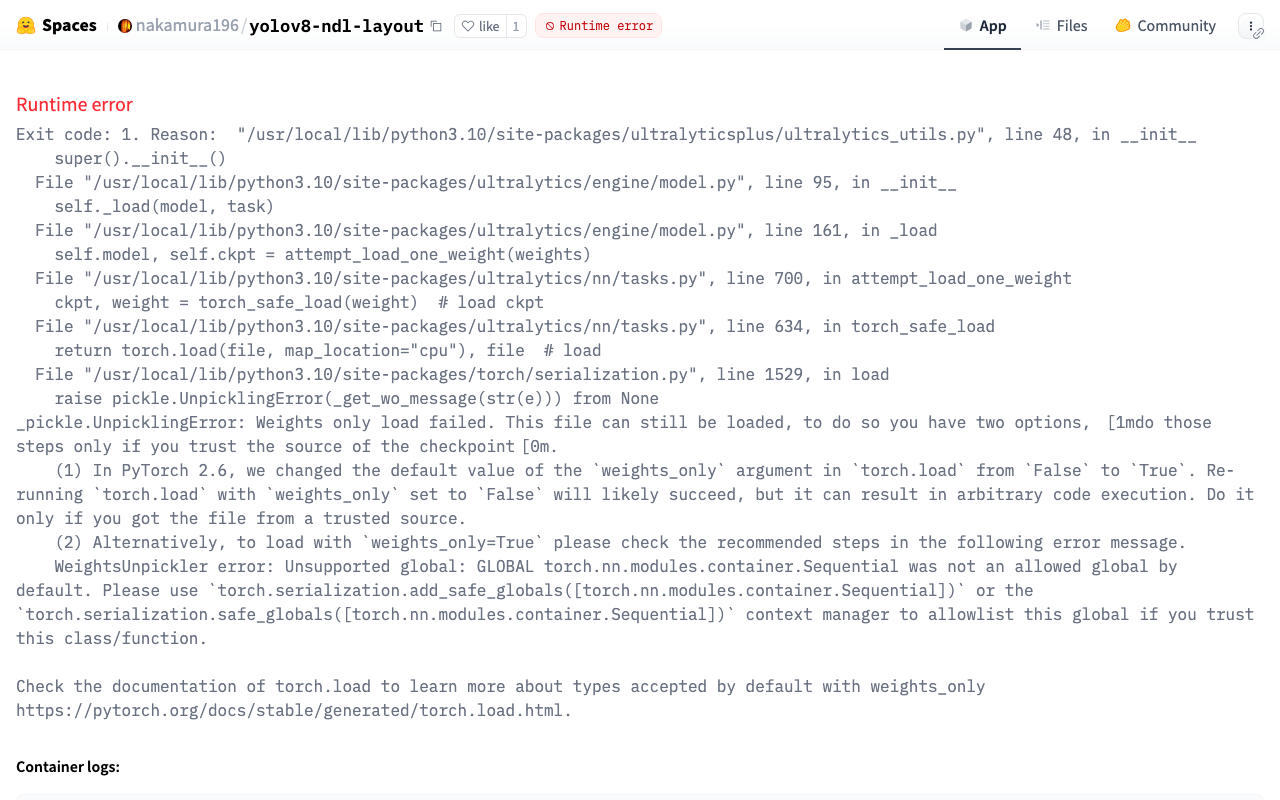
Overview I have published an inference app using YOLOv8 at the following link: https://huggingface.co/spaces/nakamura196/yolov8-ndl-layout Initially, the following error occurred: ValueError: Invalid CUDA 'device=0' requested. Use 'device=cpu' or pass valid CUDA device(s) if available, i.e. 'device=0' or 'device=0,1,2,3' for Multi-GPU. torch.cuda.is_available(): False torch.cuda.device_count(): 0 os.environ['CUDA_VISIBLE_DEVICES']: None See https://pytorch.org/get-started/locally/ for up-to-date torch install instructions if no CUDA devices are seen by torch. This error was resolved by adding device as follows: ...

Prototyping entity-lookup Using the Japan Search Utilization Schema

Prototyping entity-lookup Using the Japan Search Utilization Schema

Overview This is a continuation of the following article. I will prototype a package that performs CWRC entity-lookup using the Japan Search utilization schema. Demo You can try it on the following page. https://nakamura196.github.io/nuxt3-demo/entity-lookup/ Entity-lookup is performed against JPS, Wikidata, and VIAF for each type such as Person, Place, and Organization. Library It is published at the following location. https://github.com/nakamura196/jps-entity-lookup Based on the repository https://github.com/cwrc/wikidata-entity-lookup already published by CWRC, I mainly modified the following file to match the Japan Search utilization schema. ...

Trying cwrc's wikidata-entity-lookup

Trying cwrc's wikidata-entity-lookup

Overview This is a continuation of the following article. One of the features of LEAF-WRITER is described as follows: the ability to look up and select identifiers for named entity tags (persons, organizations, places, or titles) from the following Linked Open Data authorities: DBPedia, Geonames, Getty, LGPN, VIAF, and Wikidata. This feature uses libraries such as the following. https://github.com/cwrc/wikidata-entity-lookup I tried out this feature. Usage npm packages are published at the following locations. ...

Trying the CWRC XML Validator API

Trying the CWRC XML Validator API

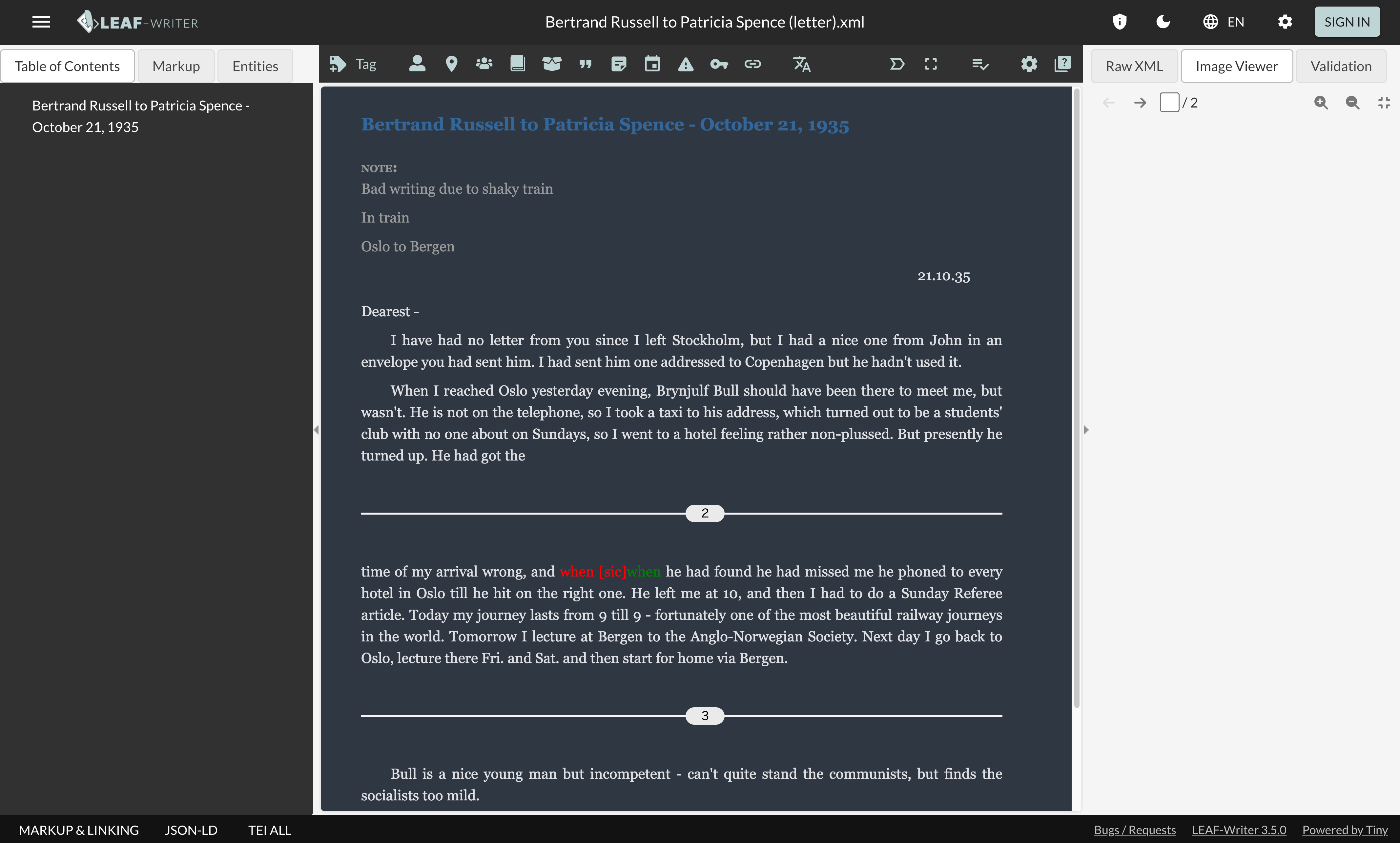
Overview One of the editors for TEI/XML is LEAF-WRITER. https://leaf-writer.leaf-vre.org/ It is described as follows: The XML & RDF online editor of the Linked Editing Academic Framework The GitLab repository is below. https://gitlab.com/calincs/cwrc/leaf-writer/leaf-writer One of the features of this tool is described as: continuous XML validation This validation appears to use the following API. https://validator.services.cwrc.ca/ The library seems to be: https://www.npmjs.com/package/@cwrc/leafwriter-validator This time, I tried the above API. ...

RELAX NG and Schematron

RELAX NG and Schematron

Overview When creating TEI/XML with oXygen XML Editor, the following template is generated. <?xml version="1.0" encoding="UTF-8"?> <?xml-model href="http://www.tei-c.org/release/xml/tei/custom/schema/relaxng/tei_all.rng" type="application/xml" schematypens="http://relaxng.org/ns/structure/1.0"?> <?xml-model href="http://www.tei-c.org/release/xml/tei/custom/schema/relaxng/tei_all.rng" type="application/xml" schematypens="http://purl.oclc.org/dsdl/schematron"?> <TEI xmlns="http://www.tei-c.org/ns/1.0"> <teiHeader> <fileDesc> <titleStmt> <title>Title</title> </titleStmt> <publicationStmt> <p>Publication Information</p> </publicationStmt> <sourceDesc> <p>Information about the source</p> </sourceDesc> </fileDesc> </teiHeader> <text> <body> <p>Some text here.</p> </body> </text> </TEI> I was curious about the following difference, so I am sharing the results of querying GPT-4. <?xml-model href="http://www.tei-c.org/release/xml/tei/custom/schema/relaxng/tei_all.rng" type="application/xml" schematypens="http://relaxng.org/ns/structure/1.0"?> <?xml-model href="http://www.tei-c.org/release/xml/tei/custom/schema/relaxng/tei_all.rng" type="application/xml" schematypens="http://purl.oclc.org/dsdl/schematron"?> Answer The difference between the 2nd and 3rd lines is the namespace specified in the schematypens attribute. Details are explained below. ...

Using the Docker Version of TEI Publisher

Using the Docker Version of TEI Publisher

Overview I had an opportunity to use the Docker version of TEI Publisher, so here are my notes. https://teipublisher.com/exist/apps/tei-publisher-home/index.html TEI Publisher is described as follows. TEI Publisher facilitates the integration of the TEI Processing Model into exist-db applications. The TEI Processing Model (PM) extends the TEI ODD specification format with a processing model for documents. That way intended processing for all elements can be expressed within the TEI vocabulary itself. It aims at the XML-savvy editor who is familiar with TEI but is not necessarily a developer. ...

Formatting XML Strings in Python

Formatting XML Strings in Python

Overview Notes on programs for formatting XML strings in Python. Program 1 I referenced the following. https://hawk-tech-blog.com/python-learn-prettyprint-xml/ I added processing to remove unnecessary blank lines. from xml.dom import minidom import re def prettify(rough_string): reparsed = minidom.parseString(rough_string) pretty = re.sub(r"[\t ]+\n", "", reparsed.toprettyxml(indent="\t")) # Remove unnecessary line breaks after indentation pretty = pretty.replace(">\n\n\t<", ">\n\t<") # Remove unnecessary blank lines pretty = re.sub(r"\n\s*\n", "\n", pretty) # Replace consecutive line breaks (including blank lines) with a single line break return pretty Program 2 I referenced the following. https://qiita.com/hrys1152/items/a87b4ca3c74ec4997f66 When processing TEI/XML, I recommend registering the namespace. ...

How to Convert CMYK Color Images Without Color Inversion

How to Convert CMYK Color Images Without Color Inversion

Overview For example, when delivering images via IIIF, performing the following conversion on CMYK color images using ImageMagick would sometimes result in inverted colors. convert source_image.tif -alpha off -define tiff:tile-geometry=256x256 -compress jpeg 'ptif:output_image.tif' Original image (Using an image published on Nuno LAB..) Display example in Image Annotator (created by Masahide Kanzaki) This is not a problem with image servers such as Cantaloupe Image Server or IIPImage, nor with viewers like Image Annotator, Mirador, or Universal Viewer. Rather, the issue lies in the generated tiled TIFF images. ...

Counting Triples in an RDF Store 2: Co-occurrence Frequency

Counting Triples in an RDF Store 2: Co-occurrence Frequency

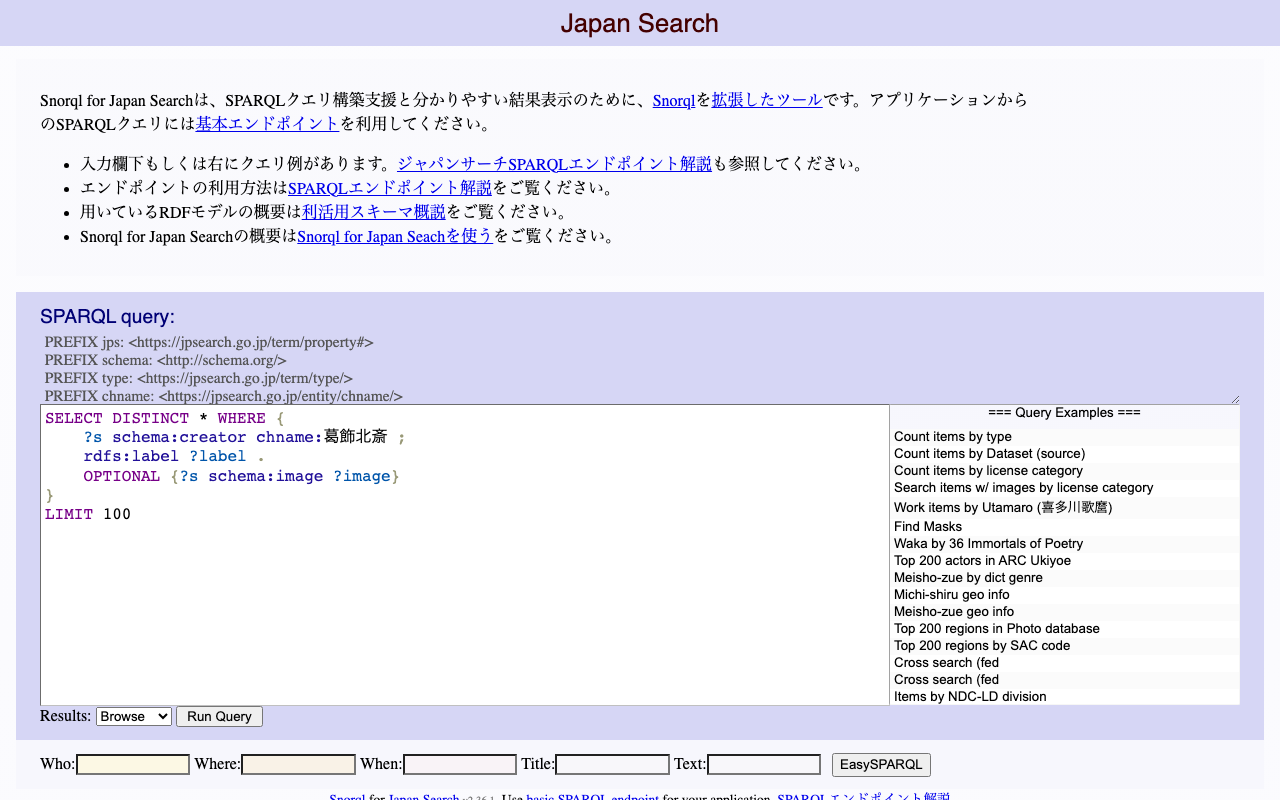
Overview I had the opportunity to count co-occurrence frequencies for RDF triples, so here are my notes. Following the previous article, I will again use the Japan Search RDF store as an example. Example 1 The following query counts the number of triples among sword-type instances that share a common creator (schema:creator). The filter avoids counting identical instances and prevents duplicate counting. select (count(*) as ?count) where { ?entity1 a type:刀剣; schema:creator ?value . ?entity2 a type:刀剣; schema:creator ?value . FILTER(?entity1 != ?entity2 && ?entity1 < ?entity2) } https://jpsearch.go.jp/rdf/sparql/easy/?query=select+(count(*)+as+%3Fcount)+where+{ ++%3Fentity1+a+type%3A刀剣%3B +++++++++++++schema%3Acreator+%3Fvalue+. ++%3Fentity2+a+type%3A刀剣%3B +++++++++++++schema%3Acreator+%3Fvalue+. ++FILTER(%3Fentity1+!%3D+%3Fentity2+%26%26+%3Fentity1+<+%3Fentity2) } ...

Counting the Number of Triples in an RDF Store

Counting the Number of Triples in an RDF Store

Overview Here are my notes on how to count the number of triples in an RDF store. This time, we will use the Japan Search RDF store as an example. https://jpsearch.go.jp/rdf/sparql/easy/ Number of Triples The following query counts the number of triples: SELECT (COUNT(*) AS ?NumberOfTriples) WHERE { ?s ?p ?o . } The result is: https://jpsearch.go.jp/rdf/sparql/easy/?query=SELECT+(COUNT(*)+AS+%3FNumberOfTriples) WHERE+{ ++%3Fs+%3Fp+%3Fo+. } At the time of writing this article (May 6, 2024), there were 1,280,645,565 triples (approximately 1.28 billion). ...

Trying Out TEIGarage

Trying Out TEIGarage

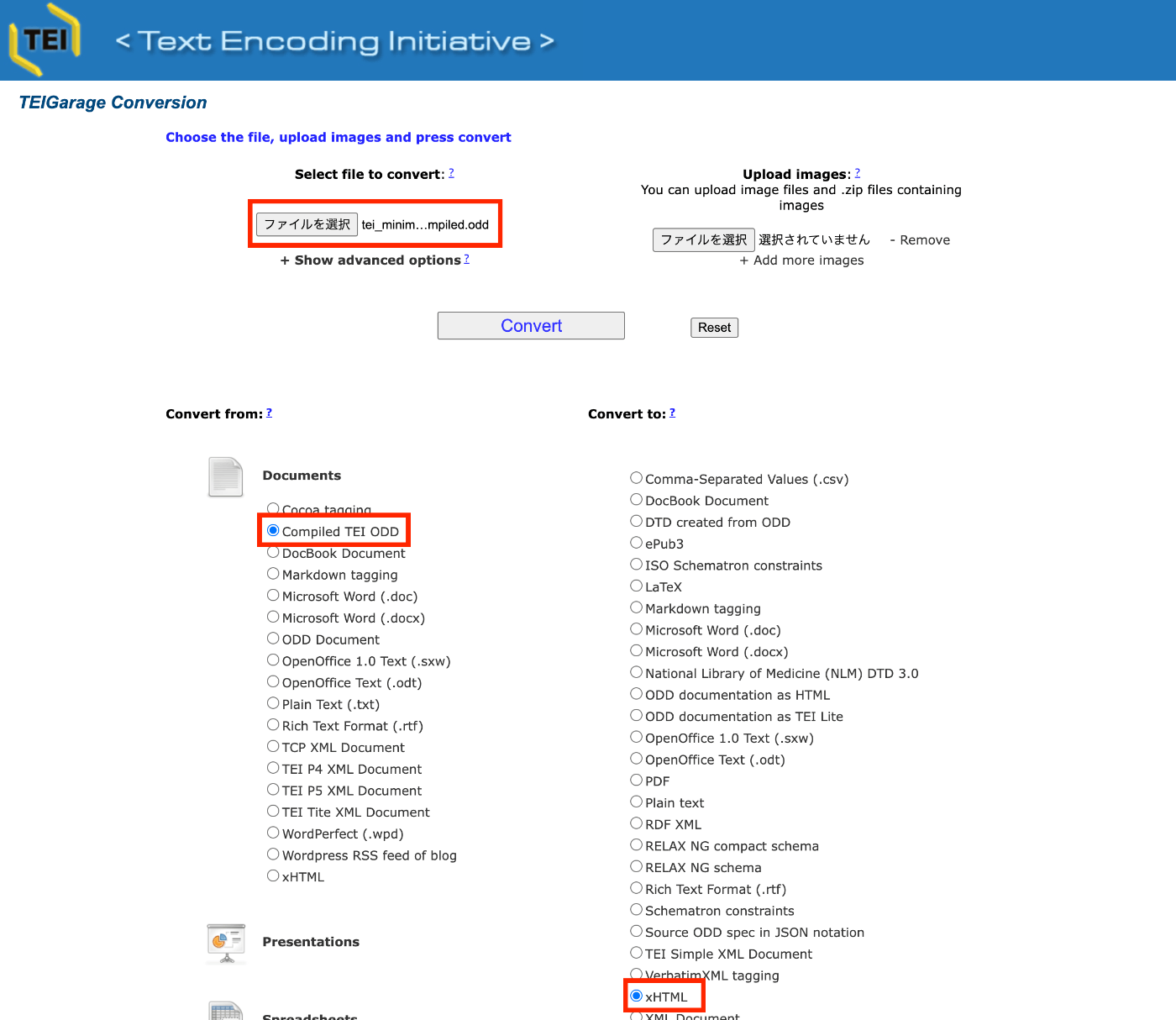
Overview TEIGarage is described as follows. https://github.com/TEIC/TEIGarage/ TEIGarage is a webservice and RESTful service to transform, convert and validate various formats, focussing on the TEI format. TEIGarage is based on the proven OxGarage. Trying It Out You can try it out on the following page. https://teigarage.tei-c.org/ We will use the “TEI Minimal” ODD file published at the following URL. This file is also used as one of the presets in Roma. ...