Home Articles Books Search About
日本語
Handling the CSRF: Value is required and can't be empty Error in Omeka S

Handling the CSRF: Value is required and can't be empty Error in Omeka S

Overview In Omeka S, I encountered an issue where the error message “CSRF: Value is required and can’t be empty” was displayed when trying to save an item associated with many media, and saving would not complete. This article explains how to address this error. Related Articles This is mentioned in articles such as the following. It appears to be a known error, and it is stated that php.ini needs to be modified. ...

Using Custom Permissions in Drupal Custom Modules

Using Custom Permissions in Drupal Custom Modules

Overview I had the opportunity to use custom permissions in a Drupal custom module, so here are my notes. Background In the following article, I introduced a module that executes GitHub Actions from Drupal. However, the permission was set to administer site configuration, so only users with administrator privileges could execute it. The commit addressing this issue is as follows. https://github.com/nakamura196/Drupal-module-github_webhook/commit/c3b6f57bebfeda0556c929c8ed8ed62a0eb0a5c4 Method Below, I share the response from ChatGPT 4o. ...

GitHub Repository for DTS API for TEI/XML Files Published in the Koui Genji Monogatari Text DB

GitHub Repository for DTS API for TEI/XML Files Published in the Koui Genji Monogatari Text DB

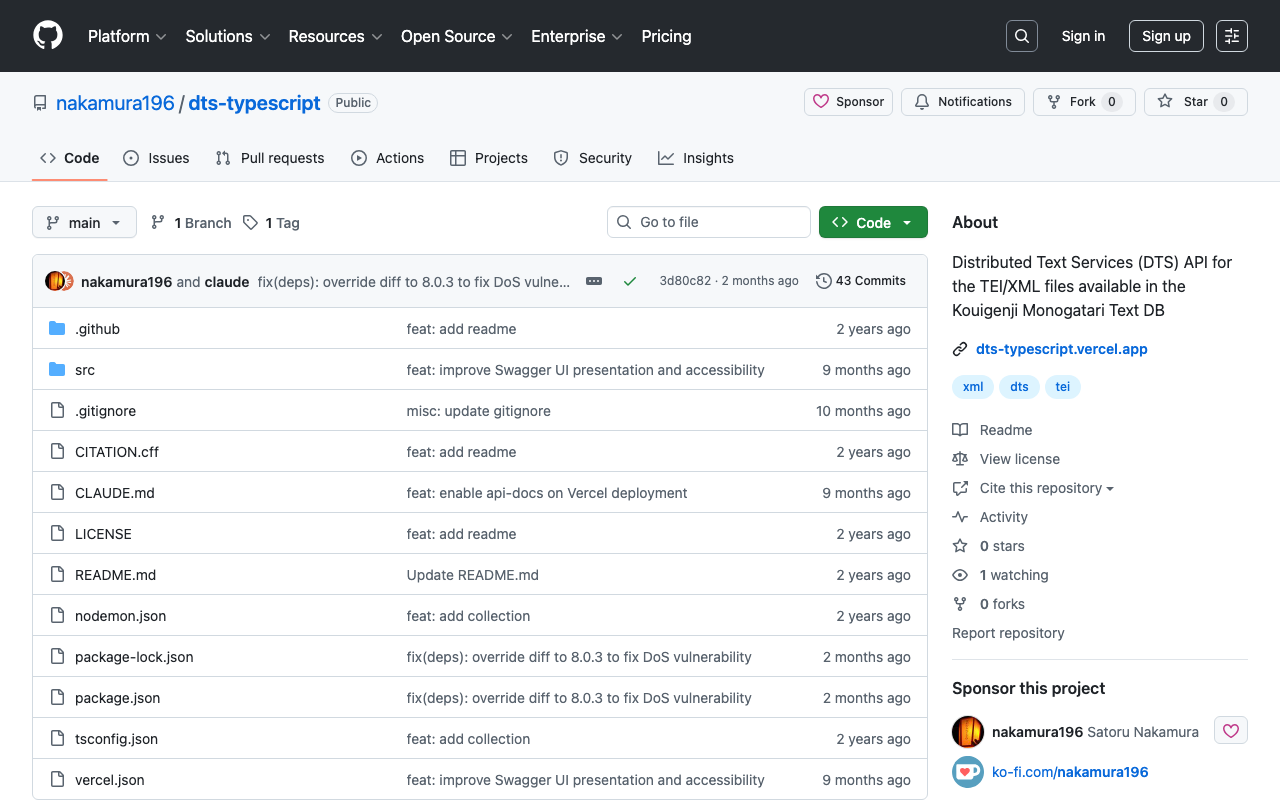
Overview I published the GitHub repository for the API introduced in the following article. The repository is below. https://github.com/nakamura196/dts-typescript There may be some incomplete aspects, but I hope this is helpful as a reference. Notes Vercel Rewrite By configuring as follows, access to / was redirected to /api/dts. { "version": 2, "builds": [ { "src": "src/index.ts", "use": "@vercel/node" } ], "rewrites": [ { "source": "/api/dts(.*)", "destination": "/src/index.ts" } ], "redirects": [ { "source": "/", "destination": "/api/dts", "permanent": true } ] } Collection ID The following is used as the collection ID. ...

Creating a DTS API for TEI/XML Files Published by the Koui Genji Monogatari Text DB

Creating a DTS API for TEI/XML Files Published by the Koui Genji Monogatari Text DB

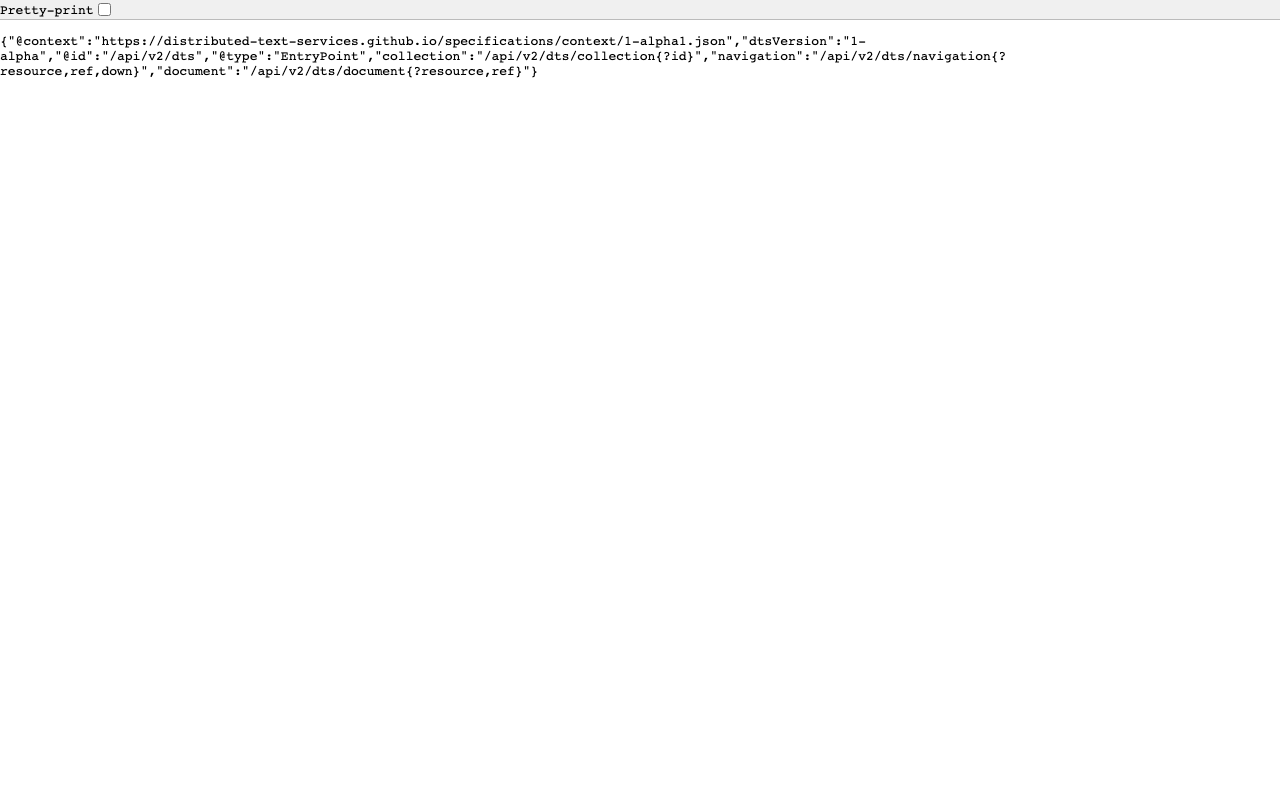
Overview This is a memo on creating a DTS (Distributed Text Services) API for TEI/XML files published by the Koui Genji Monogatari Text DB. Background The Koui Genji Monogatari Text DB is available at: https://kouigenjimonogatari.github.io/ It publishes TEI/XML files. Developed DTS The developed DTS is available at: https://dts-typescript.vercel.app/api/dts It is built with Express.js deployed on Vercel. For more information about DTS, please refer to: https://zenn.dev/nakamura196/articles/4233fe80b3e76d MyCapytain Library The following article introduced a library for using DTS from Python: ...

Trying Out DTS (Distributed Text Services)

Trying Out DTS (Distributed Text Services)

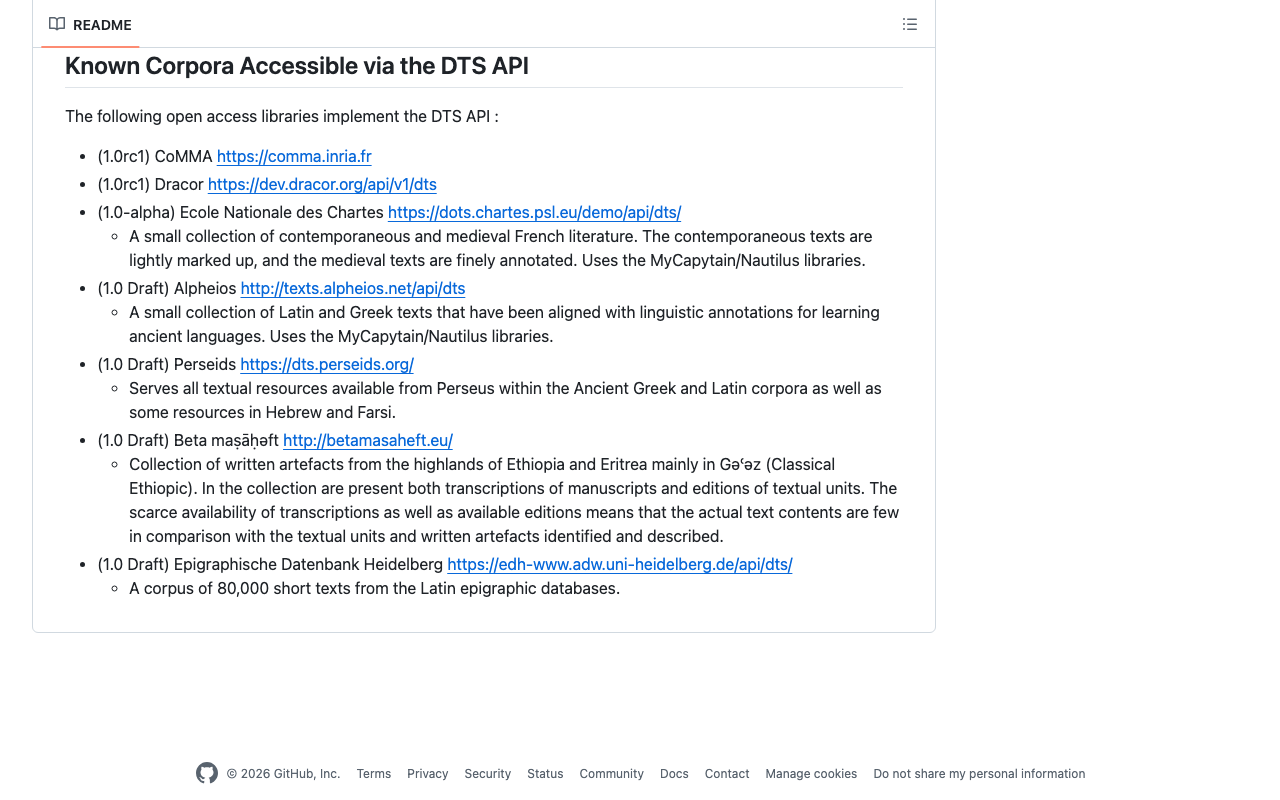
Overview I had the opportunity to learn how to use DTS (Distributed Text Services), and this is a memo of that experience. API Used We will use Alpheios, which is introduced at the following page. https://github.com/distributed-text-services/specifications/?tab=readme-ov-file#known-corpora-accessible-via-the-dts-api Top https://texts.alpheios.net/api/dts We can see that collections, documents, and navigation are available. { "navigation": "/api/dts/navigation", "@id": "/api/dts", "@type": "EntryPoint", "collections": "/api/dts/collections", "@context": "dts/EntryPoint.jsonld", "documents": "/api/dts/document" } Collection Endpoint collections https://texts.alpheios.net/api/dts/collections We can see that it contains 2 sub-collections. { "totalItems": 2, "member": [ { "@id": "urn:alpheios:latinLit", "@type": "Collection", "totalItems": 3, "title": "Classical Latin" }, { "@id": "urn:alpheios:greekLit", "@type": "Collection", "totalItems": 4, "title": "Ancient Greek" } ], "title": "None", "@id": "default", "@type": "Collection", "@context": { "dts": "https://w3id.org/dts/api#", "@vocab": "https://www.w3.org/ns/hydra/core#" } } Classical Latin Specifying the id urn:alpheios:latinLit to narrow the collection to Classical Latin. ...

Trying Out the MyCapytain Library

Trying Out the MyCapytain Library

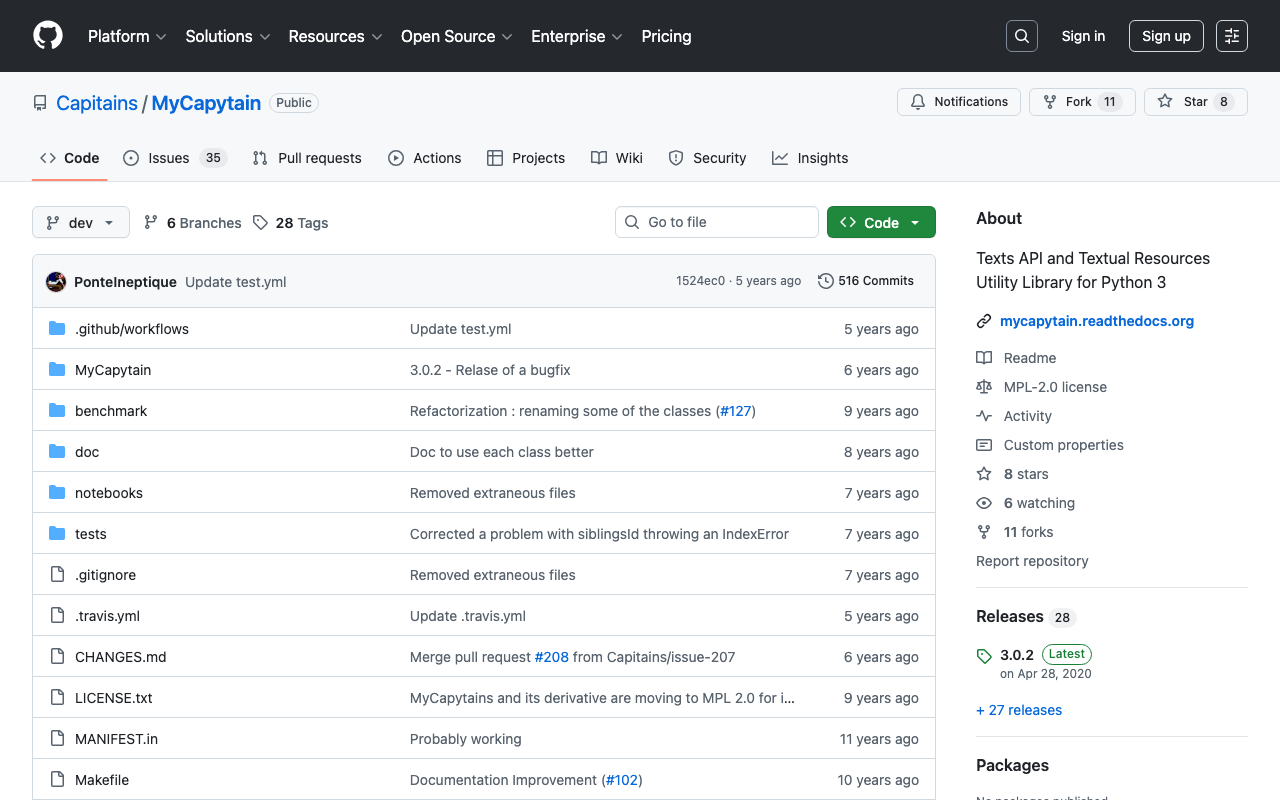
Overview This article tries out the MyCapytain library below. https://github.com/Capitains/MyCapytain Background In the following article, I covered CTS (Canonical Text Service). The following page provides explanations of CITE, CTS, and CapiTainS. https://brillpublishers.gitlab.io/documentation-cts/DTS_Guidelines.html The following document is about CITE, a system for the identification of texts and any other object. CTS is the name for the identification system itself. CapiTainS is the name for the software suite built around it. Before we go into details, we need to ask two questions: ...

Trying Canonical Text Services

Trying Canonical Text Services

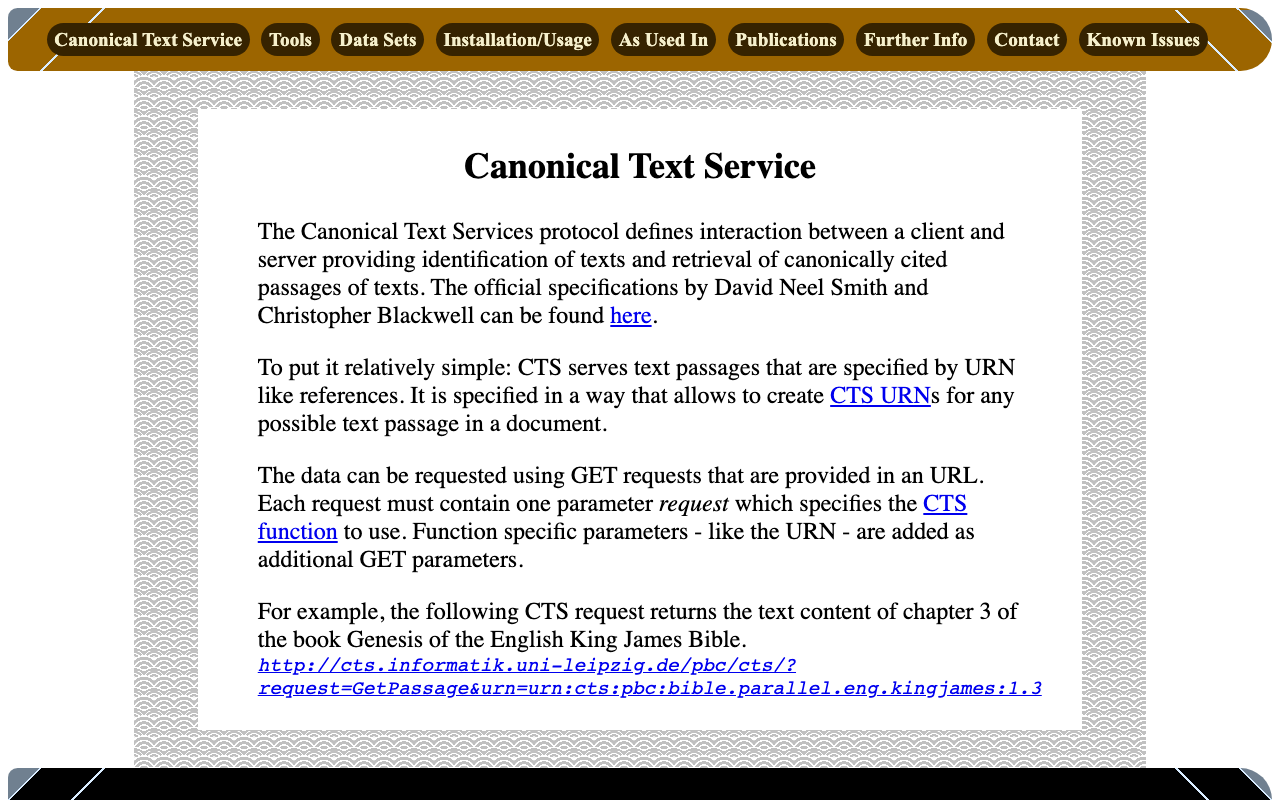
Overview Canonical Text Services is described as follows: The Canonical Text Services protocol defines interaction between a client and server providing identification of texts and retrieval of canonically cited passages of texts. The following site was used as a reference. http://cts.informatik.uni-leipzig.de/Canonical_Text_Service.html Usage The following was used as a reference. https://github.com/cite-architecture/cts_spec/blob/master/md/specification.md GetCapabilities A request to check the services supported by the server. http://cts.informatik.uni-leipzig.de/pbc/cts/?request=GetCapabilities <GetCapabilities xmlns="http://relaxng.org/ns/structure/1.0" xmlns:a="http://relaxng.org/ns/compatibility/annotations/1.0" xmlns:tei="http://www.tei-c.org/ns/1.0" xmlns:dc="http://purl.org/dc/elements/1.1/" xmlns:ti="http://chs.harvard.edu/xmlns/cts"> <request>GetCapabilities</request> <reply> <TextInventory tiversion="5.0.rc.1"> <corpuslicense>Public Domain</corpuslicense> <corpussource>http://paralleltext.info/data/</corpussource> <corpuslanguage>arb,ceb,ces,cym,deu,eng,fin,fra,ita,mya,rus,tgl,ukr</corpuslanguage> <corpusname>Parallel Bible Corpus</corpusname> <corpusdescription>The Bible corpus contains 1169 unique translations, which have been assigned 906 different ISO-639-3 codes. This CTS instance contains 20 bible translations from PBC that are available as Public Domain.</corpusdescription> <textgroup urn="urn:cts:pbc:bible"> <groupname>bible</groupname> <edition urn="urn:cts:pbc:bible.parallel.arb.norm:"> <title>The Bible in Arabic</title> <license>Public Domain</license> <source>http://paralleltext.info/data/ retrieved via Canonical Text Service http://cts.informatik.uni-leipzig.de/pbc/cts/</source> <publicationDate>1865</publicationDate> <language>arb</language> <contentType>xml</contentType> </edition> ... </textgroup> </TextInventory> </reply> </GetCapabilities> GetPassage Retrieves a specific portion of text based on a specified URN (Uniform Resource Name). ...

Describing Annotations Using SVG in IIIF Presentation API v3

Describing Annotations Using SVG in IIIF Presentation API v3

Overview I had an opportunity to describe annotations using SVG in IIIF Presentation API v3, so here are my notes. Method By writing the following, I was able to display annotations using SVG: { "@context": "http://iiif.io/api/presentation/3/context.json", "id": "http://127.0.0.1:62816/api/iiif/3/11/manifest", "type": "Manifest", "label": { "none": [ "きりつぼ" ] }, "rights": "http://creativecommons.org/licenses/by/4.0/", "requiredStatement": { "label": { "none": [ "Attribution" ] }, "value": { "none": [ "Provided by Example Organization" ] } }, "items": [ { "id": "http://127.0.0.1:62816/api/iiif/3/11/canvas/p1", "type": "Canvas", "width": 6642, "height": 4990, "label": { "none": [ "[1]" ] }, "thumbnail": [ { "format": "image/jpeg", "id": "https://iiif.dl.itc.u-tokyo.ac.jp/iiif/genji/TIFF/A00_6587/01/01_0023.tif/full/200,/0/default.jpg", "type": "Image" } ], "annotations": [ { "id": "http://127.0.0.1:62816/api/iiif/3/11/canvas/p1/annos", "type": "AnnotationPage", "items": [ { "id": "http://127.0.0.1:62816/api/iiif/3/11/canvas/p1/annos/1", "type": "Annotation", "motivation": "commenting", "body": { "type": "TextualBody", "value": "<p>校異源氏物語 p.21 開始位置</p><p><a href=\"http://dl.ndl.go.jp/info:ndljp/pid/3437686/30\">国立国会図書館デジタルコレクション</a>でみる</p>" }, "target": { "source": "http://127.0.0.1:62816/api/iiif/3/11/canvas/p1", "type": "SpecificResource", "selector": { "type": "SvgSelector", "value": "<svg xmlns='http://www.w3.org/2000/svg'><path xmlns=\"http://www.w3.org/2000/svg\" d=\"M2798,1309c0,-34 17,-68 51,-102c0,-34 -17,-51 -51,-51c-34,0 -51,17 -51,51c34,34 51,68 51,102z\" id=\"pin_abc\" fill-opacity=\"0.5\" fill=\"#F3AA00\" stroke=\"#f38200\"/></svg>" } } } ] } ], "items": [ { "id": "http://127.0.0.1:62816/api/iiif/3/11/canvas/p1/page", "type": "AnnotationPage", "items": [ { "id": "http://127.0.0.1:62816/api/iiif/3/11/canvas/p1/page/imageanno", "type": "Annotation", "motivation": "painting", "body": { "id": "http://127.0.0.1:62816/api/iiif/3/11/image", "type": "Image", "format": "image/jpeg", "service": [ { "id": "https://iiif.dl.itc.u-tokyo.ac.jp/iiif/genji/TIFF/A00_6587/01/01_0023.tif", "type": "ImageService2", "profile": "level2" } ], "width": 6642, "height": 4990 }, "target": "http://127.0.0.1:62816/api/iiif/3/11/canvas/p1" } ] } ] } ] } The display result is shown below: ...

Performing Similar Image Search Using GUIE (Google Universal Image Embedding) Pre-trained Models

Performing Similar Image Search Using GUIE (Google Universal Image Embedding) Pre-trained Models

Overview I created a sample program for performing similar image search using GUIE (Google Universal Image Embedding) pre-trained models. You can access the notebook from the following link. https://colab.research.google.com/github/nakamura196/000_tools/blob/main/guie_sample.ipynb References It uses the model output from the following notebook. https://www.kaggle.com/code/francischen1991/tf-baseline-v2-submission Usage Notes Kaggle Account A Kaggle account is required to run the notebook. Obtain a Kaggle API Key and register it in your secrets. If the following is displayed, please click “Allow access.” ...

Sample Program Using the Annotorious OpenSeadragon Plugin

Sample Program Using the Annotorious OpenSeadragon Plugin

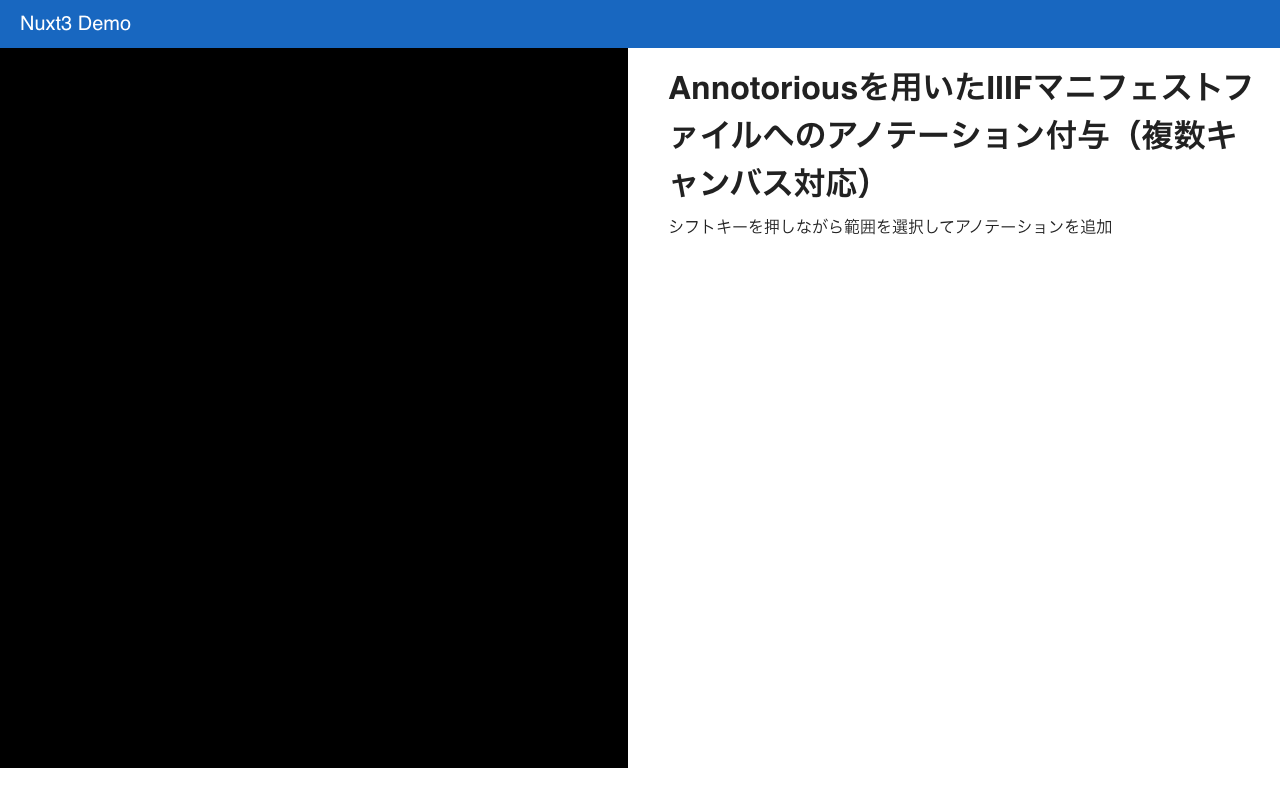
Overview I created a sample program using the Annotorious OpenSeadragon Plugin that allows adding annotations to multiple images loaded from an IIIF manifest file. You can try it at the following link. https://nakamura196.github.io/nuxt3-demo/annotorious Source Code Please refer to the following. https://github.com/nakamura196/nuxt3-demo/blob/main/pages/annotorious/index.vue Key Points npm install –force The library @recogito/annotorious-openseadragon does not appear to support openseadragon v5, so a forced installation was necessary. npm error Could not resolve dependency: npm error peer openseadragon@"^3.0.0 || ^4.0.0" from @recogito/annotorious-openseadragon@2.7.18 npm error node_modules/@recogito/annotorious-openseadragon npm error @recogito/annotorious-openseadragon@"^2.7.18" from the root project plugins I loaded Annotorious as a plugin. ...

Setting Field-level Visibility (Public/Private) in Drupal

Setting Field-level Visibility (Public/Private) in Drupal

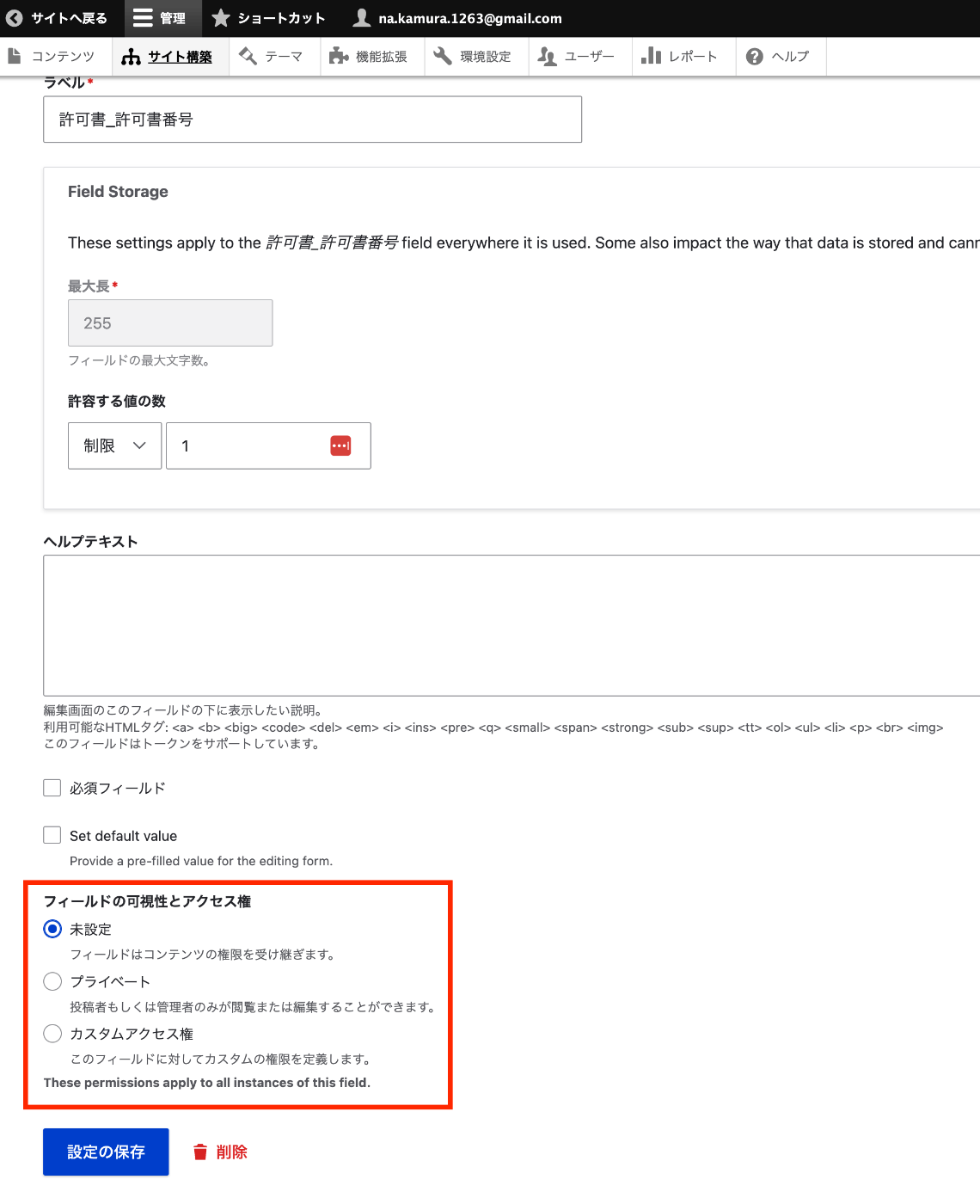
Overview In Omeka S, visibility can be set at the field level (public/private). These are notes on how to achieve this in Drupal. Installation composer.phar require 'drupal/field_permissions:^1.4' ./vendor/bin/drush en field_permissions Configuration Navigate to the edit page for a specific field of a content type, such as: /admin/structure/types/manage/bib_1/fields/node.bib_1.field_003_permission_number As shown below, you can configure the field visibility. Programmatic Access Field view permissions can be checked using the access function as follows. ...

Applying Google Cloud Vision to Image Files to Create IIIF Manifests and TEI/XML Files

Applying Google Cloud Vision to Image Files to Create IIIF Manifests and TEI/XML Files

Overview I created a library that applies Google Cloud Vision to image files and generates IIIF manifest and TEI/XML files. https://github.com/nakamura196/iiif_tei_py This article explains how to use the library. Usage You can check the usage and more at the following page. https://nakamura196.github.io/iiif_tei_py/ Installing the Library Install the library from the GitHub repository. pip install https://github.com/nakamura196/iiif_tei_py Creating a GC Service Account Download a GC (Google Cloud) service account key (JSON file) by referring to articles such as the following. ...

Updating Omeka S

Updating Omeka S

Overview This is a personal note on updating Omeka S. Please also refer to the following official documentation. https://omeka.org/s/docs/user-manual/install/#updating Preparation: Backup Before performing update operations, be sure to create backups of the database and all files in case of unforeseen circumstances. 1. Database Backup Create a database dump file using the mysqldump command or similar. # mysqldump -u [DB username] -p [DB name] > [output filename] mysqldump -u db_user -p omeka_s_db > omeka_s_backup.sql 2. File Backup Back up (duplicate) the entire Omeka S installation directory. ...

Registering RDF Data to Dydra Using Python

Registering RDF Data to Dydra Using Python

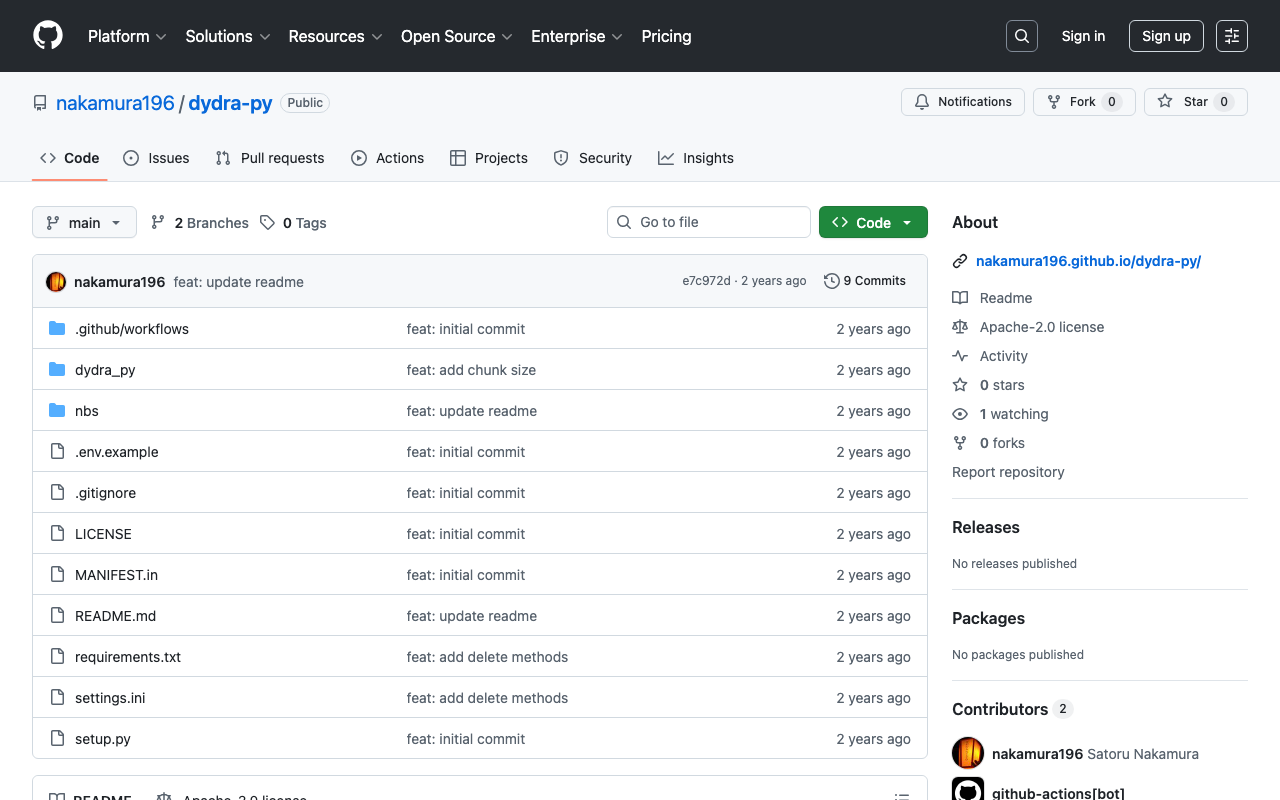
Overview I created a library for registering RDF data to Dydra using Python. https://github.com/nakamura196/dydra-py It includes some incomplete implementations, but we hope it proves useful in some situations. Implementation Details The import is performed in the following file. https://github.com/nakamura196/dydra-py/blob/main/dydra_py/api.py#L55 It uses the SPARQL INSERT DATA operation as follows. def import_by_file(self, file_path, format, graph_uri=None, verbose=False): """ Imports RDF data from a file into the Dydra store. Args: file_path (str): The path to the RDF file to import. format (str): The format of the RDF file (e.g., 'xml', 'nt'). graph_uri (str, optional): URI of the graph where data will be inserted. Defaults to None. """ headers = { "Authorization": f"Bearer {self.api_key}", "Content-Type": "application/sparql-update" } files = self._chunk_rdf_file(file_path, format=format) print("Number of chunks: ", len(files)) for file in tqdm(files): # RDFファイルの読み込み graph = rdflib.Graph() graph.parse(file, format=format) # フォーマットはファイルに応じて変更 nt_data = graph.serialize(format='nt') if graph_uri is None: query = f""" INSERT DATA {{ {nt_data} }} """ else: query = f""" INSERT DATA {{ GRAPH <{graph_uri}> {{ {nt_data} }} }} """ if verbose: print(query) response = requests.post(self.endpoint, data=query, headers=headers) if response.status_code == 200: print("Data successfully inserted.") else: print(f"Error: {response.status_code} {response.text}") Key Design Decision One notable design decision was handling large RDF files. When uploading large RDF files all at once, there were cases where the process would stop midway. ...

Deleting All Files in OpenAI Storage

Deleting All Files in OpenAI Storage

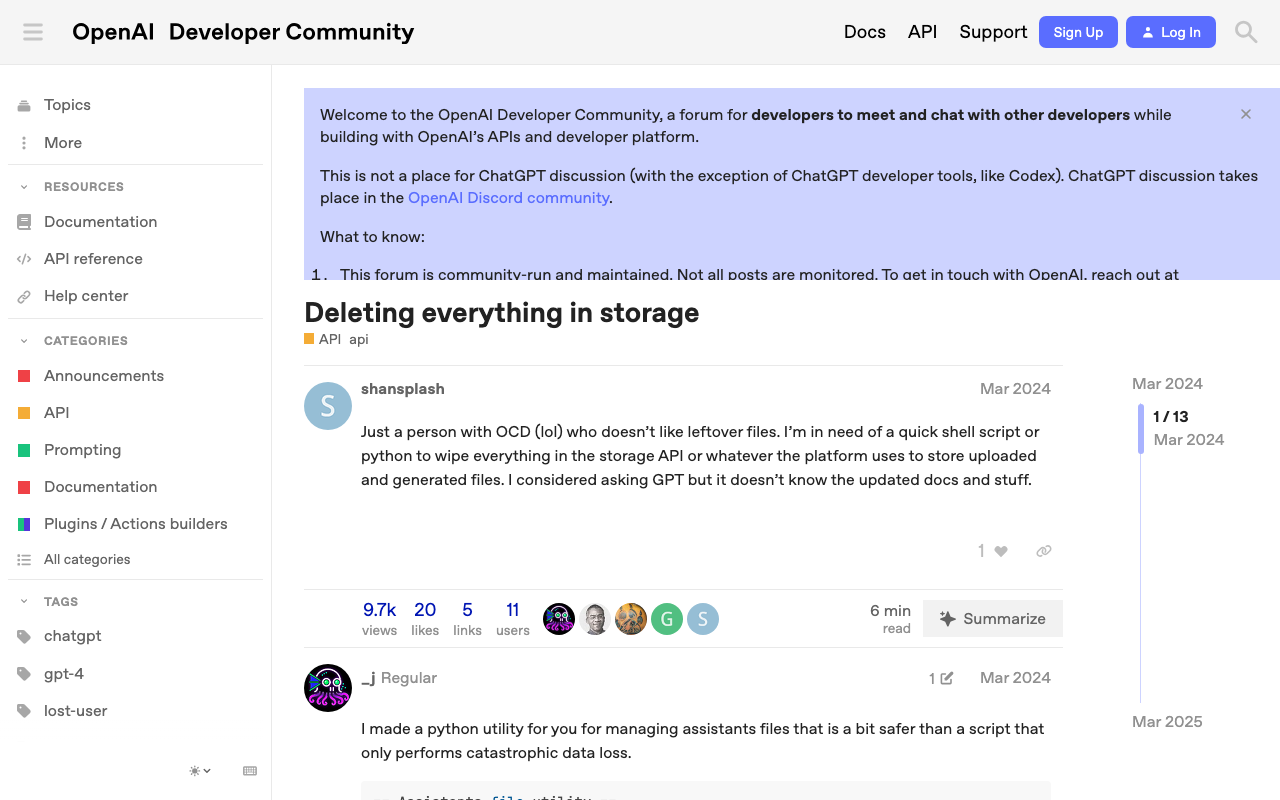
Overview This is a memo on how to delete all files in OpenAI storage. The following page was helpful. https://community.openai.com/t/deleting-everything-in-storage/664945 Background There was a case where I wanted to bulk-delete multiple files uploaded using code like the following. file_paths = glob("data/txt/*.txt") file_streams = [open(path, "rb") for path in file_paths] # Use the upload and poll SDK helper to upload the files, add them to the vector store, # and poll the status of the file batch for completion. file_batch = client.beta.vector_stores.file_batches.upload_and_poll( vector_store_id=vector_store.id, files=file_streams ) # You can print the status and the file counts of the batch to see the result of this operation. print(file_batch.status) print(file_batch.file_counts) Method Running the following code allowed me to perform bulk deletion. ...

Bringing a Specified Marker to the Front in nuxt3-leaflet

Bringing a Specified Marker to the Front in nuxt3-leaflet

Overview This is a memo on how to bring a specified marker to the front in nuxt3-leaflet. Method By using the z-index-offset attribute on LMarker as shown below, I was able to bring a specified marker to the front. <template v-for="marker in markers"> <LMarker @click="selectMarker(marker)" :lat-lng="[marker.lat, marker.lng]" :z-index-offset="selectedSpotId === marker.id ? 1000 : 0" > <LTooltip> {{ marker.title }} </LTooltip> <LIcon :iconUrl="marker.icon" :iconSize="[25, 41]" :iconAnchor="[12, 41]" :popupAnchor="[1, -34]" :tooltipAnchor="[16, -28]" shadowUrl="https://esm.sh/leaflet@1.9.2/dist/images/marker-shadow.png" :shadowSize="[41, 41]" :shadowAnchor="[12, 41]" ></LIcon> </LMarker> </template> Summary I hope this is helpful when using nuxt3-leaflet. ...

LEAF Writer: Adding Mirador

LEAF Writer: Adding Mirador

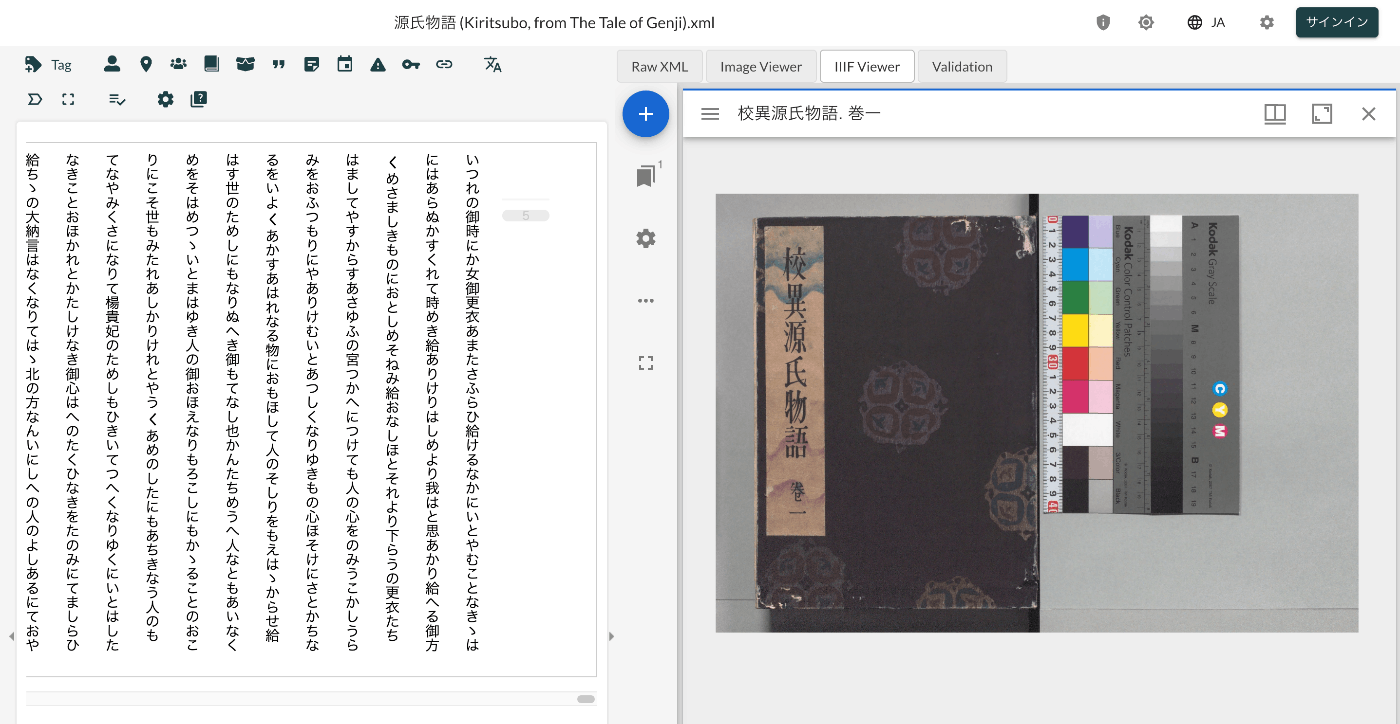
Overview This is a record of investigating how to customize LEAF Writer. https://gitlab.com/calincs/cwrc/leaf-writer/leaf-writer This time, we add Mirador as shown below. Method Please refer to the following. https://gitlab.com/nakamura196/leaf-writer/-/commit/377438739cdeb0a7b770ee9d4b9fea86081179d8 The file that needs to be modified is as follows. import $ from 'jquery'; import 'jquery-ui'; import Writer from '../../../Writer'; // @ts-ignore import Mirador from 'mirador'; interface IiifViewerProps { attribute?: string; parentId: string; tag?: string; writer: Writer; } class IiifViewer { readonly writer: Writer; readonly id: string; readonly tagName: string; readonly attrName: string; // eslint-disable-next-line @typescript-eslint/no-explicit-any, @typescript-eslint/no-redundant-type-constituents miradorInstance: any | null; $pageBreaks: unknown; currentIndex = -1; ignoreScroll = false; constructor({ attribute, parentId, tag, writer }: IiifViewerProps) { this.writer = writer; this.id = `${parentId}_iiifViewer`; this.tagName = tag ?? 'pb'; // page break element name this.attrName = attribute ?? 'facs'; // attribute that stores the image URL $(`#${parentId}`).append(` <div id="${this.id}" style="position: absolute; top: 0; bottom: 0; left: 0; right: 0"></div> `); this.writer.event('loadingDocument').subscribe(() => this.reset()); this.writer.event('documentLoaded').subscribe((success: boolean, body: HTMLElement) => { console.log('documentLoaded', success, body); if (!success) return; this.processDocument(body); }); this.writer.event('writerInitialized').subscribe(() => { if (!this.writer.editor) return; }); } private processDocument(doc: HTMLElement) { // (doc).find const $facsimile = $(doc).find(`*[_tag="facsimile"]`); const manifestUri = $facsimile.attr('sameas'); const config = { id: this.id, windows: [ { loadedManifest: manifestUri, }, ], window: { sideBarOpen: false, }, }; // eslint-disable-next-line @typescript-eslint/no-unsafe-assignment, @typescript-eslint/no-unsafe-call, @typescript-eslint/no-unsafe-member-access this.miradorInstance = Mirador.viewer(config); } reset() { this.$pageBreaks = null; this.currentIndex = -1; } } export default IiifViewer; The following section retrieves information from <facsimile sameAs="https://dl.ndl.go.jp/api/iiif/3437686/manifest.json">. ...

Handling concurrent.futures.process.BrokenProcessPool

Handling concurrent.futures.process.BrokenProcessPool

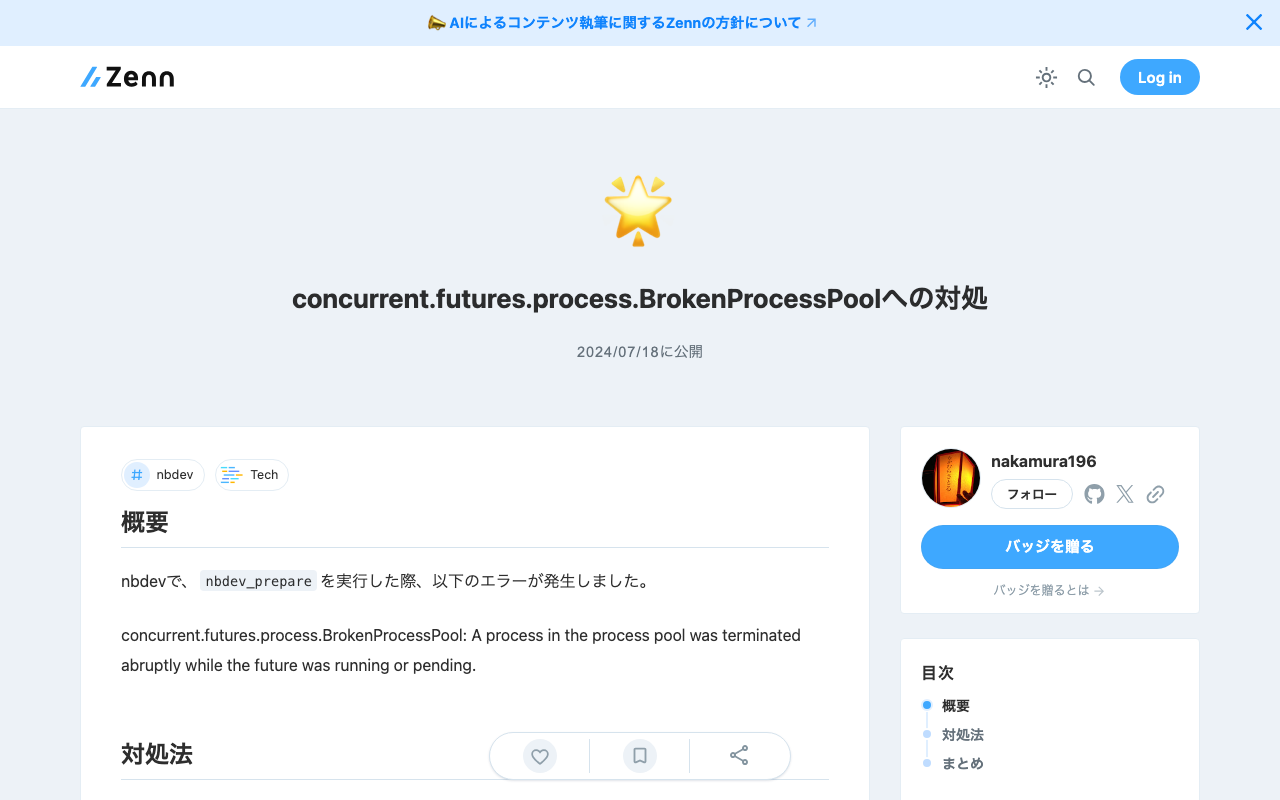
Overview When running nbdev_prepare with nbdev, the following error occurred. concurrent.futures.process.BrokenProcessPool: A process in the process pool was terminated abruptly while the future was running or pending. Solution Running the following command beforehand resolved the error. export OBJC_DISABLE_INITIALIZE_FORK_SAFETY=YES Summary I hope this is helpful for anyone experiencing the same issue.

Using Node.js to Validate JSON:API Compliance

Using Node.js to Validate JSON:API Compliance

Overview This is a note about using the following repository to validate JSON:API compliance. https://github.com/elliotttf/jsonapi-validator At the time of writing this article, it appears to have not been updated for 7 years, so it may not support the latest schemas, but I was able to perform simple validation. Usage I prepared the following repository to try the library above. https://github.com/nakamura196/jsonapi-validator-demo Installation This assumes the use of nvm, but it is not required. ...

Trying Out virtual-museum-tour-threejs

Trying Out virtual-museum-tour-threejs

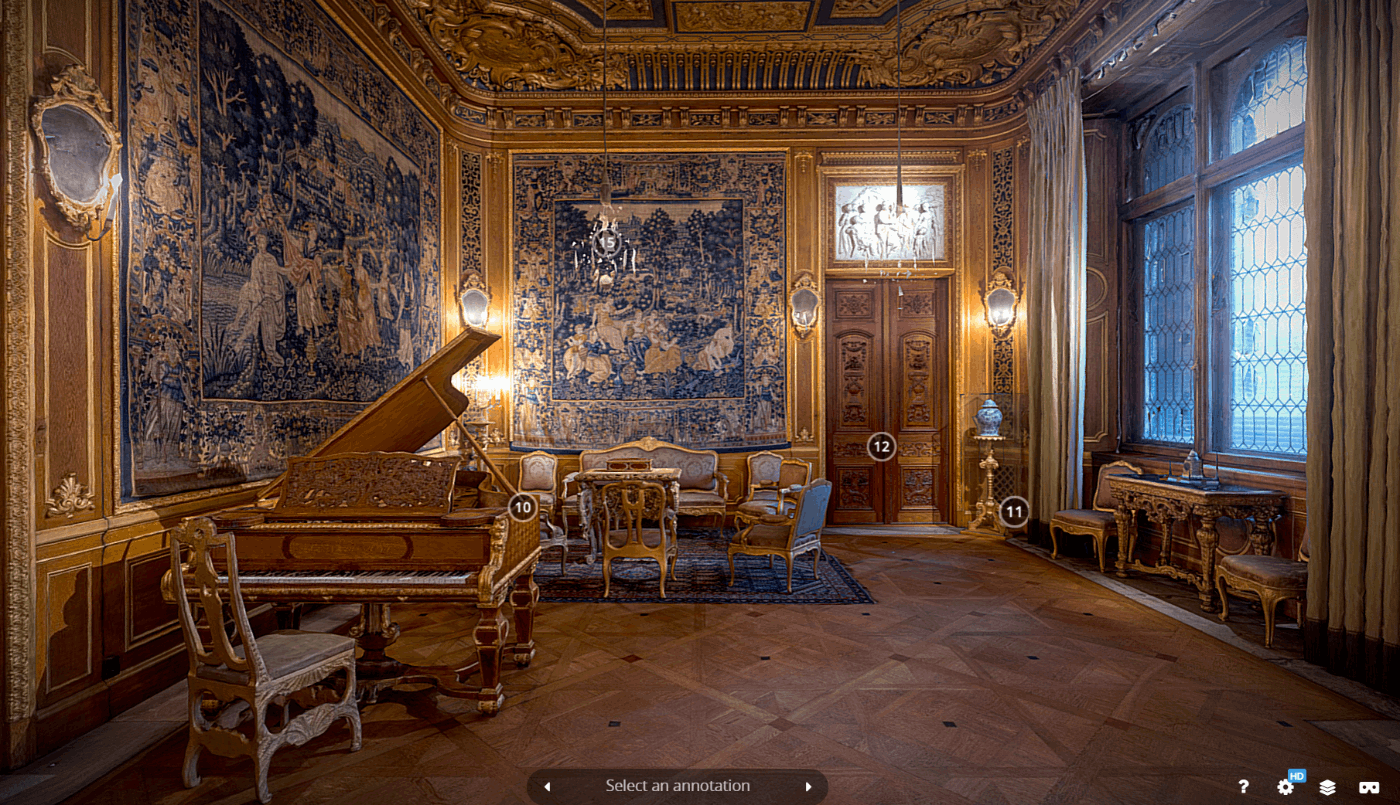
Overview I had the opportunity to try out the following repository, so this is a memo of my experience. https://github.com/theringsofsaturn/virtual-museum-tour-threejs A tutorial video was also available at the following link. https://www.youtube.com/watch?v=8oQC0ICNtL0 Fork I forked the repository, made some modifications, and made the build results available on GitHub Pages. https://nakamura196.github.io/virtual-museum-tour-threejs/ Summary This should be a useful reference for developing apps with Three.js.