Home Articles Books Search About
日本語
Developing a Viewer with Next.js + CETEIcean + React TEI Router

Developing a Viewer with Next.js + CETEIcean + React TEI Router

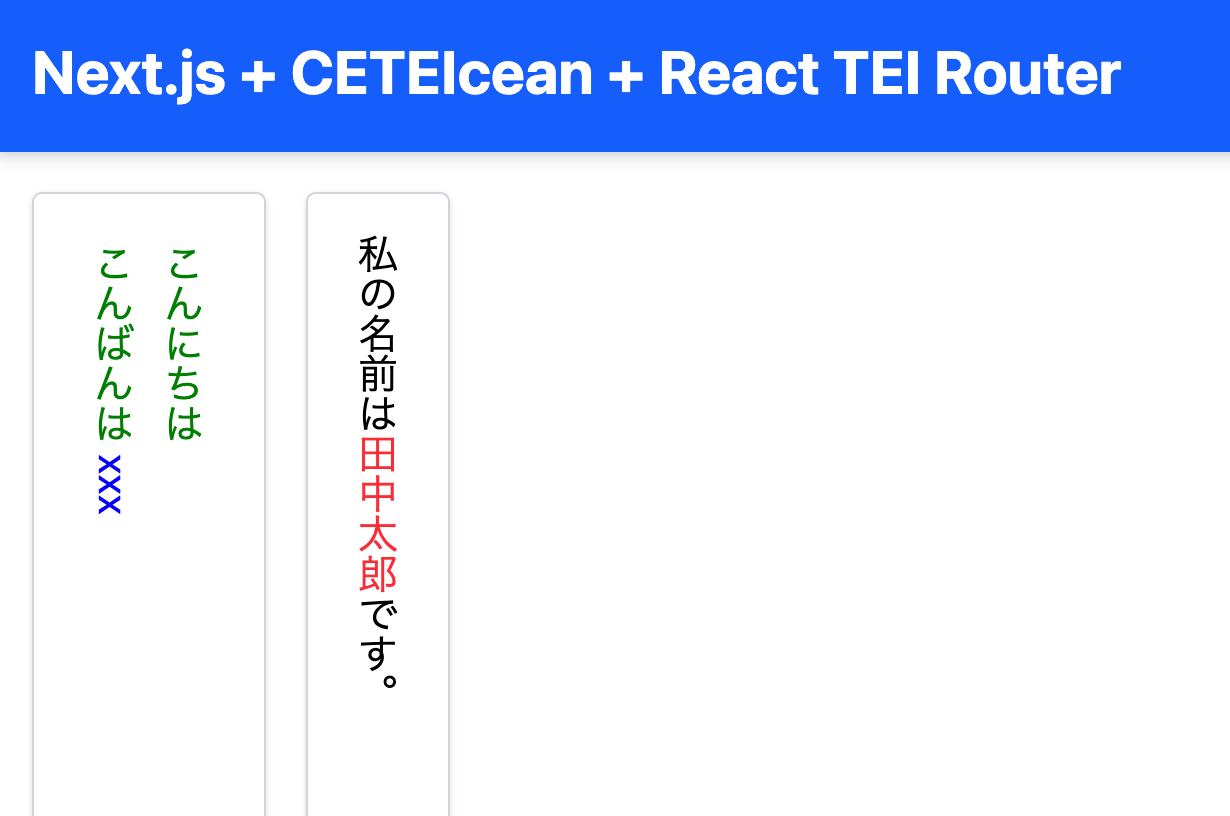
Overview This is a memo on developing a TEI/XML viewer combining Next.js, CETEIcean, and React TEI Router. Background CETEIcean is a JavaScript library that converts TEI/XML to HTML5. https://github.com/TEIC/CETEIcean React TEI Router is a library that enables structured display of TEI/XML using React components, based on CETEIcean. It is described as follows: https://github.com/pfefferniels/react-teirouter TEI for React using CETEIcean and routes By combining these, I created a viewer that can customize and display TEI/XML in Next.js. ...

Next.js for Drupal BASE_PATH Issue and Fix (Using patch-package)

Next.js for Drupal BASE_PATH Issue and Fix (Using patch-package)

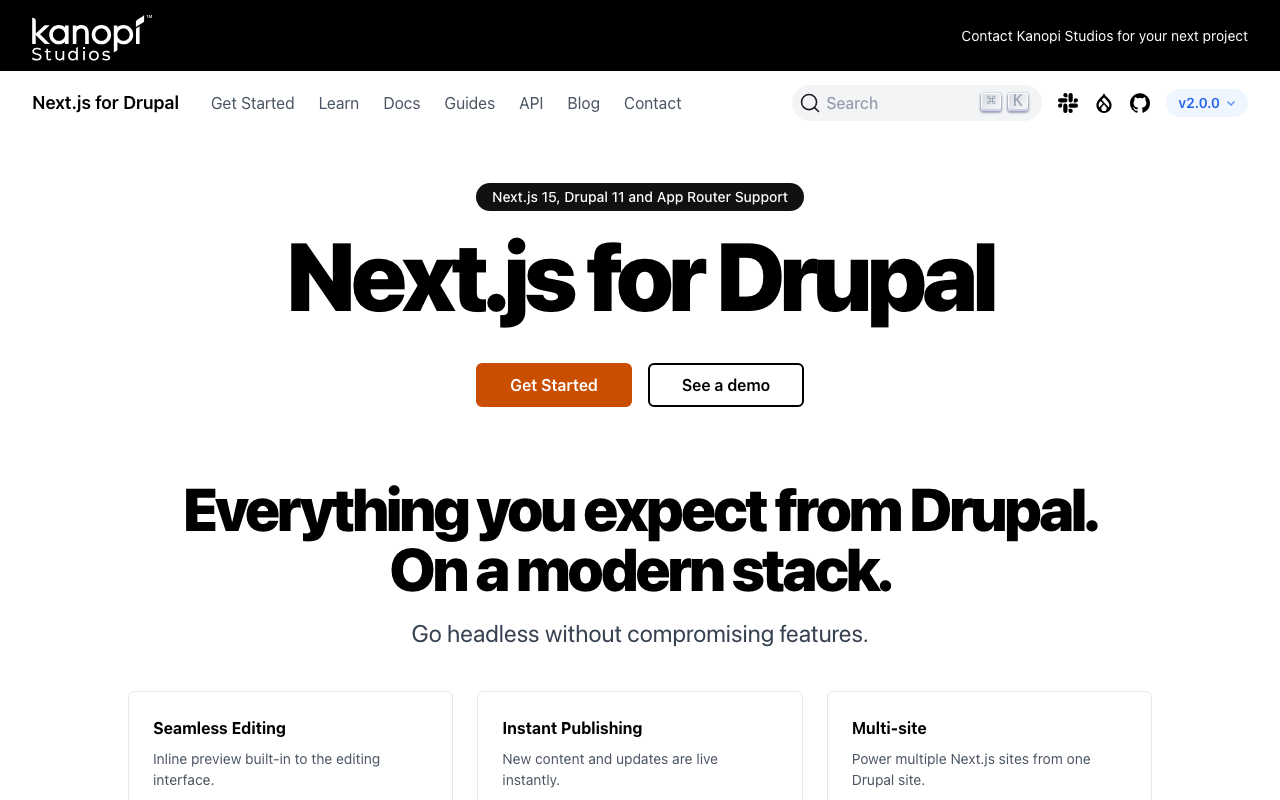
Overview Next.js for Drupal v2.0.0 was released on 2025/2/11. https://next-drupal.org/ https://next-drupal.org/blog/next-drupal-2-0 When I tried it out, I found that the handling of BASE_PATH required attention, so this is a memo about it. Environment Variables The sample environment variables are as follows. # See https://next-drupal.org/docs/environment-variables # Required NEXT_PUBLIC_DRUPAL_BASE_URL=https://site.example.com NEXT_IMAGE_DOMAIN=site.example.com # Authentication DRUPAL_CLIENT_ID=Retrieve this from /admin/config/services/consumer DRUPAL_CLIENT_SECRET=Retrieve this from /admin/config/services/consumer # Required for On-demand Revalidation DRUPAL_REVALIDATE_SECRET=Retrieve this from /admin/config/services/next When specifying NEXT_PUBLIC_DRUPAL_BASE_URL with a base path included, such as https://site.example.com/xxx, API requests were sent to https://site.example.com/jsonapi/, failing to correctly retrieve resources. ...

Registering Data with Drupal's JSON:API Using Username and Password

Registering Data with Drupal's JSON:API Using Username and Password

Overview In the past, I wrote articles about registering data using Drupal’s JSON:API with Python. The following uses Basic authentication. And the following uses an API Key. In addition to these methods, I was able to register data using regular login authentication, so this is a memo of that process. Code The code is as follows. It logs in, obtains a CSRF token, and then registers content. import requests import json import os from dotenv import load_dotenv class ApiClient: def __init__(self): load_dotenv(override=True) # DrupalサイトのURL(例) self.DRUPAL_BASE_URL = os.getenv("DRUPAL_BASE_URL") # エンドポイント(JSON:API) # self.JSONAPI_ENDPOINT = f"{self.DRUPAL_BASE_URL}/jsonapi/node/article" # 認証情報(Basic認証) self.USERNAME = os.getenv("USERNAME") self.PASSWORD = os.getenv("PASSWORD") def login(self): # ログインリクエスト login_url = f"{self.DRUPAL_BASE_URL}/user/login?_format=json" login_response = requests.post( login_url, json={"name": self.USERNAME, "pass": self.PASSWORD}, headers={"Content-Type": "application/json"} ) if login_response.status_code == 200: self.session_cookies = login_response.cookies def get_csrf_token(self): # CSRFトークンを取得 csrf_token_response = requests.get( f"{self.DRUPAL_BASE_URL}/session/token", cookies=self.session_cookies # ここでログインセッションを渡す ) if csrf_token_response.status_code == 200: # return csrf_token_response.text # self.csrf_token = csrf_token_response.text self.headers = { "Content-Type": "application/vnd.api+json", "Accept": "application/vnd.api+json", "X-CSRF-Token": csrf_token_response.text, } else: # raise Exception(f"CSRFトークン取得失敗: {csrf_token_response.status_code} {csrf_token_response.text}") self.csrf_token = None def create_content(self, data: dict): # 記事作成リクエスト url = f"{self.DRUPAL_BASE_URL}/jsonapi/{data['data']['type'].replace('--', '/')}" response = requests.post( # self.JSONAPI_ENDPOINT, url, headers=self.headers, cookies=self.session_cookies, json=data ) if response.status_code == 201: print("コンテンツが作成されました!") else: print("エラー:", response.status_code, response.text) With this, content can be registered as follows. ...

Building a Multilingual Static Site with Next.js

Building a Multilingual Static Site with Next.js

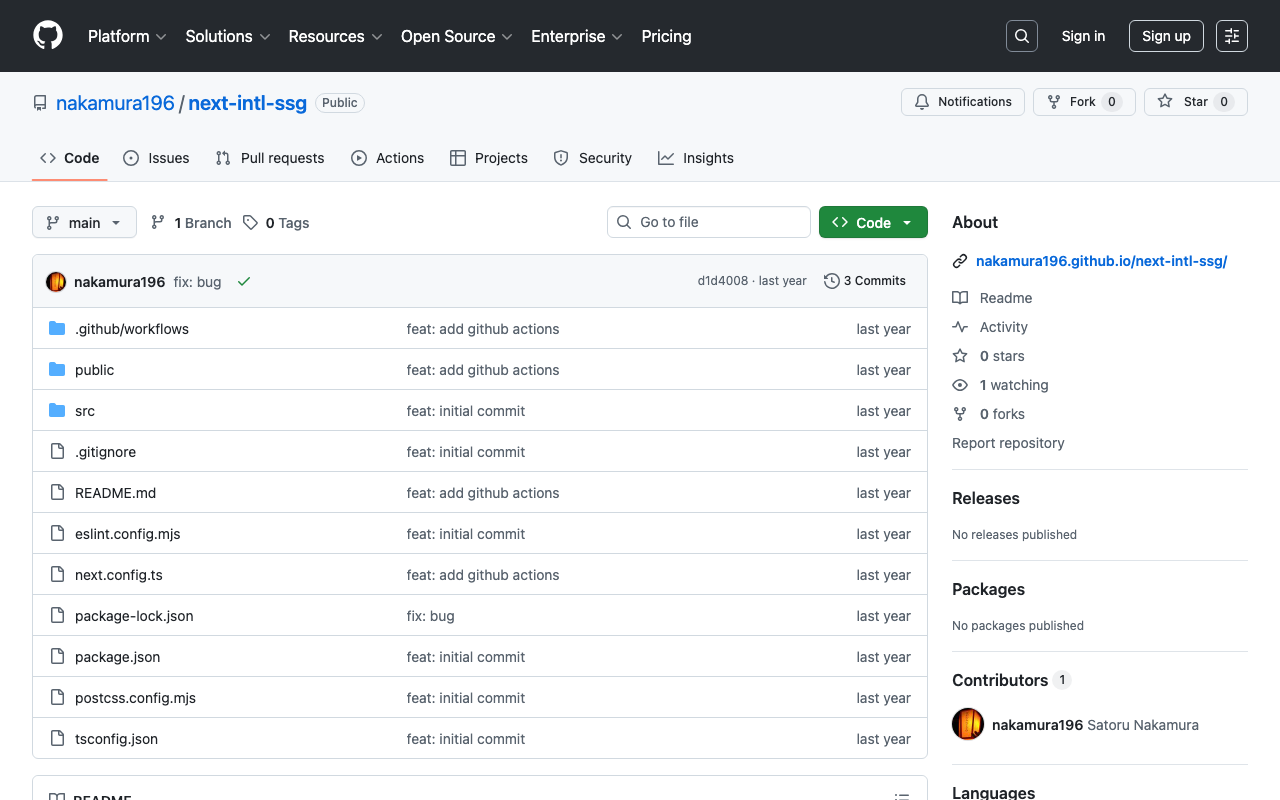
Introduction This article was generated by GPT-4o. It explains how to build a multilingual static site using Next.js. In particular, it focuses on a configuration where the main language has no URL prefix while other languages have prefixes. It also includes configuration for deploying to GitHub Pages. Project Setup First, create a Next.js project. Initialize the project using create-next-app. npx create-next-app@latest next-intl-ssg Installing Required Packages Install next-intl for multilingual support. ...

How to Get Coordinates of Sub-Images from a Larger Image

How to Get Coordinates of Sub-Images from a Larger Image

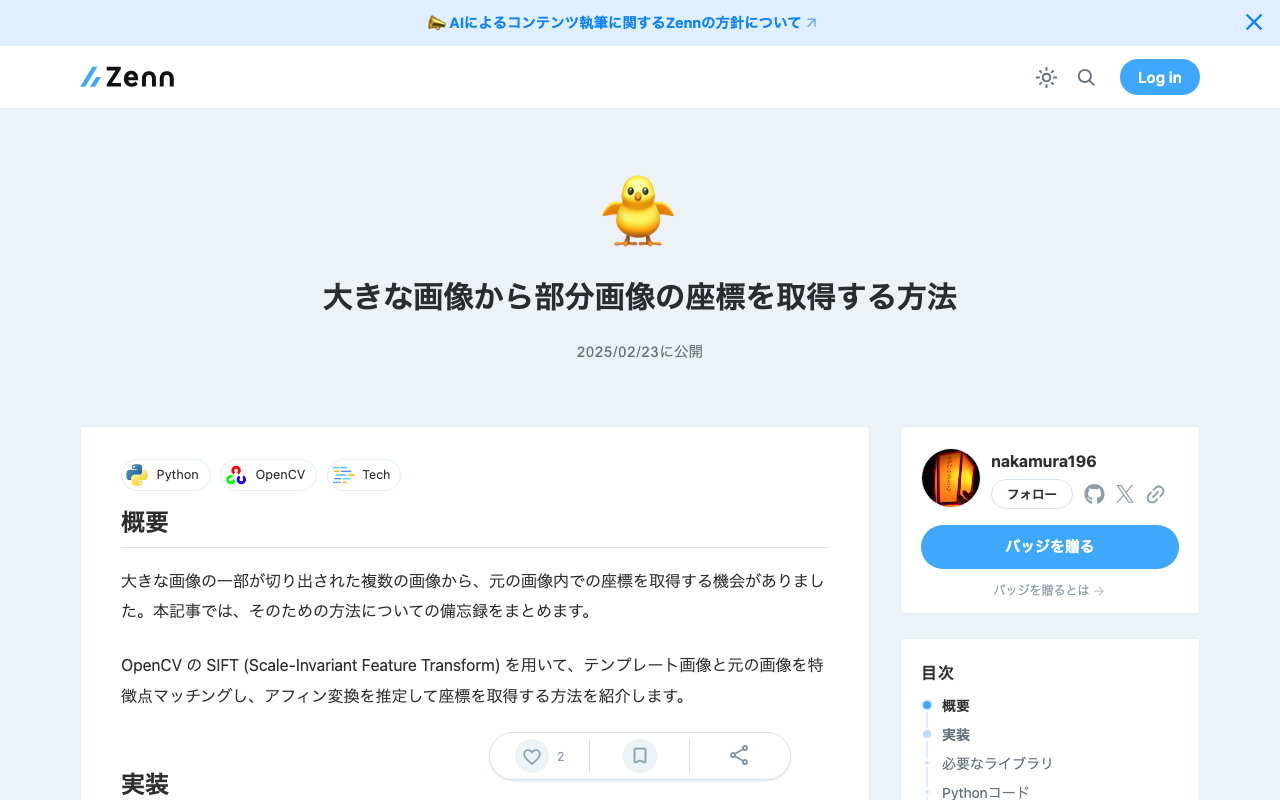
Overview I had an opportunity to obtain the coordinates within a larger image from multiple cropped sub-images. This article is a memo summarizing the method for doing this. I introduce a method using OpenCV’s SIFT (Scale-Invariant Feature Transform) to perform feature point matching between template images and the original image, estimate the affine transformation, and obtain the coordinates. Implementation Required Libraries pip install opencv-python numpy tqdm Python Code The following code matches template images (PNG images in templates_dir) against a specified large image (image_path) using SIFT, and obtains the coordinates within the original image. ...

Creating TEI/XML from VTT Files

Creating TEI/XML from VTT Files

Overview This is a memorandum on how to create TEI/XML files from VTT files. Additionally, I will make it possible to access VTT files and TEI/XML files from an IIIF manifest. As a result, as shown below, the TEI/XML file is associated via SeeAlso, and the contents of the VTT file can be accessed from the “Annotations” tab. https://clover-iiif-demo.vercel.app/?manifest=https://movie-tei-demo.vercel.app/data/sdcommons_npl-02FT0102974177/sdcommons_npl-02FT0102974177_vtt.json References I referenced the following efforts from “The Ethiopian Language Archive.” The TEI/XML structuring method was particularly helpful. ...

Downloading Annotations Created with the mirador-annotations Plugin in Mirador 3

Downloading Annotations Created with the mirador-annotations Plugin in Mirador 3

Overview This is a memo on the configuration for downloading annotations created with the mirador-annotations plugin in Mirador 3. https://mirador-annotations.vercel.app/ Background In the following article, I introduced how to register annotations with Google’s Firestore. To download the annotations registered there, the mirador-annotations plugin provides a download option, so I introduce that method here. Method The following is the source code of the demo page. By setting the exportLocalStorageAnnotations option to true, a download icon is displayed. ...

Changing the Pagination Limit in Algolia

Changing the Pagination Limit in Algolia

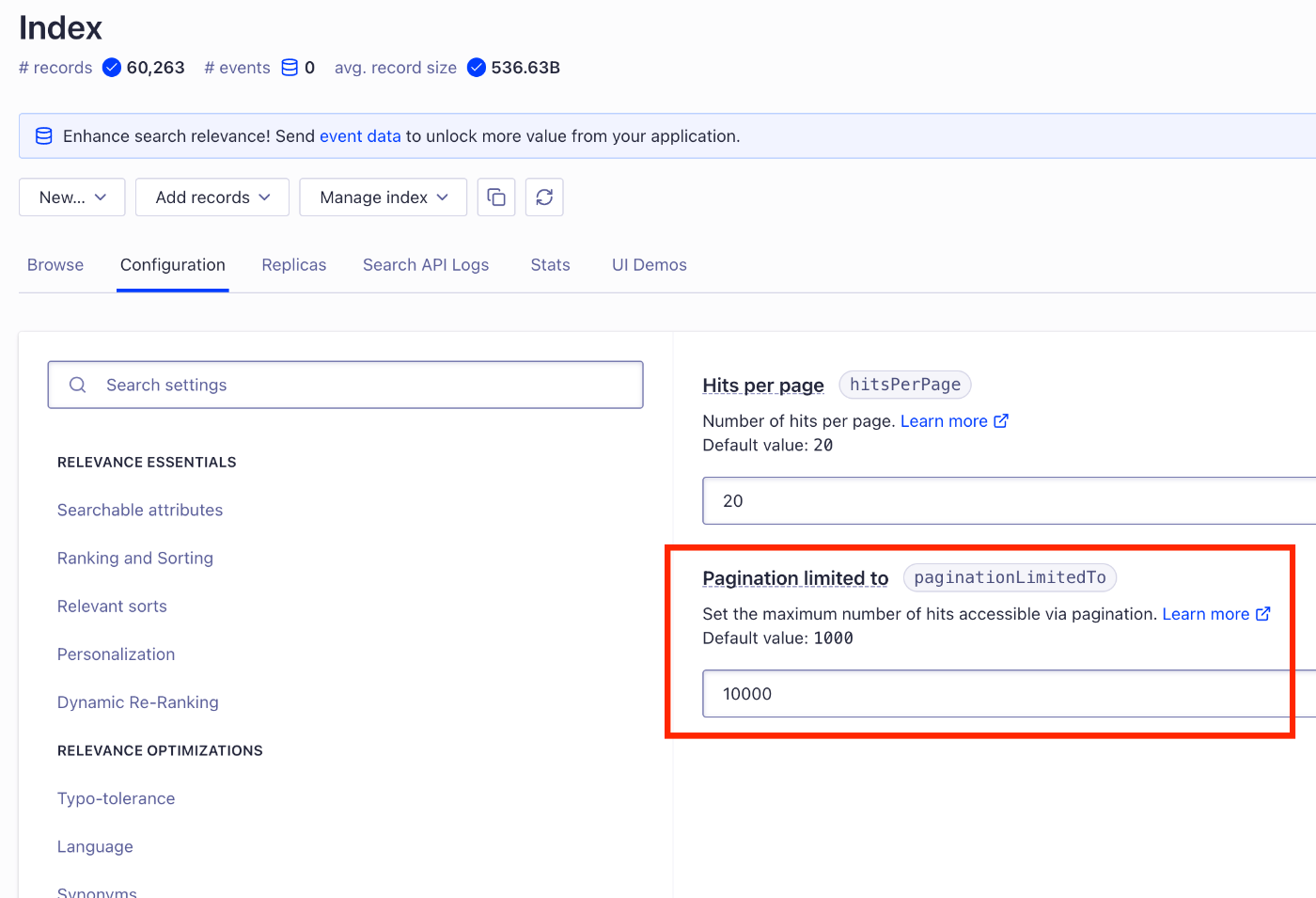
Overview In Algolia, a pagination limit (paginationLimitedTo) is set for search results, and by default, only up to 1,000 results can be accessed. By changing this setting, you can adjust the maximum number of items available through pagination. Configuration Method To change the pagination limit (paginationLimitedTo), the following methods are available. Configuring from the Algolia Dashboard Log in to Algolia Select the target index Open Configuration → Pagination Change the paginationLimitedTo value ...

Prototyping an API for Retrieving Variant Character Lists

Prototyping an API for Retrieving Variant Character Lists

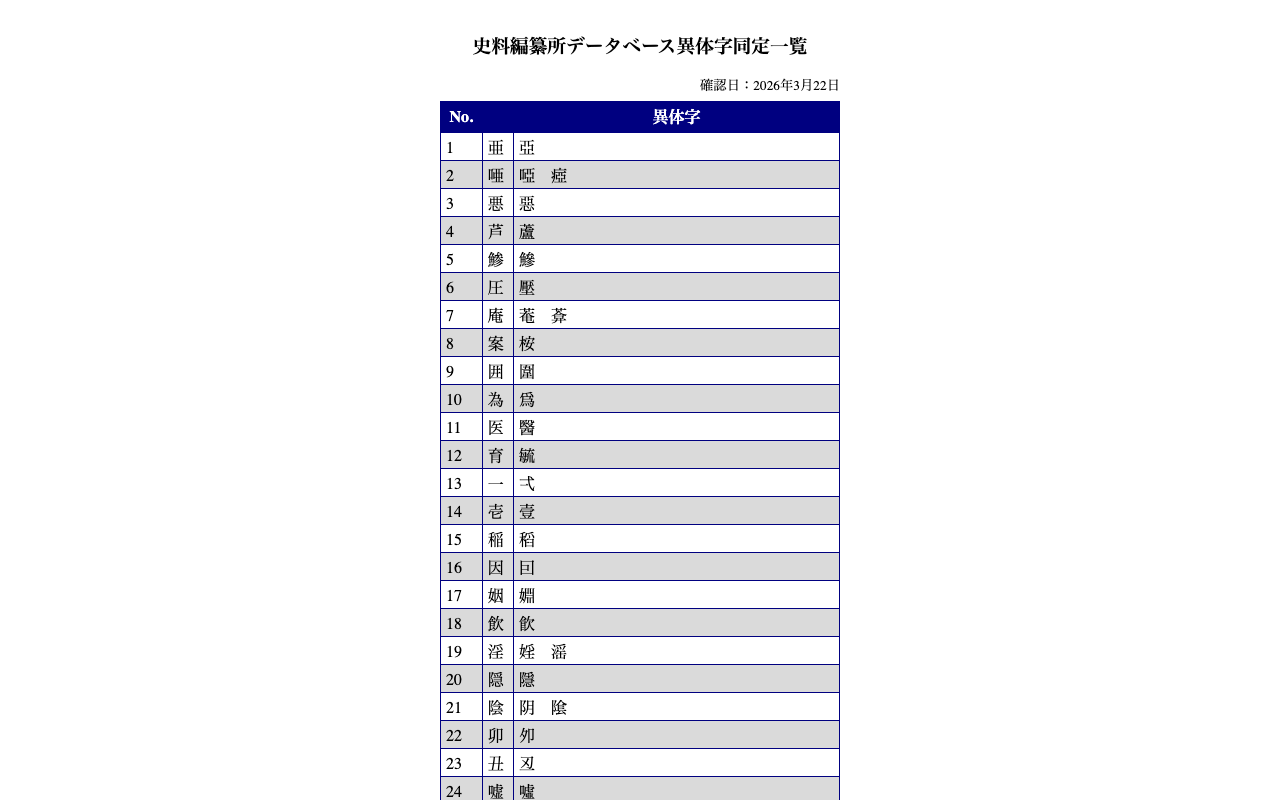
Overview The “Historiographical Institute Database Variant Character Identification List” is published on the following page. https://wwwap.hi.u-tokyo.ac.jp/ships/itaiji_list.jsp This time, I will create an API to retrieve the data published on the above page in JSON format. What Was Developed You can access it from the following URL. https://hi-itaiji.vercel.app/ It returns a mapping using “char (variant character)” from the identification list as the key and the “base” kanji as the value. Summary I hope this serves as a useful reference for applying variant character lists. ...

Using @react-three/fiber and drei with Next 15 (Using React 19)

Using @react-three/fiber and drei with Next 15 (Using React 19)

Overview When using @react-three/fiber with Next 15 (which uses React 19), the following is stated: R3F v8 is not compatible with React 19 or Next 15, which uses React 19. Use the R3F v9 RC instead which can be installed with @react-three/fiber@rc. However, when I added the following for mouse controls, it did not work well with @react-three/fiber@rc. https://www.npmjs.com/package/@react-three/drei This is a note on how to address this issue. ...

Created a Similar Text Search App for the Koui Genji Monogatari

Created a Similar Text Search App for the Koui Genji Monogatari

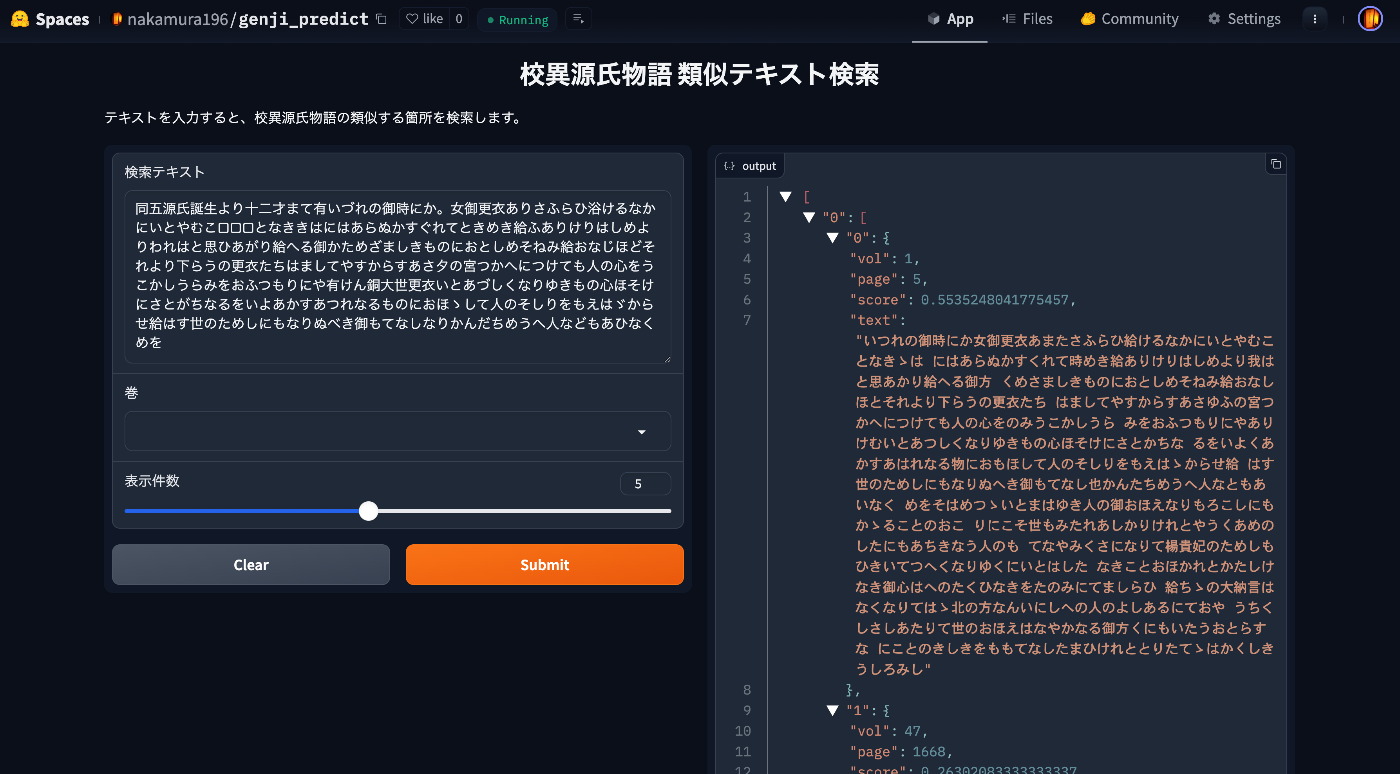
Overview I created a similar text search app for the Koui Genji Monogatari. You can try it from the following URL. https://huggingface.co/spaces/nakamura196/genji_predict This article introduces how to use the app. Data The text data published on the following Koui Genji Monogatari DB is used. https://kouigenjimonogatari.github.io/ How the App Works The mechanism is simple: text for each volume and page of the Koui Genji Monogatari is prepared in advance, the edit distance from the input string is calculated, and texts (along with volume and page numbers) with high similarity are returned. ...

CORS Configuration for Omeka S Image Server

CORS Configuration for Omeka S Image Server

Overview This is a note on handling CORS configuration for the Omeka S Image Server. Background In the following article, I introduced how to address CORS errors with the Omeka S IIIF Server module. While the above configuration resolved the issue of downloading IIIF manifest files, there were cases where images could not be downloaded, as shown below. Access to image at 'https://xxx/iiif/2/8455/full/86,/0/default.jpg' from origin 'https://uv-v4.netlify.app' has been blocked by CORS policy: The 'Access-Control-Allow-Origin' header contains multiple values '*, *', but only one is allowed. This article describes how to address this issue. ...

Creating AIPs with Archivematica for Files in Alfresco

Creating AIPs with Archivematica for Files in Alfresco

Overview This is an example of how to create AIPs using Archivematica for files in Alfresco. Below is a demo video of the deliverable. https://youtu.be/7WCO7JoMnWc System Configuration For this project, I used the following system configuration. There is no particular significance to using multiple cloud services. Alfresco was built on Azure, referencing the following article. Archivematica and object storage use mdx.jp, and the analysis environment uses GakuNin RDM. ...

Starting Alfresco Governance Services Community Edition

Starting Alfresco Governance Services Community Edition

Overview I attempted to install Alfresco Governance Services Community Edition, referring to the following manual, so here are my notes. https://support.hyland.com/r/Alfresco/Alfresco-Governance-Services-Community-Edition/23.4/Alfresco-Governance-Services-Community-Edition References As a similar effort, the following is available. Please refer to it as well. https://irisawadojo.blogspot.com/2020/11/72alfresco2.html Virtual Machine The following machine was created as an Azure virtual machine. Image: Ubuntu Server 24.04 LTS - Gen2 VM Architecture: x64 Size: Standard D2ads v6 (2 vcpus, 8 GiB memory) Open port 8080 for use. ...

Editing TEI/XML Files Using XSLT

Editing TEI/XML Files Using XSLT

Overview This article introduces one example of how to edit TEI/XML files while using XSLT. Related In the following article, I introduced how to preview XSLT results using a VSCode extension. In this article, I introduce a simpler method for editing TEI/XML files while using XSLT, without using the above extension. Installing Extensions Install the following extensions in VSCode: Live Server https://marketplace.visualstudio.com/items?itemName=ritwickdey.LiveServer Scholarly XML https://marketplace.visualstudio.com/items?itemName=raffazizzi.sxml Auto Close Tag https://marketplace.visualstudio.com/items?itemName=formulahendry.auto-close-tag Additionally, the following two extensions are recommended by Scholarly XML. However, since they were inconvenient in some of my use cases, I will make them optional for now. ...

Processing Dataverse Data with Archivematica

Processing Dataverse Data with Archivematica

Overview I confirmed the workflow for processing Dataverse data with Archivematica, so here are my notes. Background Archivematica provides a feature to input data from Dataverse. https://www.archivematica.org/en/docs/archivematica-1.17/user-manual/transfer/dataverse/ I learned about this feature at the following lecture, so I decided to try it out. https://www.kulib.kyoto-u.ac.jp/bulletin/1402322 Dataverse I used the Demo Dataverse that was also used in the following article. I uploaded the following data. https://demo.dataverse.org/dataset.xhtml?persistentId=doi:10.70122/FK2/IHQZL3 From here, download both the image data itself and the JSON data. Go to the Metadata tab and select JSON from Export Metadata. ...

Real-Time Preview of TEI/XML Using VSCode and XSLT

Real-Time Preview of TEI/XML Using VSCode and XSLT

Overview I prototyped a real-time preview environment for TEI/XML using VSCode and XSLT, so this is a memo of the process. Behavior An example of the operation is shown below. When you edit and save a TEI/XML file, the browser display is updated. https://youtu.be/ZParCRUc5AY?si=-aHHi3bIZGWoJYnP Preparation Install the following extensions: Live Server Trigger Task on Save When a TEI/XML file is saved, Trigger Task on Save executes the XSLT transformation, and the resulting HTML file is viewed with Live Server. ...

Creating PDFs from TEI/XML of the Koui Genji Monogatari Text Database

Creating PDFs from TEI/XML of the Koui Genji Monogatari Text Database

Overview The Koui Genji Monogatari (Collated Tale of Genji) Text Database publishes text data from “Koui Genji Monogatari.” https://kouigenjimonogatari.github.io/ This time, I added PDF files like the following to the database. https://kouigenjimonogatari.github.io/output/01/main.pdf This article describes how to create such PDF files using XSLT and TeX. Cloning the Repository Clone the repository as follows. git clone --depth 1 https://github.com/kouigenjimonogatari/kouigenjimonogatari.github.io Then install xslt3 with the following command. npm i xslt3 https://www.npmjs.com/package/xslt3 Creating the XSL File This time, we first convert the TEI/XML file to a TeX file. ...

Trying Local Authentication with @sidebase/nuxt-auth

Trying Local Authentication with @sidebase/nuxt-auth

Overview I had the opportunity to try local authentication with @sidebase/nuxt-auth, so this is a personal note for future reference. Background In the following article, I introduced how to perform Drupal authentication using @sidebase/nuxt-auth. In that article, I was using Nuxt 3’s SSR with the authjs provider of @sidebase/nuxt-auth. The provider descriptions are as follows. authjs: for non-static apps that want to use Auth.js / NextAuth.js to offer the reliability & convenience of a 23k star library to the Nuxt 3 ecosystem with a native developer experience (DX) local: for static pages that rely on an external backend with a credential flow for authentication. The Local Provider also supports refresh tokens since v0.9.0. Read more here. ...

Using Drupal OAuth with NextAuth.js

Using Drupal OAuth with NextAuth.js

Overview This is a note about using Drupal OAuth with NextAuth.js. Behavior Access the app created with Next.js and press the “Sign in” button. If you are not logged into Drupal, you will be redirected to the login screen. If you are already logged in, an authorization button is displayed. Click to authorize. The login information is displayed. Drupal-Side Setup Module Installation Install the following module. ...