Home Articles Books Search About
日本語
Introducing GitHub File History Analyzer: A Tool for Analyzing File Edit History with AI

Introducing GitHub File History Analyzer: A Tool for Analyzing File Edit History with AI

This article was created by AI. Introduction Have you ever wanted to analyze the edit history of files managed in a GitHub repository? There are cases where you want to understand change patterns of files that have been updated over a long period, or the evolution process of a project. GitHub File History Analyzer is a command-line tool developed to meet such needs. Tool Overview This tool provides the following features: ...

Trying Odeuropa-Related Tools

Trying Odeuropa-Related Tools

Overview I had the opportunity to try tools related to Odeuropa, so this is a memo about that experience. What is Odeuropa? An explanation is available on the following page. https://odeuropa.eu/ Below is a machine-translated description. Odeuropa is an innovative EU-funded project that studies Europe’s “olfactory cultural heritage.” Project objectives: To investigate and document the role that smells have played in European culture from 1600 to 1920. Using cutting-edge AI technology, it extracts smell-related information from approximately 43,000 images and 167,000 historical texts (in English, Italian, French, Dutch, German, and Slovenian). ...

Trying AllegroGraph

Trying AllegroGraph

Overview I had the opportunity to try AllegroGraph, so this is a memo of my experience. https://allegrograph.com/ Usage There appear to be several setup methods, but I will try the following cloud version. https://allegrograph.cloud/ After setup, the following screen is displayed. After logging in, multiple repositories are displayed. Enabling Anonymous Access For example, the SPARQL endpoint for the “actors” repository is: https://ag1edt2www58hzzy.allegrograph.cloud/repositories/actors/sparql By default, Basic authentication is required. ...

Fixing the 'ref' Bug in DHConvalidator

Fixing the 'ref' Bug in DHConvalidator

This article was partially written by AI. Overview DHConvalidator is a tool for converting Digital Humanities (DH) conference abstracts into a consistent TEI (Text Encoding Initiative) text base. https://github.com/ADHO/dhconvalidator When using this tool, the following error occurred during the conversion process from Microsoft Word format (DOCX) to TEI XML format: ERROR: nu.xom.ParsingException: cvc-complex-type.2.4.a: Invalid content was found starting with element 'ref' This article shares the cause and solution for this issue. ...

Building an MCP Server for Searching the Koui Genji Monogatari Text DB

Building an MCP Server for Searching the Koui Genji Monogatari Text DB

Overview This is a memo on building an MCP server for searching the Koui Genji Monogatari Text DB. As an example, it can be used from Claude Desktop as follows: https://youtu.be/8s2R9V2hEvc?si=p9SW-IvhdNSzwTLN Background In the following article, I introduced the construction of an API server for searching the Koui Genji Monogatari Text DB. As an application of this, I built an MCP server to try interacting with AI agents. ...

Building an API Server for Searching the Koui Genji Monogatari Text DB

Building an API Server for Searching the Koui Genji Monogatari Text DB

Overview I built an API server for searching the Koui Genji Monogatari (Collated Tale of Genji) Text DB, so here are my notes. https://genji-api.aws.ldas.jp/ Background The following page publishes the text data of “Koui Genji Monogatari” in a TEI/XML-compliant format. https://kouigenjimonogatari.github.io/ This text data is registered in Elasticsearch to create an API that enables searching by text segments. Usage The usage documentation page using OpenAPI and Swagger is accessible at the following URL: ...

Creating a Castle Generation Command as a Minecraft Mod [Fabric 1.21 + Claude]

Creating a Castle Generation Command as a Minecraft Mod [Fabric 1.21 + Claude]

Note: Most of this article was written by AI. Introduction For the purpose of learning Minecraft Mod development, I created a Mod that generates a castle with a single command. Development Environment The technology stack used: Minecraft: 1.21 Modding Framework: Fabric Mod Java: 21 Development Environment: Cursor (AI-integrated editor) AI Assistance: Claude 4 Sonnet Environment Setup Java 21 installation was needed, so I installed it with Homebrew: brew install openjdk@21 Project initialization was done by cloning Fabric’s official template: ...

NFT Support for the Digital Cultural Heritage Management System (Prototype)

NFT Support for the Digital Cultural Heritage Management System (Prototype)

Notice: 2025-06-14 Development progress is summarized here. https://zenn.dev/nakamura196/books/41693d2d017082 Overview Starting with the following article, I have been prototyping a digital cultural heritage management system using blockchain. This time, I modified the system so that uploaded data is recognized as NFTs. This is a learning process, so there may be incomplete aspects, but I hope it serves as a helpful reference. Usage Page The file upload method remains the same as before. A link to the detail page was added to the list page displayed after upload. ...

Prototyping a Digital Cultural Heritage Management System Using Blockchain and Pinata IPFS

Prototyping a Digital Cultural Heritage Management System Using Blockchain and Pinata IPFS

Notice: 2025-06-14 The development progress is summarized at the following link. https://zenn.dev/nakamura196/books/41693d2d017082 Overview As part of learning blockchain technology, I created a prototype management system for digital cultural heritage. Since the purpose is learning blockchain, there are many missing features, but I plan to add and improve them in the future. https://digital-heritage-five.vercel.app/ Technologies Used The Ethereum Sepolia network is used. Since the purpose is blockchain learning and prototype development, a test network is used. Pinata is used as the hosting service for the distributed file storage IPFS. https://pinata.cloud/ ...

Describing Hierarchical Table of Contents with Omeka S IIIF Server Module

Describing Hierarchical Table of Contents with Omeka S IIIF Server Module

Overview This article introduces how to describe a hierarchical table of contents using the Omeka S IIIF Server module. Documentation The documentation is somewhat complex, but explanations are available at: https://github.com/Daniel-KM/Omeka-S-module-IiifServer?tab=readme-ov-file#input-format-of-the-property-for-structures-table-of-contents Simple Table of Contents The following example from “Toyo Bunko Media Repository” is used: https://app.toyobunko-lab.jp/s/main/document/9f9d95c2-d33d-7402-742b-47db12748688 Specify {Range ID},{Range name},{Canvas index} as follows: r1,延享、寛延、宝暦,1 r2,明和,25 r3,安永一,55 r4,安永二,79 r5,天明一,110 r6,天明二,142 r7,寛政一,177 r8,寛政二,218 r9,享和,255 r10,文化一,279 r11,文化、文政、二,313 This results in the following table of contents display: ...

Using Pagination in IIIF Collections with IIIF Presentation API v2

Using Pagination in IIIF Collections with IIIF Presentation API v2

Overview I had the opportunity to use pagination in IIIF collections with IIIF Presentation API v2, so this is a memo of the process. Background IIIF collections allow you to provide a list of multiple manifest files (and collections) as shown below. https://iiif.io/api/presentation/2.1/#collection { "@context": "http://iiif.io/api/presentation/2/context.json", "@id": "http://example.org/iiif/collection/top", "@type": "sc:Collection", "label": "Top Level Collection for Example Organization", "viewingHint": "top", "description": "Description of Collection", "attribution": "Provided by Example Organization", "manifests": [ { "@id": "http://example.org/iiif/book1/manifest", "@type": "sc:Manifest", "label": "Book 1" } ] } When the number of target manifest files becomes large, it becomes difficult to deliver them in a single IIIF collection. ...

How to Allow Non-Admin Users to Access Configuration Pages in Drupal

How to Allow Non-Admin Users to Access Configuration Pages in Drupal

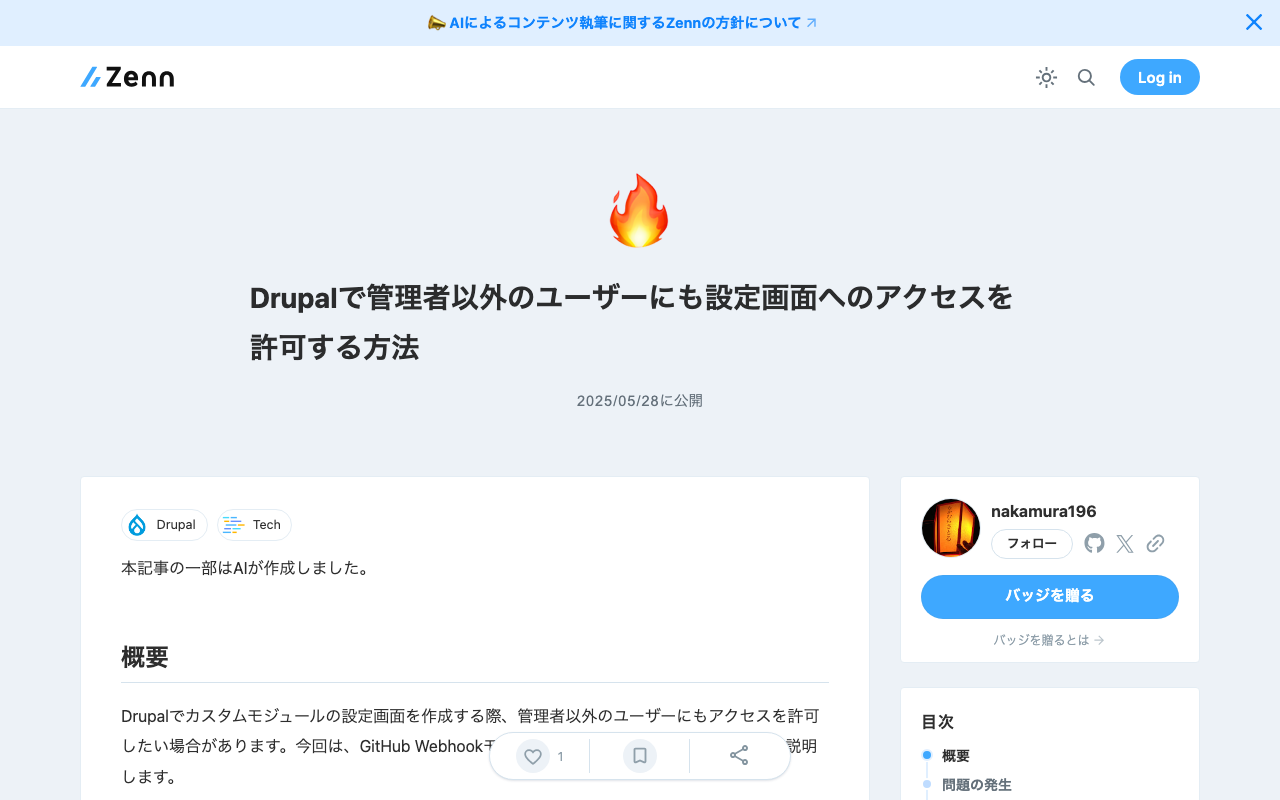
Parts of this article were generated by AI. Overview When creating configuration pages for custom modules in Drupal, you may want to allow non-admin users to access them. This article explains how to solve this issue, using the GitHub Webhook module as an example. The Problem Initially, the routing configuration was as follows: # github_webhook.routing.yml github_webhook.settings: path: '/admin/config/github_webhook' defaults: _form: '\Drupal\github_webhook\Form\SettingsForm' _title: 'GitHub Webhook Settings' requirements: _permission: 'administer site configuration' With this configuration, only administrators with the administer site configuration permission could access the page, and general users could not. ...

Creating Annotated IIIF Manifest Files and TEI/XML Files Using NDL Klasseki OCR-Lite

Creating Annotated IIIF Manifest Files and TEI/XML Files Using NDL Klasseki OCR-Lite

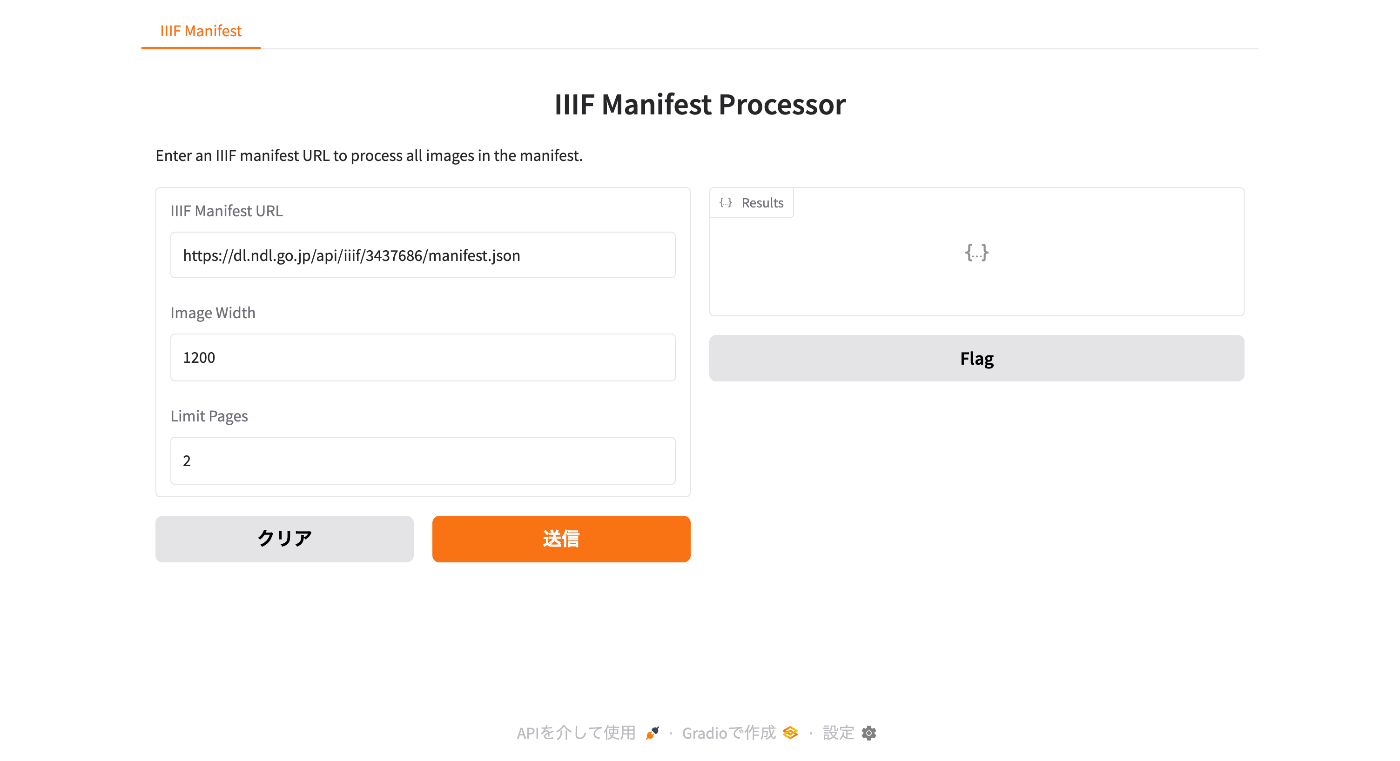
Notice I have created a more accessible article explaining the workflow introduced in this article. Please also refer to the following. Overview I would like to introduce a prototype tool for creating annotated IIIF manifest files and TEI/XML files using NDL Klasseki OCR-Lite. Creating Annotated IIIF Manifest Files First, I created a Gradio app that takes an IIIF manifest file as input and outputs an annotated IIIF manifest file using NDL Klasseki OCR-Lite. It is published using Hugging Face Spaces. ...

Using the JSON Field Module to Handle JSON Format Fields in Drupal

Using the JSON Field Module to Handle JSON Format Fields in Drupal

Overview I had the opportunity to use the “JSON Field” module for handling JSON format fields in Drupal, so this is a personal note for future reference. https://www.drupal.org/project/json_field As a result, JSON can now be handled together with an editor as shown below. Installation Download it with the following commands. composer require 'drupal/json_field:^1.4' drush en json_field Furthermore, enable the widget as well with the following. drush en json_field_widget If enabling from the GUI, enable the following two modules. ...

Hosting TEI/XML Files on S3-Compatible Object Storage

Hosting TEI/XML Files on S3-Compatible Object Storage

Overview This is a memo about hosting TEI/XML files on S3-compatible object storage. Specifically, we target the mdx I object storage. https://mdx.jp/mdx1/p/about/system Background We are building a web application (Next.js) that loads TEI/XML files and visualizes their content. When the number and size of files were small, they were stored in the public folder, but as these grew larger, we considered hosting them elsewhere. There are many options for storage locations, but this time we target mdx I’s S3-compatible object storage. ...

Updating the DTS (Distributed Text Services) API for the Koui Genji Monogatari Text DB

Updating the DTS (Distributed Text Services) API for the Koui Genji Monogatari Text DB

Overview This is a memo about updating the DTS (Distributed Text Services) API for the Koui Genji Monogatari Text DB. Background The DTS (Distributed Text Services) API is described at the following link. https://distributed-text-services.github.io/specifications/ The following article introduced the creation of the DTS API. However, the following was noted as a remaining issue. Please note that the DTS API developed this time may have areas that do not comply with the above guidelines. ...

Investigating and Resolving Disk Pressure Caused by Docker [Ubuntu 22.04 Case Study]

Investigating and Resolving Disk Pressure Caused by Docker [Ubuntu 22.04 Case Study]

Introduction This article documents a case where Elasticsearch errors occurred due to disk pressure caused by Docker containers and images, along with the investigation and resolution methods. We hope this serves as a useful reference for those facing similar issues. The Problem The following error occurred in a running Elasticsearch instance: { "error": { "type": "search_phase_execution_exception", "reason": "all shards failed", "phase": "query", ... }, "status": 503 } Initial investigation revealed that indices had entered a close state, and insufficient disk space was suspected. ...

Creating Polylines Using the Polygon Tool in Annotorious v2

Creating Polylines Using the Polygon Tool in Annotorious v2

Overview This is a memo on how to create polylines using the polygon tool in Annotorious v2. Background The Annotorious v2 website is available at the following link. https://annotorious.github.io/getting-started/ As shown below, polygons can be drawn. However, a tool for drawing polylines in a similar manner did not appear to be provided, including the following plugin. https://github.com/annotorious/annotorious-v2-selector-pack Customization When a polygon like the following is created: The following JSON file is generated: ...

How to Specify Initial Sort Order in Elasticsearch Search UI

How to Specify Initial Sort Order in Elasticsearch Search UI

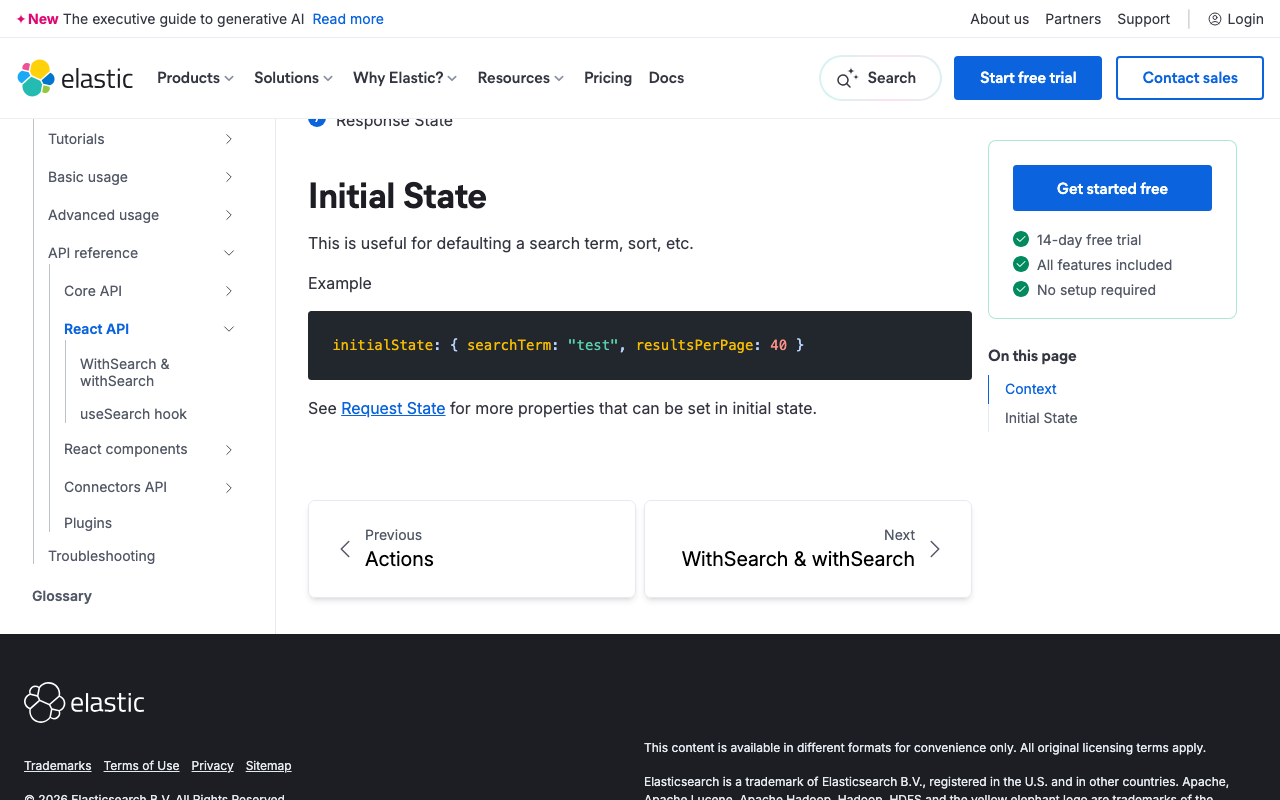
Overview This article was generated by AI. When building a search interface using Elasticsearch and Search UI, controlling the sort order of search results is a common requirement. This guide explains how to configure sorting in the Search UI React library. References https://www.elastic.co/docs/reference/search-ui/api-react-search-provider#api-react-search-provider-initial-state Understanding Initial State and Sort Configuration In the Search UI library, you can specify the initial state of the search, including the sort direction and the field to sort by. This is particularly useful when you want search results to be displayed in a predetermined order when the user first accesses the page. ...

How to Implement IP Address Restrictions for MDX.jp Object Storage

How to Implement IP Address Restrictions for MDX.jp Object Storage

Overview I investigated how to implement IP address restrictions for MDX.jp’s object storage. The following article was written by AI after verifying the implementation. Introduction This article explains how to configure access restrictions by specific IP addresses for the DDN EXAScaler S3-compatible object storage service provided by MDX.jp. Object Storage Security Layers DDN EXAScaler S3-compatible storage has three main security layers: Access Key and Secret Key: Basic authentication credentials Bucket Policy: Bucket-level access control Access Control List (ACL): Object-level access control To implement IP address restrictions, “Bucket Policy” is used. ...