Home Articles Books Search About
日本語
Exporting Tropy Data to Omeka S

Exporting Tropy Data to Omeka S

Overview I had the opportunity to export Tropy data to Omeka S, so this is a memo of the process. Instructions A machine translation of the official manual is provided at the end of this article. Usage Example Below is the Tropy screen. We used images from Irasutoya. As shown, it was possible to annotate images. Below is the result after exporting to Omeka S. The item was registered as a new item along with multiple media including cropped images. ...

Preventing Unpublished Content from Being Indexed by Drupal's Search API

Preventing Unpublished Content from Being Indexed by Drupal's Search API

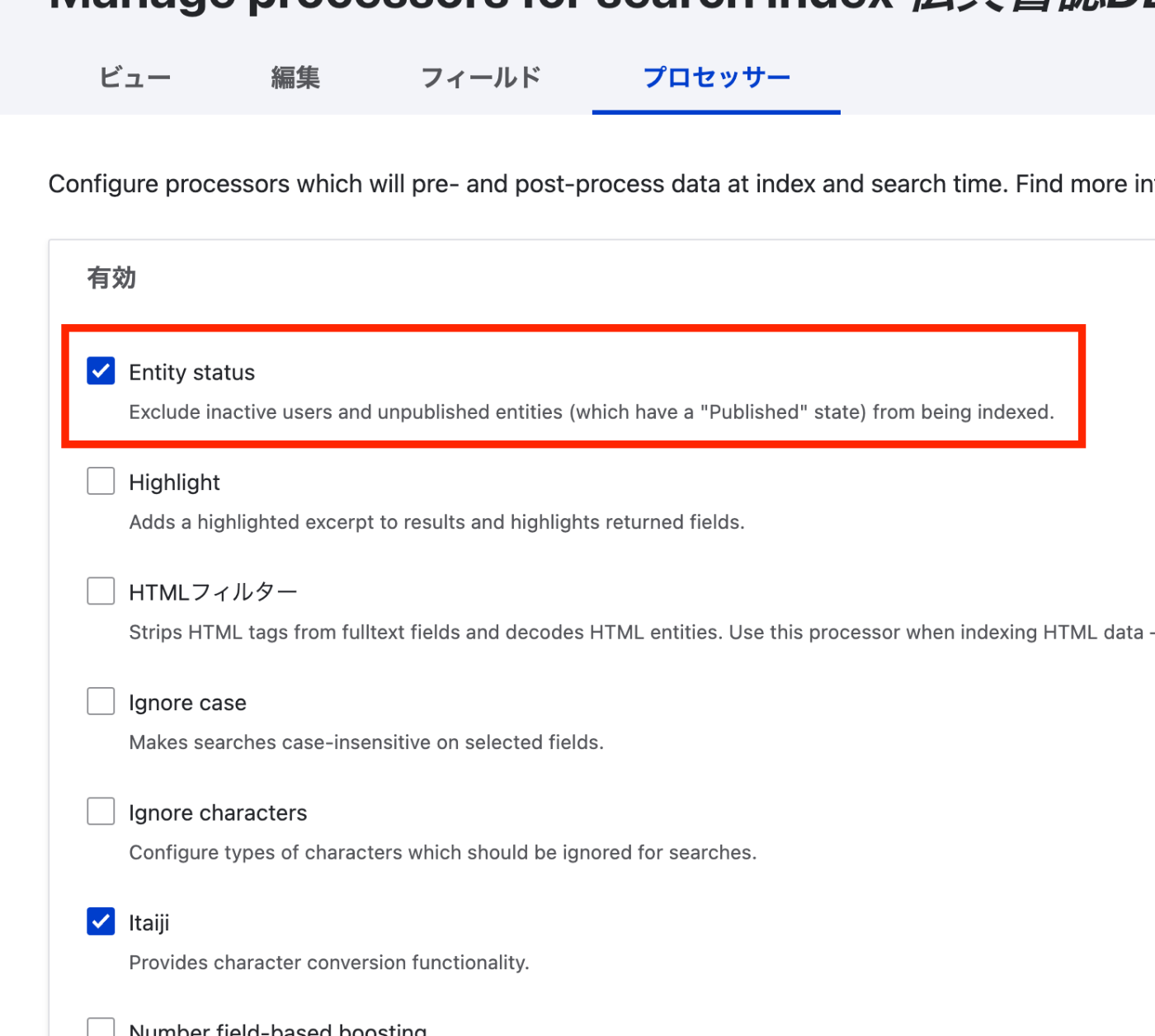
Overview This is a memo on how to prevent unpublished content from being indexed by Drupal’s Search API. References This was also documented in the following article. https://www.acquia.com/jp/blog/introduction-to-search-api-1 Method It was necessary to enable “Entity status” at the following location: /admin/config/search/search-api/index/xxx/processors Summary We hope this serves as a useful reference.

Drupal: Troubleshooting Cache Clear Errors

Drupal: Troubleshooting Cache Clear Errors

Overview When clearing the cache in Drupal, the following error sometimes occurred. ./vendor/bin/drush cr In CheckExceptionOnInvalidReferenceBehaviorPass.php line 88: The service "access_check.contact_personal" has a dependency on a non-exist ent service "user.data". Here are my notes on how to resolve this error. References The following was helpful. https://www.drupal.org/forum/support/upgrading-drupal/2018-04-26/after-upgrade-to-853-the-service-access_checkcontact Solution A module named user had been created by the Features module. /modules/custom/user Deleting this resolved the error. Additional Note Similarly, a module named comment was also causing issues. Deleting it likewise resolved the error. ...

Handling Errors When Updating Omeka S from v4.0.4 to v4.1

Handling Errors When Updating Omeka S from v4.0.4 to v4.1

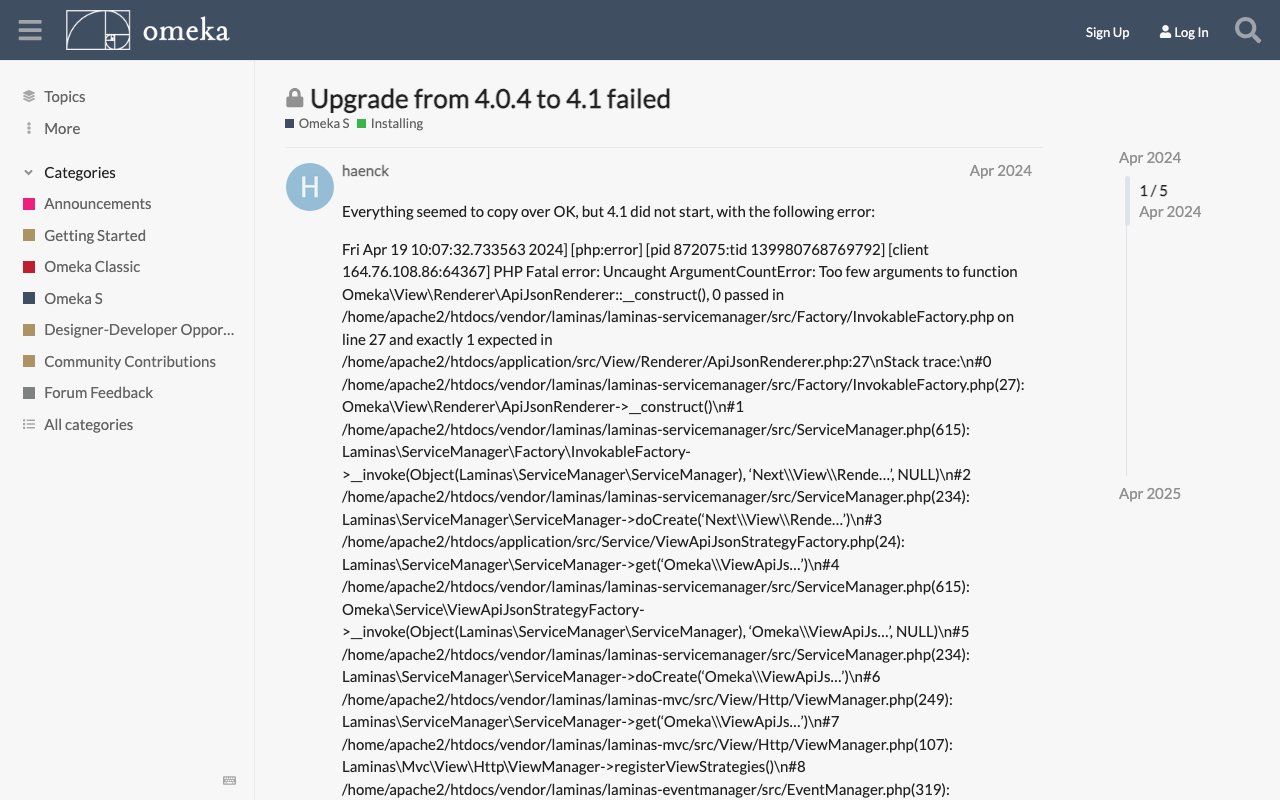
Overview During the Omeka S update process, the following error occurred. Fatal error: Uncaught ArgumentCountError: Too few arguments to function Omeka\View\Renderer\ApiJsonRenderer::__construct(), 0 passed This is a personal note on how to address this error. Solution The solution was found at the following link. https://forum.omeka.org/t/upgrade-from-4-0-4-to-4-1-failed/22281 Specifically, uninstalling the Next module resolved the above issue. Summary I hope this serves as a useful reference for those encountering the same issue.

Exporting Only Specific Items and Selected Fields Using Omeka S BulkExport

Exporting Only Specific Items and Selected Fields Using Omeka S BulkExport

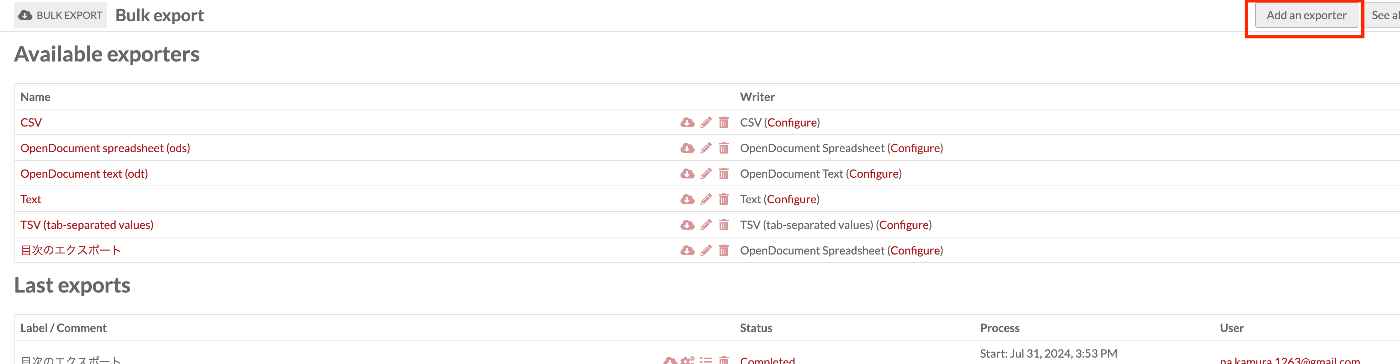
Overview This article introduces how to export only specific items with selected fields using Omeka S BulkExport. Here, we will limit the export to items that have “Table Of Contents (dcterms:tableOfContents)” and export only “Title (dcterms:title)” and “Identifier (dcterms:identifier)”. Related The following article explains the overview of the Omeka S BulkExport module. This time, I will explain based on a specific use case. Method Navigate to the following path. ...

Bug in Omeka S IIIF Server Module [3.6.19, 3.6.20]

Bug in Omeka S IIIF Server Module [3.6.19, 3.6.20]

Overview A bug has been confirmed in versions 3.6.19 and 3.6.20 of the Omeka S IIIF Server module where URIs are malformed. Specifically, the FQDN becomes incorrect, like the following. https://xxx.yyy.zzz.jp//aaa.bbb.ccc.jp/iiif/3/1234/manifest Workaround As of the time of writing this article, version 3.6.21 has not been released, so I recommend using version 3.6.18 or earlier of the module. Summary I hope this serves as a useful reference.

A Library for Creating RDF Files from VSDX Files

A Library for Creating RDF Files from VSDX Files

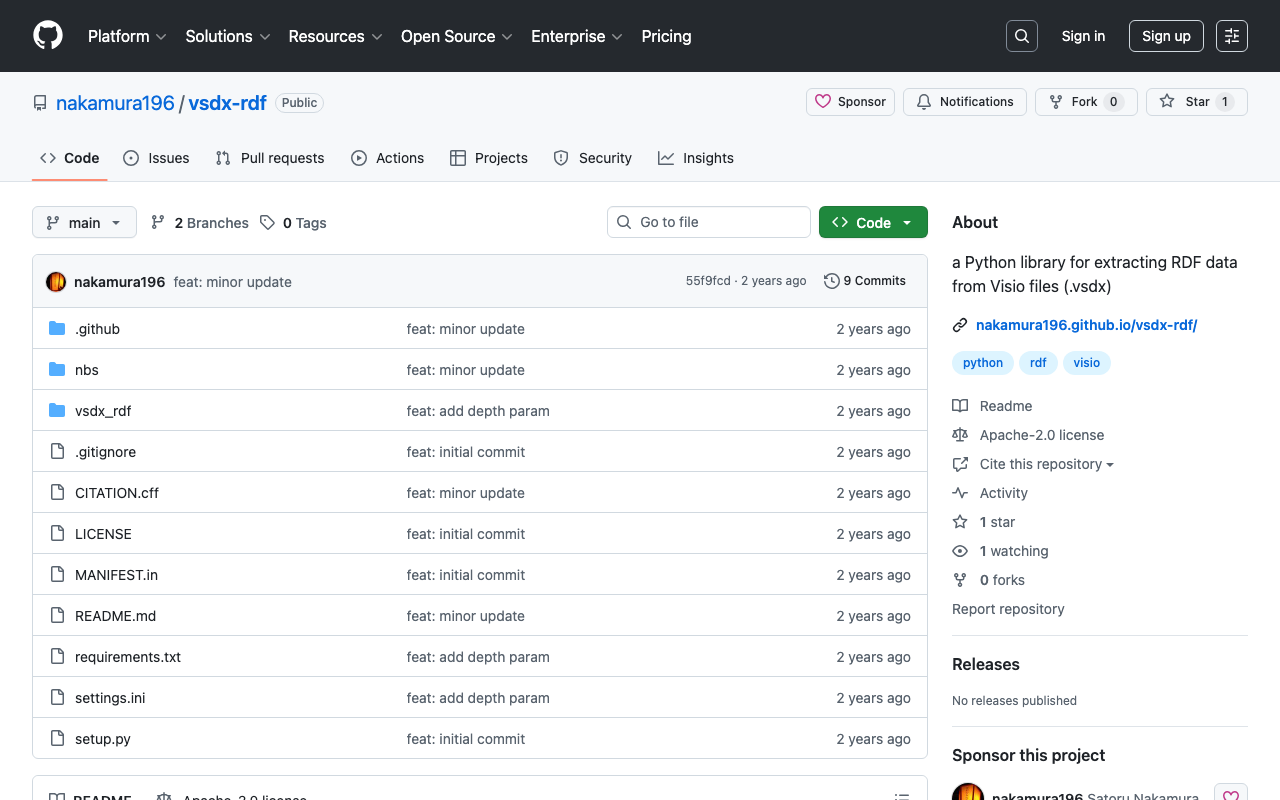
Overview This is a memo about a library I created for generating RDF files from VSDX files. https://github.com/nakamura196/vsdx-rdf Background I have been exploring methods for creating RDF data using Microsoft Visio in articles like the following. This article corresponds to the note in the above article that said “This library will be introduced in a separate article.” Usage Please refer to the following. https://nakamura196.github.io/vsdx-rdf/ Google Colab A notebook is available for trying out this library. ...

Fetching All Records from an OAI-PMH Repository Using Python

Fetching All Records from an OAI-PMH Repository Using Python

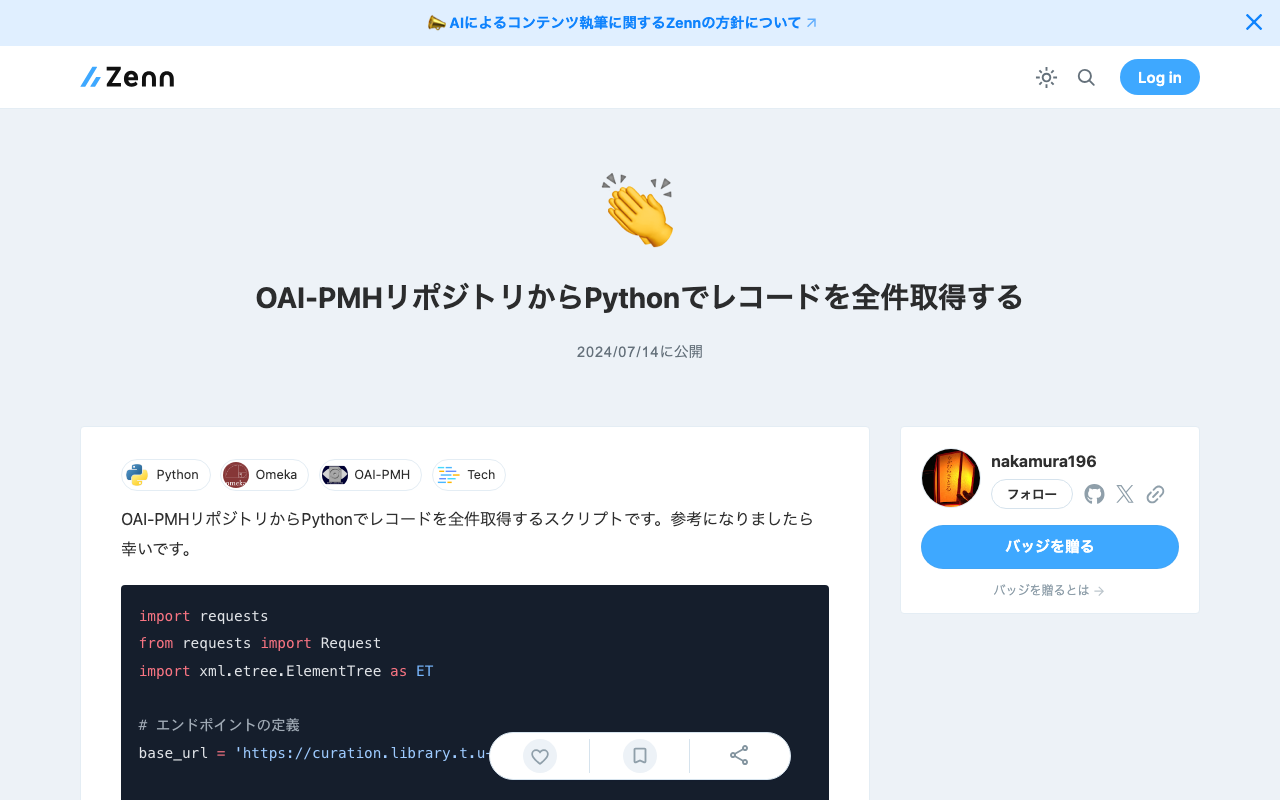
Here is a script for fetching all records from an OAI-PMH repository using Python. I hope it serves as a useful reference. import requests from requests import Request import xml.etree.ElementTree as ET # Define the endpoint base_url = 'https://curation.library.t.u-tokyo.ac.jp/oai' # Initial OAI-PMH request params = { 'verb': 'ListRecords', 'metadataPrefix': 'curation', 'set': '97590' } response = requests.get(base_url, params=params) # Prepare the initial request req = Request('GET', base_url,params=params) prepared_req = req.prepare() print("Sending request to:", prepared_req.url) # Output the URL root = ET.fromstring(response.content) data = [] # Fetch all data while True: # Process records for record in root.findall('.//{http://www.openarchives.org/OAI/2.0/}record'): identifier = record.find('.//{http://www.openarchives.org/OAI/2.0/}identifier').text print(f'Record ID: {identifier}') # Other data can be processed here as well data.append(record) # Get resumptionToken and execute next request token_element = root.find('.//{http://www.openarchives.org/OAI/2.0/}resumptionToken') if token_element is None or not token_element.text: break # End loop if no token params = { 'verb': 'ListRecords', 'resumptionToken': token_element.text } response = requests.get(base_url, params=params) root = ET.fromstring(response.content) print("All records have been fetched.") print(len(data))

Trying the Mirador 3 Annotations Plugin with an IIIF Manifest Specified via URL Parameters

Trying the Mirador 3 Annotations Plugin with an IIIF Manifest Specified via URL Parameters

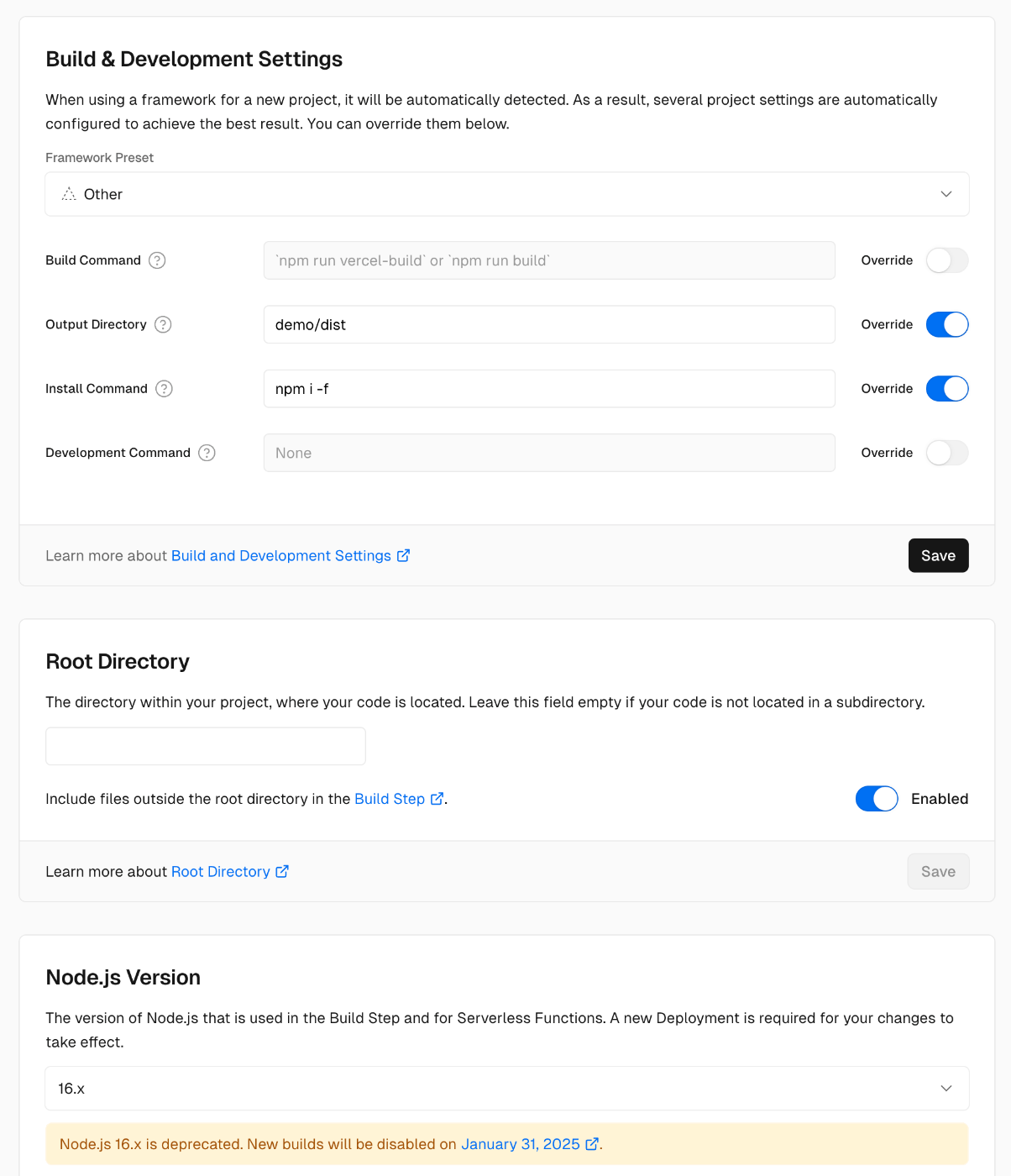
Overview I prepared a demo page where you can try the Mirador 3 annotations plugin with an IIIF manifest specified via URL parameters. https://mirador-annotations.vercel.app/ By using the iiif-content or manifest parameter, you can target a specified IIIF manifest. https://mirador-annotations.vercel.app/?iiif-content=https://dl.ndl.go.jp/api/iiif/1301543/manifest.json This article is a memo about creating this demo page. Background There is an annotation plugin for Mirador 3 called mirador-annotations. https://github.com/ProjectMirador/mirador-annotations I introduced usage examples in the following article. A demo page is already available at the following link, but it does not provide the ability to specify an IIIF manifest file via URL parameters. ...

Delivering IIIF Images Using mdx.jp Object Storage and Cantaloupe Image Server

Delivering IIIF Images Using mdx.jp Object Storage and Cantaloupe Image Server

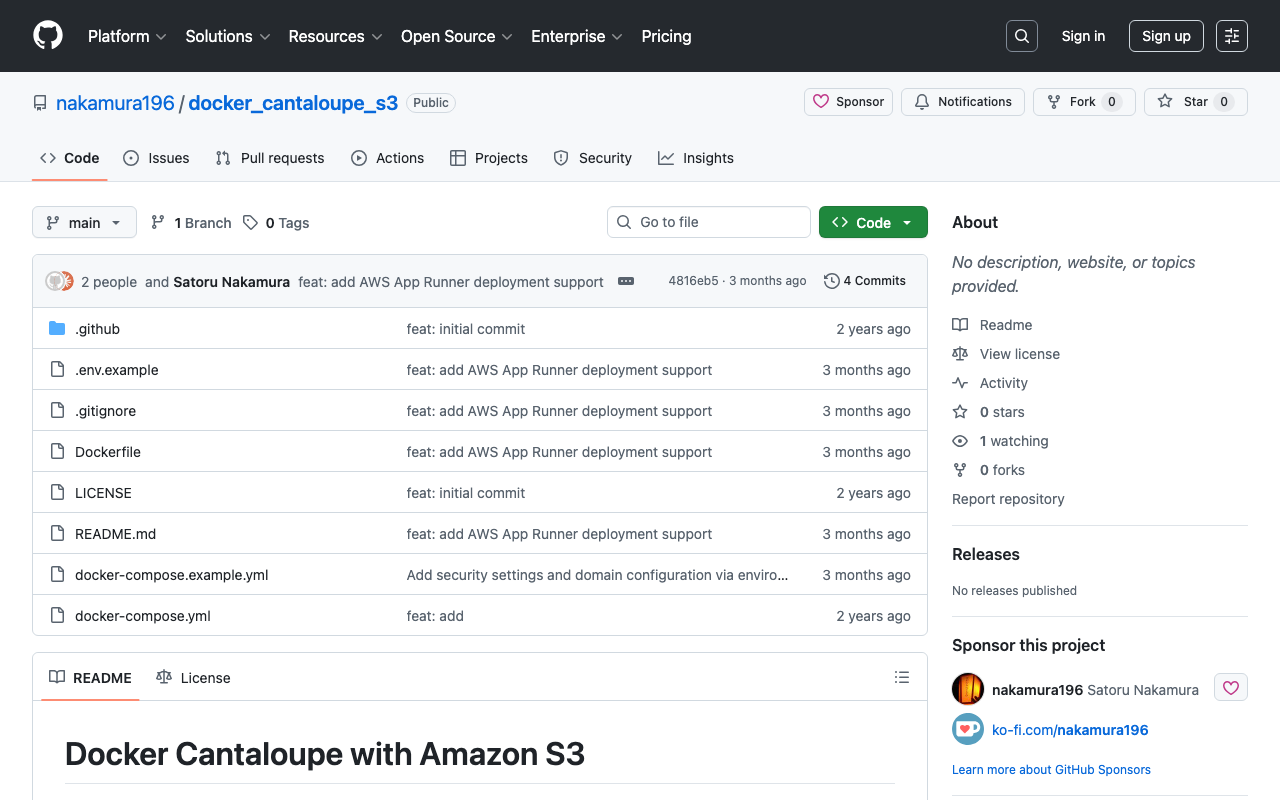
Overview This is a personal note on how to deliver IIIF images using mdx.jp object storage and Cantaloupe Image Server, one of the IIIF image servers. Background In the following article, I introduced how to deliver images using mdx.jp object storage. In the following article, I introduced how to deliver images stored in Amazon S3 using Cantaloupe Image Server. By combining these approaches, we aim to address the cost challenges of IIIF image delivery in digital archives. ...

Using mdx Object Storage (Using Cyberduck)

Using mdx Object Storage (Using Cyberduck)

Overview I had the opportunity to use mdx’s object storage, so this is a memo. https://mdx.jp/ Pricing The pricing for fiscal year 2024 is as follows. https://mdx.jp/guide/charge It costs 0.01 points (yen) per GB per day, which is approximately 0.3 yen per GB per month. Application Method & Usage with s3cmd The following official tutorial video was helpful. https://www.youtube.com/watch?v=IN_4NS9hO2Y Using Cyberduck The video above introduces file operations using command-line tools. ...

Reverse Proxy Settings for Drupal Running with Docker + Traefik

Reverse Proxy Settings for Drupal Running with Docker + Traefik

Overview I was running Drupal with HTTPS using Docker + Traefik, as introduced in the following article. At the time, with Drupal’s default settings, URLs were set with http as shown below. The problem with this was that, for example, when setting up Google account login as described in the following article, the redirect URL started with http, while the Google Cloud console requires URLs starting with https. This discrepancy caused authentication to fail in some cases. ...

Survey of IIIF-Compatible Viewers

Survey of IIIF-Compatible Viewers

Overview I conducted a survey of IIIF-compatible viewers and would like to share the results. There may be some gaps, but I hope it serves as a useful reference. Name URL Icon Mirador https://projectmirador.org/embed/?iiif-content= mirador3.svg Universal Viewer https://uv-v3.netlify.app/#?manifest= uv.jpg Annona https://ncsu-libraries.github.io/annona/tools/#/display?url= annoa.png Clover https://samvera-labs.github.io/clover-iiif/docs/viewer/demo?iiif-content= clover.png Glycerine Viewer https://demo.viewer.glycerine.io/viewer?iiif-content= glycerine.jpg IIIF Curation Viewer http://codh.rois.ac.jp/software/iiif-curation-viewer/demo/?manifest= icp-logo.svg Image Annotator https://www.kanzaki.com/works/2016/pub/image-annotator?u= ia-logo.png TIFY https://tify.rocks/?manifest= tify-logo.svg References The following IIIF 3.0 Viewer Matrix was particularly helpful. ...

Commands for Batch Replacing IIIF Canvas URIs

Commands for Batch Replacing IIIF Canvas URIs

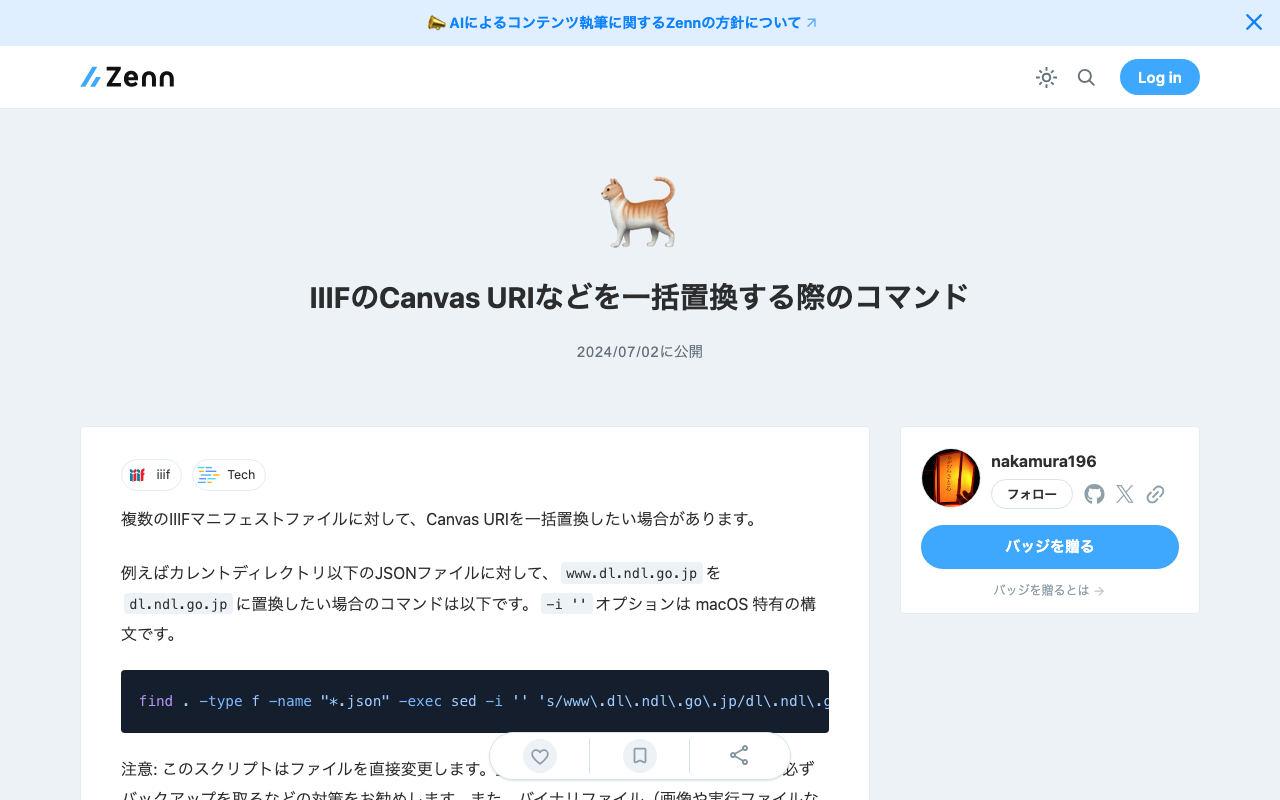
There are cases where you want to batch replace Canvas URIs across multiple IIIF manifest files. For example, the command to replace www.dl.ndl.go.jp with dl.ndl.go.jp in JSON files under the current directory is as follows. The -i '' option is specific to macOS syntax. find . -type f -name "*.json" -exec sed -i '' 's/www\.dl\.ndl\.go\.jp/dl\.ndl\.go\.jp/g' {} + Note: This script directly modifies files. Before using it on important data, I recommend taking precautions such as creating backups. Additionally, please be careful about the types of files you apply this to, as performing text replacement on binary files (such as images or executables) may corrupt them. ...

Configuration Example for Using BulkImport in Omeka S

Configuration Example for Using BulkImport in Omeka S

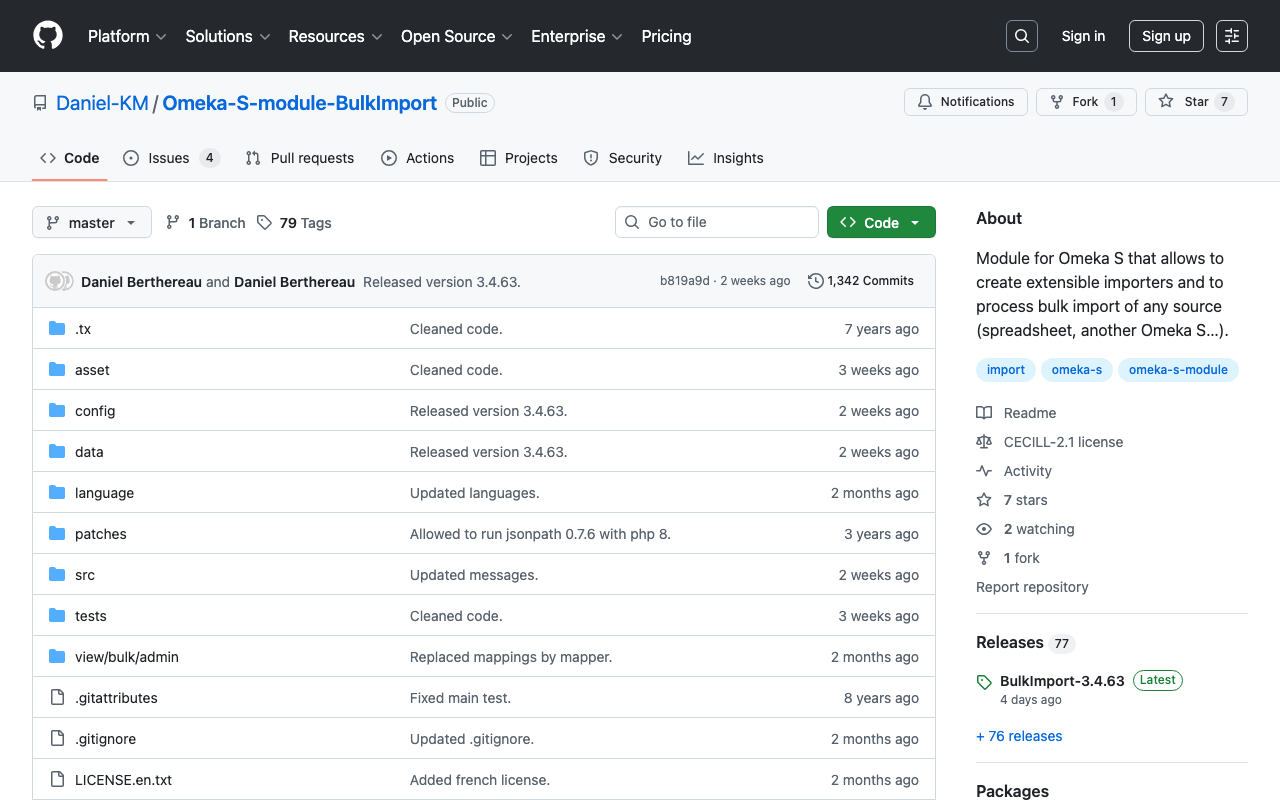
Overview When performing bulk data registration using Omeka S’s BulkImport, you can configure various settings for the registration method. While these settings can be configured each time you upload, using pre-registered settings can help reduce errors made by operators. Here, I introduce a configuration example for bulk registration when associating IIIF images with already registered items. Item Example Create an item with sample as the dcterms:identifier as shown below: ...

Bug in the BulkImport Module for Omeka S

Bug in the BulkImport Module for Omeka S

Overview When using the BulkImport module with the combination of PHP 8.1.29 and Omeka S version 4.0.4, the following error occurred. Fatal error: Uncaught TypeError: mb_substr(): Argument #1 ($string) must be of type string, null given in /home/xxx/www/omeka-s/modules/BulkImport/src/Processor/ResourceProcessor.php:1079 Stack trace: #0 /home/xxx/www/omeka-… I have not been able to identify the root cause at this point, but I will describe the workaround. Workaround By using BulkImport v3.4.51 below, the above error no longer occurred. ...

Service with name "Omeka\Acl" could not be created

Service with name "Omeka\Acl" could not be created

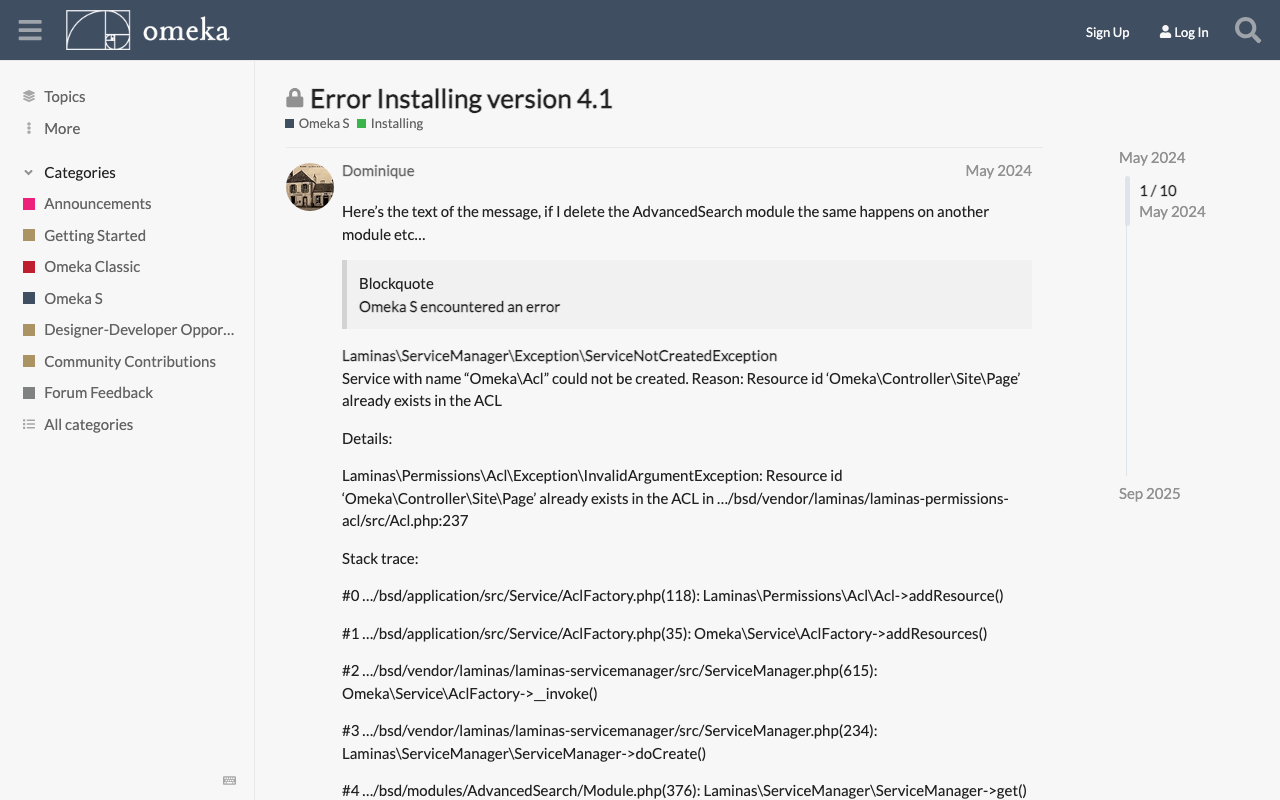
Overview When installing the CleanUrl module on Omeka S 4.1.x, the following error occurred. Laminas\ServiceManager\Exception\ServiceNotCreatedException Service with name "Omeka\Acl" could not be created. Reason: Resource id 'Omeka\Controller\Site\Page' already exists in the ACL This issue had also been reported in the following forum. https://forum.omeka.org/t/error-installing-version-4-1/22522 Solution The issue was resolved by downgrading to Omeka S 4.0.x. Summary I hope you find this helpful.

'session.name' is not a valid sessions-related ini setting

'session.name' is not a valid sessions-related ini setting

Overview The following error occurred during Omeka S operation. 'session.name' is not a valid sessions-related ini setting This same issue was reported in the following forum. https://forum.omeka.org/t/session-name-is-not-a-valid-sessions-related-ini-setting/15499 Cause and Solution This appears to occur with the combination of Omeka S version 3.x and PHP 8.1. The issue here is PHP 8.1 specifically. You won’t see it on 8.0 or older versions. An upcoming release of Omeka S will resolve this problem with PHP 8.1, but I don’t have a date currently set on when that will release. ...

LEAF Writer: How to Add Sample Data

LEAF Writer: How to Add Sample Data

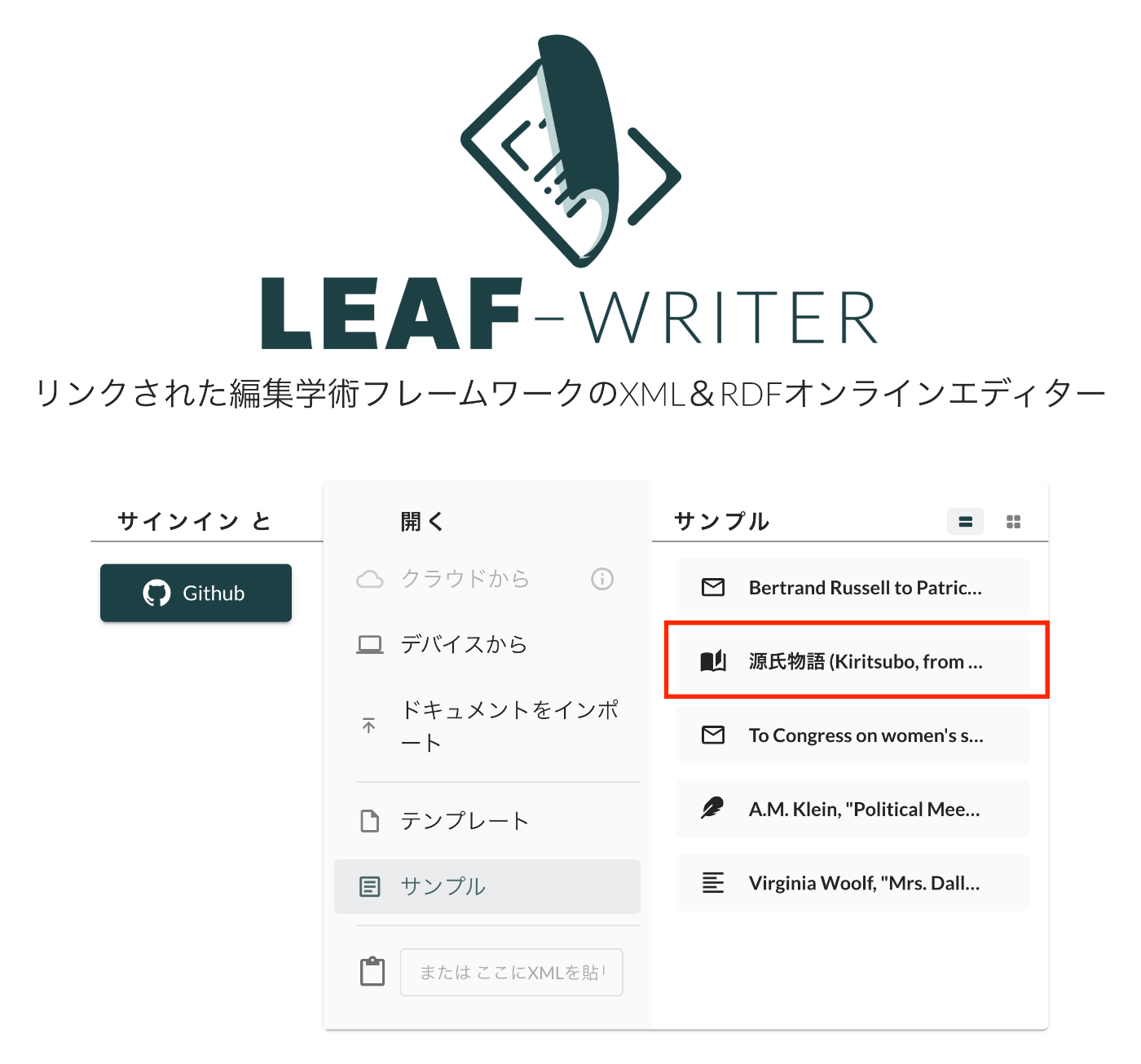
Overview This is a record of investigating how to customize LEAF Writer. https://gitlab.com/calincs/cwrc/leaf-writer/leaf-writer This time, it is a memo on how to add sample data. We add custom sample data as shown below. Method Please refer to the following. https://gitlab.com/nakamura196/leaf-writer/-/commit/c4e98090c94874037980819c9672eea10814eedb In addition to updating samples.json, it was also necessary to update apps/commons/src/icons/index.tsx to add an icon, although this is not mandatory. Result As shown below, the editor environment could be opened from the sample data. ...

LEAF Writer: How to Use the Image Viewer

LEAF Writer: How to Use the Image Viewer

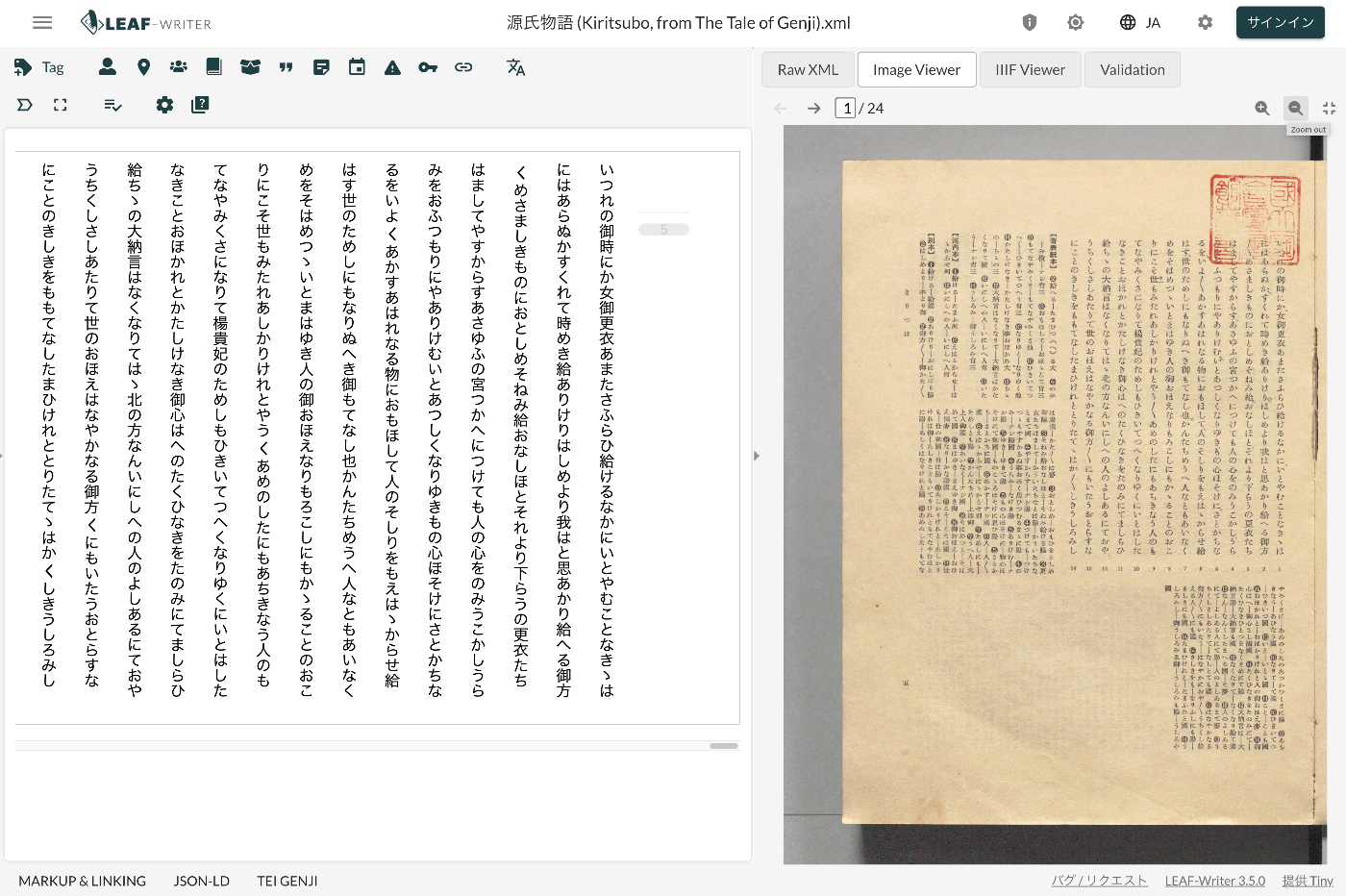
Overview LEAF Writer provides a feature for displaying text and images side by side, as shown below. It also offers a feature where the text moves in sync when you navigate through image pages. This article introduces TEI/XML markup examples for displaying images in the Image Viewer section. Method Specify the pb tag as follows. https://github.com/kouigenjimonogatari/kouigenjimonogatari.github.io/blob/master/xml/lw/01.xml Specifically, it looks like this: ... <pb corresp="#zone_0005" facs="https://dl.ndl.go.jp/api/iiif/3437686/R0000022/0,0,3445,4706/full/0/default.jpg" n="5"/> ... The image specified in the facs attribute of the pb element appears to be displayed in the Image Viewer section. ...